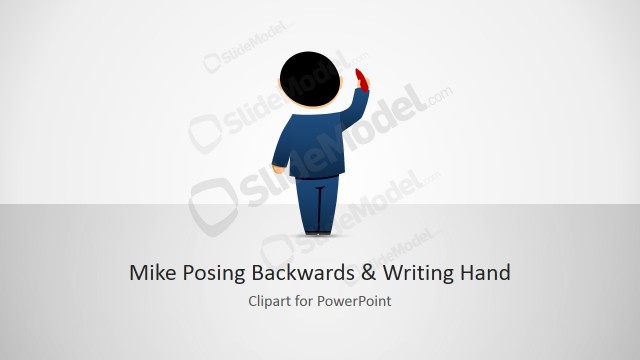
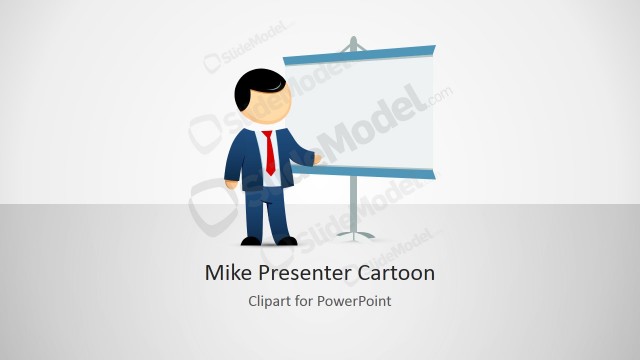
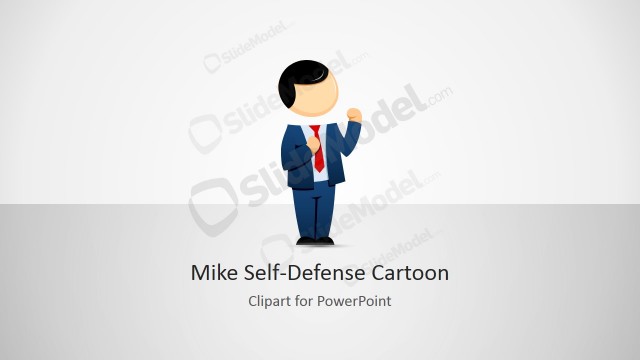
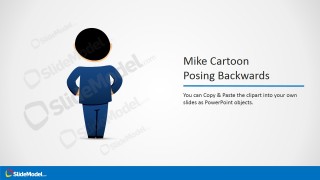
Mike Male Character Clipart Posing Backwards is a creative picture of a male cartoon character that you can use in your PowerPoint presentations. It contains an cartoon illustration of Mike character posing backwards and with his hands on hips.
You can download this template to make a metaphor in PowerPoint by customizing the final slide design with a male cartoon posing backwards and a big display or projector at the back. This way, the graphic can give the idea that Mike is presenting something, looking at a product behind him, learning or trying to understand something.
What’s inside this template
Example presentation scenarios
- A trainer can use the backward-facing Mike character to introduce a lesson where the audience is meant to observe a screen, diagram, or concept from the learner's point of view.
- A product marketer can place the character beside a product screenshot or display metaphor to show someone evaluating, inspecting, or trying to understand a product.
- A consultant can use the two-column character description slide to add a light human cue before explaining a process, recommendation, or decision point.
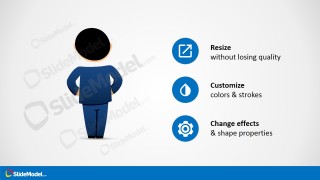
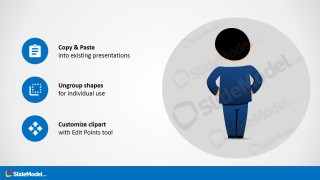
- An internal communications presenter can use the icon callout panels to explain how a visual asset can be copied, resized, recolored, and reused across existing decks.
Features
- 100% editable presentation template
- Compatible with Microsoft PowerPoint and Google Slides
- 16:9 aspect ratio slides
- Scalable vector shapes, icons and illustrations
- AI-Ready for Microsoft Copilot and Claude
- Instant access and download
Frequently asked questions
Q: How should a presenter use the backward-facing character without making the slide feel decorative?
A: Use the character as a point-of-view cue. Place the visual object, screen, product, or concept in the direction Mike appears to face, then write the message as an observation or learning point. This makes the cartoon support the idea of looking, studying, presenting, or evaluating rather than acting as unrelated decoration.
Q: Who is this clipart template best suited for in a business presentation?
A: It is best for presenters who need a friendly human metaphor in a short explainer, training, product walk-through, or internal communication. The character works when the message involves seeing something from behind, focusing attention on a display, or showing a person trying to understand information placed in front of them.
Q: Why does the backward-facing pose work as a communication metaphor?
A: The pose shifts attention away from the character's face and toward what the character is assumed to be viewing. That visual direction can help the audience read the slide as an observation, learning, demonstration, or product-review moment. The icon instruction panels reinforce that the character is an adaptable visual element.
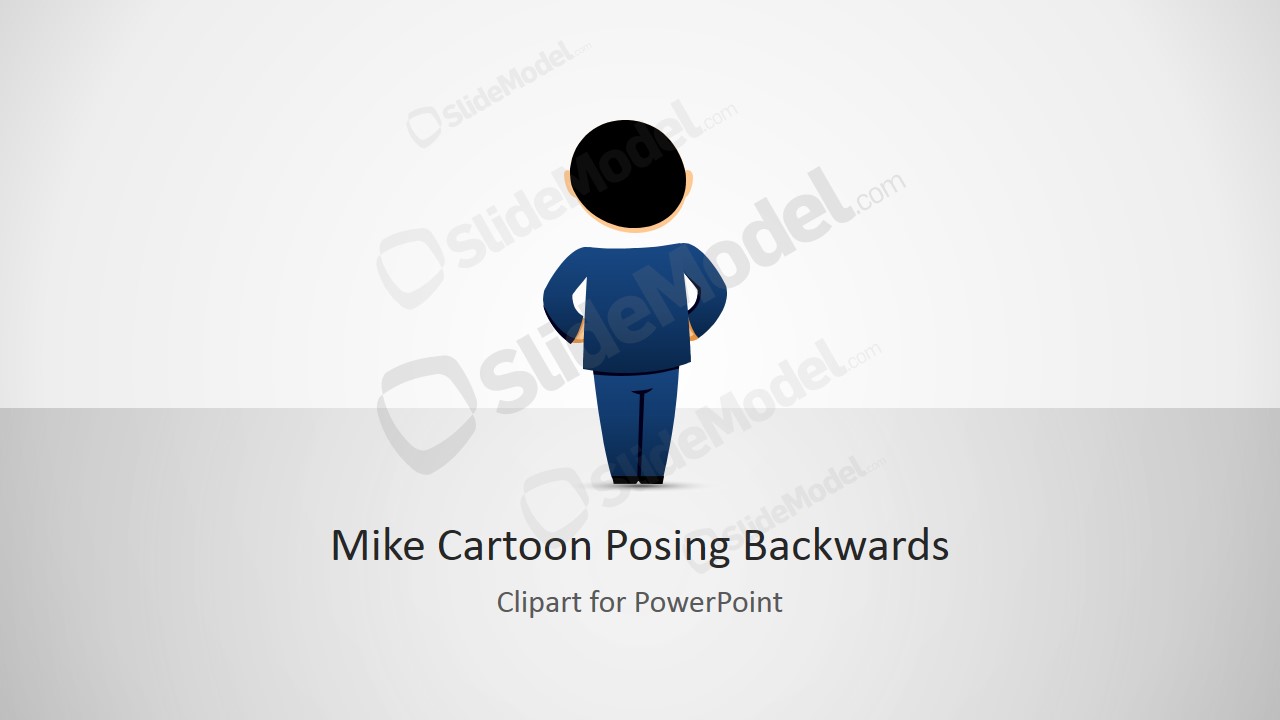


Mike Male Cartoon Clipart Posing Backwards
4-slide presentation template with backward-facing Mike cartoon clipart and customization instruction panels
Mike Male Cartoon Clipart Posing Backwards is a 4-slide clipart presentation template for Microsoft PowerPoint and Google Slides. It includes a title slide, a two-column character description, feature callout panels, and copy-paste customization instructions. The backward-facing male cartoon is built with editable PowerPoint shapes and scalable vector graphics.
- Rating


 Loading...
- Aspect ratio
- 16:9
- Item ID
- 8124-01
- Colors
 Microsoft PowerPoint
  Microsoft Copilot
  Claude for PowerPoint
 Other formats supported
Subscribe today and get immediate
access to download our PowerPoint templates.