Too Many Questions PowerPoint Template– a help support design compilation of slides and PowerPoint shapes. Enhance FAQ or Question and Answer presentations using this question slide template. The creative objects in the layout are excellent visual aids that can entertain the audience’s eyes.
FAQ is internet slang for a list of commonly asked questions associated with a subject matter or topic. A blog, for example, can develop a FAQ page about the author’s life and career. Questions regarding the author’s educational and work background can be displayed on that particular page. Here are some cases:
- What course did you take in college?
- What preparations did you do before launching your online business?
- How did customers initially respond to your marketing approach?
Question and Answer portions are casually done in a report. The speaker can allow the audience to ask related questions after every discourse. For example, in an open forum, the presenter can delegate time to participate and ask questions. Usually, this is done with an open mic that participants can approach anytime.
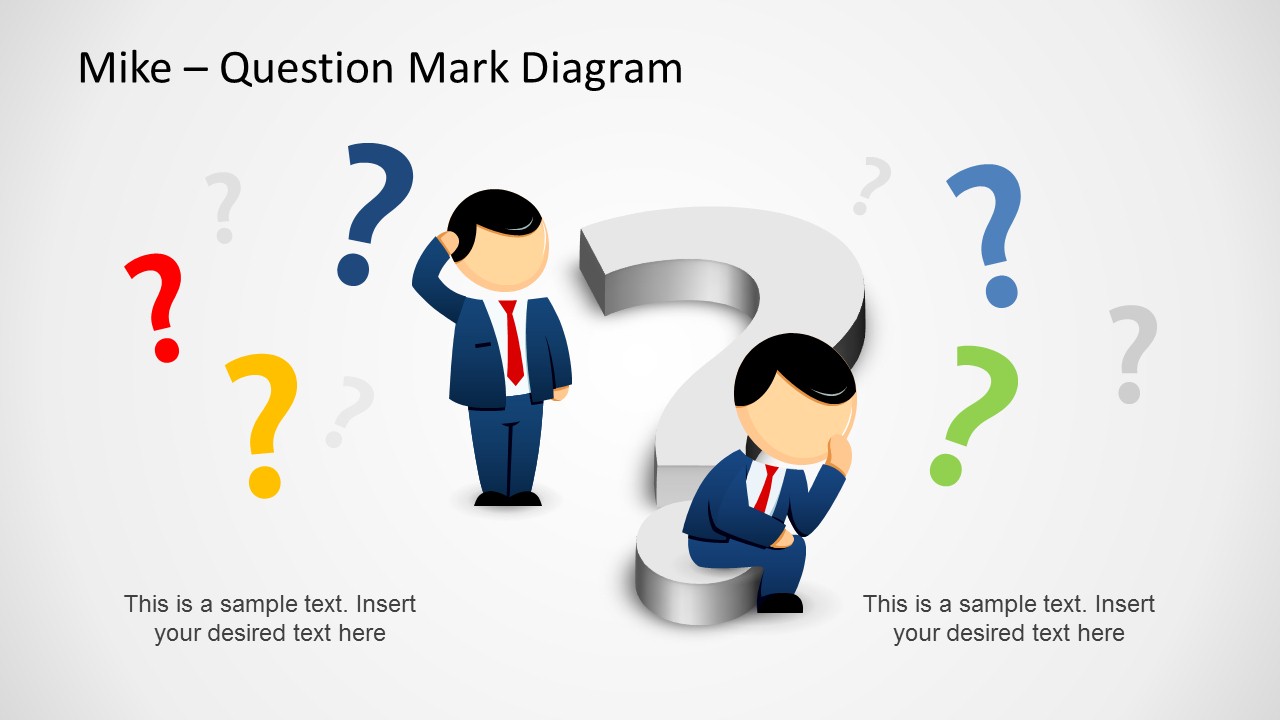
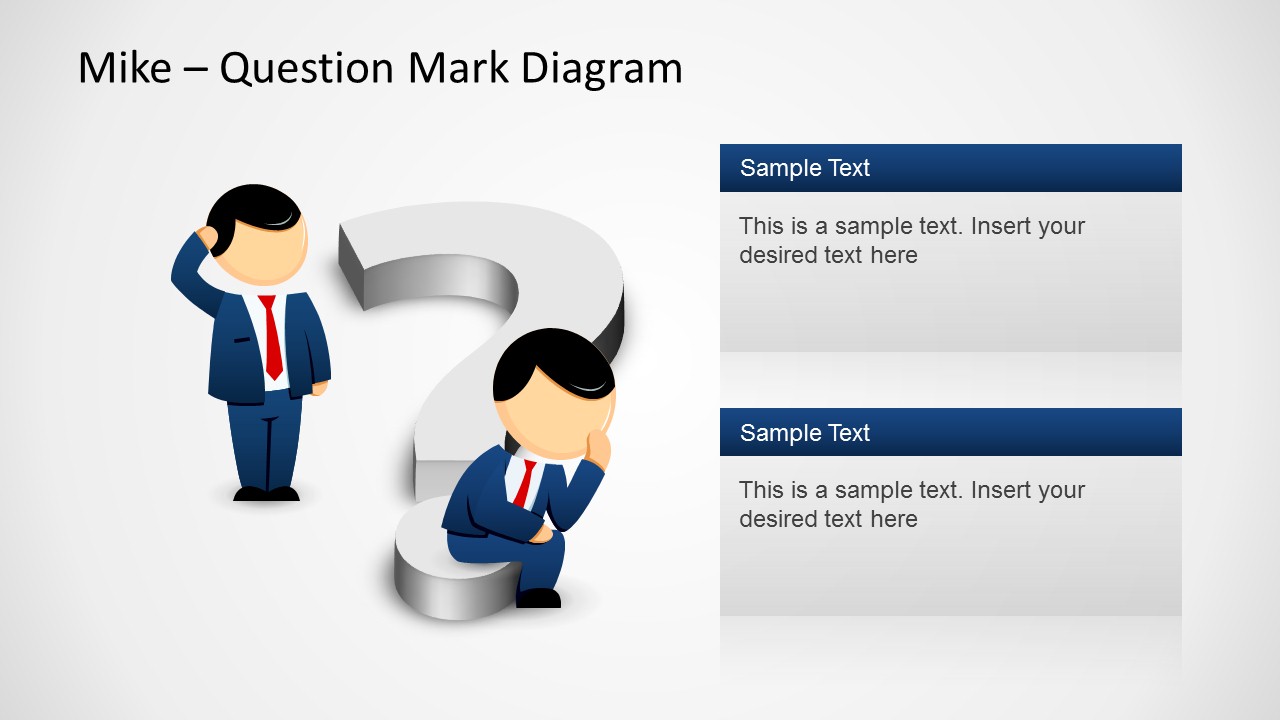
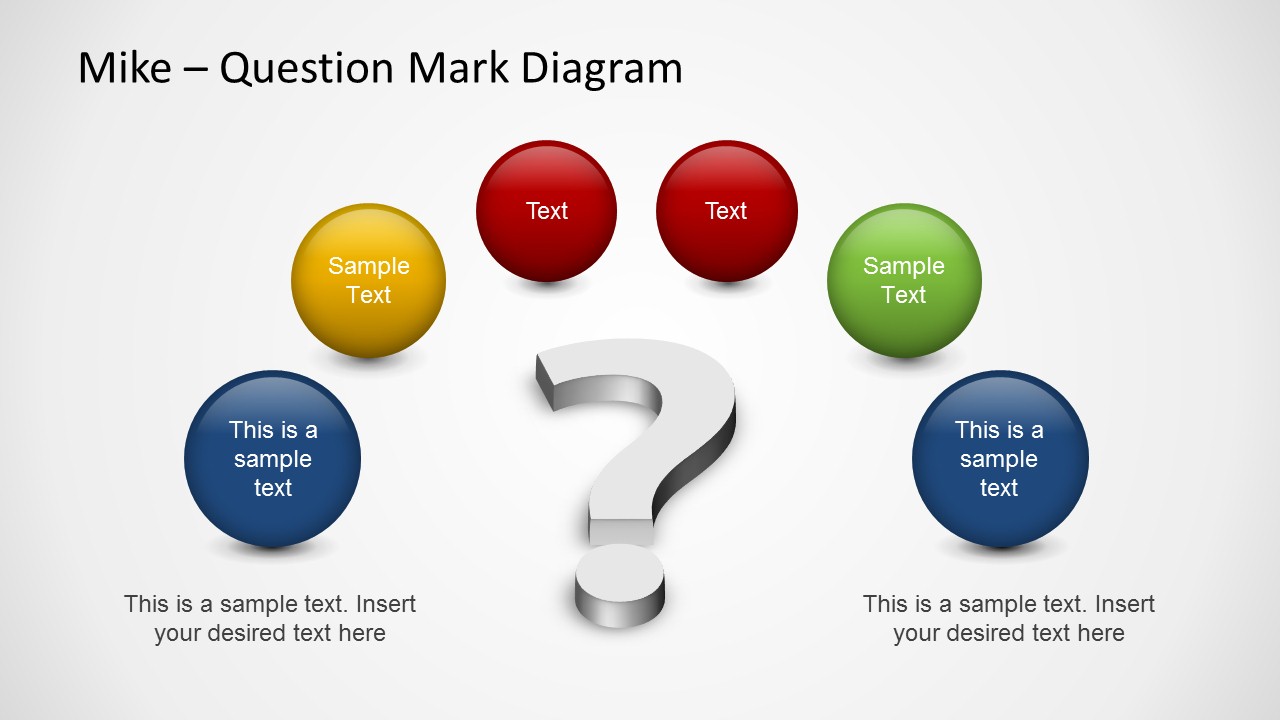
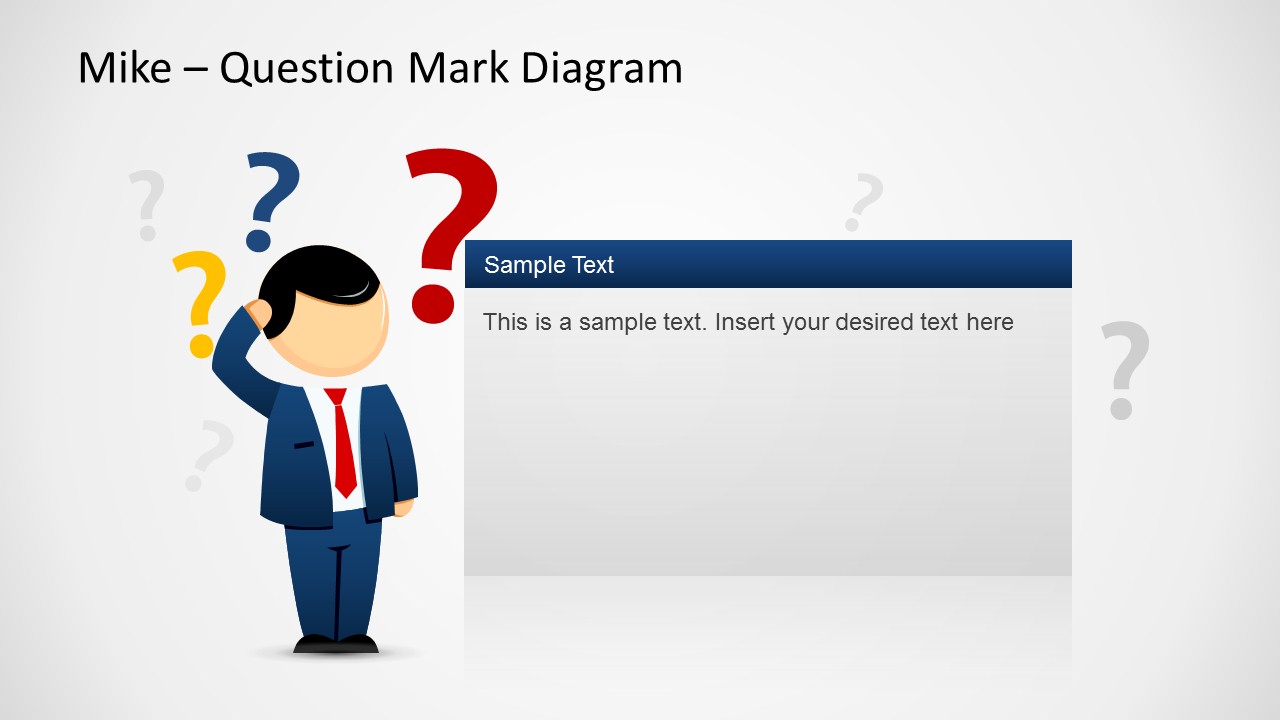
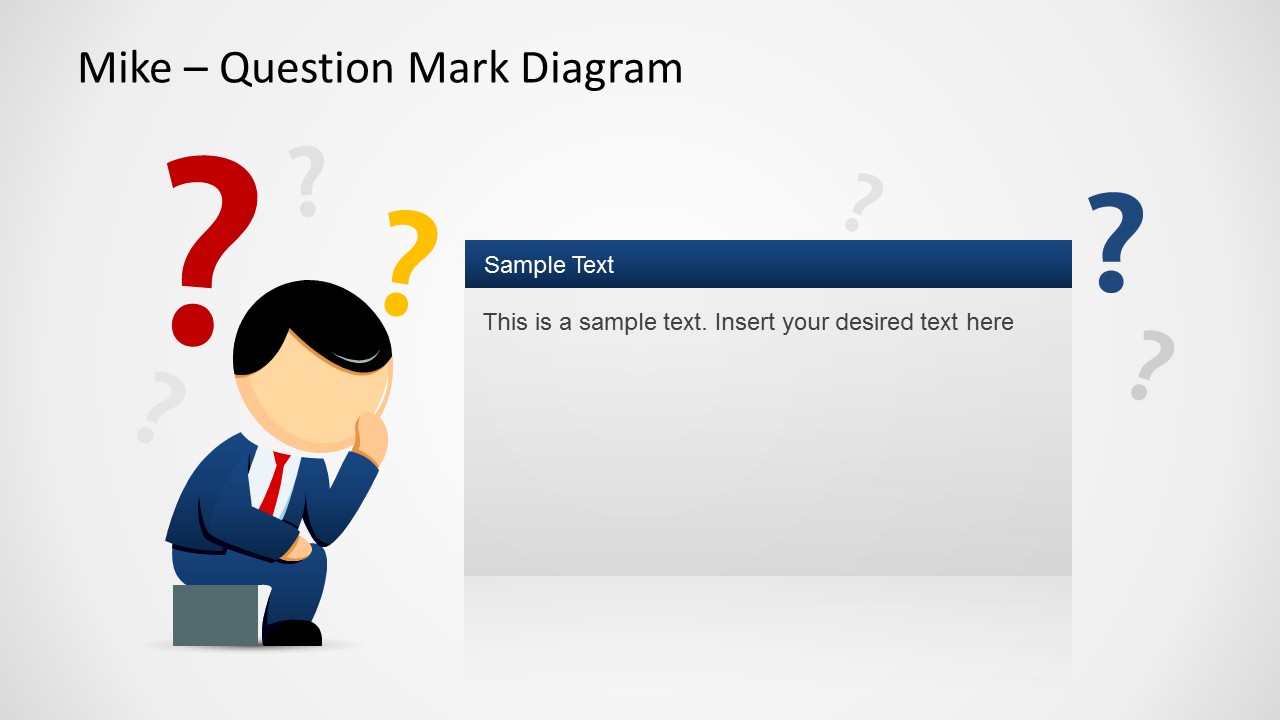
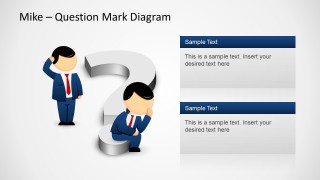
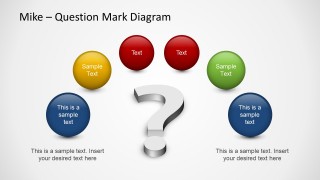
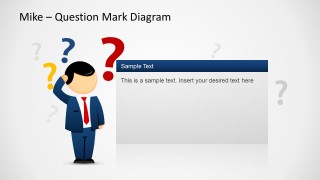
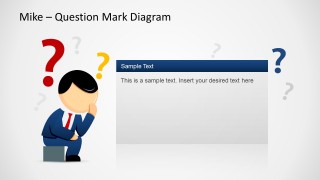
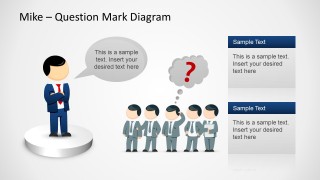
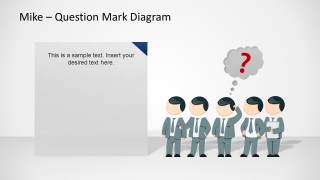
Catchy flat 3D PowerPoint objects like question marks, business people, and spherical text boxes are present in the slides. Eight unique slides compose this template. Male cartoon characters appear to be pondering on the first and second slides. The third slide design includes spherical text placeholders to enter critical questions. In the 6th slide, team members have the same question for the leader. The slides can supplement a more extensive presentation.
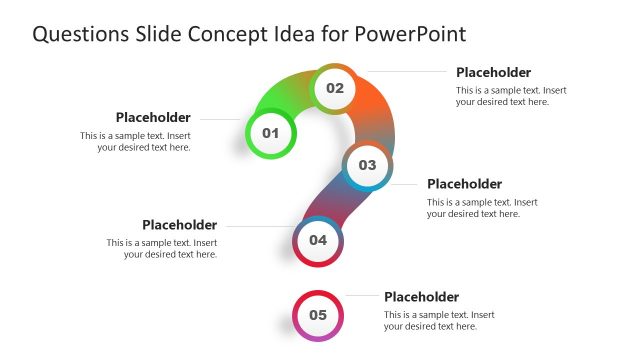
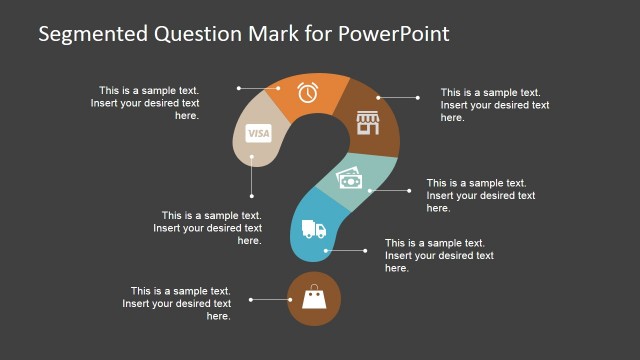
Impress audiences with intelligent and colorful designs using the Too Many Questions PowerPoint Template. The SlideModel gallery has an entire selection of suitable PowerPoint shapes. Check out the website and produce outstanding outputs. Alternatively, you can download other questions slides for presentations or this creative Question Mark Diagram for PowerPoint, which can be used as a Q&A slide design.
What’s inside this template
Example presentation scenarios
- A trainer can use the question mark diagram and circular question bubbles to introduce common learner questions before explaining a new process or policy.
- A team leader can use the leader and team Q&A scene to frame uncertainty, collect concerns, and guide discussion during a decision making meeting.
- A support manager can use the two-column text panels to present frequent customer questions alongside concise answers in an internal help desk briefing.
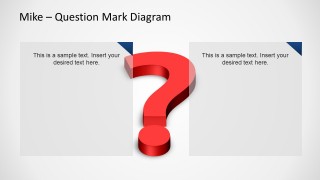
- A consultant can use the large red question mark and text cards to compare unresolved issues before recommending next steps to a client group.
Features
- 100% editable presentation template
- Compatible with Microsoft PowerPoint
- Scalable vector shapes, icons and illustrations
- AI-Ready for Microsoft Copilot and Claude
- Instant access and download
Frequently asked questions
Q: How should a presenter structure a Q&A section with this template?
A: Open with a broad question mark scene to signal that audience input is welcome, then move to more specific layouts such as circular question bubbles or the two stacked text panels. Keep one issue per visual area. Use the team scene when questions come from a group, and reserve the large red question mark slide for the most important unresolved point.
Q: Who is this question-themed deck best suited for?
A: This template fits presenters who need to make discussion less abstract, such as trainers, support managers, team leads, and workshop facilitators. The cartoon figures and question marks work well for FAQ sections, open forums, decision checkpoints, and problem-solving meetings where the goal is to invite participation rather than deliver a data-heavy report.
Q: Why use question mark and character metaphors instead of plain text Q&A slides?
A: The question marks create an immediate visual cue for uncertainty, curiosity, or decision pressure, while the business figures show who is asking and who is expected to respond. This metaphor helps audiences understand the social setting of the conversation. It also breaks up text-heavy presentations by turning questions into visible discussion moments.



Too Many Questions PowerPoint Template
8-slide PowerPoint presentation template for Q&A sessions, question marks, and decision discussion visuals
Too Many Questions PowerPoint Template is an 8-slide Microsoft PowerPoint deck for Q&A, support, and decision discussion segments. It includes question mark diagrams, circular question bubbles, two-column text panels, speech bubbles, and team question scenes with cartoon business figures. Illustrations use editable PowerPoint shapes and vector graphics.


 Loading...
 Microsoft PowerPoint
  Microsoft Copilot
  Claude for PowerPoint
 Other formats supported
Subscribe today and get immediate
access to download our PowerPoint templates.