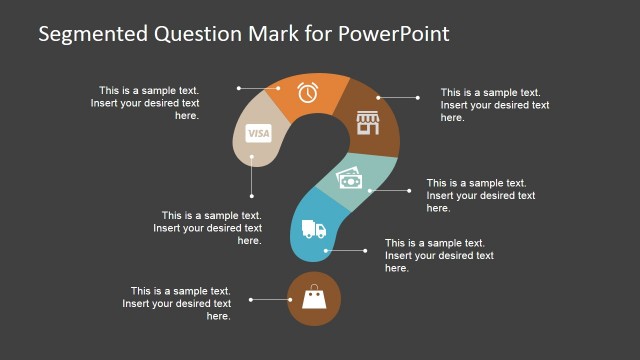
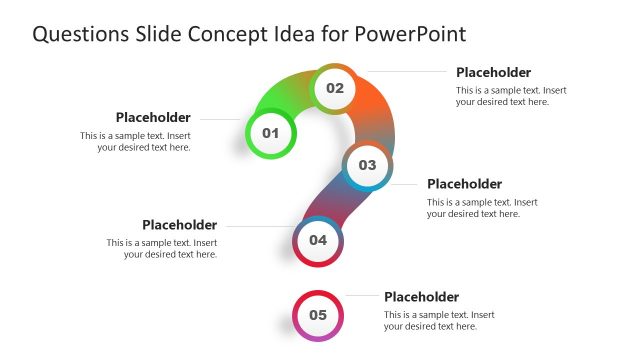
Produce interactive reports for survey processes for the Creative Question Mark Diagram for PowerPoint. Use the colored question mark clipart and its components to create a professional deck for discussion.
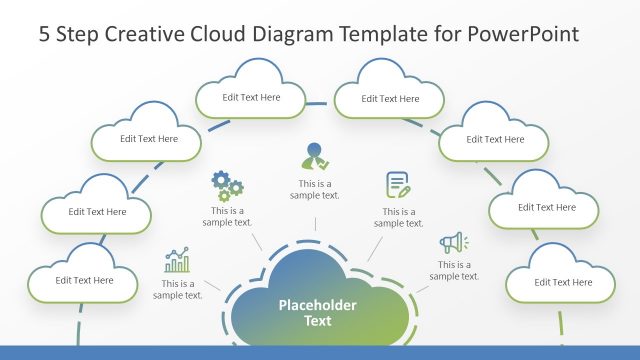
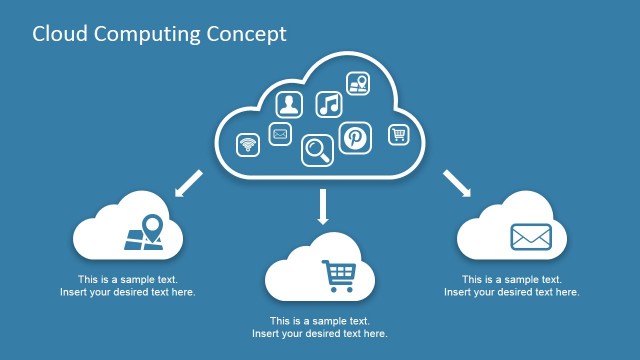
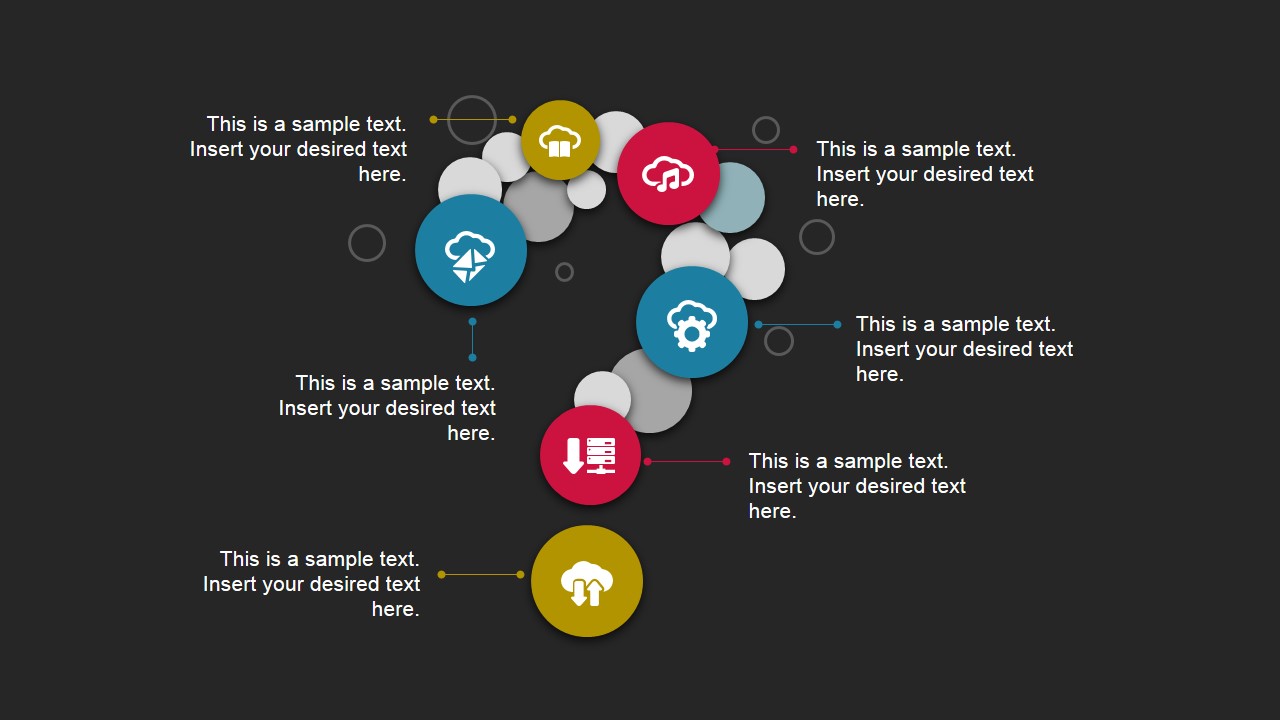
The colorful shapes and icons can be used to represent the participation of Cloud services. This refers to any resource that can be provided over the internet. This can range from Cloud storage to Cloud computing. The most common cloud service resources, however, are Software as Service (SaaS) and Platform as Service (PaaS).
Software as Service is a model of software distribution. It involves applications which are hosted by a service provider and are provided to customers over the Internet network. It is a growing delivery model, due to its service-support systems and service-oriented structure.
Platform as a Service is a cloud computing model that also involves software distribution. However, in this question slides, a cloud provider delivers the tools needed for application development to its users. A PaaS provider provides both the hardware and the software on its infrastructure. This frees users from having to install in-house tools to run new applications. In a modern example, PaaS providers deploy a business tool that might require an IT team to purchase and install the different hardware and software to aid user application.
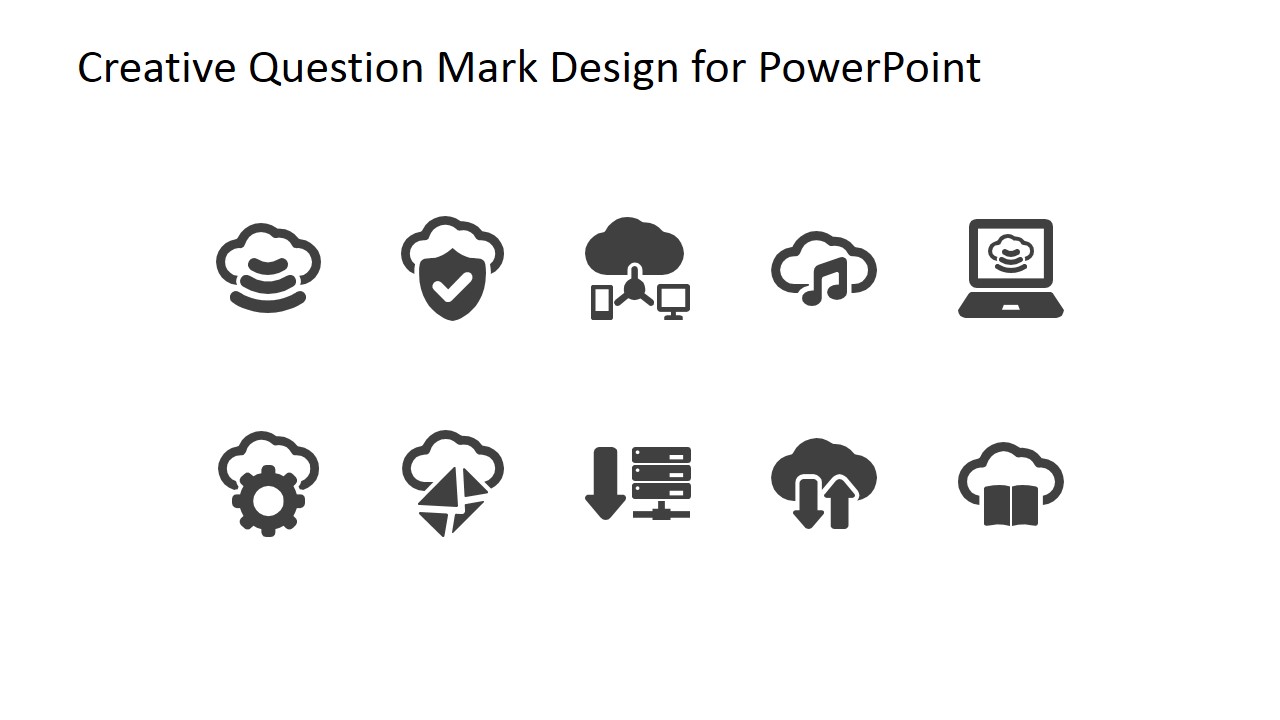
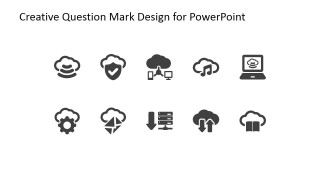
The design of the clipart on the template connect easily to the cloud and bubble concept. This allows the graphics to aid the user make the presentation more suitable for the topic and the audience.
Ideal for answering frequently-asked questions concerning the cloud services, the Creative Question Mark Diagram for PowerPoint can also be utilized in other types of presentations. The designs of the template are flexible and editable to different specifications. The template even includes a set of PowerPoint clipart which can aid the presentation. The presenter can even download other PowerPoint templates from the Gallery, such as the Advanced Animated Tech PowerPoint Template.
What’s inside this template
Example presentation scenarios
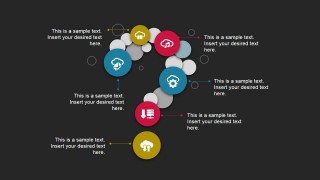
- An IT manager can explain cloud service questions to business stakeholders by using the colored question mark diagram with icon markers for each service topic.
- A consultant can structure a discovery workshop by placing client questions around the leader-line callouts and using the question mark as the discussion anchor.
- A customer support leader can present a FAQ section by assigning common questions to the monochrome question mark layout and keeping answer text short.
- A trainer can introduce a software or cloud module by using the icon set slide to define key service symbols before moving into question-based discussion.
Features
- 100% editable presentation template
- Compatible with Microsoft PowerPoint and Google Slides
- 16:9 aspect ratio slides
- Scalable vector shapes, icons and illustrations
- AI-Ready for Microsoft Copilot and Claude
- Instant access and download
Frequently asked questions
Q: How should a presenter structure the message with this question mark diagram?
A: Start with the title slide to state the main question, then use the large question mark diagram as a map of subquestions. Assign one idea to each colored icon marker and keep the callout text brief. This keeps the audience focused on the problem being explored instead of reading long paragraphs.
Q: Who is this template best suited for?
A: This template fits presenters who need to guide a discussion, not deliver a dense report. IT teams, consultants, trainers, and support leaders can use it for cloud service explanations, FAQ sessions, survey follow-up, or workshop prompts where the audience needs clear questions before detailed answers.
Q: Why does the question mark metaphor work for these slides?
A: The question mark gives the audience an immediate signal that the slide is about inquiry, uncertainty, or decision points. Placing icons along the curve turns the symbol into a visual agenda. The design helps the presenter move from one question to the next while keeping the full topic visible.

Creative Question Mark Diagram for PowerPoint
5-slide presentation template for question mark diagrams, FAQ prompts, and cloud service icons
Creative Question Mark Diagram for PowerPoint is a 5-slide diagram template for Microsoft PowerPoint and Google Slides. It includes a title slide, colored question mark diagram, monochrome question mark variation, light-background callout layout, and cloud service icon set for FAQ, survey, support, or technology discussion presentations.
- Category
- Diagrams
- Rating


 Loading...
- Aspect ratio
- 16:9
- Item ID
- 6822-01
- Colors
 Microsoft PowerPoint
  Microsoft Copilot
  Claude for PowerPoint
 Other formats supported
Subscribe today and get immediate
access to download our PowerPoint templates.