Slide 3 of 3 from Line with Doughnut Chart Template for PowerPoint
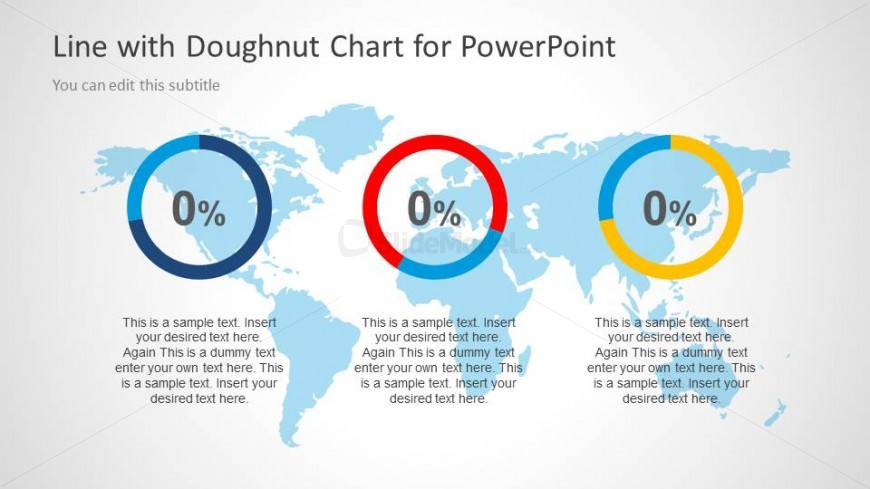
3 Doughnut Charts in PowerPoint Slide with World Map Illustration
Doughnut Chart with World Map for PowerPoint
- Chart
- Donut Chart
- Evaluation Slide
- 16:9
- 100% Editable
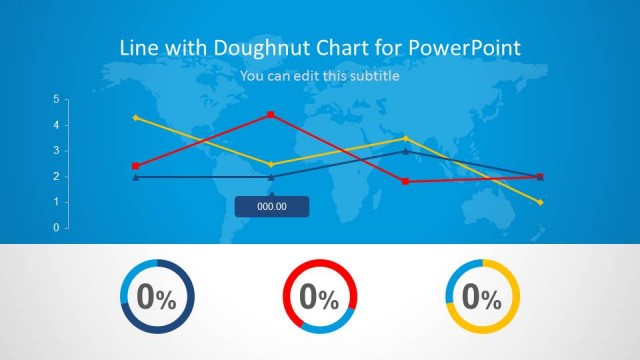
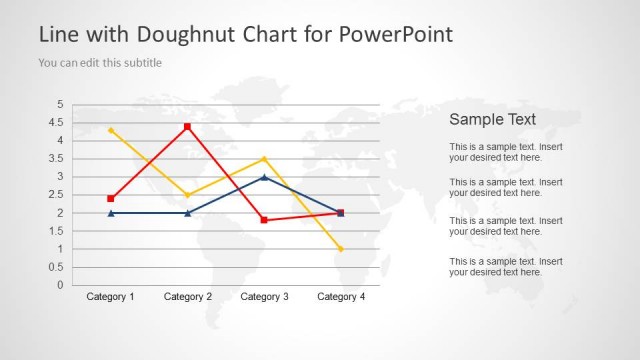
The Doughnut Chart with World Map slide from the Line with Doughnut Chart Template for PowerPoint combines editable shapes and vector icons to present comparative KPI data across regions. This slide layout supports business presentations and financial forecasts by integrating doughnut charts with a subtle world map background, enhancing clarity in corporate performance reviews within a professional slide deck.
About This Slide
This slide design contains three Doughnut Charts (Donut Charts) in PowerPoint Slide with World Map Illustration in the background of the slide. This slide is very useful to represent a creative business dashboard in PowerPoint 2010 or 2013.
What’s on This Slide
The layout features three doughnut charts arranged horizontally over a world map background. Each chart is circular, displaying a percentage value in the center, with accompanying text placeholders below each chart. The doughnut charts are colored in blue, red, and yellow, creating a distinct visual hierarchy. The world map is lightly shaded, providing a subtle backdrop. Text placeholders are aligned centrally beneath each chart, allowing for detailed descriptions. The overall composition is balanced, with equal spacing between the charts and a cohesive color scheme.
How to Use It
This layout serves as a comparative analysis tool, showcasing performance metrics across different regions or categories. It fits well in presentations that require visual representation of data alongside geographical context. Ideal scenarios include business performance reviews, financial forecasts, or KPI presentations. The structure allows for easy updates and customization, making it suitable for various reporting needs. It is best used after problem identification slides to illustrate solutions or performance outcomes.
Text Placeholders & Capacity
Keep your copy within these limits so it fits without resizing. Node body slots can hold about 15-20 words each.
| Placeholder | Count | Max characters (approx.) |
|---|---|---|
| Chart title | 1 | 40 |
| Subtitle | 1 | 60 |
| Item body | 3 | 100 |
| Item heading | 3 | 10 |
Slide Keywords
Download unlimited PowerPoint templates, charts and graphics for your presentations with our annual plan.
DOWNLOAD