Slide 1 of 3 from Line with Doughnut Chart Template for PowerPoint
6097-01-line-with-doughnut-chart-1
Line Chart with Doughnut Indicators for PowerPoint
- Chart
- Line Chart
- Evaluation Slide
- 16:9
- 100% Editable
What’s on This Slide
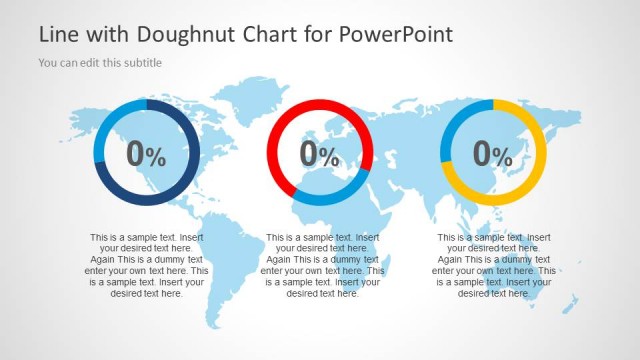
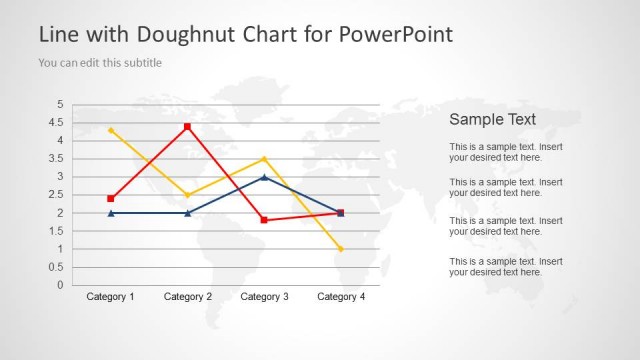
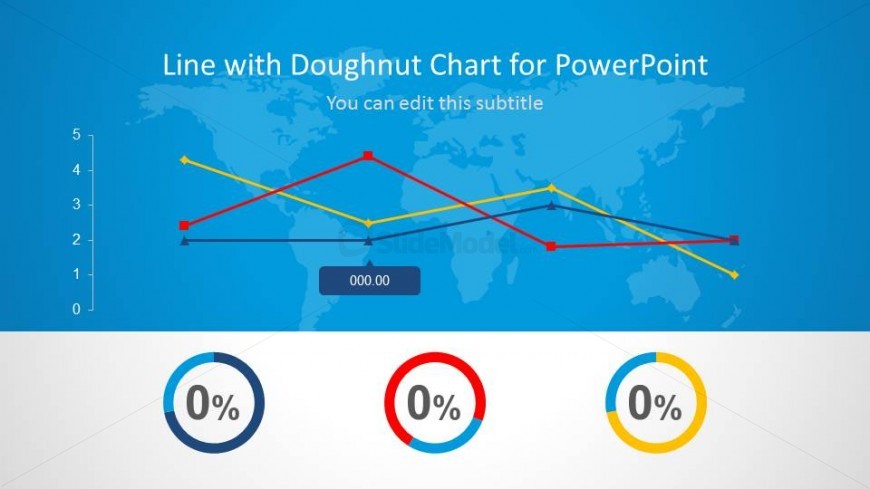
The slide features a line chart positioned at the top, displaying multiple data series with lines in different colors. Below the chart, there are three circular doughnut indicators, each showing a percentage value. The chart has a blue background with a world map faintly visible. The title is centered at the top, with a subtitle placeholder directly beneath it. The doughnut indicators are evenly spaced across the bottom, each containing a text placeholder for percentage values. The overall layout emphasizes the line chart while providing clear visual metrics below.
How to Use It
This layout serves as a data visualization tool, combining a line chart with doughnut indicators to present trends and key performance metrics. It is suitable for business presentations where performance data needs to be illustrated alongside comparative metrics. This slide fits well at the beginning of a presentation to introduce data insights or trends, making it effective for financial reports, performance reviews, or strategic planning sessions.
Text Placeholders & Capacity
Keep your copy within these limits so it fits without resizing. Node slots can accommodate short percentage values.
| Placeholder | Count | Max characters (approx.) |
|---|---|---|
| Slide title | 1 | 30 |
| Subtitle | 1 | 40 |
| Item body | 3 | 5 |
Slide Keywords
Download unlimited PowerPoint templates, charts and graphics for your presentations with our annual plan.
DOWNLOAD