Slide 2 of 3 from Line with Doughnut Chart Template for PowerPoint
Line with Doughnut Chart for PowerPoint
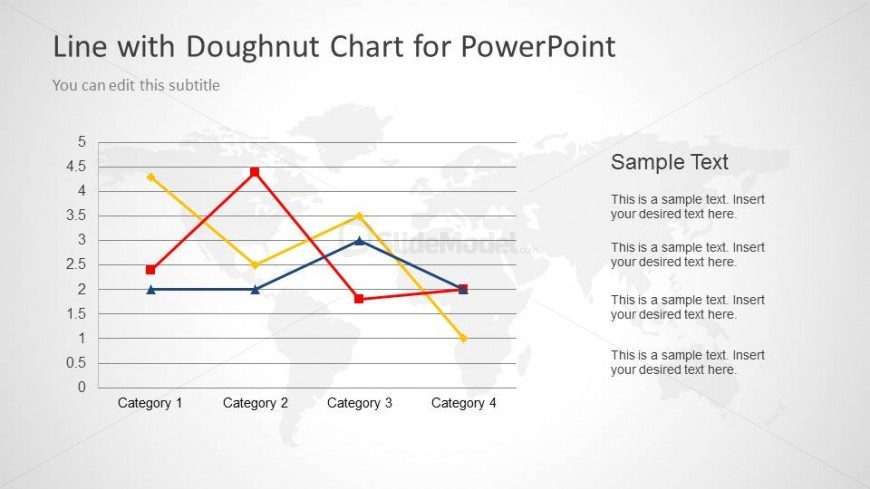
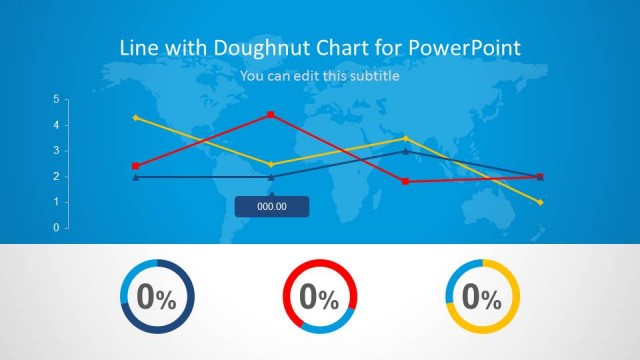
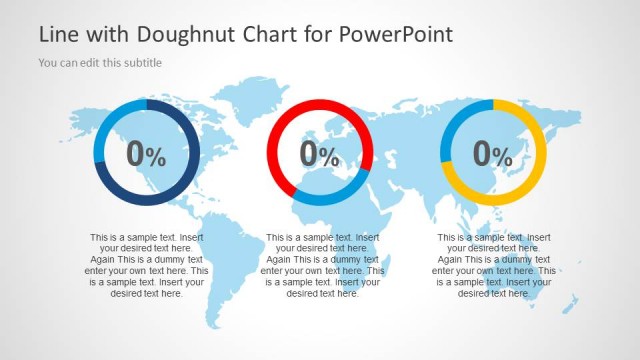
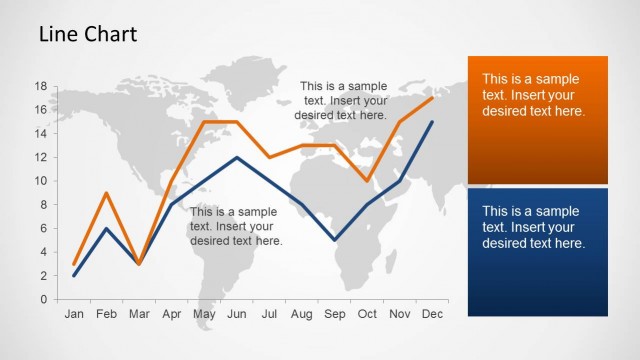
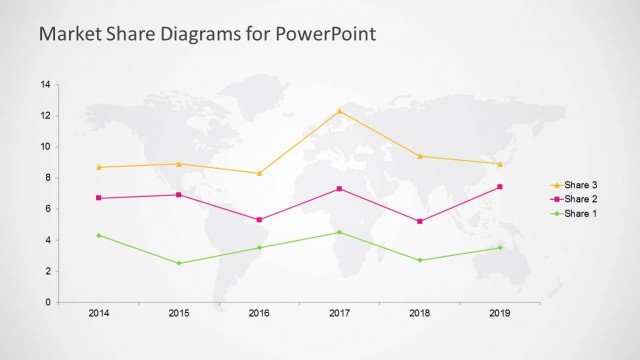
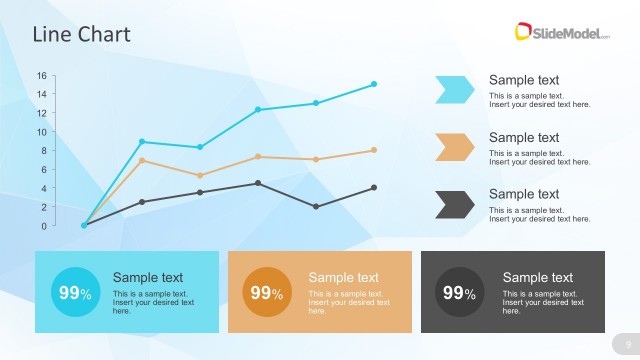
The Line Chart with Doughnut slide from the Line with Doughnut Chart Template for PowerPoint offers a clear visualization tool for financial forecasting and KPI tracking. This slide layout integrates editable shapes and vector icons to present multiple data trends effectively, making it suitable for business presentations and corporate slide decks focused on performance analysis.
The layout features a line chart positioned centrally, displaying four distinct lines representing different categories. The chart is overlaid on a subtle world map background. Above the chart, there is a title placeholder aligned to the left, and a subtitle placeholder directly beneath it. On the right side, there are four text placeholders stacked vertically, each labeled 'Sample Text,' allowing for additional information. The overall color scheme includes blue, yellow, red, and green lines, with a light gray background enhancing visibility.
This layout serves as a data visualization tool, ideal for presenting trends and comparisons across multiple categories. It fits well in a presentation sequence after introducing a problem or context, providing a visual representation of performance metrics. This structure is useful in business scenarios such as financial forecasting, KPI tracking, or performance analysis, where clear data interpretation is essential.
Keep your copy within these limits so it fits without resizing. Node labels can hold about 3-4 words each, while body text can accommodate roughly 10-12 words.
| Placeholder | Count | Max characters (approx.) |
|---|---|---|
| Slide title | 1 | 30 |
| Subtitle | 1 | 40 |
| Item heading | 4 | 20 |
| Item body | 4 | 50 |
Download unlimited PowerPoint templates, charts and graphics for your presentations with our annual plan.
DOWNLOAD