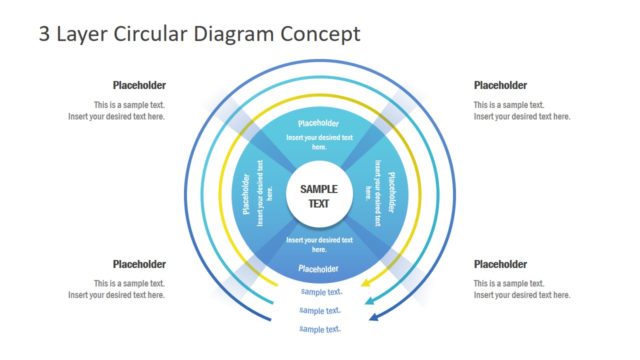
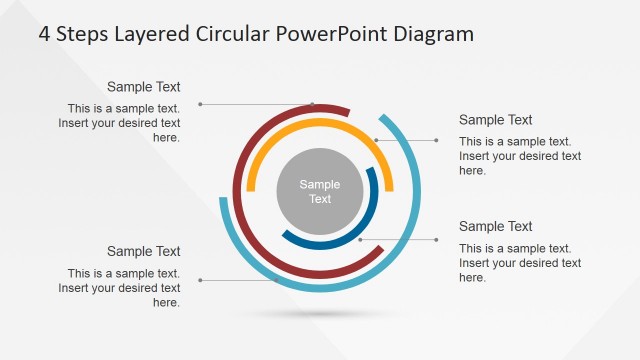
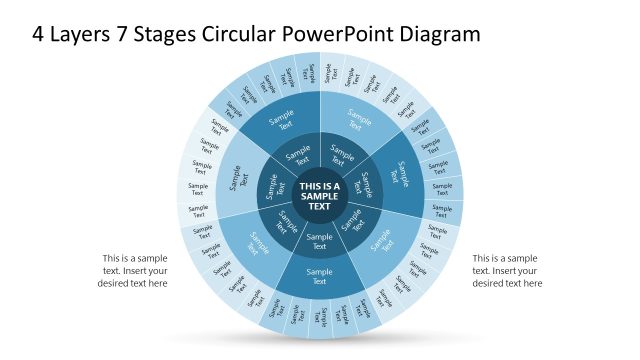
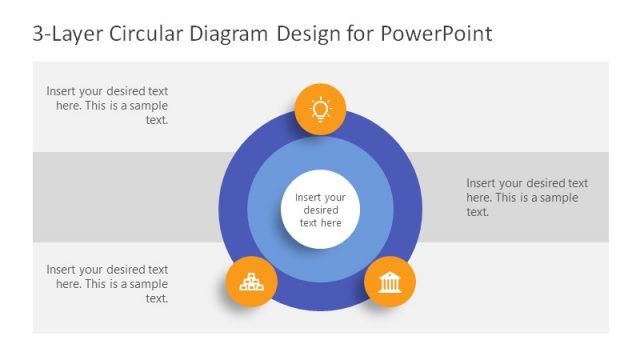
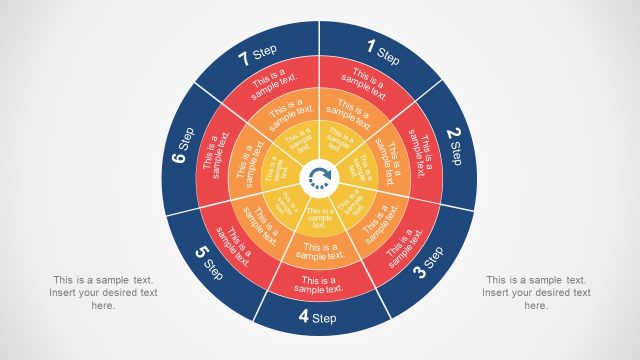
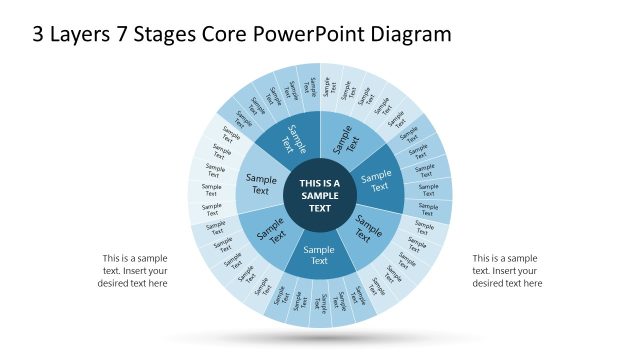
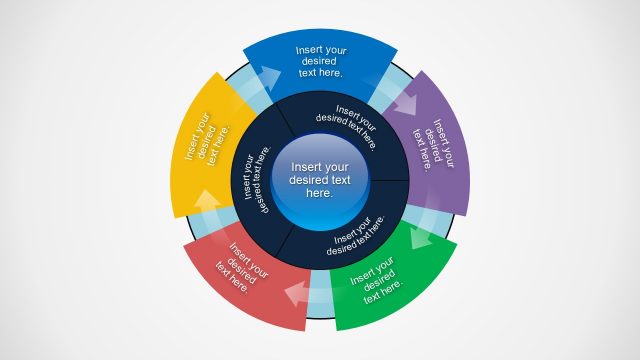
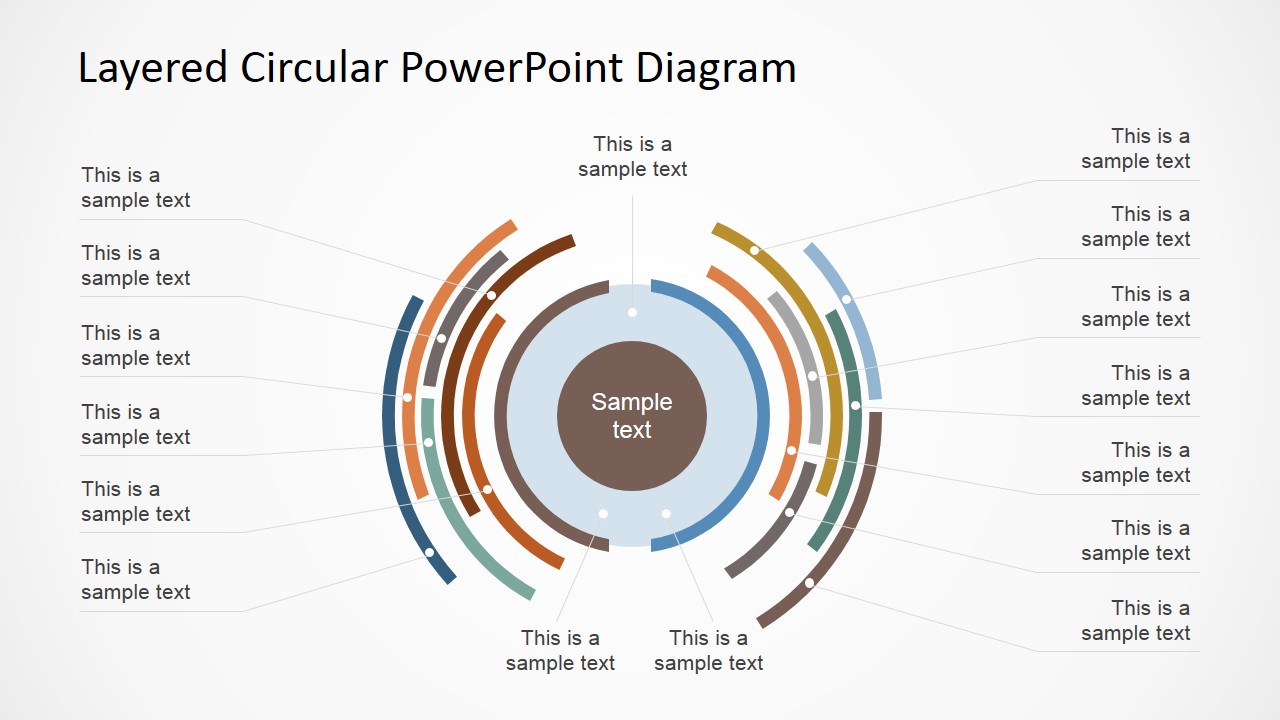
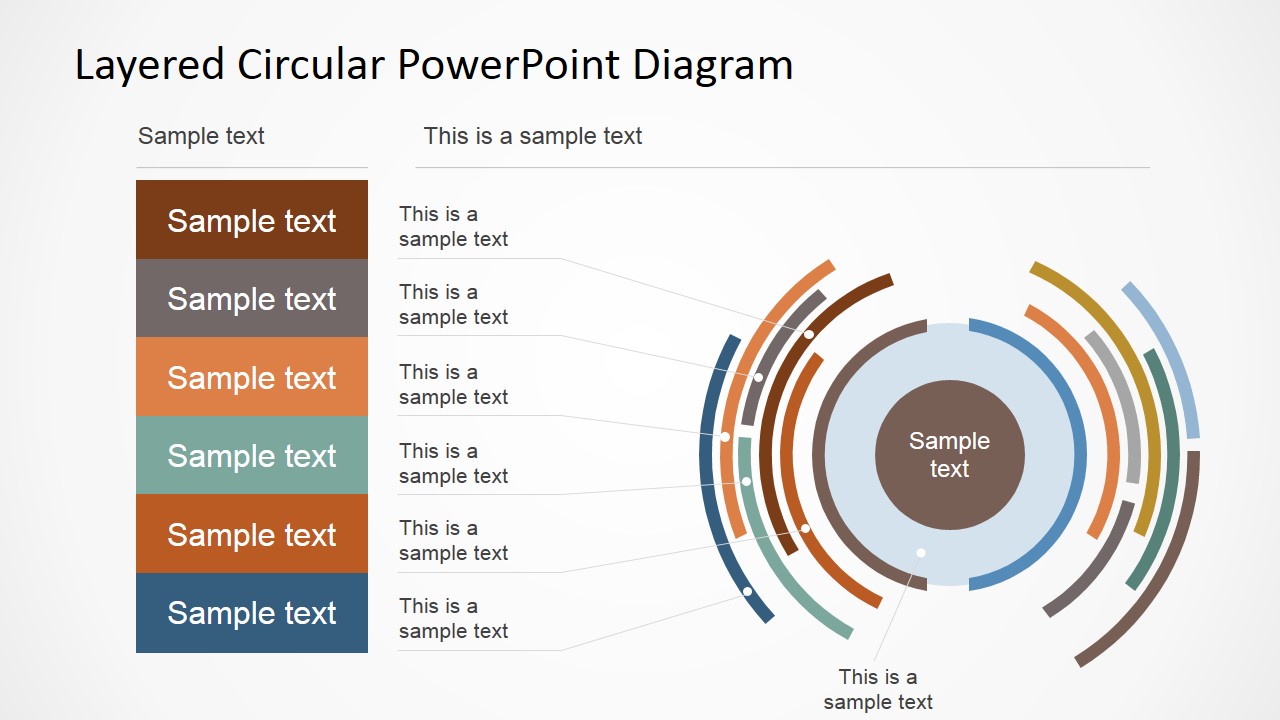
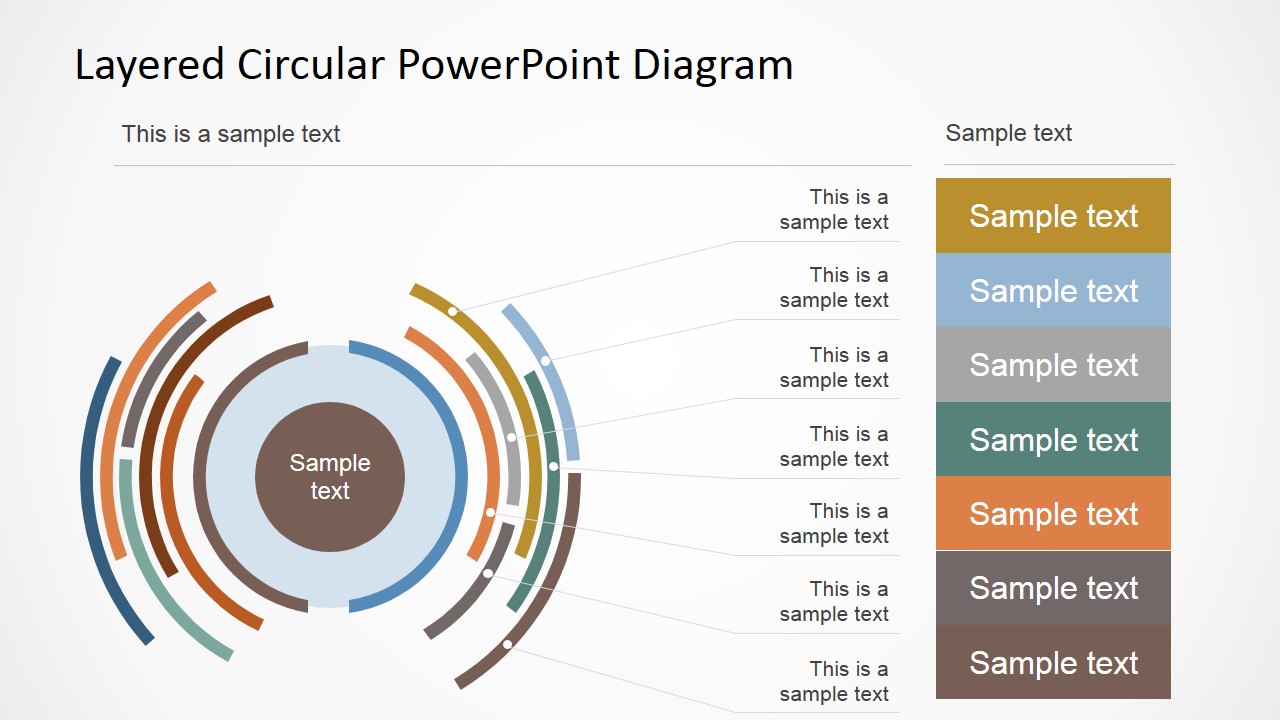
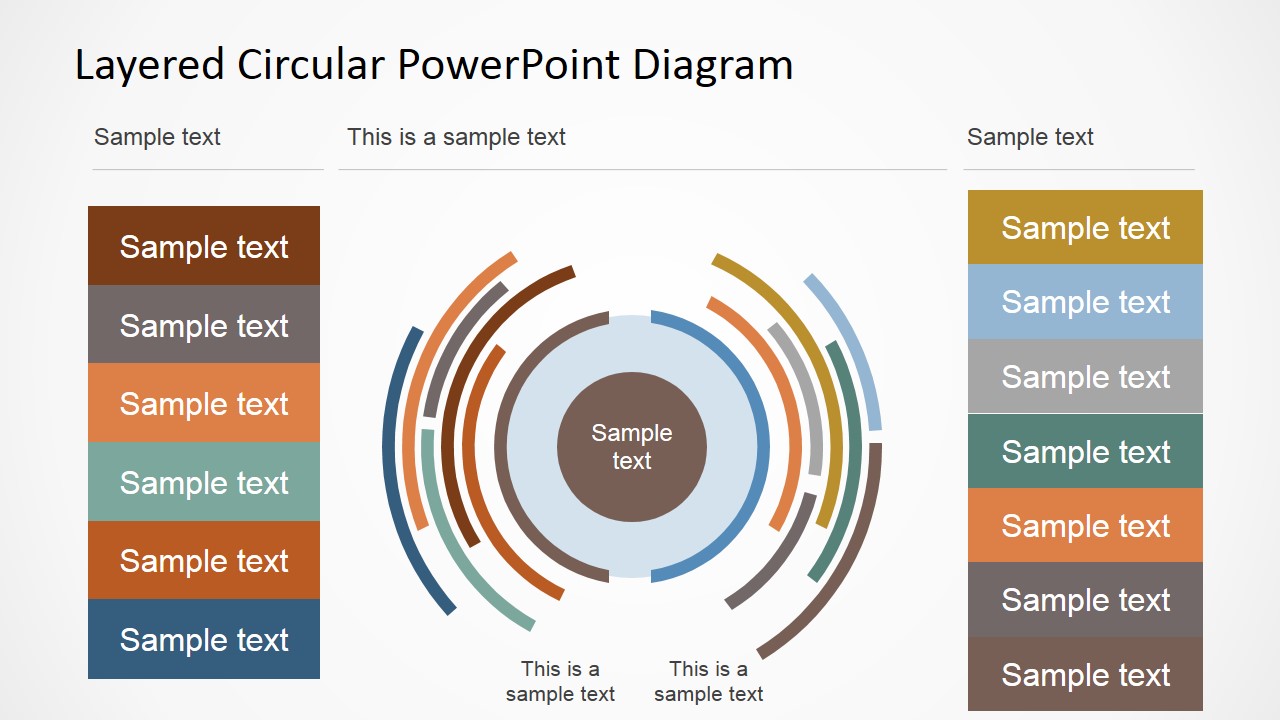
Layered Circular PowerPoint Diagram is one of our Professional PowerPoint Templates, containing a flat design layered circular diagram. Each layer is segmented in two pieces placed in opposing sides of the circle. This diagram can be used as a Comparison Chart Template, as a Staged Process Diagram, or as a Circular Model where each step is described through the levels within the layers. This PowerPoint Diagram is created completely with PowerPoint shapes, allowing the user to fully customize its properties as size, color and effects.
One of the best used of the Layered Circular PowerPoint Diagram is to describe Flow Processes that required a bi dimentional explanation. In this case lets consider each layer being the Activity of the process. Each activity can execute in parallel, that is why the flow has many layer. Each activity is composed of a set of “tasks”. Each task is represented through the segments of the diagram. Explaining each segment, and its relationship in the layer, the presenter can describe really complex processes in a figure auto contained in one slide. The presenter can even complicate more the diagram (if the process required) for example using as an additional variable, the segment color, that will allow to group or relate different segment due to color affinity.
The center of the diagram is composed by a common core that can map to the process or stages common relationships. This PowerPoint Diagram is ideal for Engineering processes descriptions, software layered architectures and modular designs.
Impress your audience with this flexible and modern Layered Circular PowerPoint Diagram, and create presentations that appeal to global audiences.
What’s inside this template
Example presentation scenarios
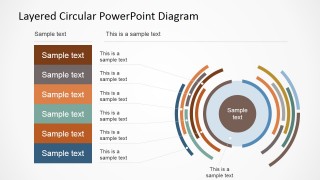
- A software architect can present an application architecture by placing the platform core in the center, mapping modules on the segmented rings, and using the side legend stack to name each layer.
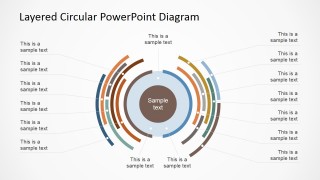
- An operations manager can explain a parallel workflow by treating each circular layer as an activity group and using radial callouts to describe the tasks within each segment.
- A strategy consultant can compare two sides of a business model by assigning opposing ring segments to separate categories and summarizing the categories in the left and right legend panels.
- A product manager can describe a modular product ecosystem by placing the core value proposition in the center and connecting feature groups to the outer layered arcs.
Features
- 100% editable presentation template
- Compatible with Microsoft PowerPoint and Google Slides
- 16:9 aspect ratio slides
- Scalable vector shapes, icons and illustrations
- AI-Ready for Microsoft Copilot and Claude
- Instant access and download
Frequently asked questions
Q: How should a presenter explain the layered circular diagram without overwhelming the audience?
A: Start with the center label as the shared concept, then move outward one ring at a time. Use the colored segments to define categories before reading detailed callouts. On the legend slides, introduce the side stack first so the audience understands the color code before following the connectors into the circular model.
Q: What type of message is this template best suited to communicate?
A: This template fits explanations where one core idea connects to several surrounding layers, such as software architecture, operating models, process stages, or modular product structures. It is best for analysts, architects, and consultants who need to show relationships across layers, not just list steps in a straight sequence.
Q: Why does the circular layer metaphor help with process and system communication?
A: The concentric circle suggests a shared center with dependent outer layers, which helps audiences see hierarchy and relationship at the same time. The split ring segments make it possible to compare paired activities, while connector lines let the presenter add detail without crowding the diagram itself.
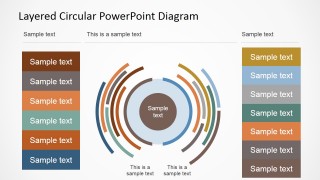
Layered Circular PowerPoint Diagram
4-slide presentation template with layered circular diagram, segmented rings, callouts, and comparison legends
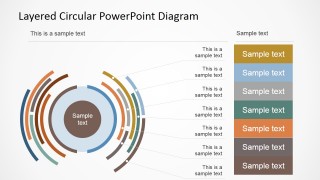
Layered Circular PowerPoint Diagram is a 4-slide diagram template for explaining layered systems, staged processes, or two-sided comparisons. Visible layouts include a segmented concentric ring diagram, radial callout labels, left or right legend stacks, and dual-side category panels. It is built for Microsoft PowerPoint and Google Slides.
- Category
- Diagrams
- Rating


 Loading...
- Aspect ratio
- 16:9, 4:3
- Item ID
- 6577-01
- Colors
 Microsoft PowerPoint
  Microsoft Copilot
  Claude for PowerPoint
 Other formats supported
Subscribe today and get immediate
access to download our PowerPoint templates.