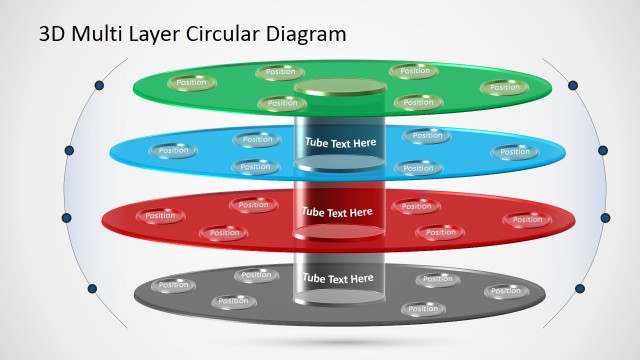
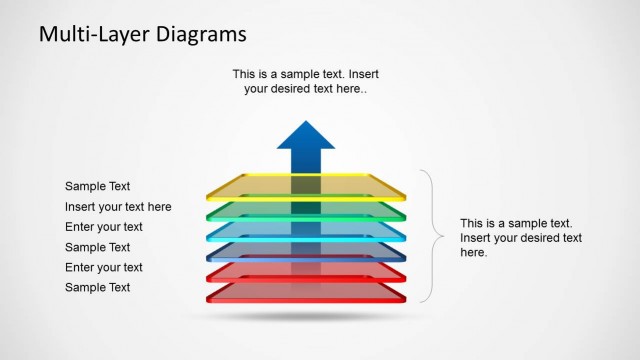
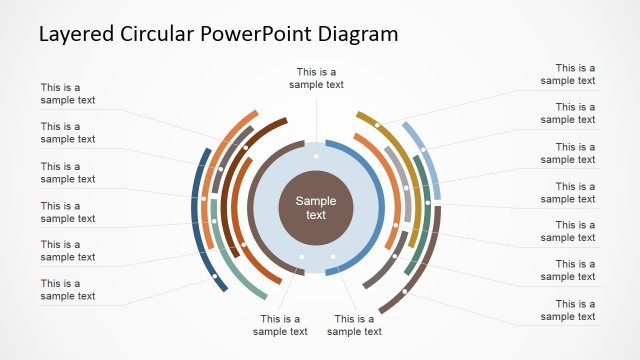
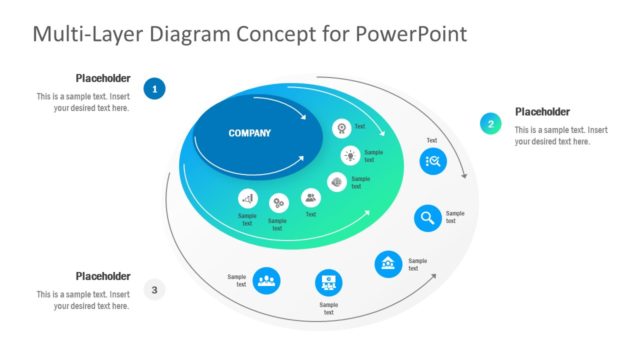
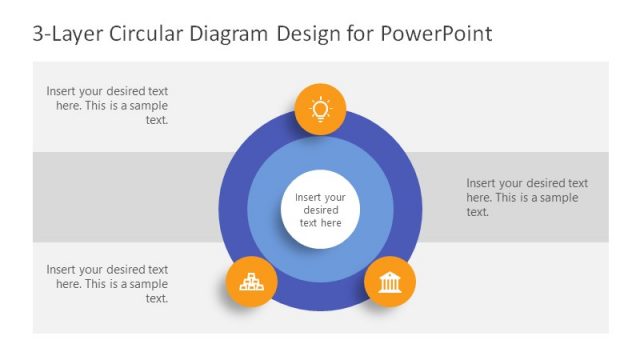
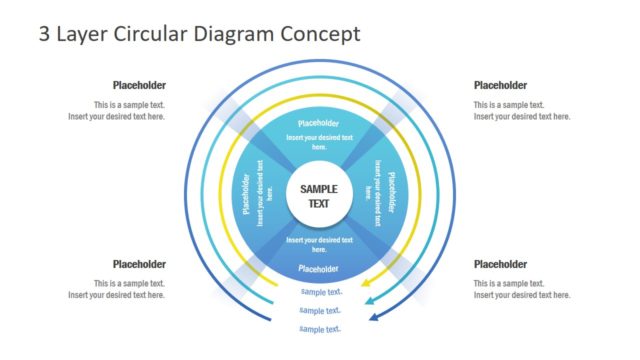
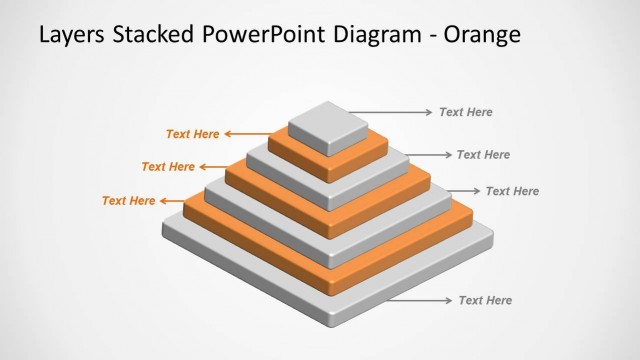
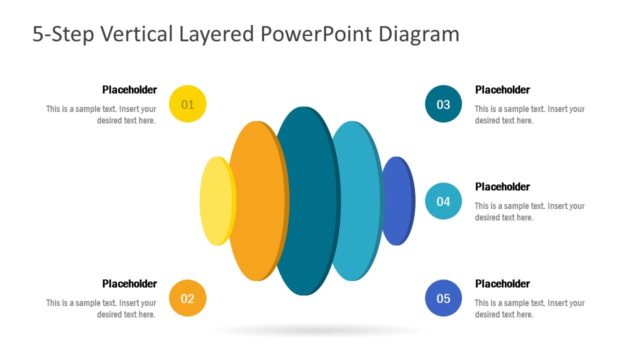
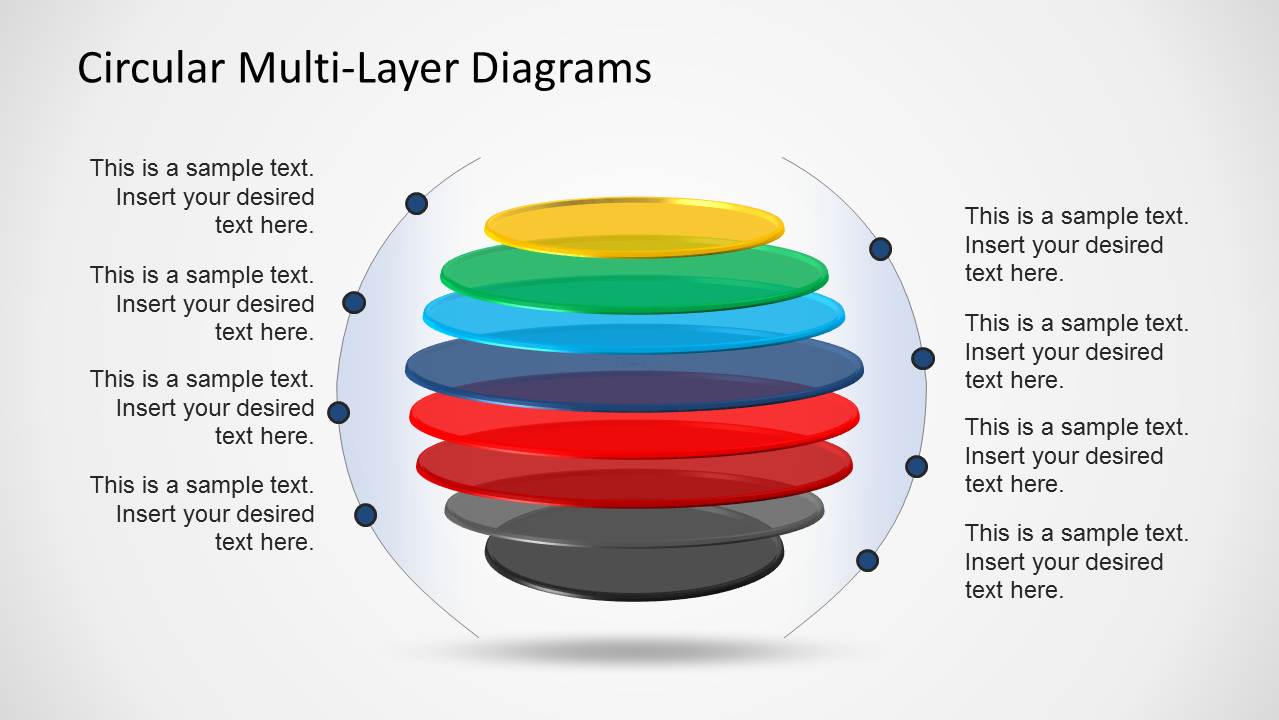
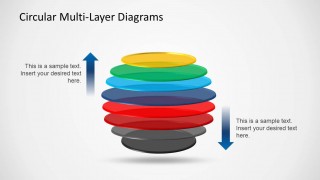
Download Circular Multi-Layer Diagrams for PowerPoint presentations. This multi-layered diagram template for PowerPoint is ideal for making 3D Layered Diagrams to generate models for your presentation slides.
With the help of this diagram template you can quickly generate 3D diagrams by labeling the different parts of the sample diagram slides. Furthermore, you can also adjust the shape, size and color of the sample diagrams, as well as reorganize them to suit your needs.
What’s inside this template
Example presentation scenarios
- A strategy consultant can use the labeled circular stack to explain levels of a business model and connect each disk to a side callout.
- An operations manager can use the text panel slide to describe the responsibilities or controls assigned to each layer of a process.
- A product manager can use the up/down arrow slide to show how value, risk, demand, or pressure moves through stacked product layers.
- A trainer can use the layered stack diagrams to introduce a framework in which each concept builds on the level below it.
Features
- 100% editable presentation template
- Compatible with Microsoft PowerPoint and Google Slides
- Scalable vector shapes, icons and illustrations
- AI-Ready for Microsoft Copilot and Claude
- Instant access and download
Frequently asked questions
Q: How should a presenter explain the stacked layers without making the diagram feel crowded?
A: Start by defining what each disk represents before discussing the full stack. On Slide 1, use the side callouts to label layers in reading order, then move to the text panel slide for explanation. Keep each label short so the audience sees the hierarchy before reading supporting detail.
Q: Who is this circular multi-layer diagram template best suited for?
A: This template fits presenters who need to explain layered systems rather than linear processes. Product managers can map platform levels, operations teams can show control layers, and trainers can introduce concepts that sit above or below one another. The up/down arrow slide is most useful when direction, pressure, or escalation matters.
Q: Why does the circular stack metaphor work for layered business concepts?
A: The stacked circular disks work as a visual metaphor for depth, dependency, and accumulation. The 3D effect separates each layer without requiring a dense table, while the side dots and arrows give presenters places to anchor labels. That structure helps audiences compare layers while still seeing them as one system.


Circular Multi-Layer Diagrams
3-slide presentation template for circular layered diagrams, stack models, and up/down forces
Circular Multi-Layer Diagrams is a 3-slide PowerPoint diagram template for explaining stacked concepts, layers, and directional forces. It includes a labeled circular layer stack, a stack with a right-side text panel, and an up/down arrow comparison layout. Business, training, and strategy presenters can replace labels, colors, and layer captions.


 Loading...
 Microsoft PowerPoint
  Microsoft Copilot
  Claude for PowerPoint
 Other formats supported
Subscribe today and get immediate
access to download our PowerPoint templates.