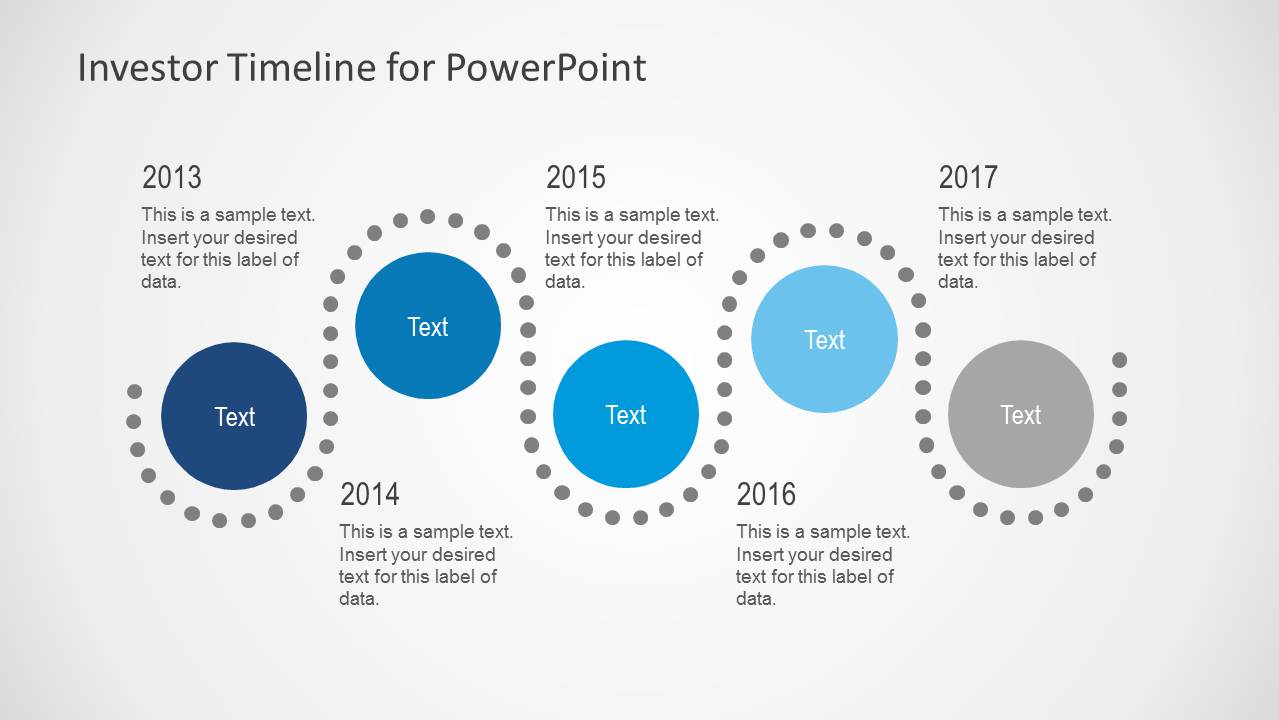
Investor Timeline Slides for PowerPoint is a simple presentation timeline design that you can use to describe a roadmap or plan with year milestones.
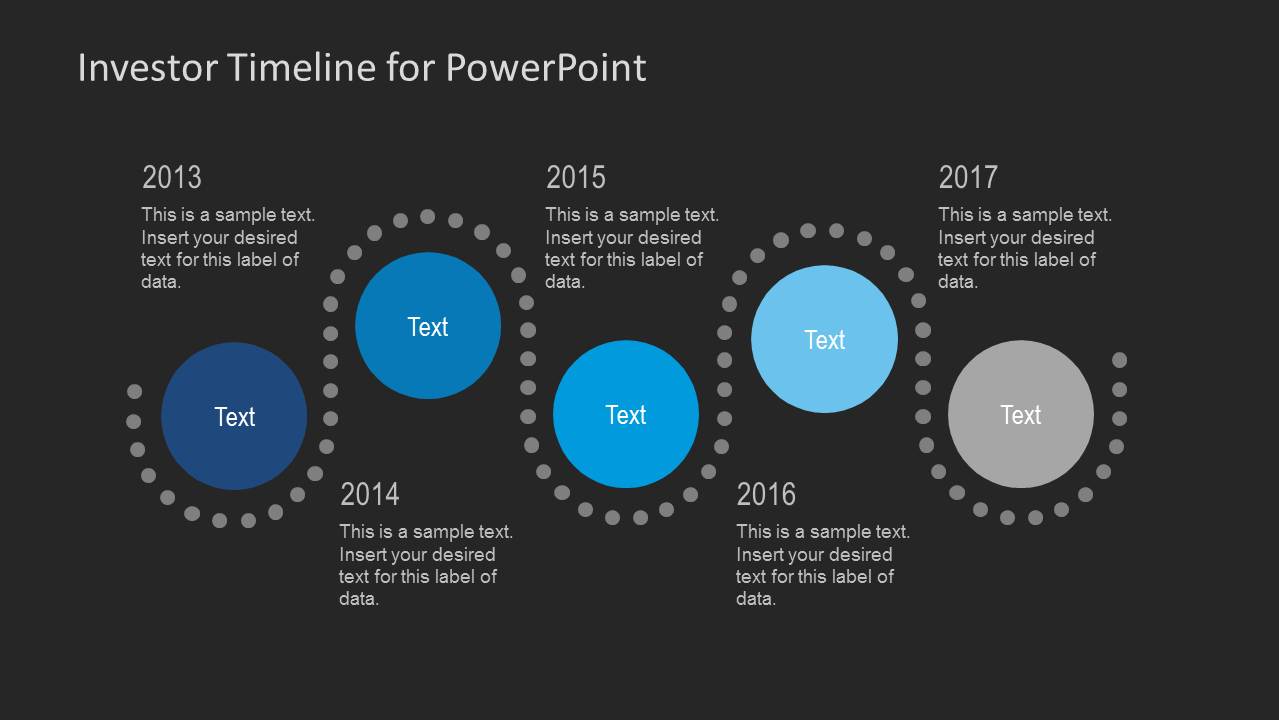
The template comes with a sample slide which is available in two different background colors to help you choose a color scheme best suited for your presentation.
You can customize this template right down to basic slide objects and even turn the sample slide into a monthly or weekly timeline, as well as replicate it to create multiple slides with diverse types of timelines.
What’s inside this template
Example presentation scenarios
- A startup founder can present fundraising progress and next funding targets by replacing the 2013 to 2017 labels with investment rounds and using the circular milestone markers as stage anchors.
- A CFO can brief investors on a multi-year financial plan by assigning each circle to a fiscal year and placing one short performance or planning note beside each milestone.
- A product manager can explain a product launch roadmap to executives by converting the annual labels into release phases and using the dotted path to show forward movement.
- An investor relations team can summarize strategic commitments in a board update by using the light or dark version to match the meeting deck and highlight the key year-by-year messages.
Features
- 100% editable presentation template
- Compatible with Microsoft PowerPoint and Google Slides
- Scalable vector shapes, icons and illustrations
- AI-Ready for Microsoft Copilot and Claude
- Instant access and download
Frequently asked questions
Q: How should I present the milestones so the timeline does not feel like a list of dates?
A: Treat each circle as a decision point, not just a year label. Start with the leftmost milestone, explain what changed at that point, then connect it to the next marker with one short consequence or next step. Keep the text blocks brief so the audience follows the dotted path and remembers the sequence.
Q: Who is this timeline best suited for in an investor presentation?
A: This template is best for founders, finance leaders, and investor relations presenters who need to show a compact roadmap rather than a detailed operating plan. It works well for funding rounds, product milestones, market expansion plans, or strategic commitments where the audience needs a clear before-and-after progression across years.
Q: Why does the circular marker and dotted path design help communicate an investor roadmap?
A: The circles create strong visual stops, while the dotted path acts as a continuity metaphor that links the milestones into one planned journey. Alternating marker positions add rhythm and prevent a flat row of dates. This helps investors scan the timeline quickly while still seeing each milestone as a distinct proof point.
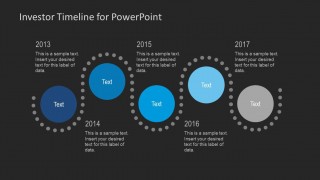
Investor Timeline Slides for PowerPoint
2-slide PowerPoint timeline template for investor roadmap milestones with light and dark background options
This 2-slide PowerPoint timeline template presents an investor roadmap as annual milestones from 2013 to 2017. It includes a light-background version and a dark-background version with circular milestone markers, dotted path accents, year labels, and short text blocks for founders, finance teams, or project leads.


 Loading...
 Microsoft PowerPoint
  Microsoft Copilot
  Claude for PowerPoint
 Other formats supported
Subscribe today and get immediate
access to download our PowerPoint templates.