Slide 2 of 2 from Investor Timeline Slides for PowerPoint
6131-03-investor-investor-timeline-2
Investor Timeline for PowerPoint Presentation
- Diagram
- Timeline Horizontal
- Timeline Slide
- 16:9
- 100% Editable
The Investor Timeline Diagram slide from the Investor Timeline Slides for PowerPoint template offers a clear horizontal timeline layout ideal for illustrating annual milestones and investment roadmaps. This slide uses editable shapes and vector icons to highlight key project phases, making it suitable for business presentations and pitch deck templates that require a structured chronological overview.
What’s on This Slide
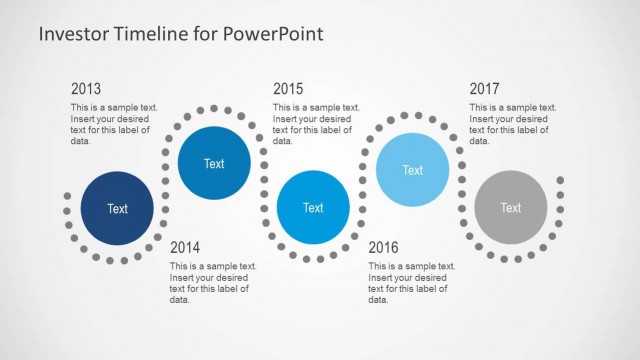
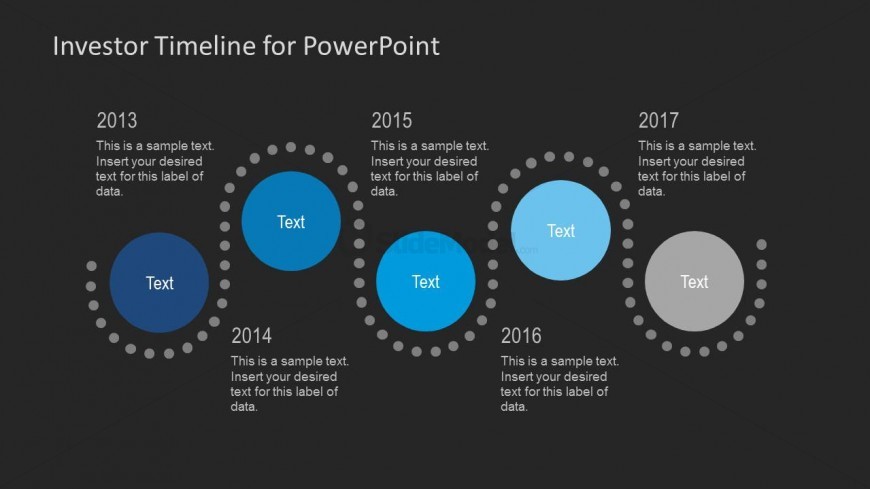
The slide features a horizontal timeline with circular milestone markers representing the years 2013 to 2017. Each milestone is accompanied by a text placeholder positioned centrally within the circle. The circles are connected by dotted lines, creating a visual flow from left to right. The background is dark, enhancing the visibility of the light-colored circles. There are five circular nodes, with the 2014 node being slightly smaller than the others. Text placeholders are aligned centrally within each circle, with additional text placeholders above each year label.
How to Use It
This layout serves as a chronological timeline to illustrate key milestones over a specified period. It is suitable for presentations that require a clear depiction of progress or achievements, particularly in investment or project contexts. This slide fits well after a problem statement slide, leading into a roadmap or strategic plan. It can be used to showcase annual achievements or project timelines in business meetings or investor presentations.
Text Placeholders & Capacity
Keep your copy within these limits so it fits without resizing. Node body slots can hold roughly 10-15 words each.
| Placeholder | Count | Max characters (approx.) |
|---|---|---|
| Slide title | 1 | 30 |
| Item heading | 5 | 15 |
| Item body | 5 | 50 |