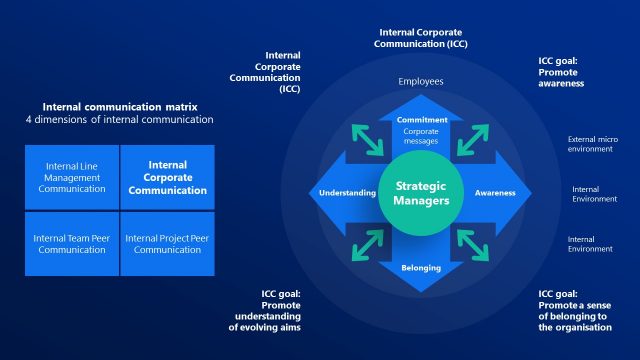
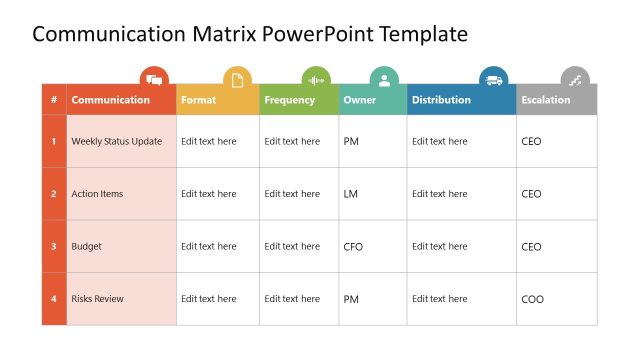
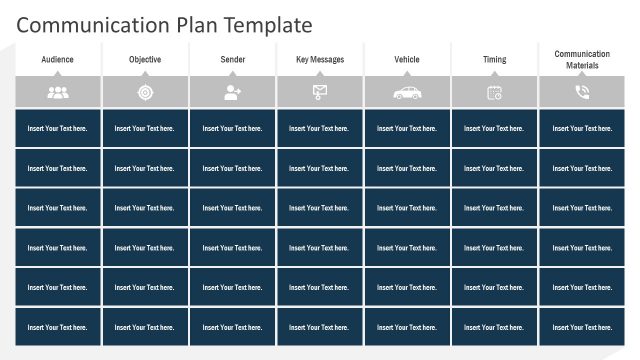
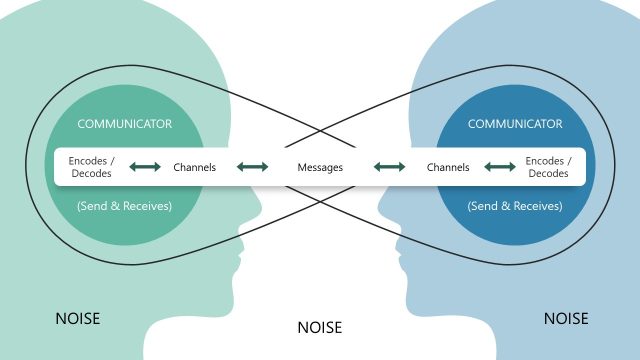
Download our featured Internal Communication PowerPoint Template to outline the company’s information-sharing procedure. Internal communication is highly significant for the corporate environment as it impacts the workspace. The internal communication plan template is a template to guide companies in designing a comprehensive, effective, and cohesive communications strategy. It ensures a smooth information delivery among the departments, enhancing collaboration and transparency. When employees are fully coordinated, their productivity is enhanced, and better results are obtained. Better internal communication increases employee engagement and lets them connect with the organization and feel part of the company. We designed this engaging internal communication plan template to help professionals effectively explain the business processes and workflows. Our template allows professionals to showcase the various communication channels they implement for task delegation, reporting, and conveying messages to relevant departments.
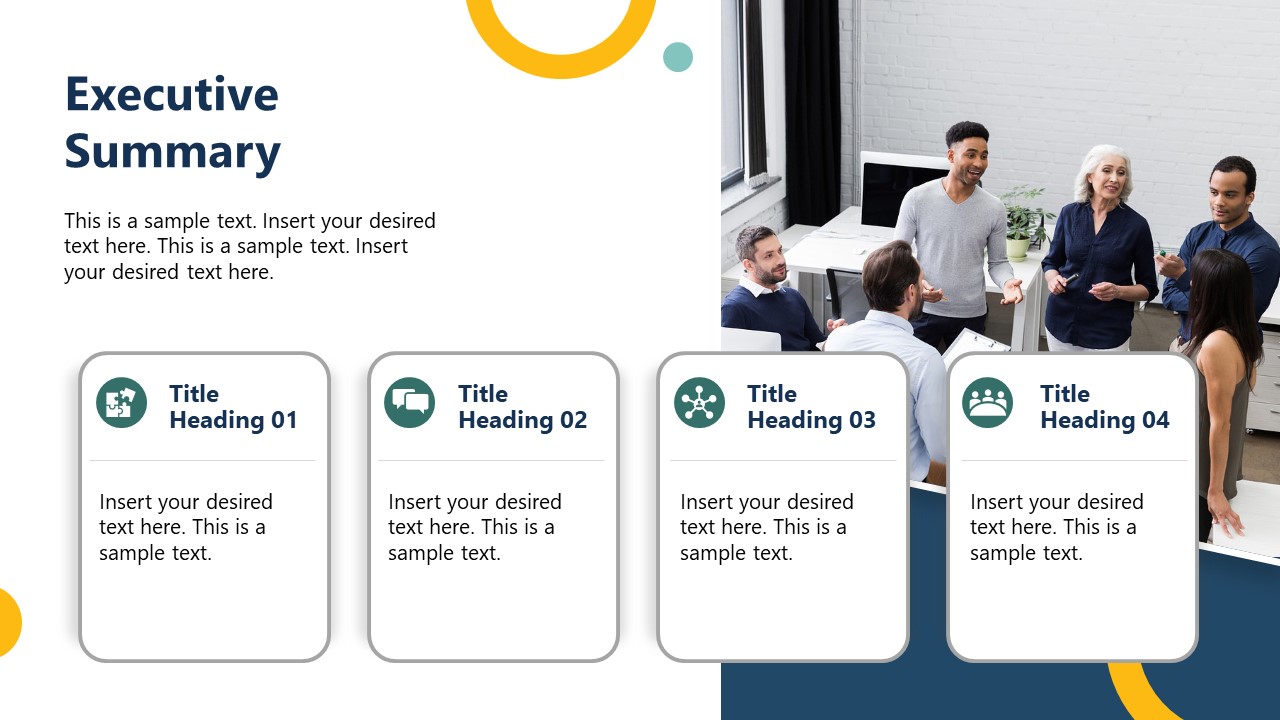
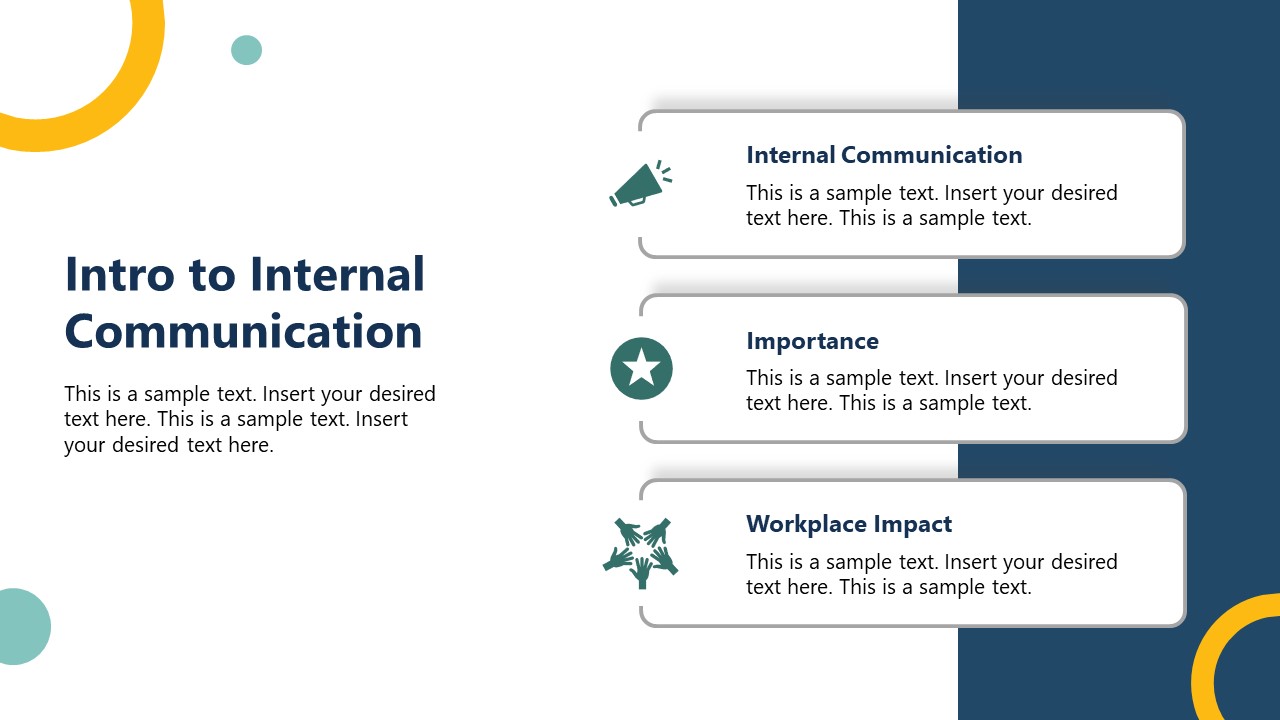
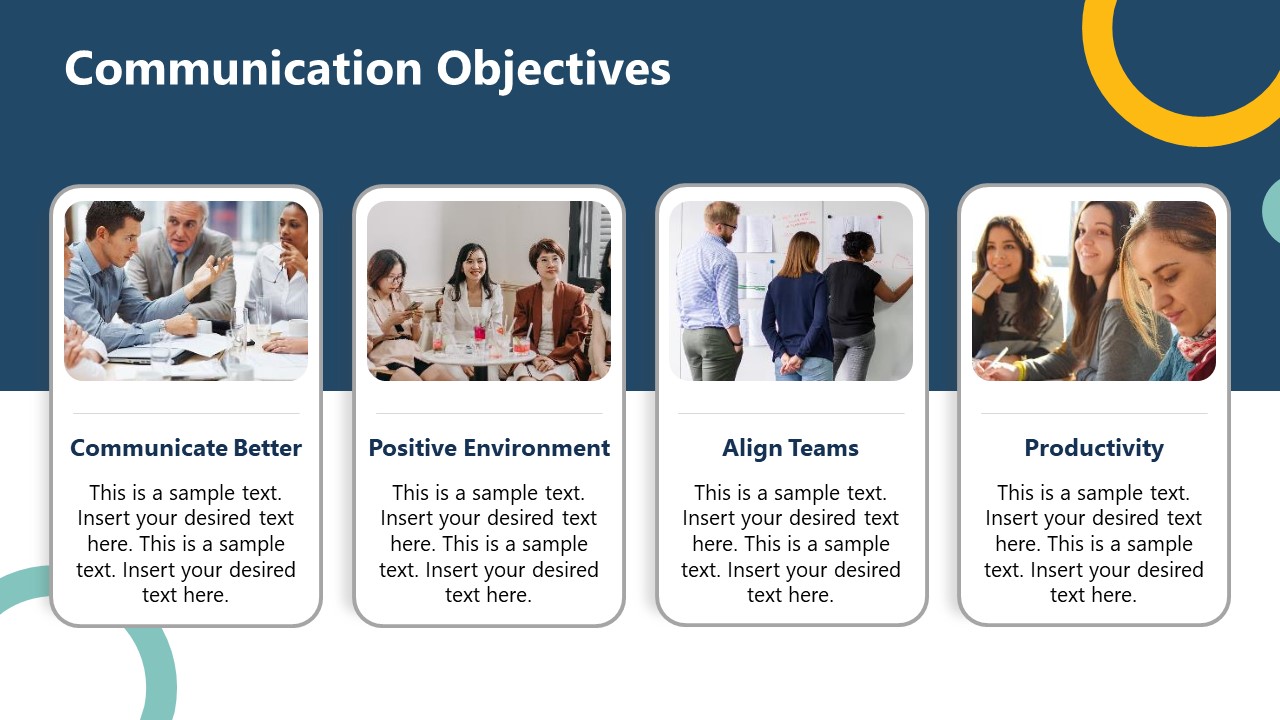
Efficient internal communication processes and employee coordination streamline the company’s decision-making process and optimize the workflows. The Internal Communication PowerPoint Template has slides with unique layouts and infographics. The overall presentation design is simple and minimal. The template has a professional cover slide followed by an executive overview slide. Initially, the presenter can explain the importance of internal communication strategy and its objectives and channels. Also, we have slides for:
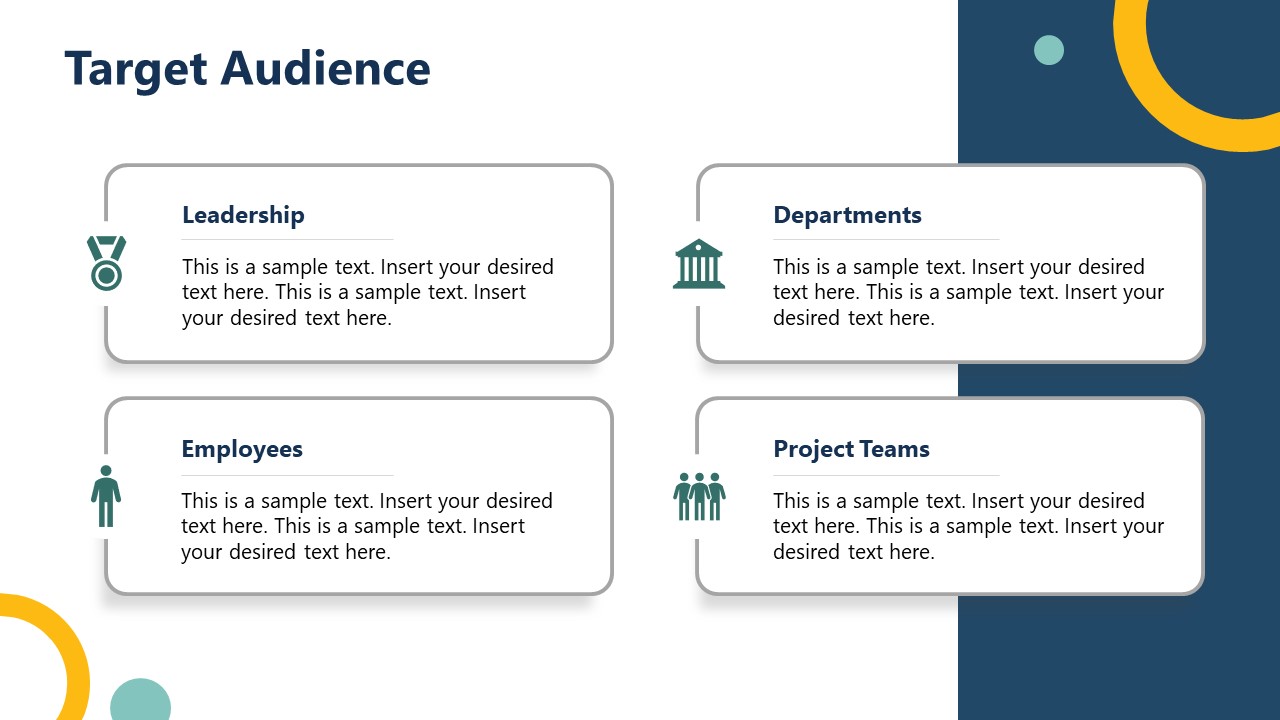
- Target Audience
- Roles & responsibilities
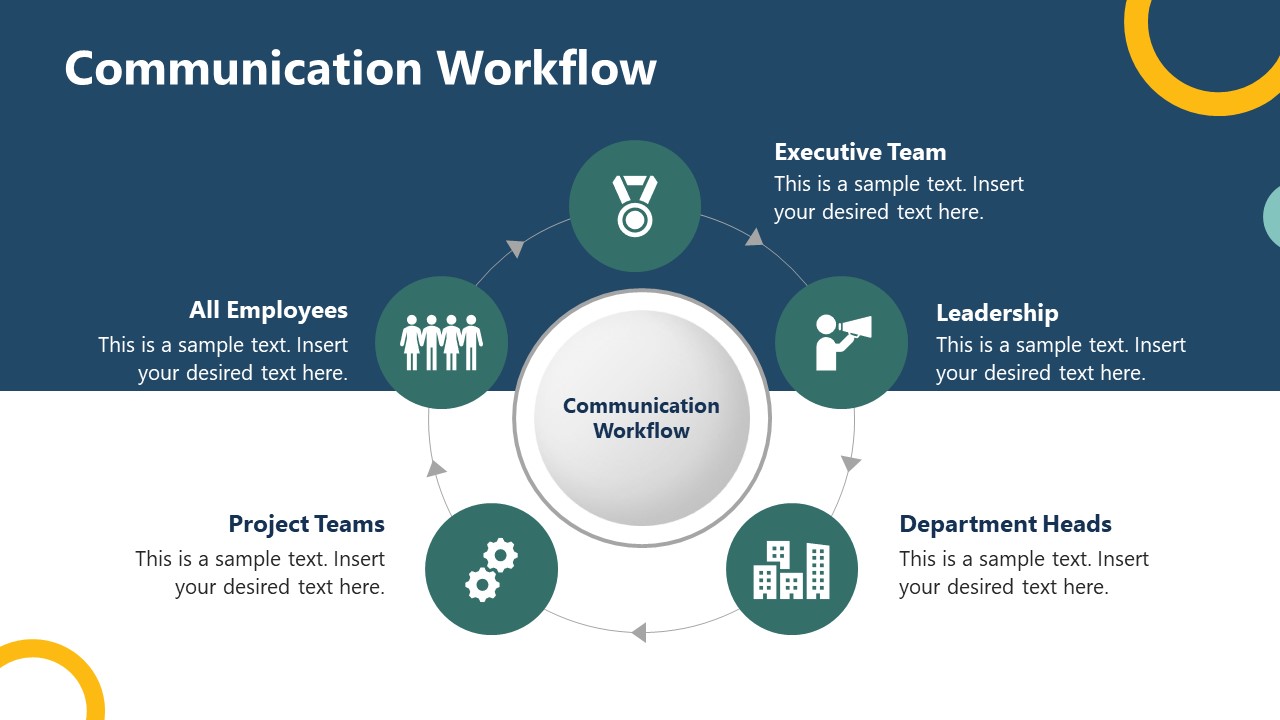
- Communication Workflow
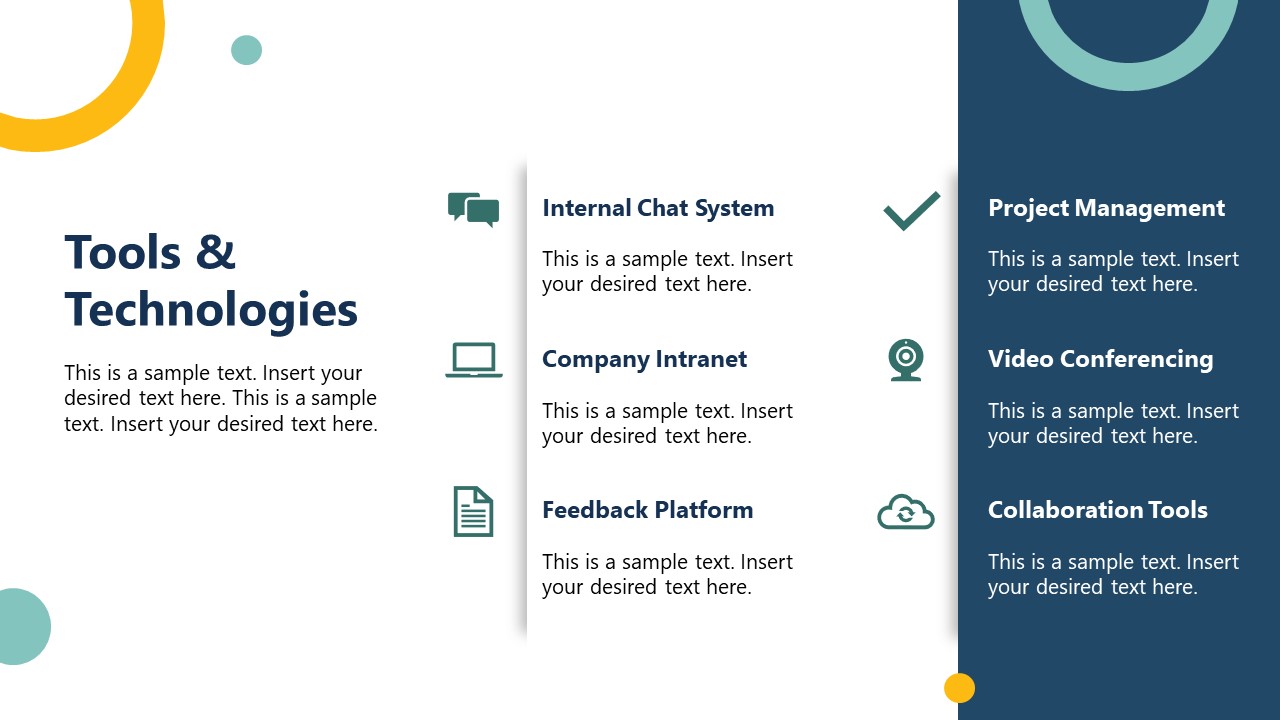
- Tools & Technologies
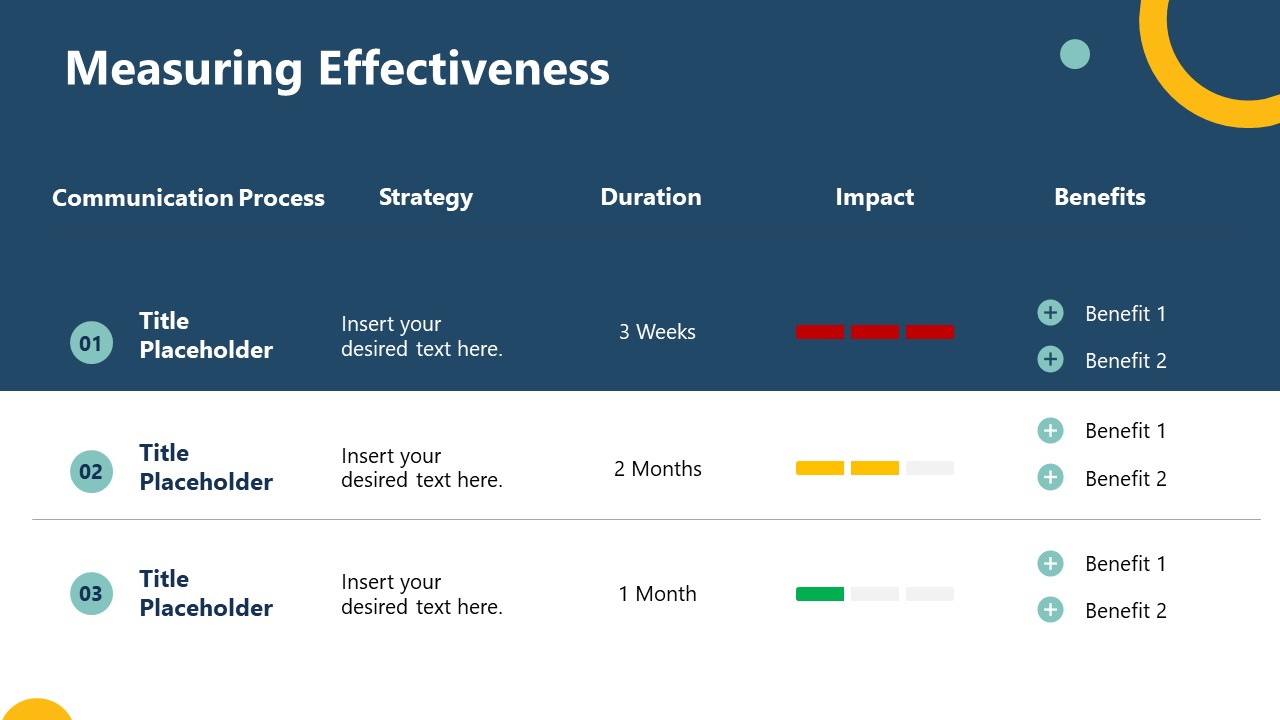
- Measuring Effectiveness
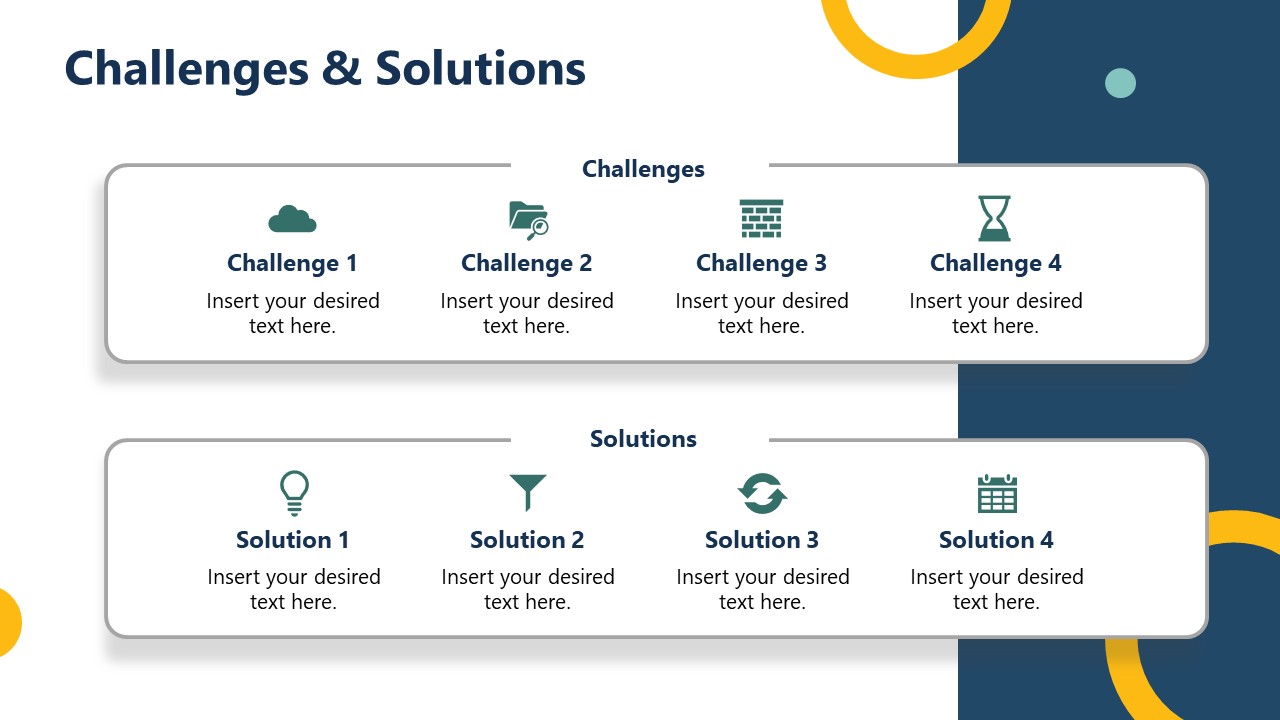
- Challenges & Solutions
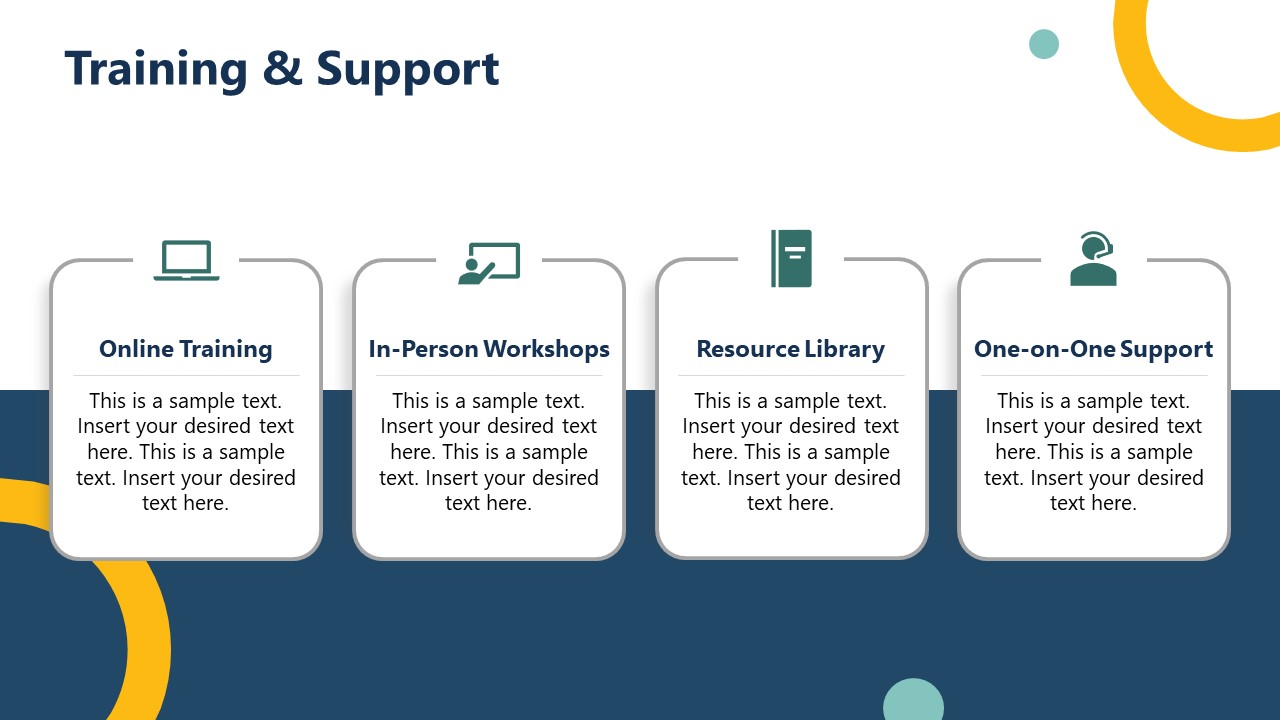
- Training & Support
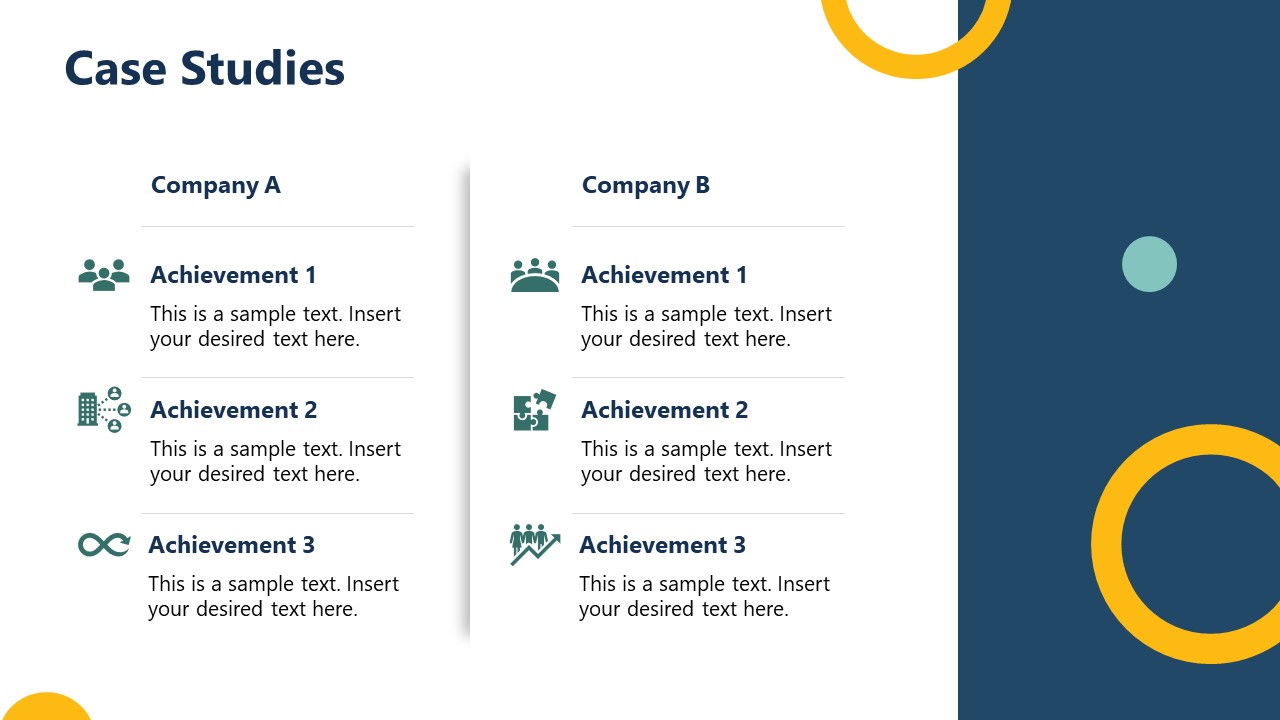
- Case Studies
Presenters can use our horizontal timeline for the rollout diagram slide to explain the stepwise approach to executing internal communication plans. They can mention the event dates and titles in the timeline to demonstrate the implementation plan. You can change the design’s fonts, icons, or graphical arrangement to perfectly suit your needs. You can also repurpose the template and present other topics. Download this interactive internal communication PPT template and edit it for your team presentations!
What’s inside this template
Example presentation scenarios
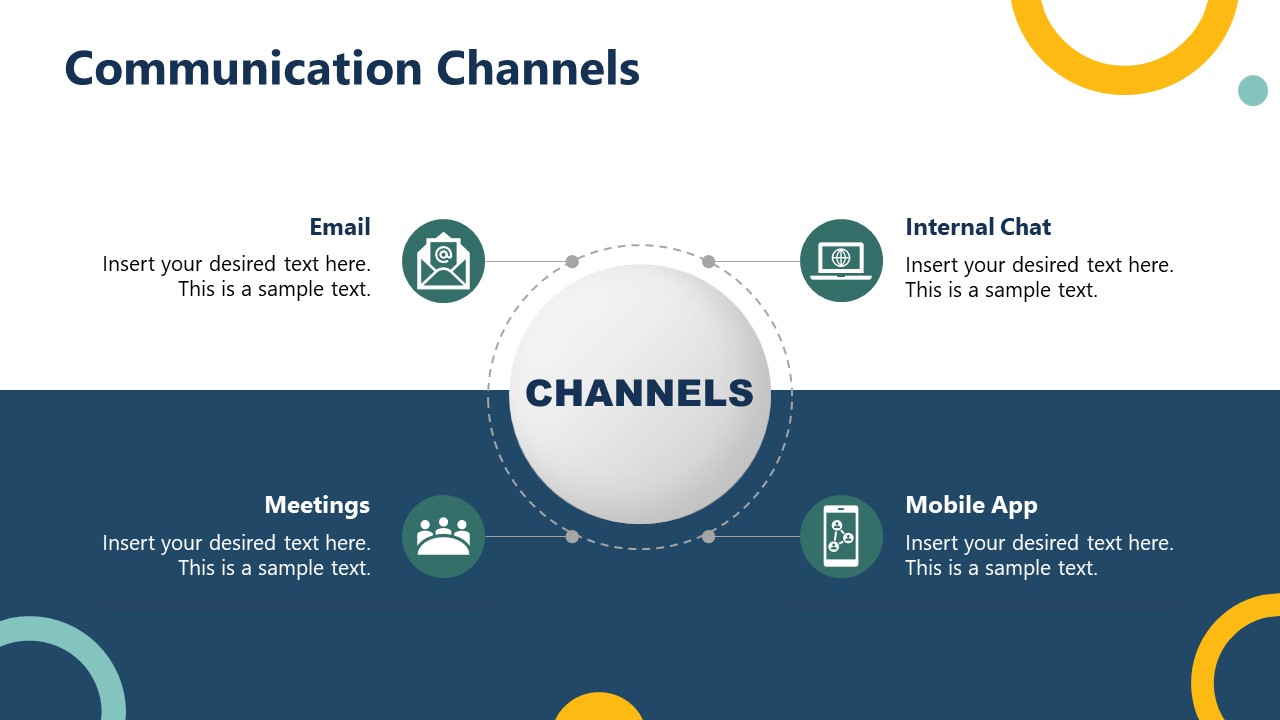
- An HR leader can brief managers on how company messages should move across teams using the communication channels diagram, target audience cards, and training and support slide.
- An internal communications manager can present a new communication operating model to executives using the executive summary, communication objectives cards, and roles and responsibilities table.
- An operations presenter can explain cross-department coordination for a process change using the circular communication workflow, tools and technologies list, and challenges and solutions slide.
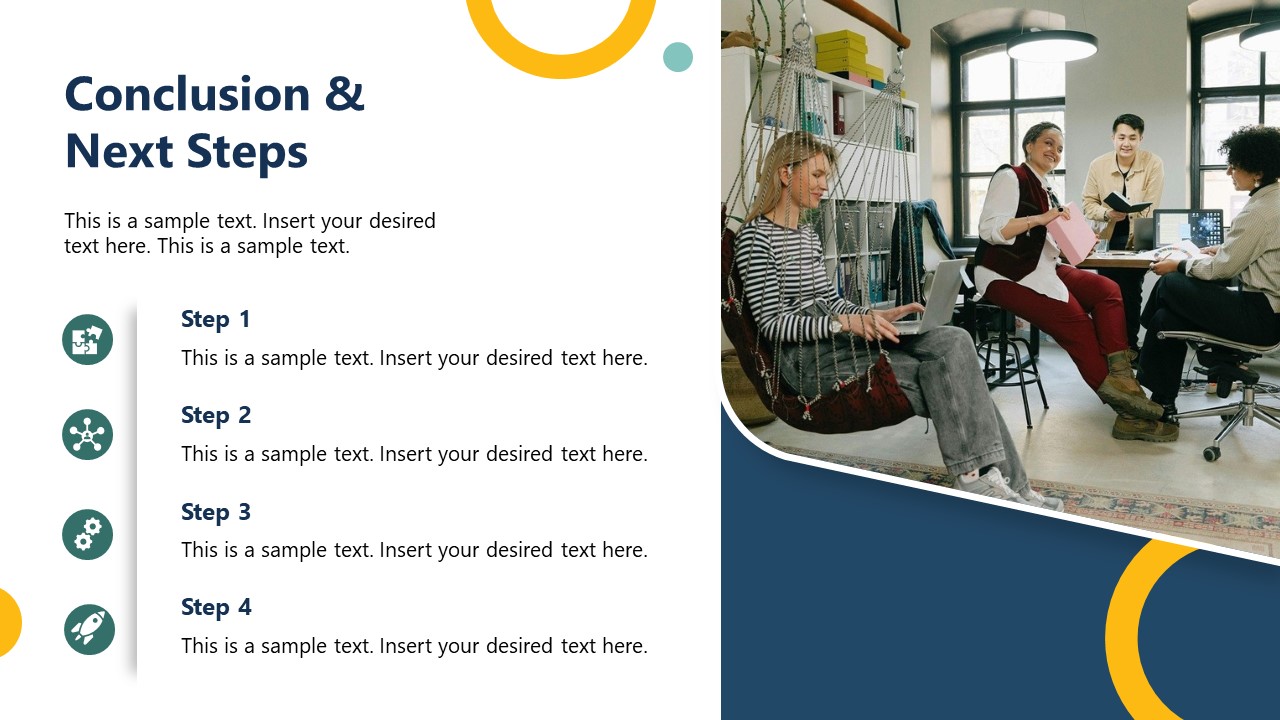
- A change management team can plan adoption milestones with department heads using the timeline for rollout, measuring effectiveness table, and conclusion and next steps slide.
- A communications consultant can compare prior results or examples for stakeholders using the case studies slide and then connect those examples to the planned workflow.
Features
- 100% editable presentation template
- Compatible with Microsoft PowerPoint
- 16:9 aspect ratio slides
- Scalable vector shapes, icons and illustrations
- AI-Ready for Microsoft Copilot and Claude
- Instant access and download
Frequently asked questions
Q: How should a presenter organize the message with this internal communication template?
A: Start with the executive summary to frame the communication issue and desired outcome. Then define objectives, audiences, channels, and responsibilities before showing the workflow. Use the measuring effectiveness and challenges and solutions slides as proof that the plan can be managed, not just announced. End with rollout timing and next steps.
Q: Who is this template best suited for during an internal change or coordination effort?
A: This template is best for HR, operations, and internal communications teams that need a structured briefing for managers or department heads. It is especially useful when the presenter must show who receives messages, which channels are used, who owns each responsibility, and how the rollout will be tracked across time.
Q: Why do the circular workflow and channel visuals help communicate an internal plan?
A: The circular workflow makes communication feel continuous rather than one-way, which fits employee coordination and feedback loops. The channels diagram separates delivery methods from stakeholder roles, so the audience can distinguish how information travels from who owns it. That visual separation reduces confusion during planning discussions.





Internal Communication PowerPoint Template
14-slide presentation template for internal communication channels, workflows, and rollout planning in Microsoft PowerPoint
Internal Communication PowerPoint Template is a 14-slide business presentation template for planning and explaining company information flow. Visible layouts include an executive summary, communication channel diagram, roles and responsibilities table, circular workflow, rollout timeline, and case study comparison for managers, HR teams, and communication leads using Microsoft PowerPoint.
- Category
- Business PowerPoint Templates
- Rating

 Loading...
- Aspect ratio
- 16:9
- Item ID
- 94014-02
- Colors
 Microsoft PowerPoint
 Microsoft Copilot
 Claude for PowerPoint
Other formats supported
Subscribe today and get immediate
access to download our PowerPoint templates.