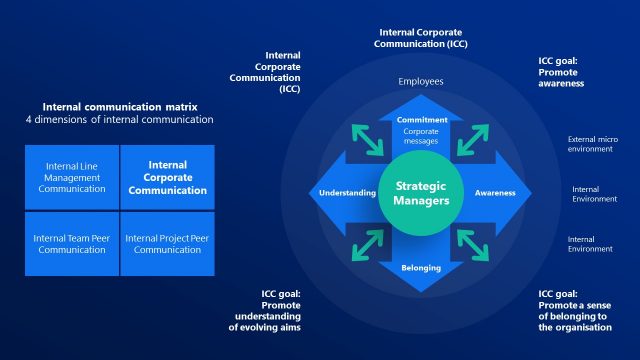
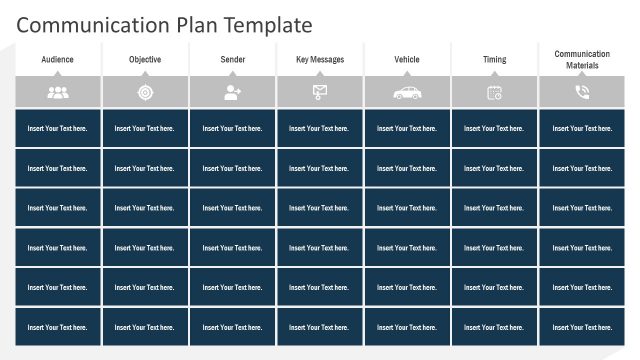
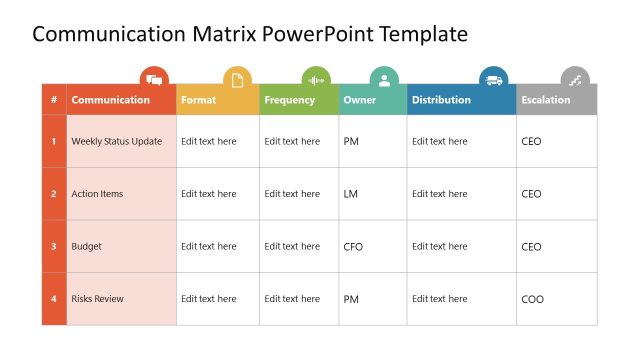
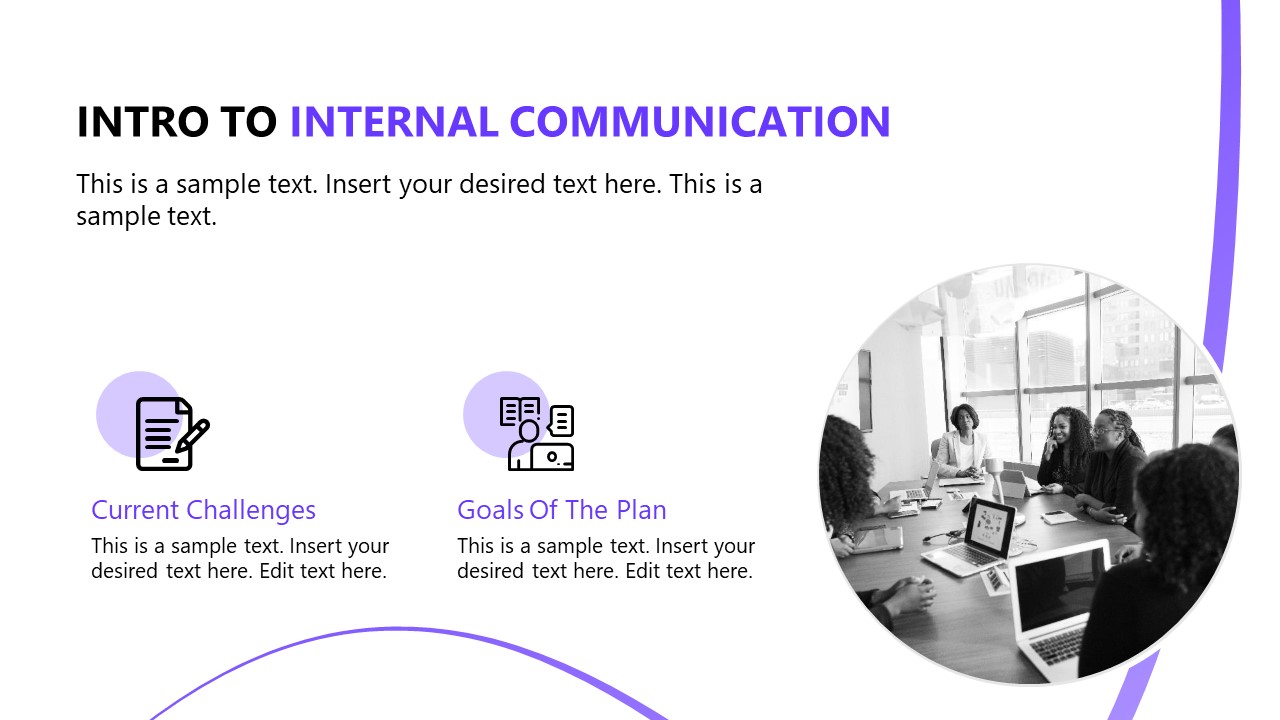
Present your effective communication strategies in the business meetings with our Internal Communication Plan PowerPoint Template. Internal communication refers to sharing information within the organization to keep employees informed and updated. Employee engagement is the key to corporate success. Timely communication about the task delegation, completion, and progress leads to better results. Internal communication can be made through various channels like emails, newsletters, intranet,t or meetings. It helps companies align employees with strategic business goals or project objectives. We have created this slide deck for professionals, project managers, operational managers, and other executive personnel. They can visualize a complete roadmap or internal communication in business meetings. Our templates are 100% editable, and users can also customize the slide design with PowerPoint, Google Slides, and Keynote.
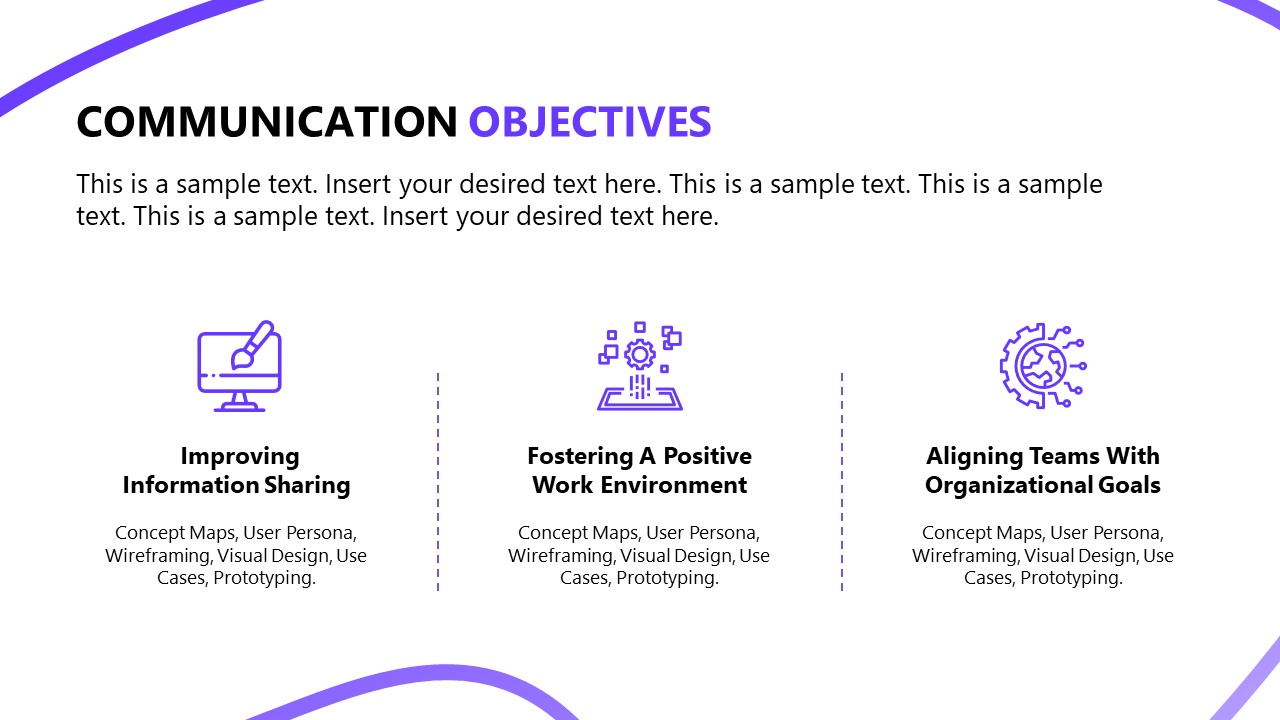
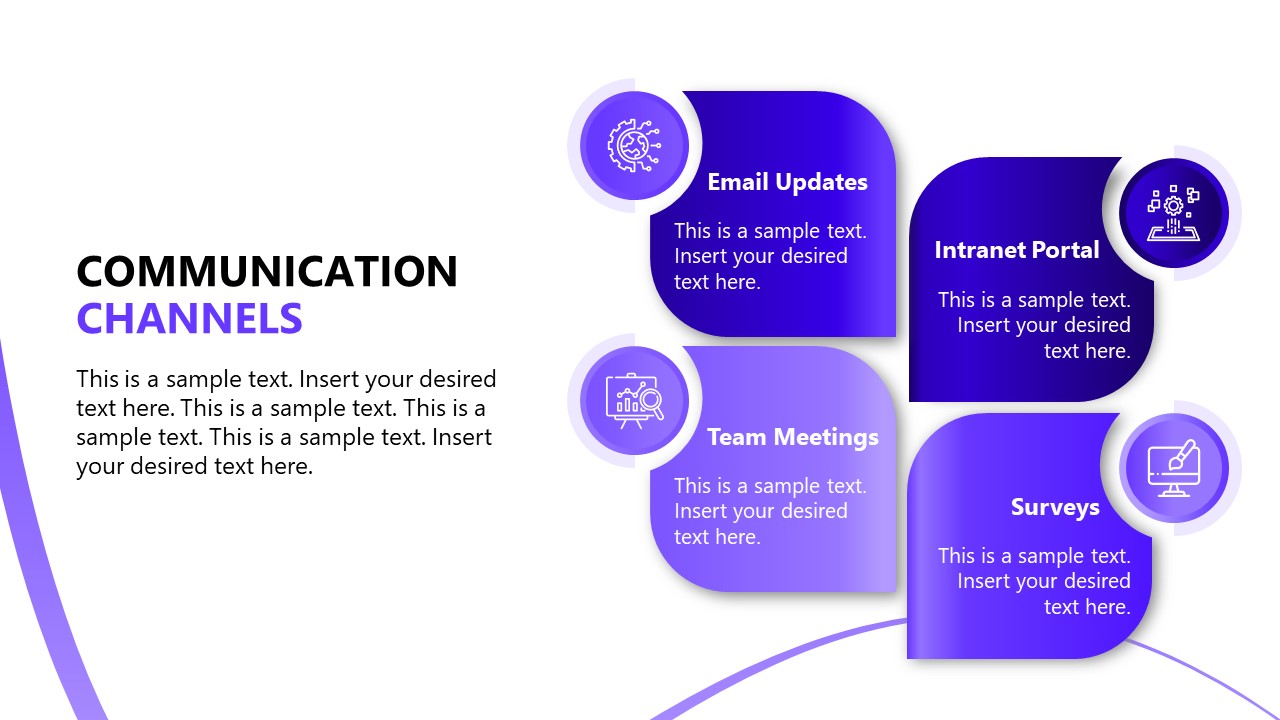
The Internal Communication Plan PowerPoint Template has multiple layout slides, each for a specific purpose. Also, this slide PPT template is enriched with relevant and creative infographic icons that allow professionals to demonstrate their ideas or plans visually. Moreover, you can also change the shapes, graphical icons, diagrams, or charts used in the presentation template based on your choices and theme. The template starts with a professional cover slide following an executive summary and introduction to the internal communication slide. Next, presenters can describe the communication objectives and channels using infographics and a creative layout design. Further, we have slides for:
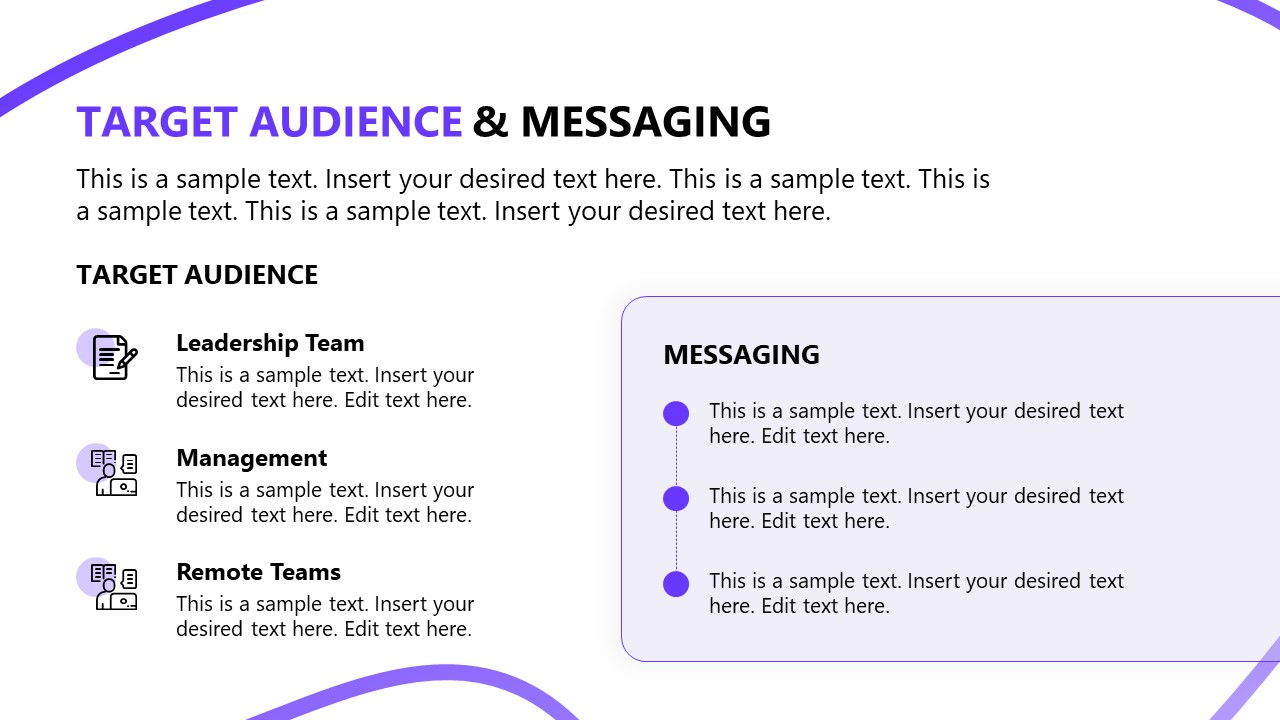
- Target Audience & Messaging
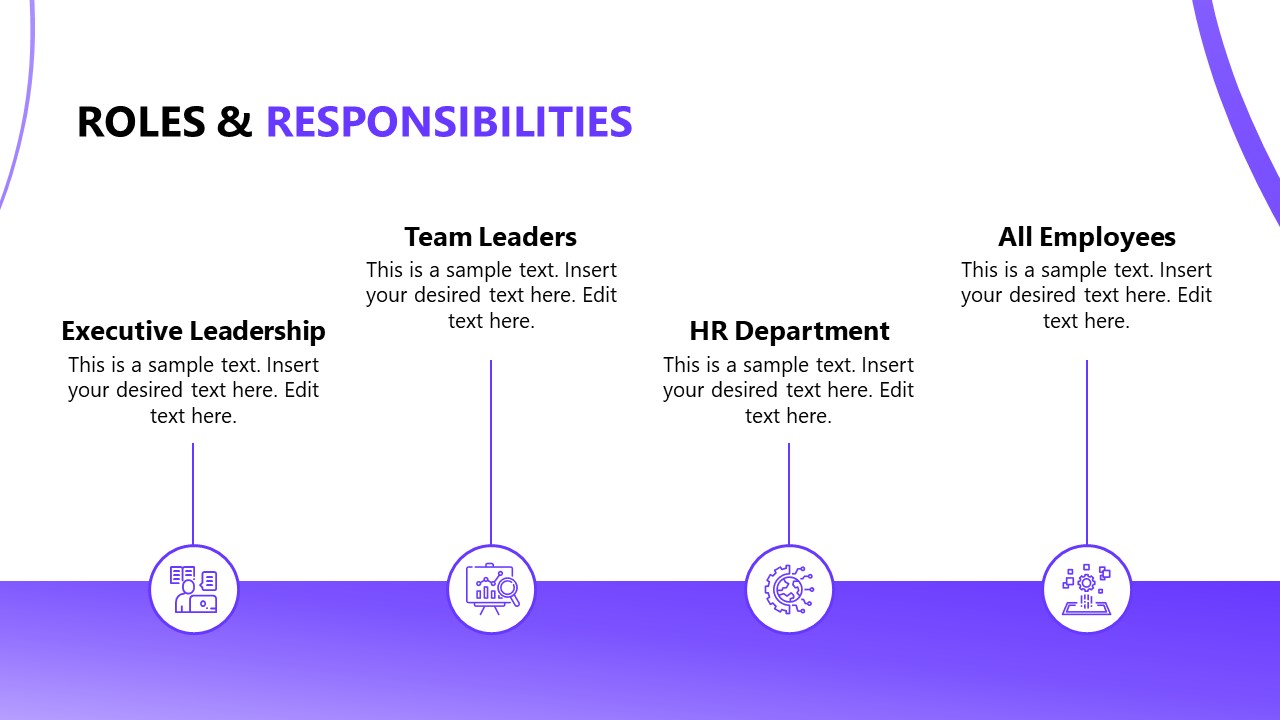
- Roles and Responsibilities
- Communication Workflow
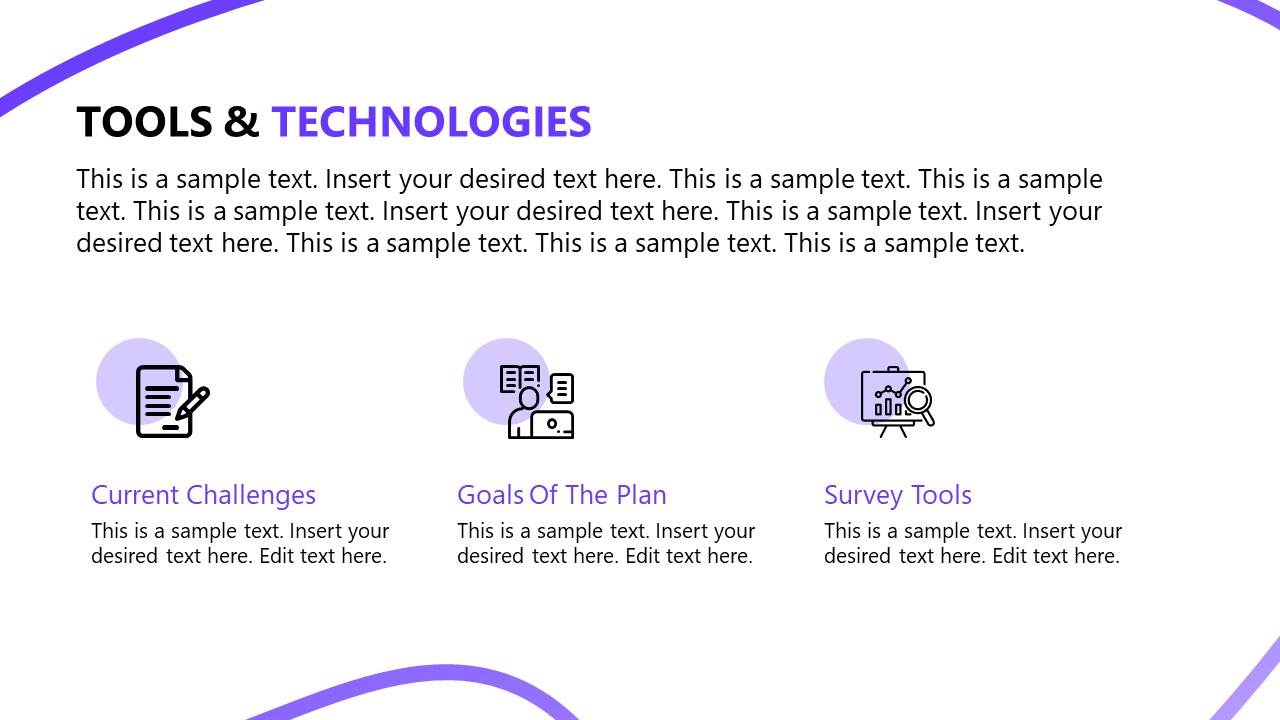
- Tools & Technologies
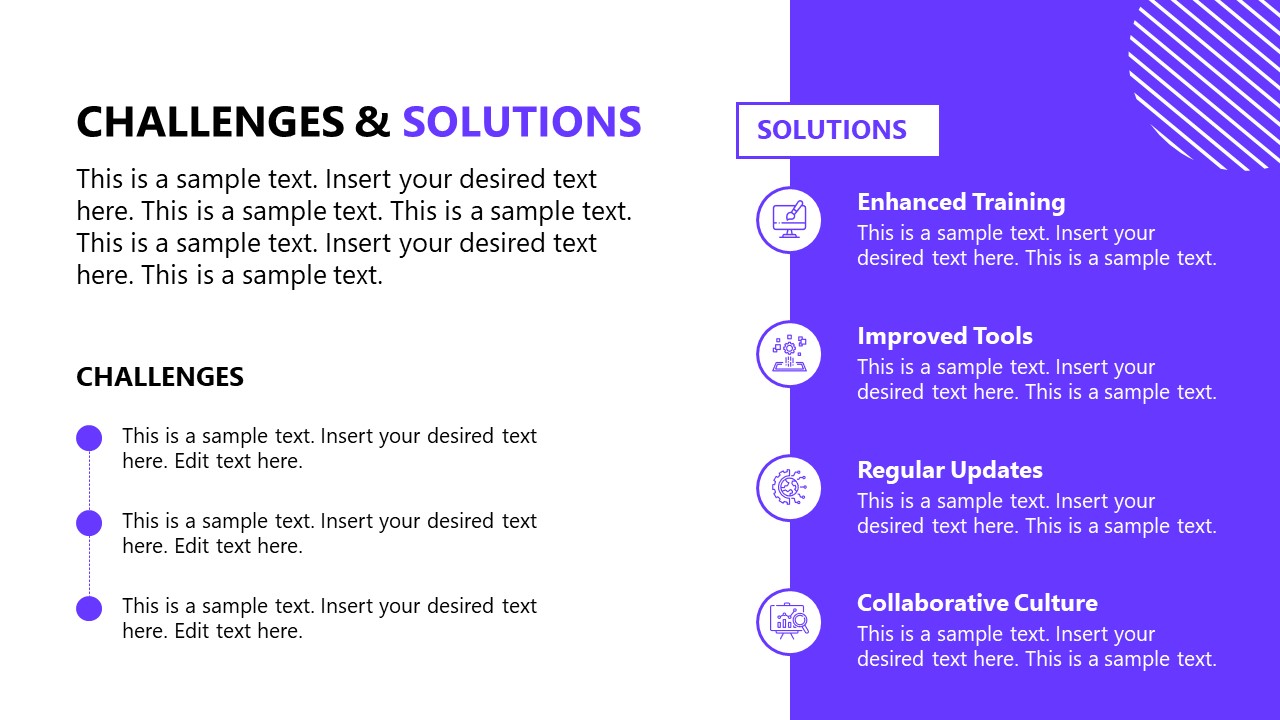
- Challenges and Solutions
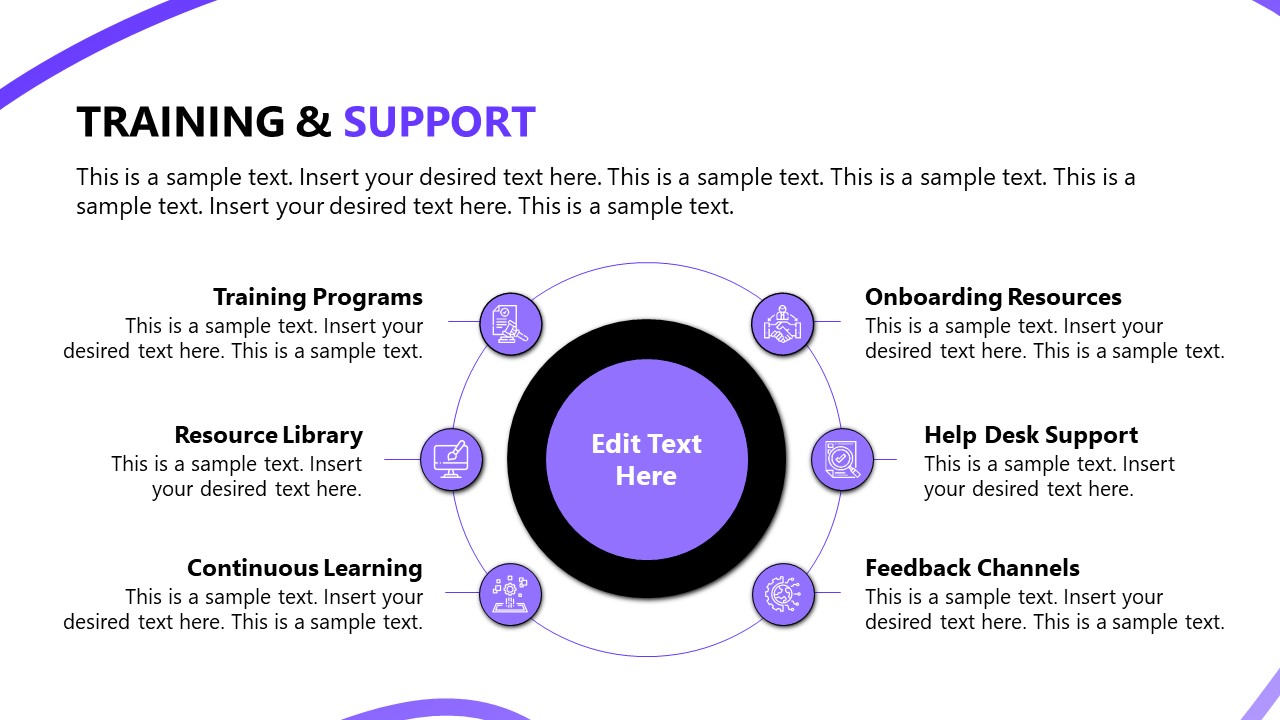
- Training & Support
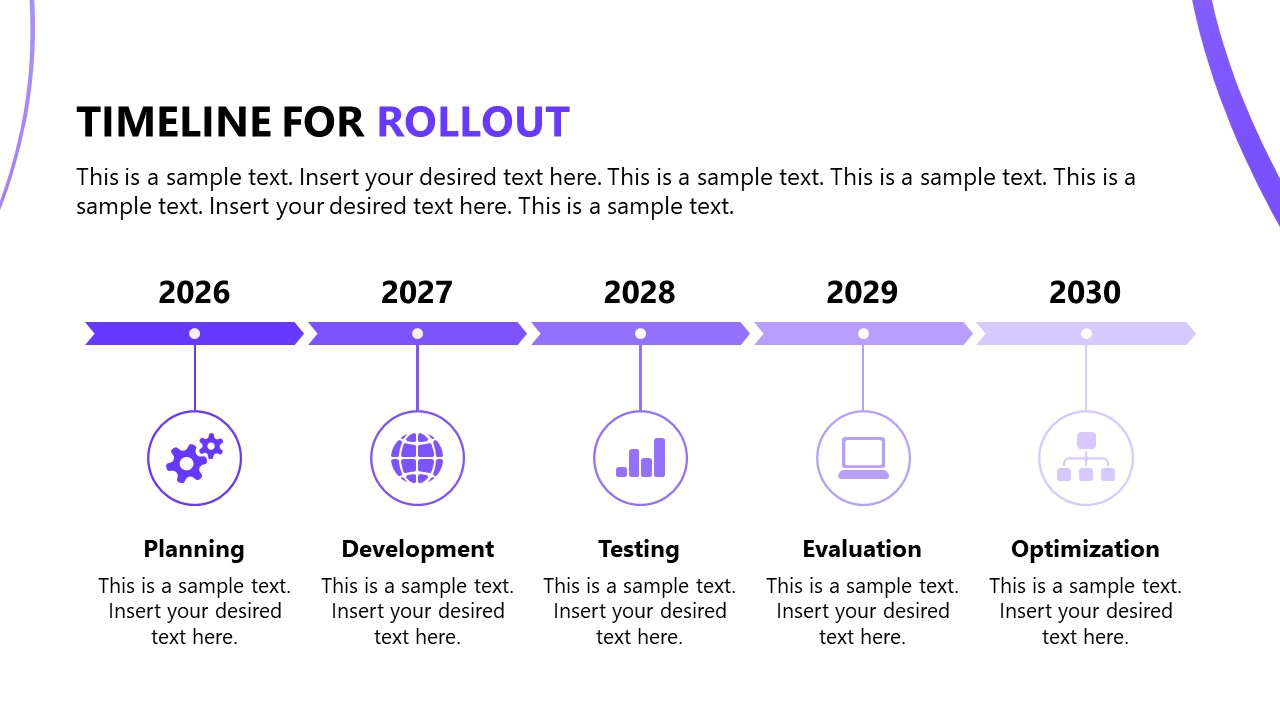
- Timeline for Rollout
- Case Study
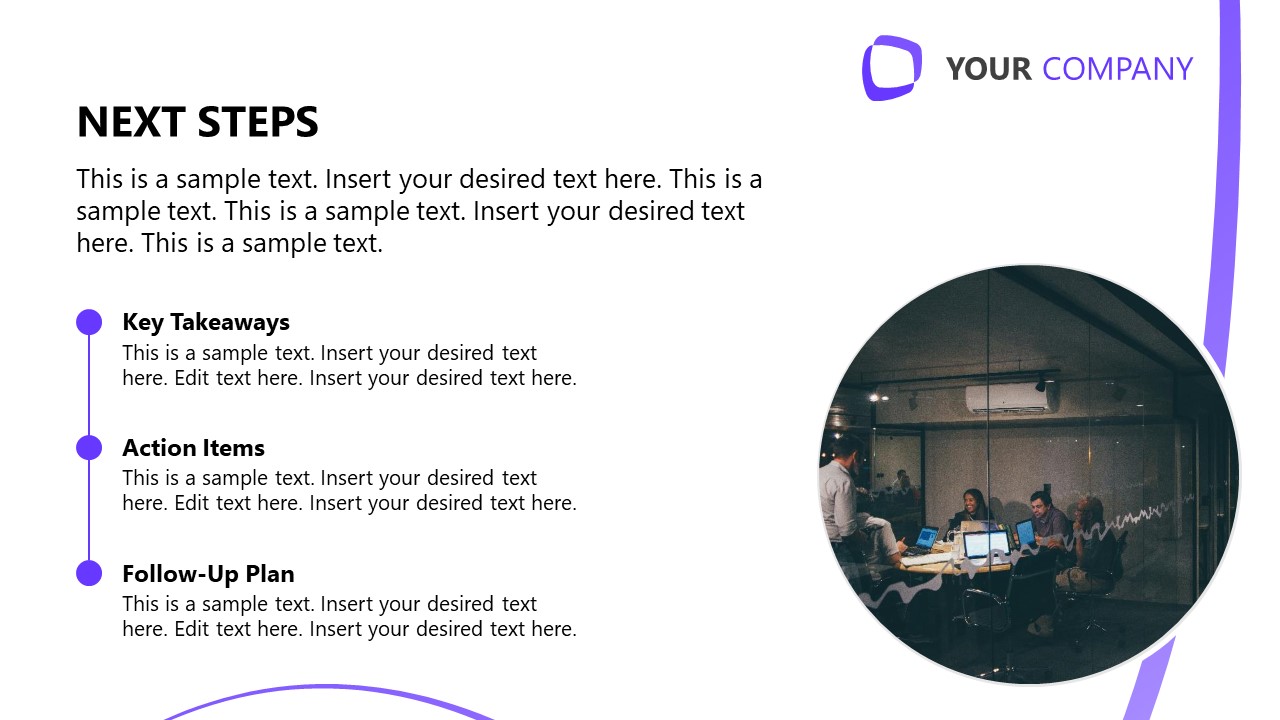
- Next Steps
We have provided a quadrant diagram slide to help professionals explain the key points related to effectiveness measurement. Download this engaging internal communication plan template for PowerPoint and edit it today! Also, check our article about communication plan template and our collection of business PPT templates.
What’s inside this template
Example presentation scenarios
- A communications manager can use the workflow diagram and communication channels slide to explain how messages move from creation to approval, distribution, feedback, and follow-up across the organization.
- An HR leader can present the target audience and messaging slide to align leadership, management, remote teams, and employees on what each group needs to hear during a change program.
- A project manager can use the roles and responsibilities slide and the rollout timeline to show owners, phases, and timing for a communication plan tied to a new initiative.
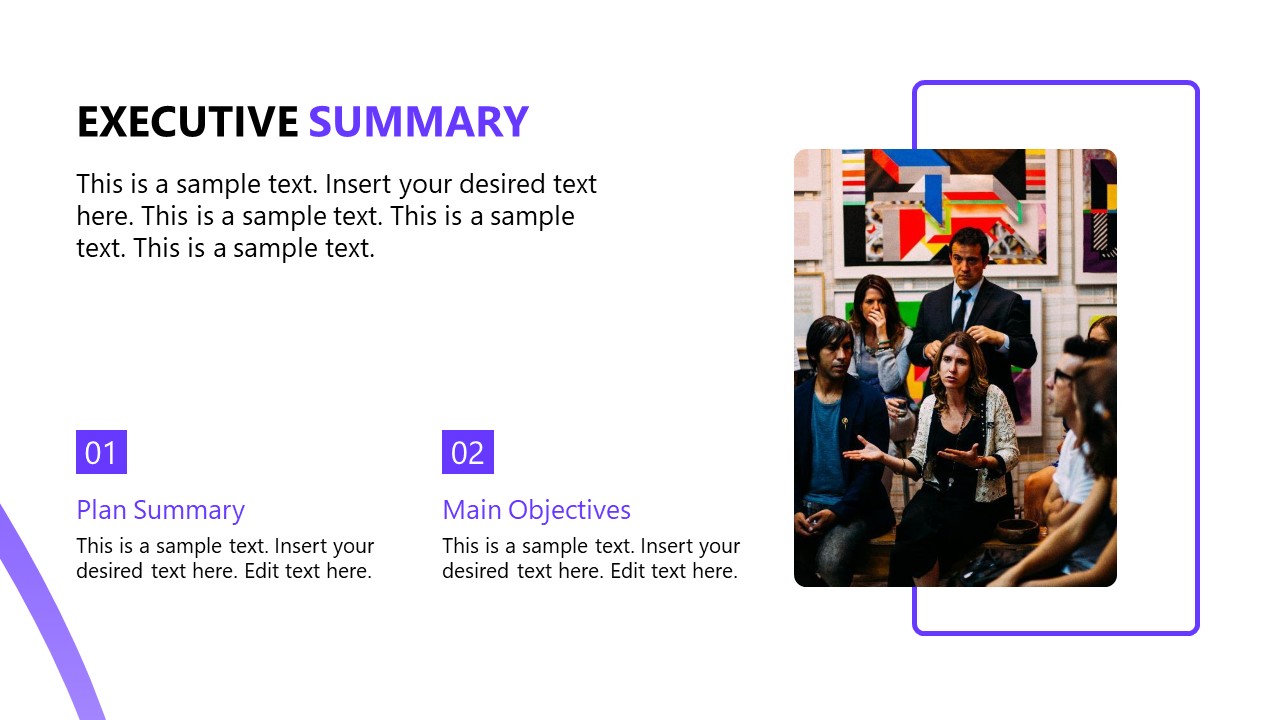
- An executive sponsor can use the executive summary, measuring effectiveness matrix, and next steps slide to review the plan, define success measures, and approve follow-up actions.
Features
- 100% editable presentation template
- Compatible with Microsoft PowerPoint and Google Slides
- 16:9 aspect ratio slides
- Scalable vector shapes, icons and illustrations
- Ready with Animations & Transitions in PowerPoint
- AI-Ready for Microsoft Copilot and Claude
- Instant access and download
Frequently asked questions
Q: How should a presenter structure the message with this internal communication plan deck?
A: Start with the executive summary to define the business reason for communication, then move through objectives, audience messaging, channels, and responsibilities before showing workflow and measurement. This sequence helps the audience see the plan as an operating system, not a set of disconnected announcements. Close with rollout timing and next steps so decisions are clear.
Q: Who is this template best suited for in a business meeting?
A: This deck fits communications managers, HR leaders, operations teams, and project managers who need to brief decision-makers or department leads on an internal communication program. It is strongest when the goal is to align employees around a change, policy, project launch, or engagement initiative using audiences, channels, roles, and rollout timing.
Q: Why do the workflow, quadrant, and timeline layouts help explain the plan?
A: The workflow makes the communication process visible from message creation to follow-up, which reduces ambiguity about handoffs. The measurement quadrant groups effectiveness indicators by relative importance or effort, making tradeoffs easier to discuss. The rollout timeline then turns the strategy into phased action, so the audience can connect intent with execution.







Internal Communication Plan PowerPoint Template
16-slide internal communication plan presentation template with workflow, messaging, and rollout timeline layouts
Internal Communication Plan PowerPoint Template is a 16-slide business presentation template for planning employee communication programs. It includes an executive summary, communication objectives, channel matrix, target audience messaging, roles and responsibilities, workflow diagram, effectiveness quadrant, rollout timeline, and next steps. It is made for Microsoft PowerPoint and Google Slides.
- Category
- Business PowerPoint Templates
- Rating

 Loading...
- Aspect ratio
- 16:9
- Item ID
- 77118-01
- Colors
 Microsoft PowerPoint
 Microsoft Copilot
 Claude for PowerPoint
Other formats supported
Subscribe today and get immediate
access to download our PowerPoint templates.