Slide 2 of 3 from Interaction Diagrams for PowerPoint
2 Step Interaction Diagram for PowerPoint
Interaction Diagram - 2 Steps for Presentations
- Diagram
- Venn
- Concept Explanation Slide
- 16:9
- 100% Editable
The Interaction Diagram - 2 Steps slide from the Interaction Diagrams for PowerPoint template offers a clear visual tool for explaining processes and relationships. Featuring editable shapes and text placeholders, this slide supports business presentations and training sessions by illustrating two-step interactions with overlapping circles and directional arrows. It integrates well within a corporate presentation or pitch deck template to enhance conceptual clarity using professional slide templates.
What’s on This Slide
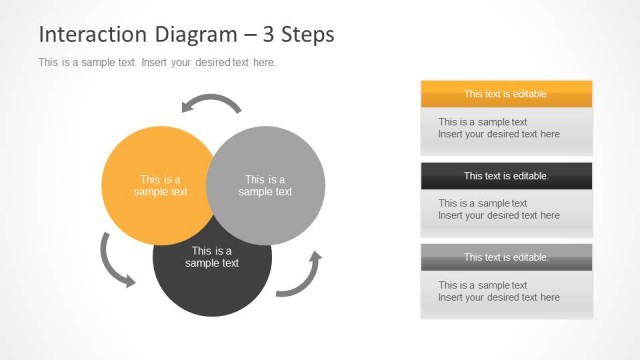
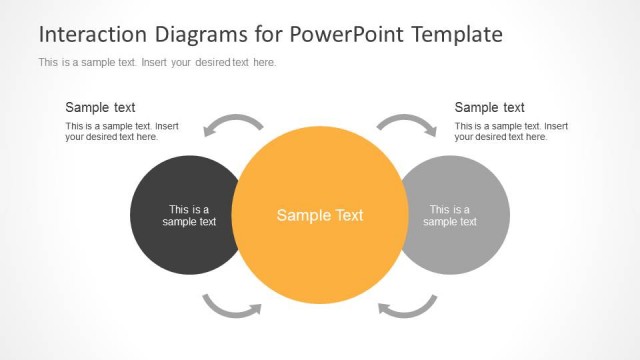
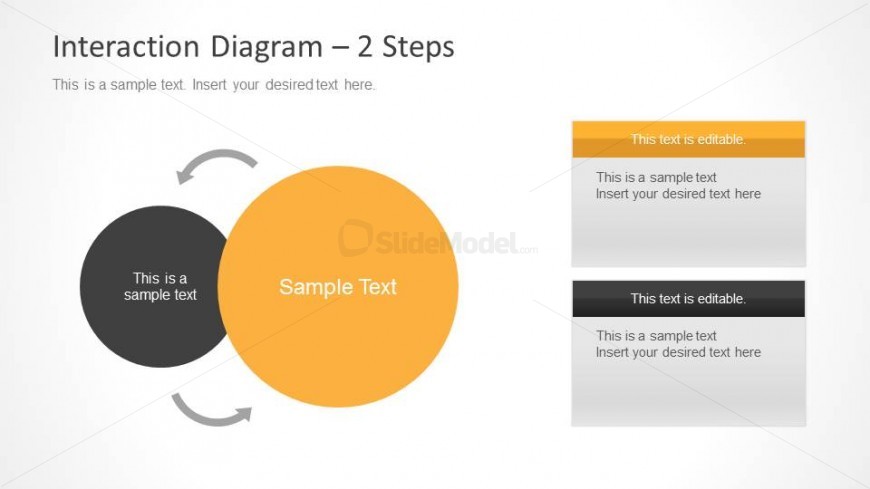
The slide features a two-step interaction diagram with two overlapping circles. The left circle is black and contains a text placeholder aligned to the center, labeled 'This is a sample text.' The right circle is orange with a larger placeholder labeled 'Sample Text.' An arrow connects the circles, indicating interaction. To the right, there are two editable text boxes stacked vertically, one with an orange header and the other with a black header. Each box contains a sample text placeholder. The background is light, enhancing contrast.
How to Use It
This layout serves as a two-step interaction diagram, ideal for illustrating relationships between two concepts. It fits well in a presentation sequence following a problem statement, allowing for visual representation of solutions or interactions. This structure is useful in business contexts for process explanations, training sessions, or analytical presentations. The editable text areas allow for customization to fit specific content needs.
Text Placeholders & Capacity
Keep your copy within these limits so it fits without resizing. Body slots are tight, roughly 8-10 words each.
| Placeholder | Count | Max characters (approx.) |
|---|---|---|
| Item heading | 2 | 30 |
| Item body | 2 | 50 |
| Body paragraph | 2 | 50 |
| Slide title | 1 | 50 |
Slide Keywords
Download unlimited PowerPoint templates, charts and graphics for your presentations with our annual plan.
DOWNLOADReturn to Interaction Diagrams for PowerPoint.