Slide 1 of 3 from Interaction Diagrams for PowerPoint
3 Interaction Diagram for PowerPoint
Three-Circle Interaction Diagram for Presentations
- Diagram
- Venn
- Concept Explanation Slide
- 16:9
- 100% Editable
The Three-Circle Interaction Diagram slide from the Interaction Diagrams for PowerPoint template uses overlapping circles and connecting arrows to visually explain relationships and interactions among three elements. This slide layout is suitable for business presentations and pitch decks that require clear visualization of shared influences or collaborative processes. It includes editable shapes and text placeholders, making it adaptable for various corporate presentation needs.
What’s on This Slide
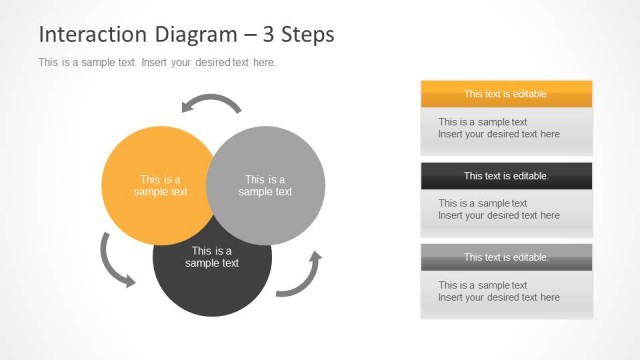
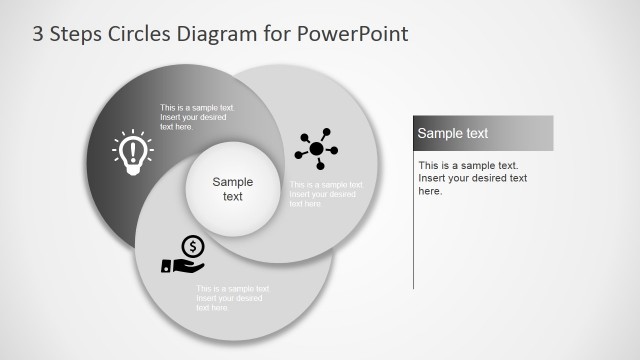
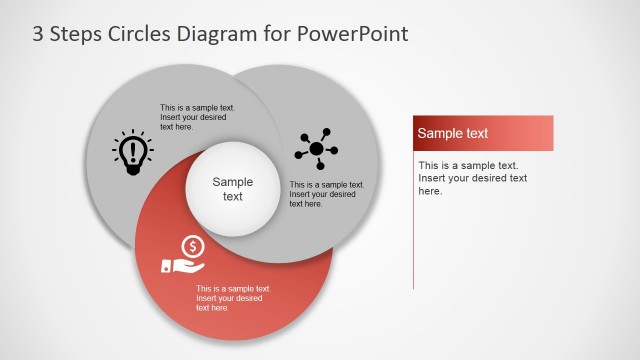
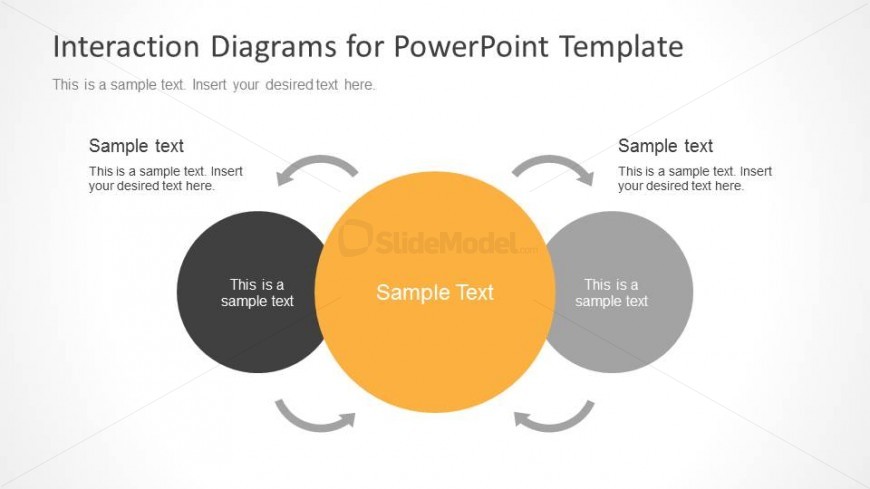
The layout features three overlapping circles arranged in a triangular formation. The central circle is larger and colored orange, while the two outer circles are smaller and colored black and gray. Each circle contains a text placeholder, aligned centrally within the shapes. Curved arrows connect the outer circles to the central circle, indicating interaction. The background is a light gradient, enhancing the visual hierarchy. Text placeholders are present at the top and bottom, with a clear visual separation from the diagram elements.
How to Use It
This layout serves as a Venn diagram to illustrate relationships and interactions among three elements. It fits well in presentations discussing overlapping concepts, shared influences, or collaborative processes. Ideal for business meetings, training sessions, or analytical discussions, it visually represents how different components interact and contribute to a central idea. It can be used to explain concepts in marketing strategies, project management, or team dynamics.
Text Placeholders & Capacity
Keep your copy within these limits so it fits without resizing. Node labels can hold about 30 characters each.
| Placeholder | Count | Max characters (approx.) |
|---|---|---|
| Item heading | 3 | 30 |
| Body paragraph | 3 | 50 |
| Slide title | 1 | 50 |
| Footer | 2 | 50 |
Slide Keywords
Download unlimited PowerPoint templates, charts and graphics for your presentations with our annual plan.
DOWNLOADReturn to Interaction Diagrams for PowerPoint.