Slide 3 of 3 from Interaction Diagrams for PowerPoint
3 Step Interaction Diagram for PowerPoint
3-Step Interaction Diagram for Presentations
- Diagram
- Venn
- Concept Explanation Slide
- 16:9
- 100% Editable
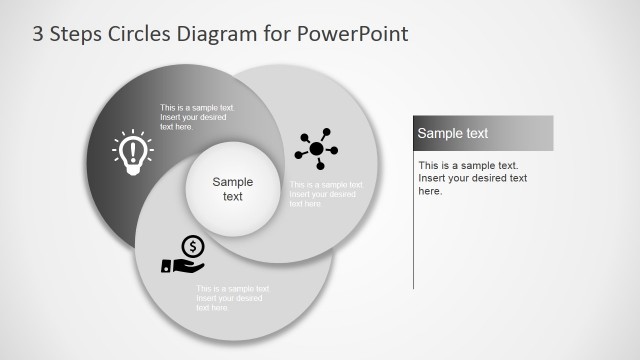
The Interaction Diagram - 3 Steps slide from the Interaction Diagrams for PowerPoint template offers a clear visual for mapping cyclical relationships among three concepts. This slide layout uses editable shapes and vector icons to highlight overlapping areas, making it suitable for strategic planning, process mapping, and training presentations. Its design supports effective communication in business presentations and pitch deck templates by emphasizing concept interactions within a professional slide deck.
What’s on This Slide
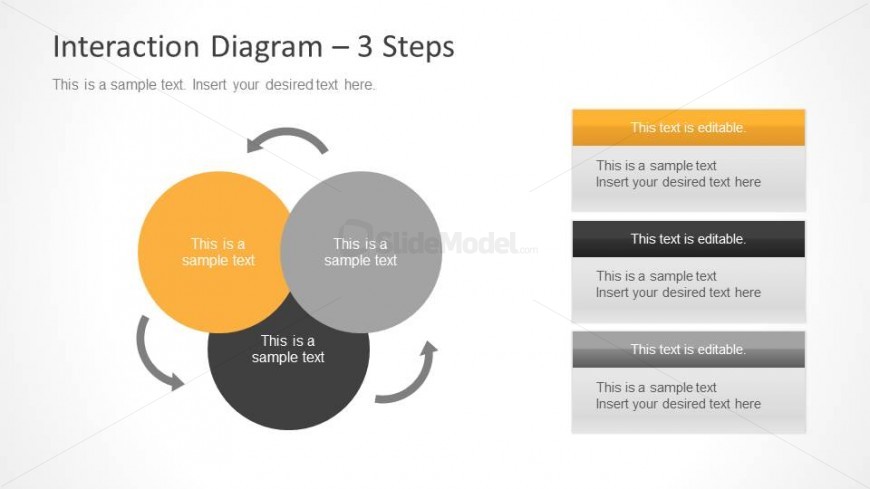
The layout features three overlapping circles arranged in a triangular formation, each labeled with editable text placeholders. The circles are colored orange, gray, and black, with a central intersection area also containing a text placeholder. Arrows connect the circles, indicating a cyclical interaction. To the right, there are four vertical text placeholders stacked, with the top one highlighted in orange. The background is a light gradient, enhancing the visual hierarchy. The overall composition emphasizes the relationships among the circles and the accompanying text.
How to Use It
This layout serves as a three-step interaction diagram, ideal for illustrating relationships and overlaps among three concepts. It fits well in a presentation sequence following a problem statement and leading into a solution or analysis. This structure is useful for business scenarios such as process mapping, training sessions, or strategic planning discussions, where understanding interactions is crucial.
Text Placeholders & Capacity
Keep your copy within these limits so it fits without resizing. Body slots can hold roughly 10-12 words each.
| Placeholder | Count | Max characters (approx.) |
|---|---|---|
| Item heading | 3 | 30 |
| Item body | 1 | 50 |
| Body paragraph | 4 | 60 |
Slide Keywords
Download unlimited PowerPoint templates, charts and graphics for your presentations with our annual plan.
DOWNLOADReturn to Interaction Diagrams for PowerPoint.