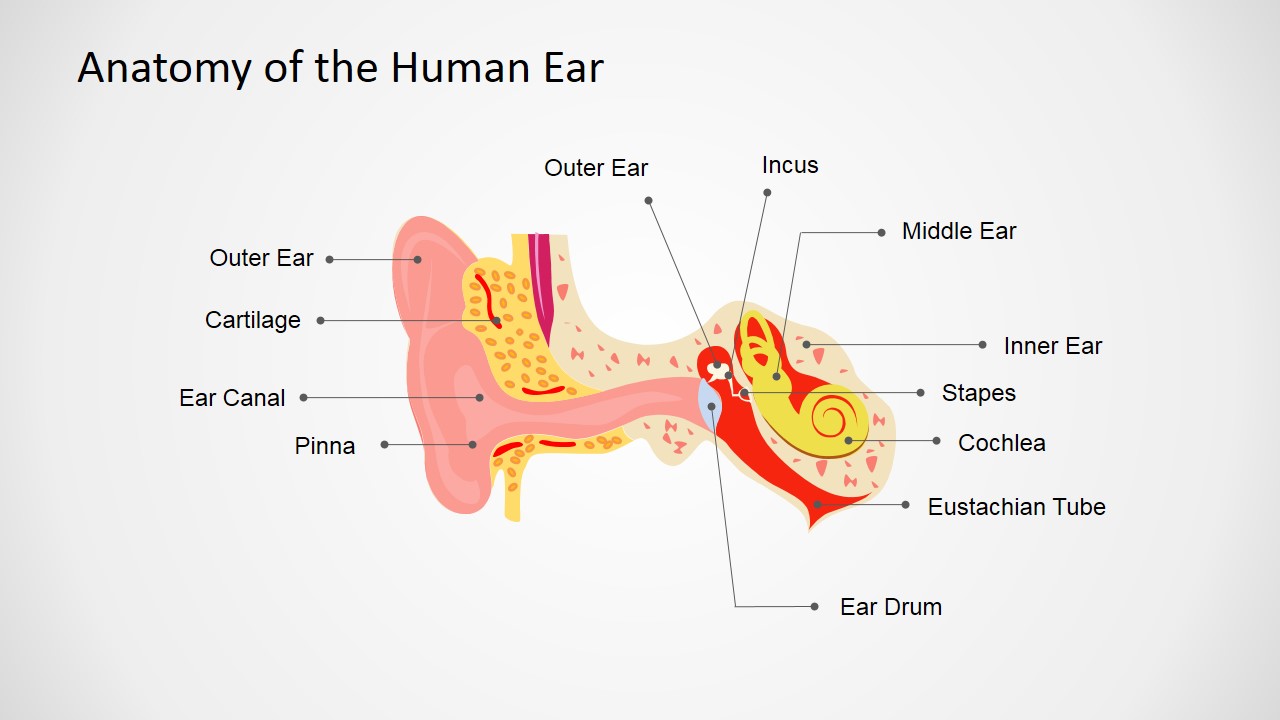
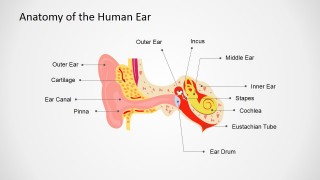
Human Anatomy Ear PowerPoint Shapes – Showcase an innovative presentation of the anatomy of the human ear using the PowerPoint Template Human Anatomy Ear PowerPoint Shapes. Medicine practitioners and students will benefit from the advanced design of this template in both practical and academic settings. The objects illustrated in this template that compose the human ear can be removed, repositioned and edited. This type of presentation allows the students to have a better understanding of each part of the human ear. The quality of the image and the names clearly written for each part helps a lot in memorizing the entire anatomy correctly. It’s also a teaching breakthrough for medical professors due to the quality of the illustrated objects. The individual parts of this presentation are all PowerPoint objects that retain its image quality after editing.
This presentation is perfect for seminars and lectures about the anatomy of the human ear. It’s also great for academic exercises such as fill-in the blanks type of recitations, quizzes and tests. Medical professionals will also benefit from this template by using it as a diagram to show patients which part of their ear has a medical issue, which part is affected by whichever actions and other similar scenarios. It is a more practical way of explaining ear cases to patients without the need for x-rays.
The human ear is an organ responsible for hearing. This organ evaluates noises and converts it into electrochemical impulses. Aside from the ability to hear, the human ear provides the sense of balance or equilibrium. The nerve receptors that respond to sound waves or changes in movement are the ones responsible for those functions. The eyes also support the ears with balance. There are quite a few stimuli that could affect the health of the ears. For example, rapid changes of pressure in the ears may result to painful sensation. It’s because of the unequal pressure impacting against the eardrums.
What’s inside this template
Example presentation scenarios
- A medical professor can introduce ear anatomy in a lecture by using the labeled cross-section to identify structures such as the cochlea, stapes, incus, eustachian tube, and ear drum.
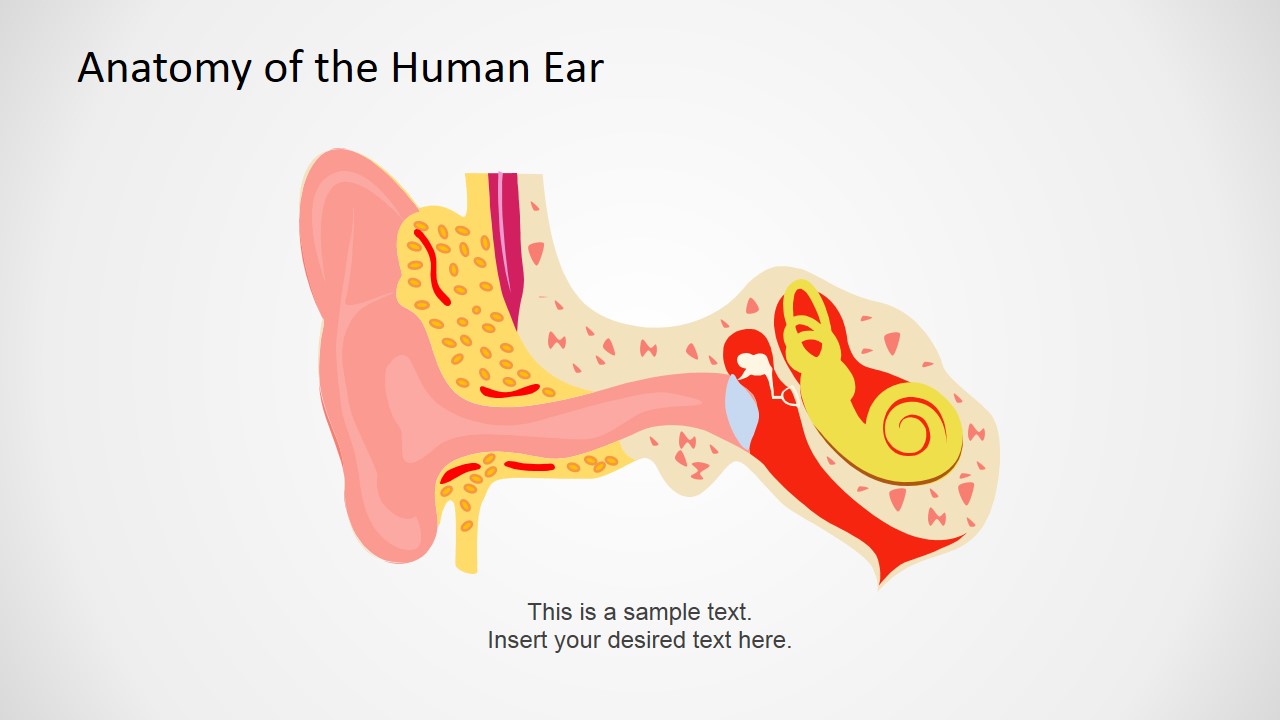
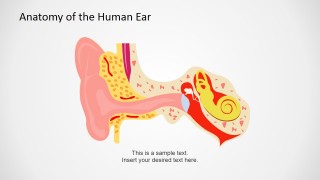
- An audiologist can explain a hearing-related condition to a patient by starting from the simplified unlabeled ear diagram and adding notes beside the illustration.
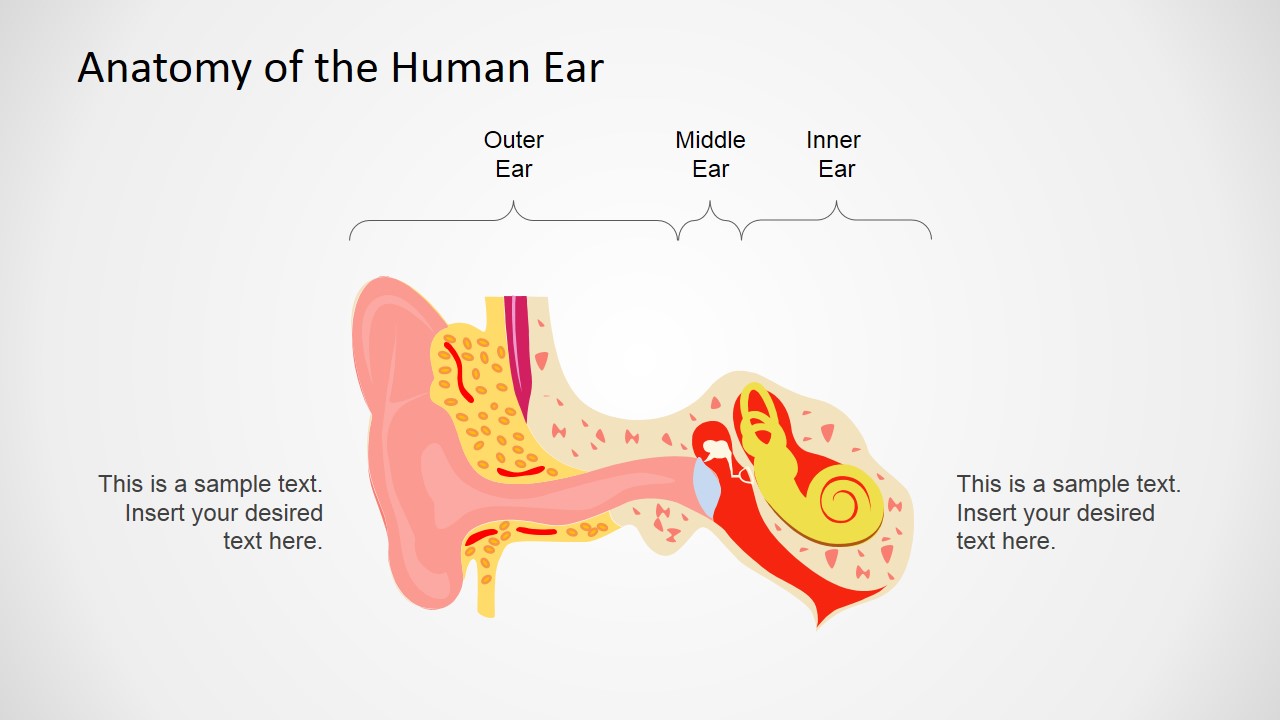
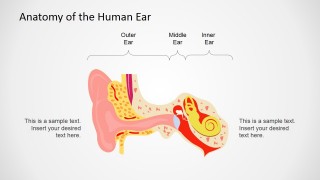
- A biology or nursing instructor can create a review activity by removing or hiding labels from the diagram and asking students to identify the outer, middle, and inner ear regions.
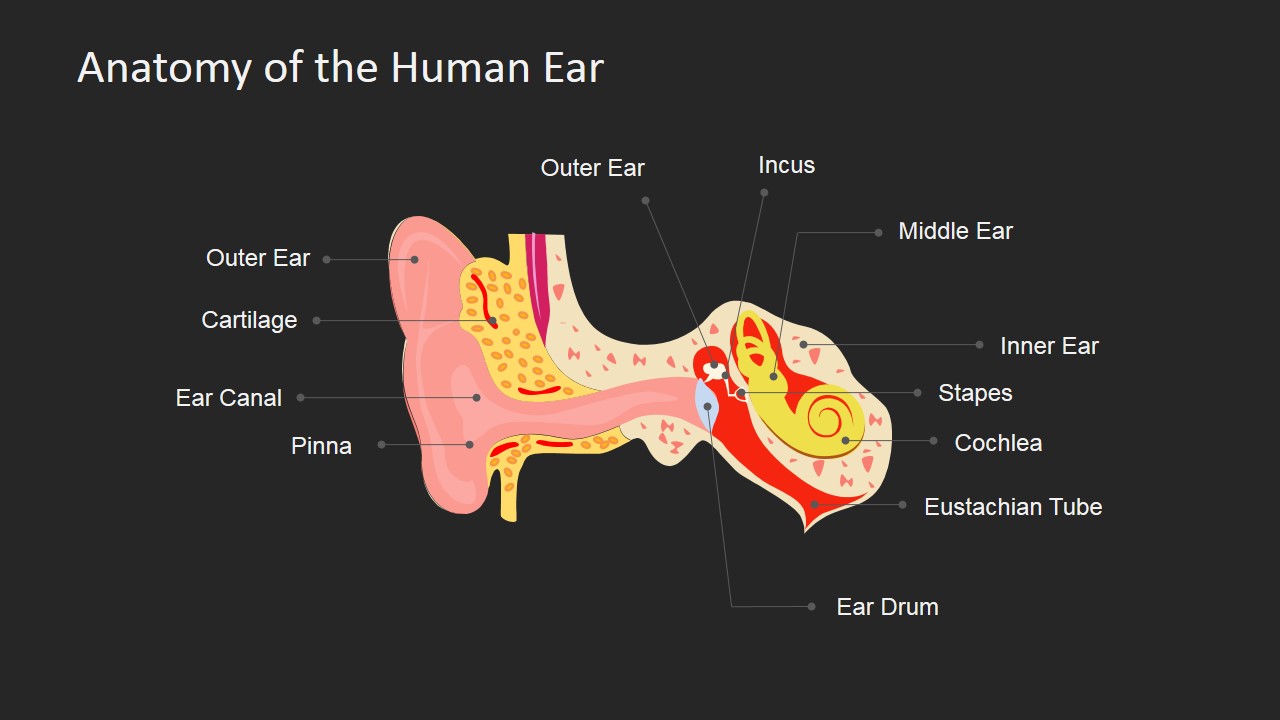
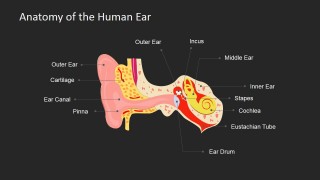
- A clinical trainer can compare slide 1 and the dark-background slide to adapt the same labeled anatomy content for classroom projection or a professional seminar setting.
Features
- 100% editable presentation template
- Compatible with Microsoft PowerPoint and Google Slides
- 16:9 aspect ratio slides
- Scalable vector shapes, icons and illustrations
- AI-Ready for Microsoft Copilot and Claude
- Instant access and download
Frequently asked questions
Q: How should a presenter explain the ear diagram without overwhelming the audience?
A: Start with the bracketed outer, middle, and inner ear layout to establish the three main regions before naming individual structures. Then move to the fully labeled diagram and introduce details in a logical path from pinna and ear canal toward the ear drum, ossicles, cochlea, and eustachian tube.
Q: Who is this template best suited for in a medical or education setting?
A: This template fits instructors, doctors, audiologists, and healthcare trainers who need a clear visual explanation of ear anatomy. It works well for introductory lectures, patient conversations, and student review because the deck includes both fully labeled diagrams and a simplified illustration with room for custom explanation.
Q: Why include both labeled and unlabeled versions of the same ear illustration?
A: The repeated illustration supports progressive teaching. The presenter can first orient the audience with the unlabeled anatomy image, then reveal the named structures with callout lines, and finally use the dark-background version for emphasis or recap. This sequence helps learners connect visual position with terminology.
Human Anatomy Ear PowerPoint Shapes
4-slide medical anatomy presentation template with editable ear diagram labels for lectures and patient education
Human Anatomy Ear PowerPoint Shapes is a 4-slide medical diagram template for explaining ear anatomy. It includes a labeled human ear cross-section, an outer-middle-inner ear bracket layout, an unlabeled diagram with text space, and a dark-background labeled variant for doctors, lecturers, and students in PowerPoint and Google Slides.
- Category
- Shapes
- Rating


 Loading...
- Aspect ratio
- 16:9, 4:3
- Item ID
- 6599-02
- Colors
 Microsoft PowerPoint
  Microsoft Copilot
  Claude for PowerPoint
 Other formats supported
Subscribe today and get immediate
access to download our PowerPoint templates.