Medical Diagram Slide Design for PowerPoint– a medical infographics in flat shapes design. The slides give a classic feel to the report. Different clipart highlight some of the main organs of the body in colorful circles. Color psychology says that the color purple encourages imagination, creativity and a calm mind. This can help the audience to open their minds for new perspectives and learning.
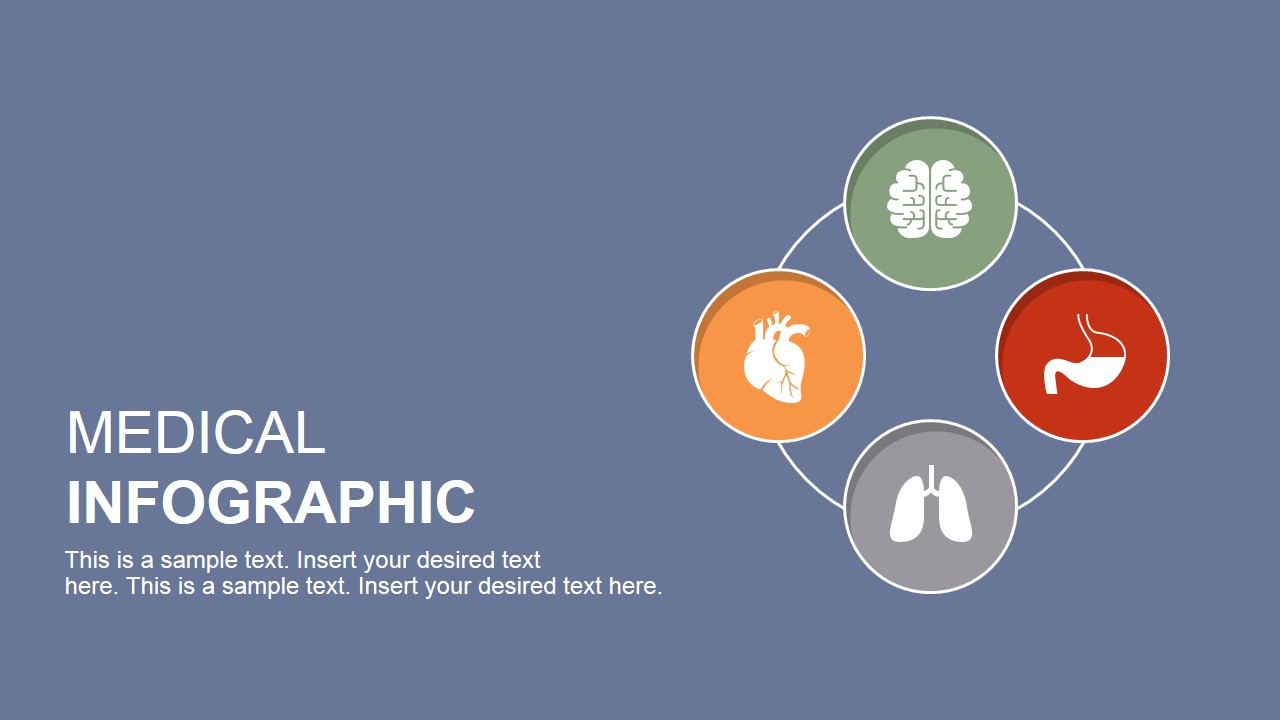
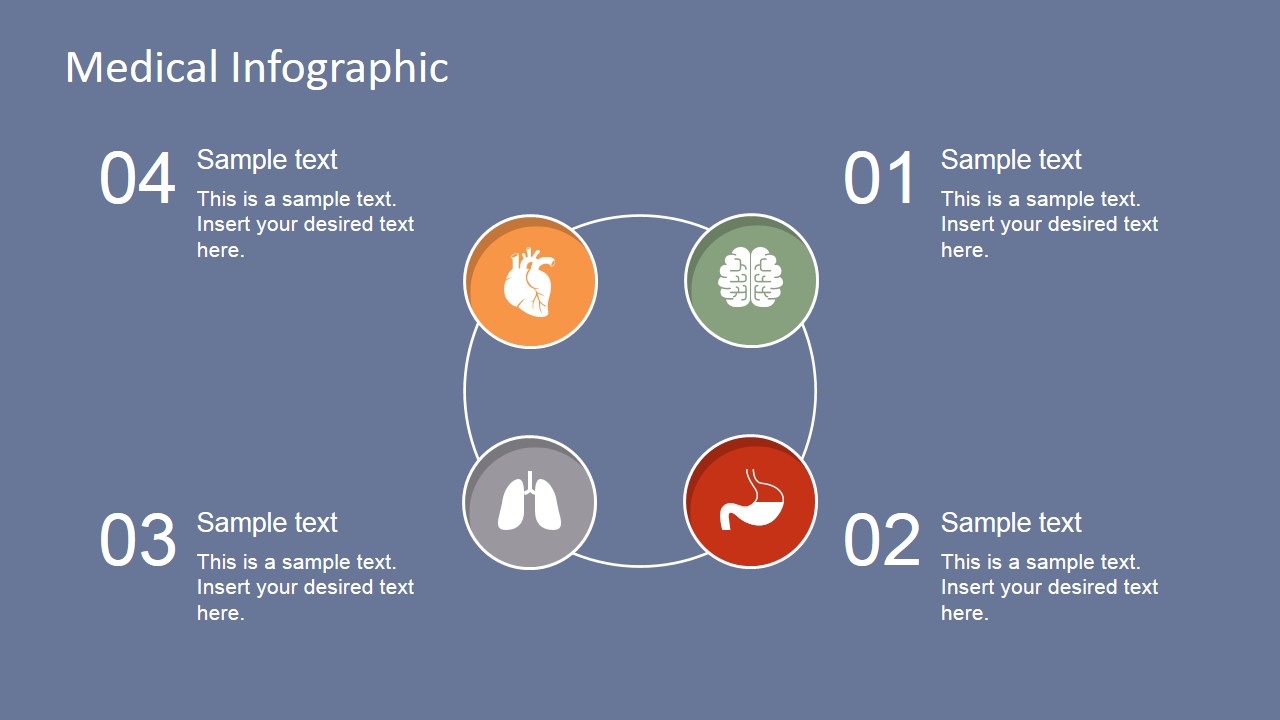
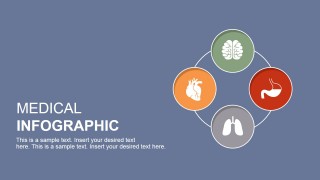
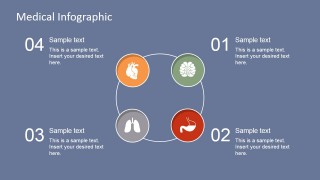
There are 6 unique designs in the slides compilation. The first one features the title page. A circular diagram can be found on the right side of the slide. It shows an interconnected set of organs- the heart, brain, stomach and lungs. The title Medical Infographics in on the left side. The user can write a short subheading under the title. The second slide showcases the relationship between the displayed organs. Corresponding text boxes can be found beside each PowerPoint shape. The third to last slides individually highlight each human body organ. The spacious right section can be a venue for detailed explanations.
Medical Diagram Slide Design for PowerPoint is ideal for medical concept reports. It can be used in both academic and personal uses. The speaker can use it in identifying organs and their functions. It is entirely flexible. It is designed to allow quick modifications with the use of PowerPoint shapes menu. Colors, background, placement and fonts can be altered. This makes the shapes reusable. The presenter can copy and paste them on other reports to supplement on specific subjects.
Infographics is a combination of pictures or graphics and information. It is done as an alternative for textual contents, making lectures entertaining. In addition, a handful of people have photographic memory where they remember pictures easily, instead of words.
Generate outstanding medical concept visuals that can draw global audiences through Medical Diagram Slide Design for PowerPoint. The stunning animations increase information retention. This allows the audience to grasp major key points easily.
What’s inside this template
Example presentation scenarios
- A medical instructor can use the circular organ relationship diagram to introduce how the brain, heart, lungs, and stomach fit into a basic body systems discussion.
- A clinician can use the individual organ explanation slides to give patients a simple visual explanation of symptoms, procedures, or body function topics.
- A biology teacher can use the numbered organ detail slides to organize a short lesson where each student group explains one organ and its role.
- A healthcare communications team can use the title and overview slides to open a medical concept report before moving into more detailed content from another deck.
Features
- 100% editable presentation template
- Compatible with Microsoft PowerPoint and Google Slides
- 16:9 aspect ratio slides
- Scalable vector shapes, icons and illustrations
- AI-Ready for Microsoft Copilot and Claude
- Instant access and download
Frequently asked questions
Q: How should a presenter structure a short anatomy explanation with this template?
A: Start with the title slide to frame the medical topic, then use the circular relationship diagram to show the four organs as connected concepts. Move through the brain, stomach, lungs, and heart detail slides in order, giving each organ one key function, one relevant example, and one takeaway so the lesson stays clear.
Q: Who is this template best suited for?
A: This template fits educators, clinicians, and medical communicators who need to explain basic anatomy or organ functions to non-specialist audiences. The flat icons and short text areas work well for lectures, patient education, classroom reviews, and introductory healthcare reports where the goal is understanding rather than clinical diagnosis.
Q: Why does the design use circular organ markers and numbered detail slides?
A: The circular markers make each organ feel like part of one system, while the numbered detail slides create a clear progression. This helps the audience first see the relationship among organs, then focus on one topic at a time. The repeated layout also reduces cognitive load during instruction.


Medical Diagram Slide Design for PowerPoint
6-slide medical diagram presentation template with organ icons, circular overview, and anatomy explanation layouts
Medical Diagram Slide Design for PowerPoint is a 6-slide anatomy diagram template for explaining vital organs. It includes a title slide, circular organ relationship diagram, and individual brain, stomach, lung, and heart explanation slides. Healthcare educators, clinicians, and students can edit it in Microsoft PowerPoint or Google Slides.
- Category
- Diagrams
- Rating

 Loading...
- Aspect ratio
- 16:9
- Item ID
- 6867-01
- Colors
 Microsoft PowerPoint
  Microsoft Copilot
  Claude for PowerPoint
 Other formats supported
Subscribe today and get immediate
access to download our PowerPoint templates.