The Anatomy of the Human Tooth PowerPoint Shapes is a beautiful professionally designed presentation that has been produced to assist practitioners in medical dentist lectures or teachers who are coordinating oral hygiene lessons for use with classes of young children. It could even be used to assist in human biology lessons in later learning.
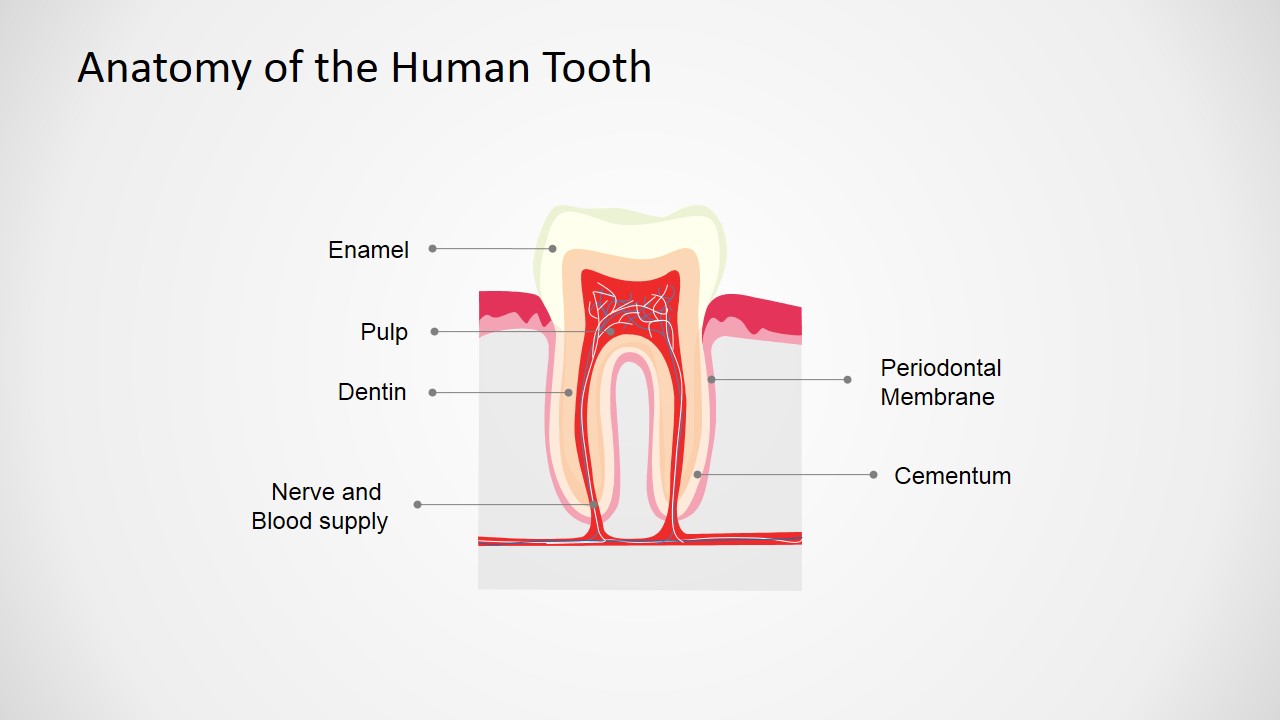
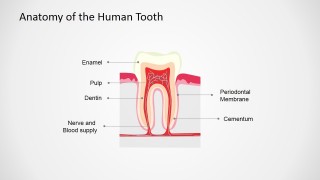
The template, which is made using fully customisable, high quality clip art that is 100% editable through your PowerPoint application, consists of a detailed diagram of the human teeth and includes detailed cutaways and cross sections of relevant areas of human teeth. These cross sections feature tooth maps which indicate in plain terms where the audience of the presentation may find:
- Enamel
- Pulp
- Dentine
- Periodontal Membrane
- Cementum
- Nerve and blood display
After viewing this presentation attendees to your lecture will be able to appropriately and consistently:
- Identify the major structures of human dental anatomy.
- Discuss in detail the primary characteristics of enamel, dentin, cementum and dental pulp with particular regard to the human tooth.
- Describe the biologic functions that take place within the oral cavity.
This Anatomy of the Human Tooth PowerPoint Shapes Template is fully customizable and editable. Users of this template can change the background image for a more suitable picture or texture (perhaps their own logo or offices), replace existing icons with any of those found in their own PowerPoint application’s data bank and even edit all of the text. This template, and the high quality clip art that it contains, is perfect for creating high quality presentations to captivate any audience attending a lecture on the subject of the anatomy of the human tooth.
Use our Anatomy of the Human Tooth PowerPoint Template today to promote dental hygiene and help your audience to learn that they can chew whatever they bite off!
What’s inside this template
Example presentation scenarios
- A dentist can use the labeled tooth cross-section to explain enamel, dentin, pulp, cementum, and related structures during a patient education appointment.
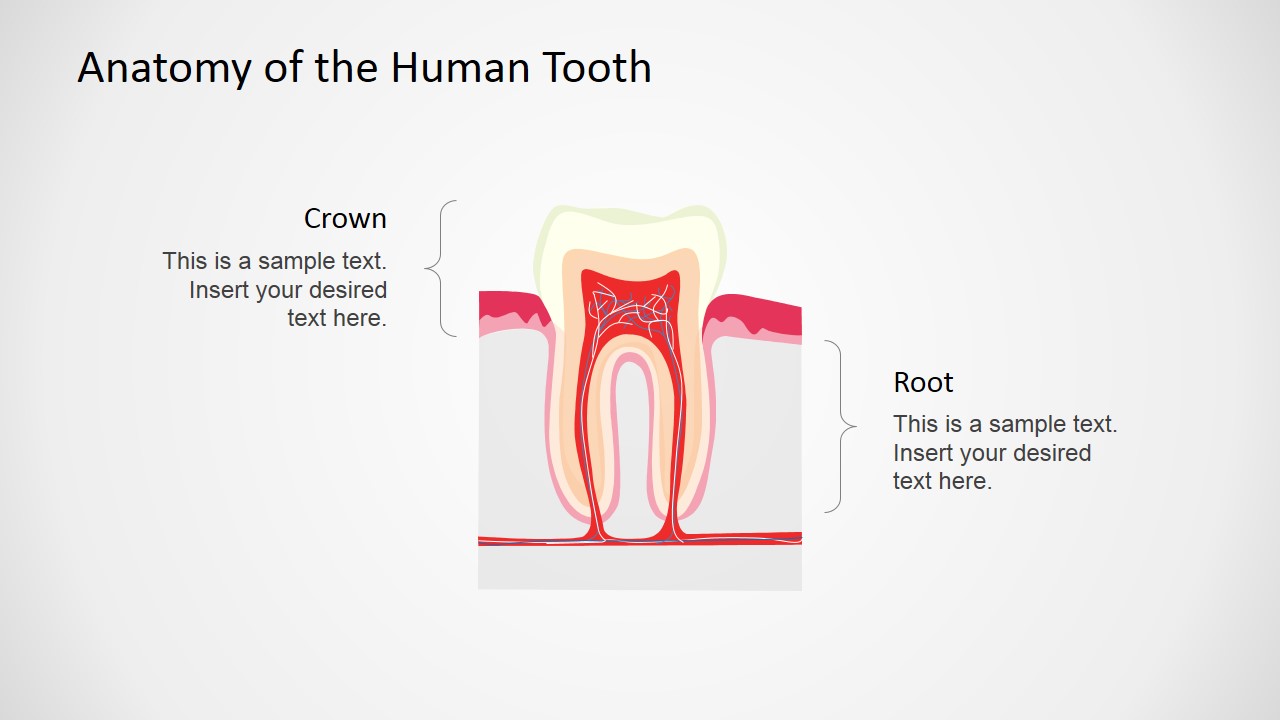
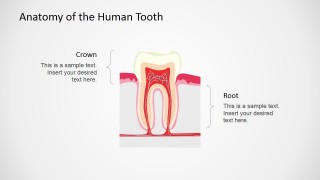
- A biology teacher can present the crown and root callout slide to help students connect visible tooth parts with internal anatomical regions.
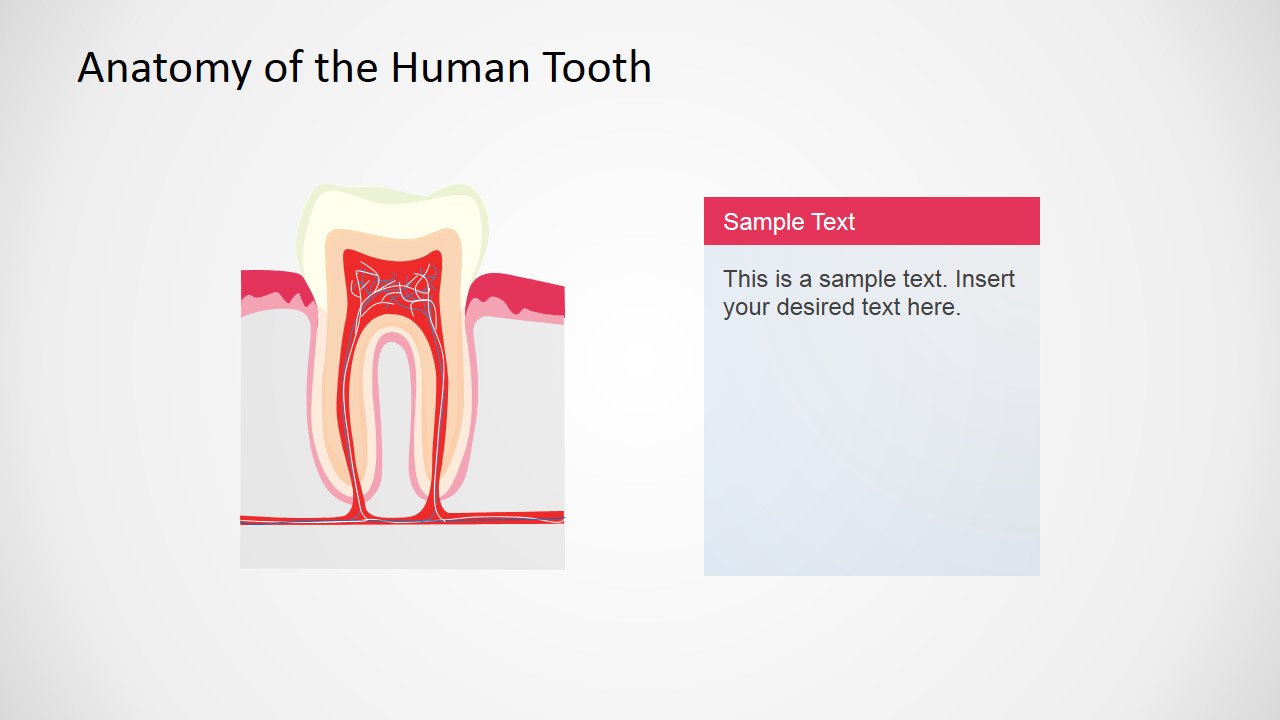
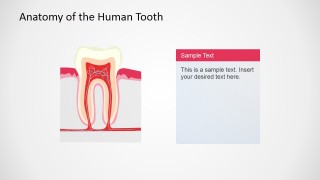
- A dental hygiene instructor can use the note-card layout to pair the tooth illustration with prevention tips, terminology, or quiz prompts.
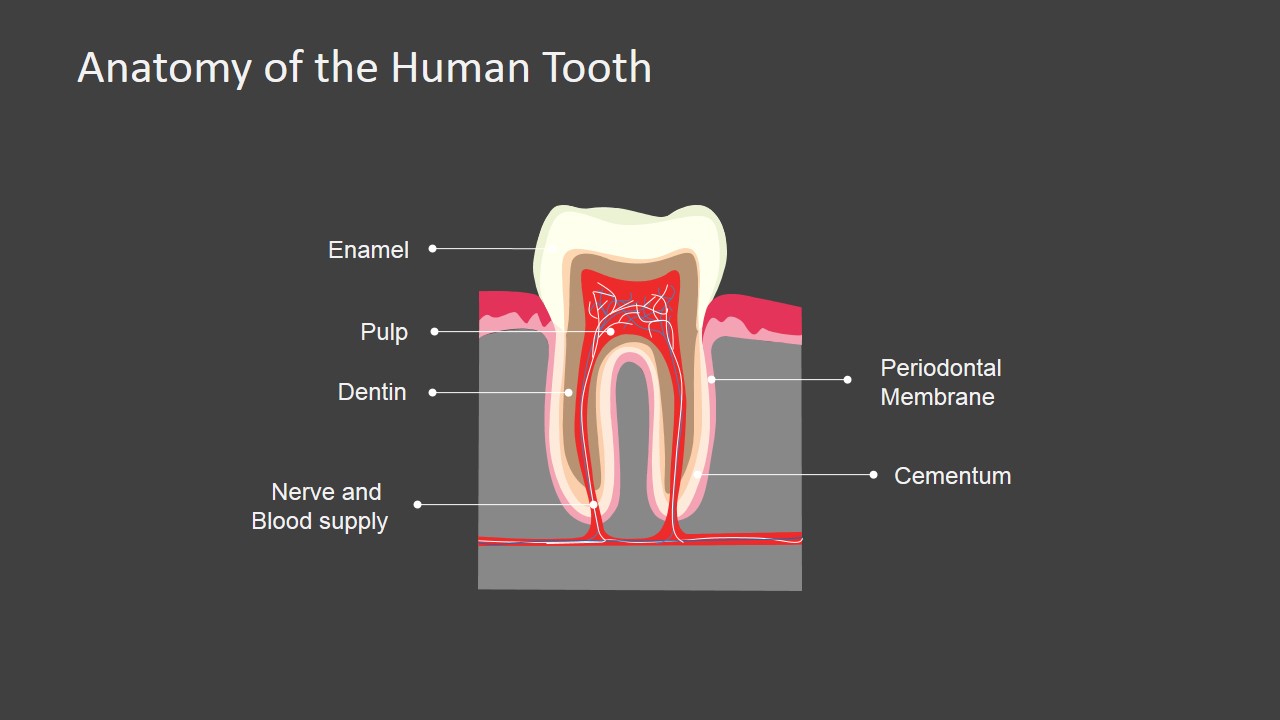
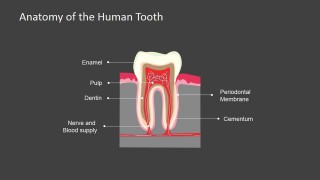
- A medical lecturer can use the dark-background labeled variant when teaching in a large room where high contrast supports readability.
Features
- 100% editable presentation template
- Compatible with Microsoft PowerPoint and Google Slides
- 16:9 aspect ratio slides
- Scalable vector shapes, icons and illustrations
- AI-Ready for Microsoft Copilot and Claude
- Instant access and download
Frequently asked questions
Q: How should a presenter explain the anatomy without overloading the audience?
A: Start with the full labeled cross-section so the audience sees all tooth structures at once. Then move to the crown and root callout slide to group the anatomy into larger regions. Keep the note-card slide for definitions, symptoms, or care advice, so labels and explanation are not competing on one crowded view.
Q: Who is this template best suited for in a dental or classroom setting?
A: It fits presenters who need to teach structure rather than sell a service: dentists explaining a procedure, hygienists teaching oral hygiene, and teachers covering human biology. The cross-section artwork gives a shared visual reference, while the text-panel slide leaves space for age-appropriate wording or patient-specific explanations.
Q: Why does the cutaway tooth metaphor work for this topic?
A: The cutaway makes hidden anatomy visible without asking the audience to interpret a photograph or technical scan. Leader lines tie each term directly to its position, and the crown/root braces simplify the tooth into two familiar regions. That design reduces cognitive load before introducing terms such as pulp, dentin, and cementum.
Anatomy of the Human Tooth PowerPoint Shapes
4-slide anatomy presentation template with tooth cross-section diagrams and dental structure callouts
Anatomy of the Human Tooth PowerPoint Shapes is a 4-slide dental anatomy presentation template for Microsoft PowerPoint and Google Slides. It contains a labeled tooth cross-section, crown and root callout diagram, illustration plus note card layout, and dark-background labeled variant for dentists, medical lecturers, and educators.
- Category
- Shapes
- Rating


 Loading...
- Aspect ratio
- 16:9, 4:3
- Item ID
- 6599-04
- Colors
 Microsoft PowerPoint
  Microsoft Copilot
  Claude for PowerPoint
 Other formats supported
Subscribe today and get immediate
access to download our PowerPoint templates.