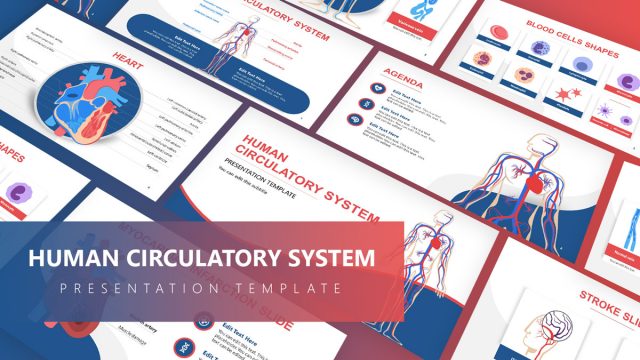
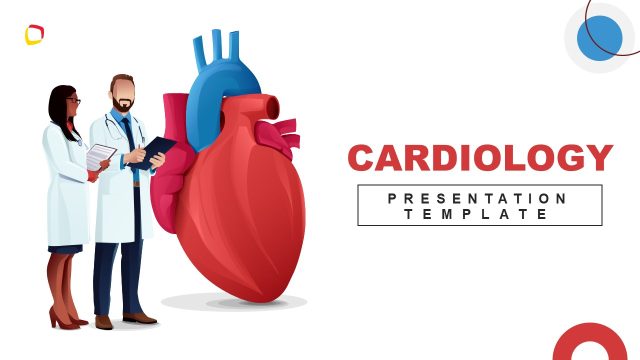
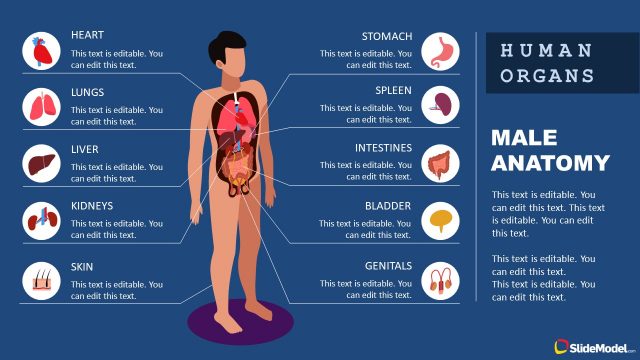
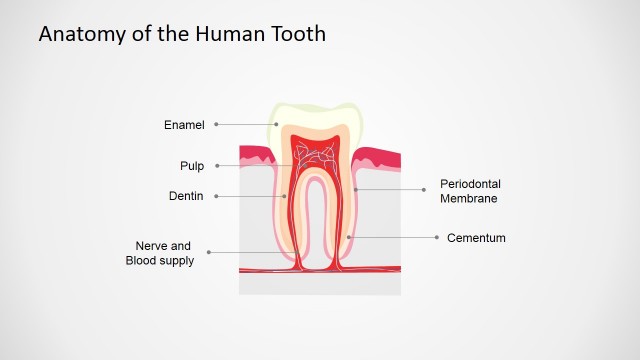
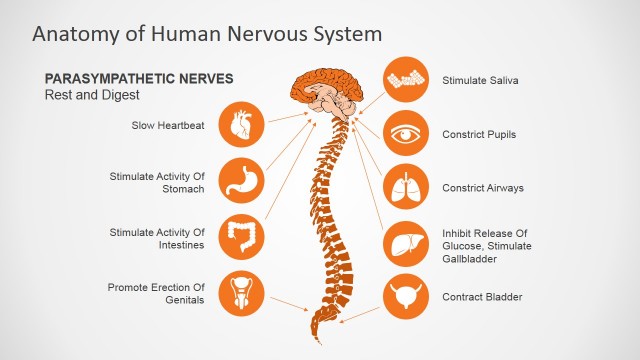
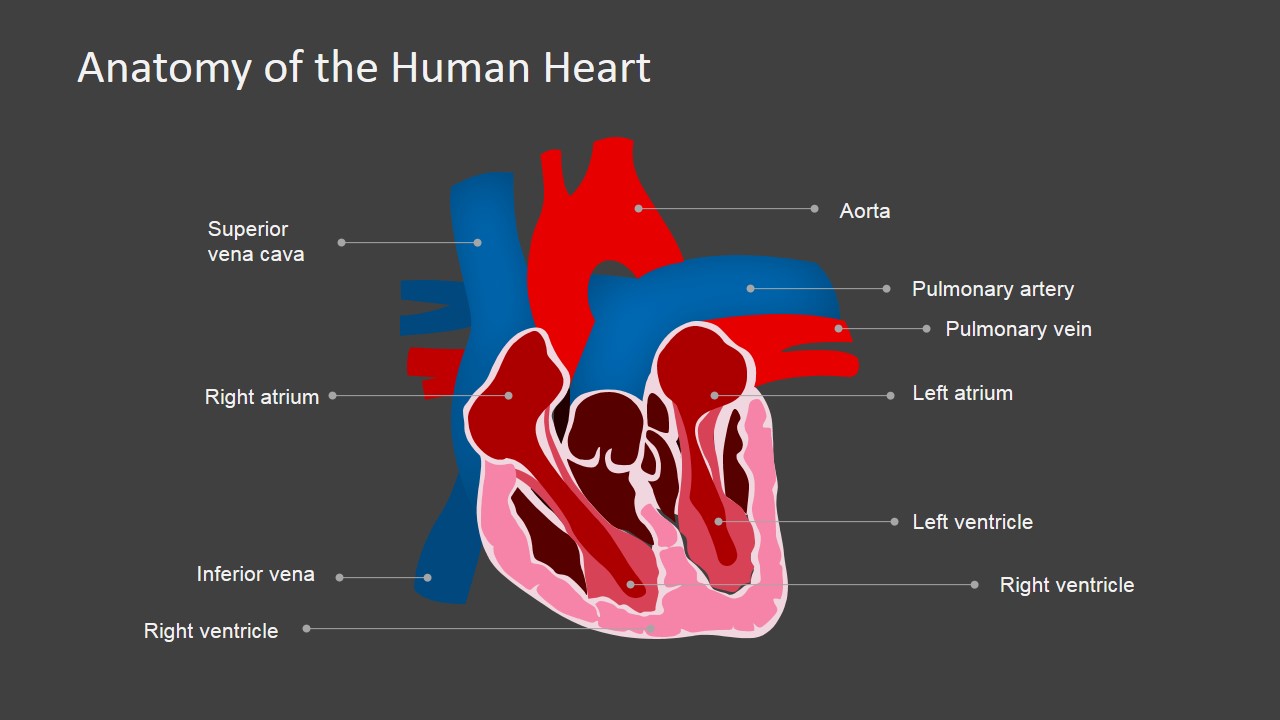
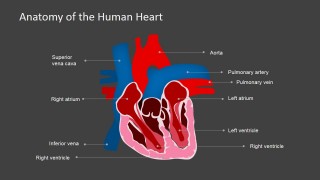
Anatomy of the Human Heart PowerPoint Shapes – Create an impressive and innovative presentation of the human heart’s anatomy using the Anatomy of the Human Heart PowerPoint Shapes. This PowerPoint template is perfect for accurately depicting the parts of the human heart and their functions. Its innovative design allows for individual presentation of each part of the heart by replicating and placing the parts in separate templates. This feature helps the audience to understand better details of the human heart’s anatomy. The clear and lively illustration also assists in memory retention of the information about the heart. This presentation quality is very useful to students, professionals and all other type of audiences.
This presentation is perfect for medical seminars and lectures in both professional and academic settings. The clearly defined illustration of each part is great for expounding its specific functions. Additional elements can also be added in this template for a more detailed description of the processes that a heart regularly does. In addition, this PowerPoint shapes can be combined with other templates and shapes in our PowerPoint diagram for a more elaborate presentation.
The heart is the most important organ in the human body. History has recorded a lot scientific studies and experiments about the heart. Those scientific activities only continue to grow in number and length of study as well as level of relevance. The steady increase in the development studies of the human heart creates the need for more suitable and effective presentation platforms. There are other presentation tools in the market today but most of them are not readily available and can only be used in a single presentation. The highly editable quality of this template makes it the most ideal and efficient presentation tool that gives the best value for its price. For example, this PowerPoint template can be used for presentations highlighting the functions of the heart. And then, it can be edited again to present the parts of the heart and their purposes. Each presentation using this template can be as unique as the user would prefer by altering backgrounds, text fonts, color and positioning of each element. On the other hand, its visual properties can be maintained for a series of related presentations.
What’s inside this template
Example presentation scenarios
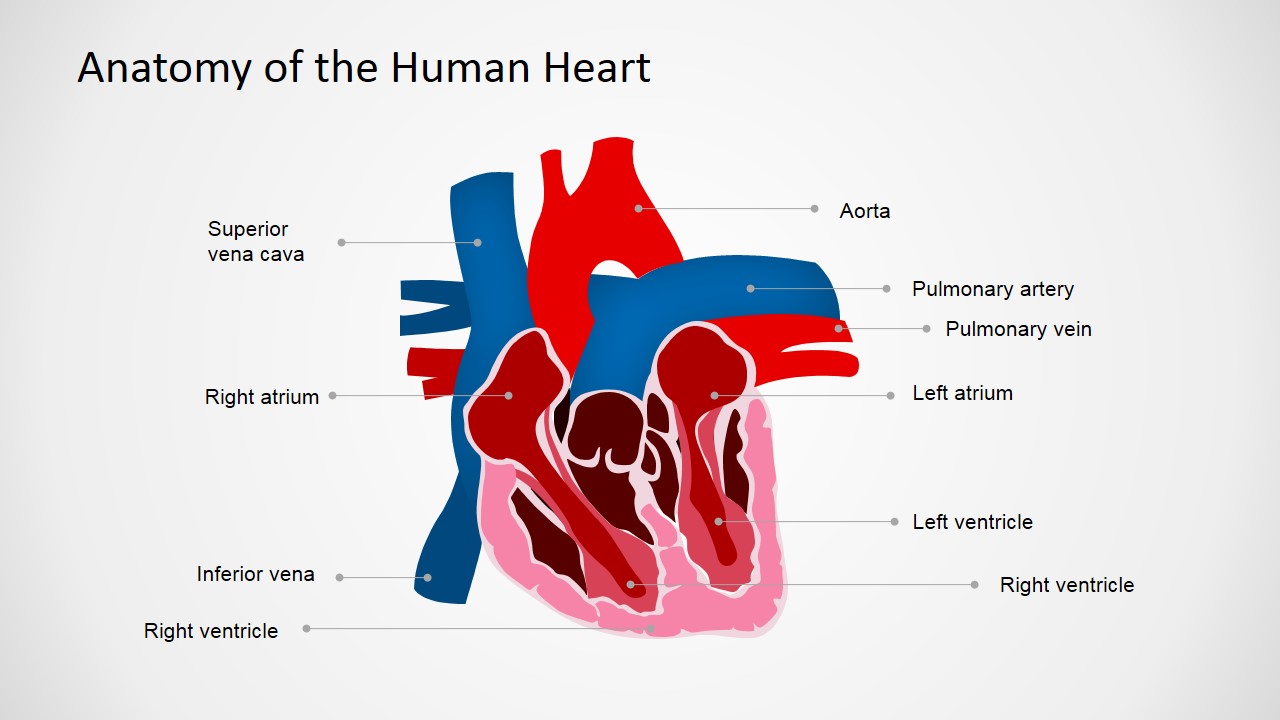
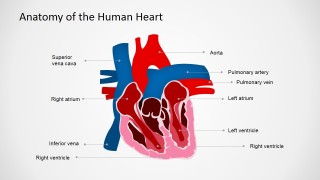
- A biology instructor can introduce cardiac anatomy by walking students through the labeled heart diagram with callouts for chambers, major vessels, and ventricles.
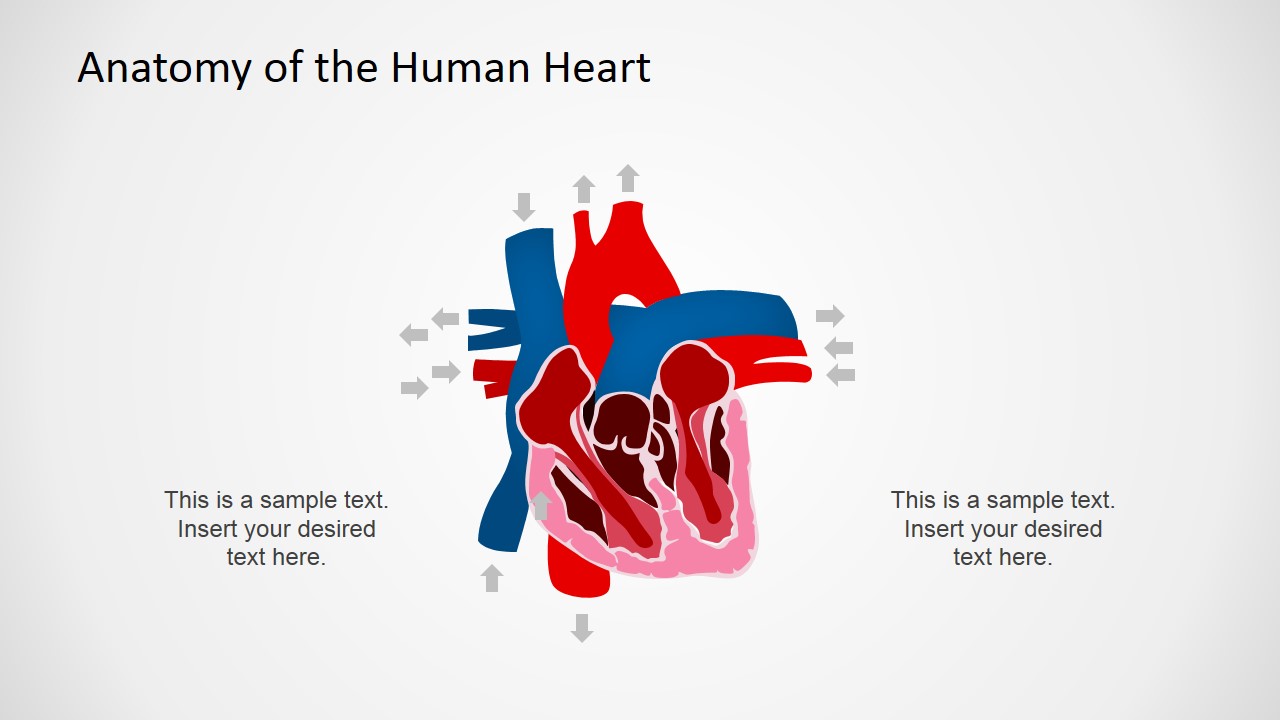
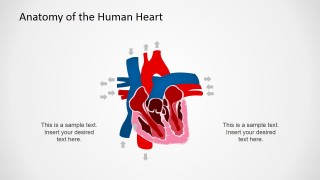
- A cardiology presenter can explain blood-flow direction using the heart illustration with surrounding arrows and side text for brief process notes.
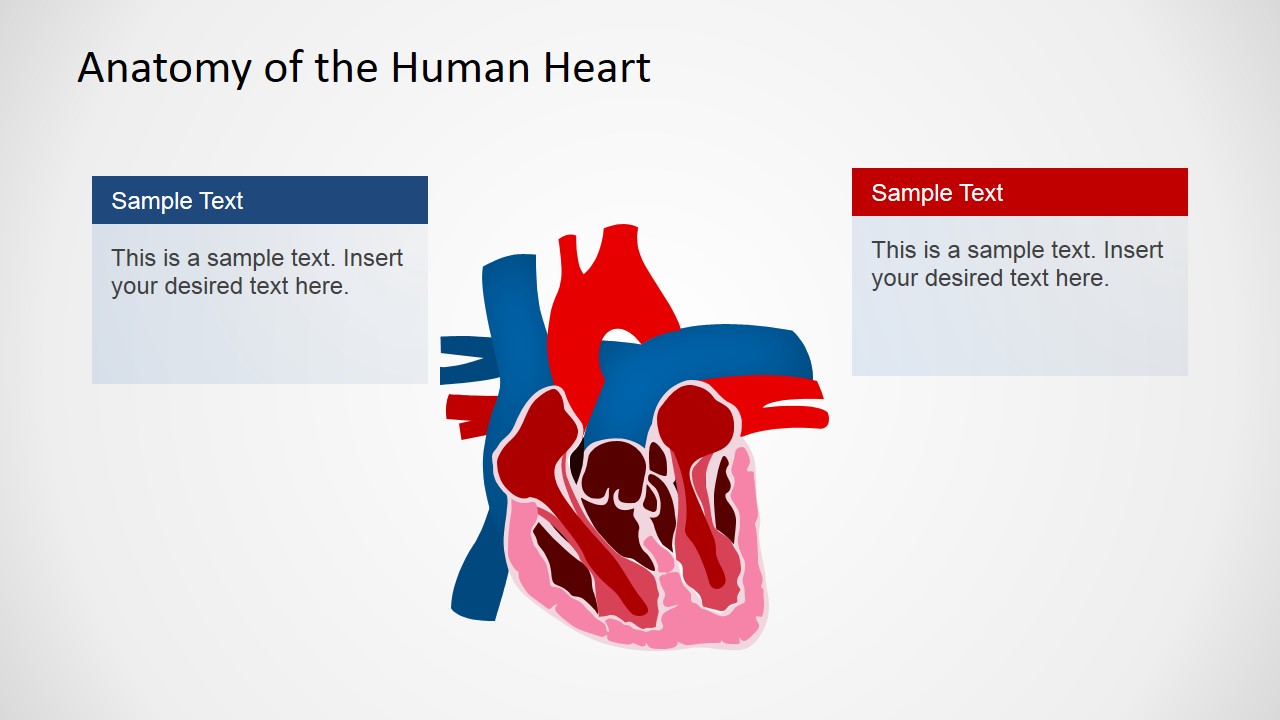
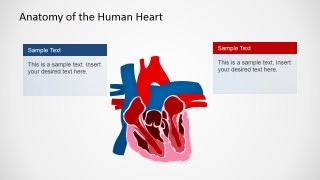
- A healthcare trainer can compare two concepts, such as oxygenated and deoxygenated pathways, using the two colored text panels beside the central heart illustration.
- A medical seminar speaker can use the dark-background labeled diagram to recap heart structures in a formal lecture or conference session.
Features
- 100% editable presentation template
- Compatible with Microsoft PowerPoint and Google Slides
- 16:9 aspect ratio slides
- Scalable vector shapes, icons and illustrations
- AI-Ready for Microsoft Copilot and Claude
- Instant access and download
Frequently asked questions
Q: How should a presenter explain the heart diagram without overwhelming the audience?
A: Start with the labeled slide and group the labels by function rather than reading every callout in order. Cover major vessels first, then chambers, then ventricles. Use the directional arrow slide only after the audience recognizes the parts, so movement and function build on the anatomy instead of competing with it.
Q: Who is this template best suited for?
A: This template works best for educators, clinicians, trainers, and science presenters who need a clear visual anchor for cardiac anatomy. It is a good fit for lectures, patient education, lab introductions, and medical seminars where the message depends on naming heart structures and explaining their relationships.
Q: Why does the template use both labeled callouts and directional arrows?
A: The labeled callouts support identification, while the directional arrows support process explanation. Separating those visual tasks helps the presenter move from structure to function. The red and blue anatomy colors also create a familiar medical metaphor for different circulation paths without requiring a dense paragraph on the slide.
Anatomy of the Human Heart PowerPoint Shapes
4-slide medical presentation template with editable human heart anatomy diagrams and labeled callouts
Anatomy of the Human Heart PowerPoint Shapes is a 4-slide medical diagram template for explaining cardiac anatomy. It includes a labeled heart anatomy diagram, two-panel explanation layout, directional arrow layout, and dark-background labeled variant for educators, healthcare presenters, and science communicators in Microsoft PowerPoint and Google Slides.
- Category
- Shapes
- Rating

 Loading...
- Aspect ratio
- 16:9, 4:3
- Item ID
- 6599-03
- Colors
 Microsoft PowerPoint
  Microsoft Copilot
  Claude for PowerPoint
 Other formats supported
Subscribe today and get immediate
access to download our PowerPoint templates.