Slide 1 of 1 from Horizontal Input to 3-Item to Output PowerPoint Template
Horizontal Input to 3-Item to Output PPT Slide
Horizontal Input to 3 Outputs Diagram
- Diagram
- Process Flow
- Process Slide
- 16:9
- 100% Editable
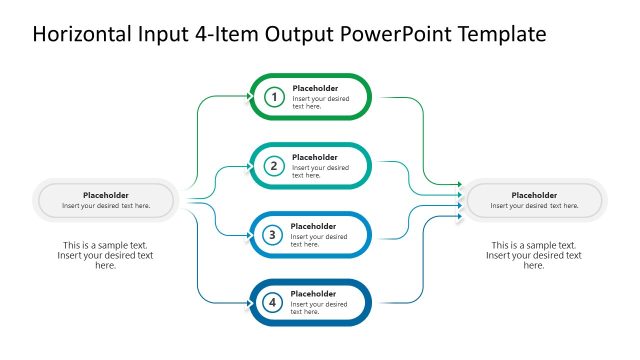
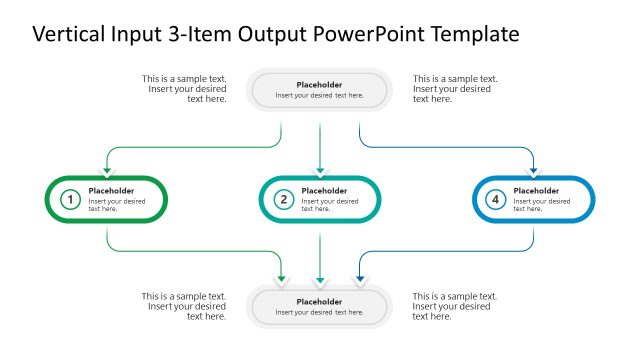
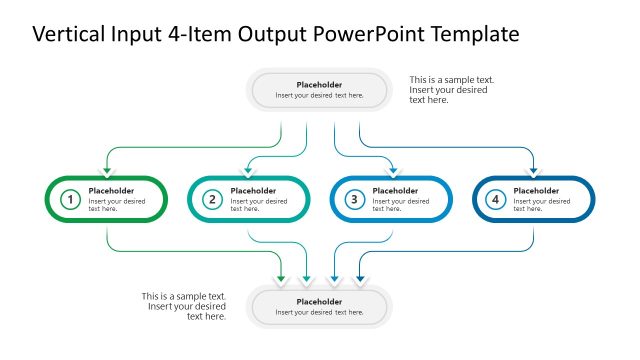
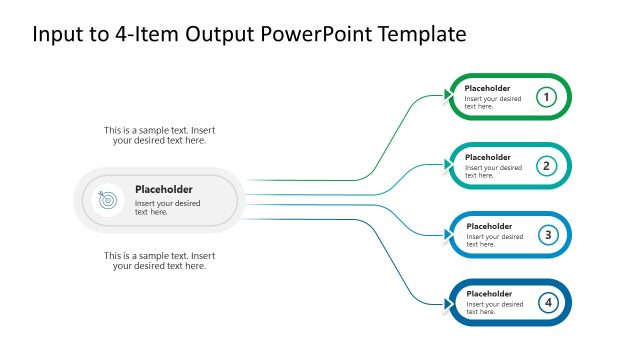
The Horizontal Input to 3 Outputs slide from the Horizontal Input to 3-Item to Output PowerPoint Template offers a clear process flow diagram ideal for business presentations. This slide template visually maps a single input branching into three distinct outputs, using editable shapes and vector icons to enhance workflow visualization. It is suitable for explaining complex processes, product features, or decision-making steps within corporate presentations and pitch decks.
What’s on This Slide
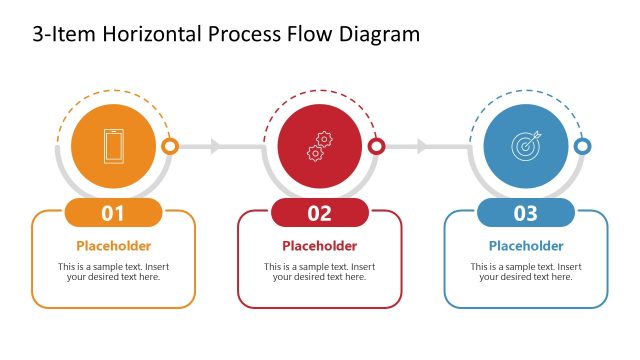
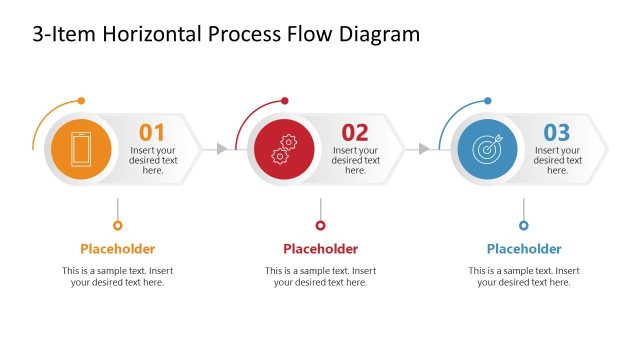
The layout features a central input node at the bottom, with three output nodes positioned above it. Each output node is represented by a rounded rectangle, connected to the input node by arrows indicating flow direction. The output nodes are labeled 1, 2, and 3, with corresponding text placeholders aligned centrally within each node. Additional text placeholders are positioned to the left and right of the output nodes, providing space for supplementary information. The overall color scheme includes green, blue, and gray elements, creating a clear visual hierarchy.
How to Use It
This layout serves as a process diagram, illustrating a single input leading to multiple outputs. It fits well in presentations that explain workflows, decision-making processes, or product features. Real-world applications include project management, product development, and marketing strategies, where multiple outcomes stem from a single source. It can be used to clarify complex processes by visually representing how inputs lead to distinct results, enhancing audience understanding.
Text Placeholders & Capacity
Keep your copy within these limits so it fits without resizing. Node body slots can hold roughly 10-15 words each.
| Placeholder | Count | Max characters (approx.) |
|---|---|---|
| Item heading | 3 | 30 |
| Item body | 3 | 50 |
| Body paragraph | 6 | 50 |
Slide Keywords
Download unlimited PowerPoint templates, charts and graphics for your presentations with our annual plan.
DOWNLOADReturn to Horizontal Input to 3-Item to Output PowerPoint Template.