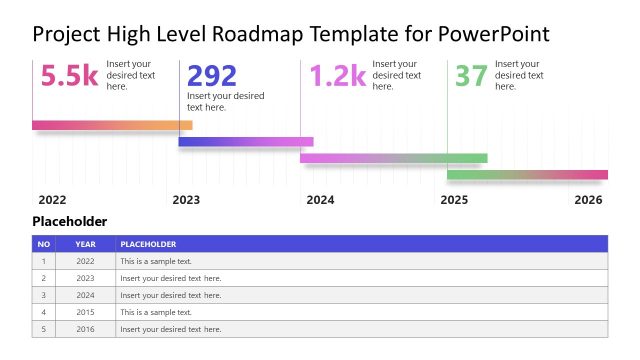
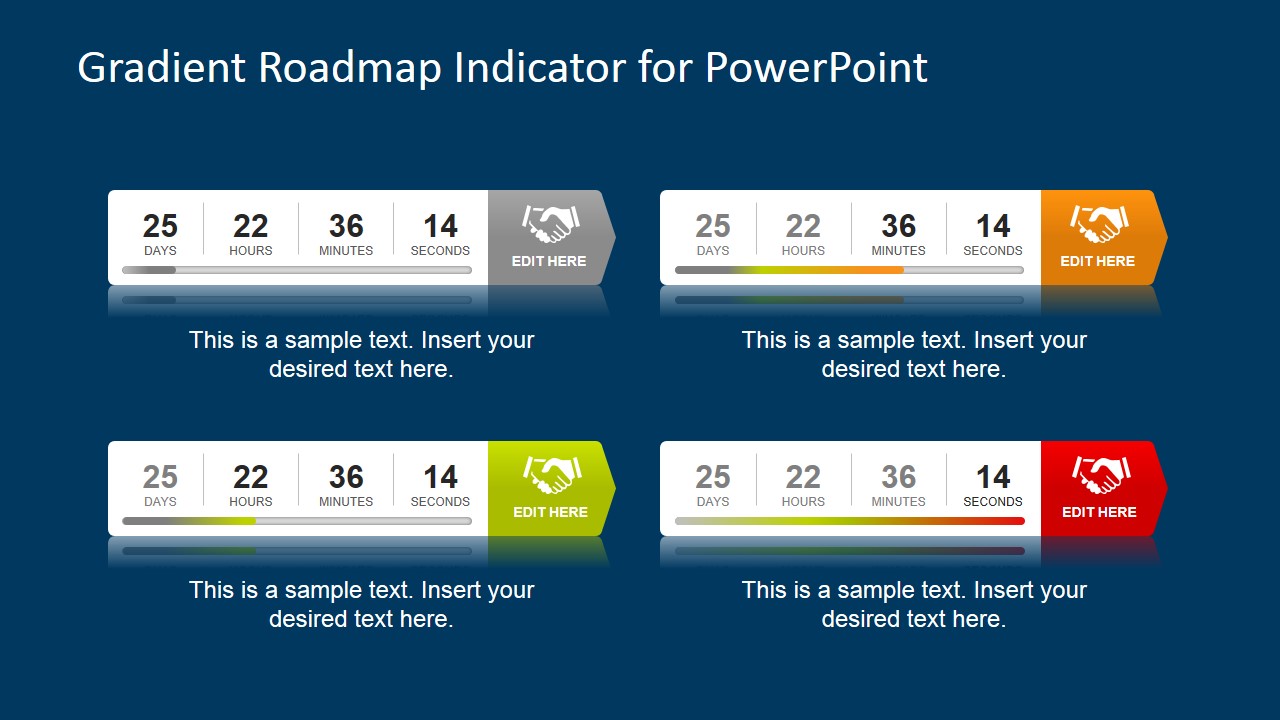
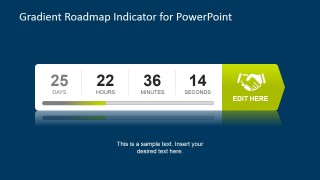
Gradient Roadmap Indicator for PowerPoint is a creative graphic design for presentations that you can use to present key performance indicators or even time remaining to any given action or event.
This graphic design for PowerPoint can be easily edited and adjusted to match your presentation needs since was created using PowerPoint shapes with editable objects.
Alternatively you can download more PowerPoint background graphics for presentations as well as dashboard templates for PowerPoint.
Discover our wide range of roadmap templates compatible with PowerPoint and Google Slides. Also, we recommend you to read our guide on Roadmap Presentations.
What’s inside this template
Example presentation scenarios
- A project manager can use the countdown indicator to report days, hours, minutes, and seconds remaining before a milestone and connect the status to a visible handshaking action tab.
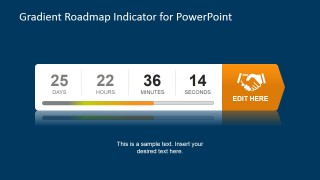
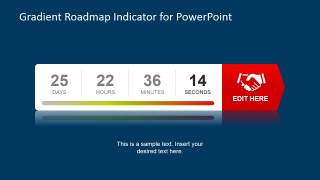
- An operations leader can use the green, orange, and red indicator variants to explain KPI urgency during a status meeting and show whether attention is increasing across the progress bar.
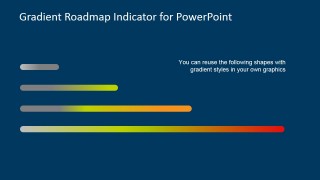
- A product owner can place the reusable gradient bars into a roadmap update to mark feature readiness, launch risk, or time left before a release checkpoint.
- An event coordinator can use the large numeric countdown tiles to communicate time remaining before registration, launch, or deadline closeout to sponsors and internal teams.
Features
- 100% editable presentation template
- Compatible with Microsoft PowerPoint and Google Slides
- Scalable vector shapes, icons and illustrations
- AI-Ready for Microsoft Copilot and Claude
- Instant access and download
Frequently asked questions
Q: How should a presenter explain the countdown indicator clearly?
A: Lead with the business meaning of the numbers before discussing the graphic. State what the days, hours, minutes, and seconds represent, then use the progress bar color to explain whether the team is on track, approaching risk, or at a critical point. Close by connecting the handshaking tab to the next decision or commitment.
Q: When is this template a better choice than a full roadmap slide?
A: This template fits situations where the audience needs one compact status signal, not a detailed plan. It works well for executives, project sponsors, operations teams, and launch groups that already know the roadmap and need to understand urgency, time remaining, or action readiness through a single countdown and gradient progress indicator.
Q: Why do the gradient bar and handshake icon help the message?
A: The gradient bar creates a fast visual scale from low concern to high urgency, while the handshake icon acts as a commitment metaphor. Together, they turn a time or KPI update into an action cue. The audience can see both status and expected follow-through without reading a long explanation.


Gradient Roadmap Indicator for PowerPoint
6-slide presentation template with gradient roadmap indicators, countdown metrics, and KPI progress bars
Gradient Roadmap Indicator for PowerPoint is a 6-slide shapes template for showing countdown metrics, KPI progress, and status urgency. The deck includes a four-variant overview, single countdown indicators, colored handshaking action tabs, and reusable gradient bars. It is intended for dashboard, roadmap, and time-management presentations in Microsoft PowerPoint and Google Slides.


 Loading...
 Microsoft PowerPoint
  Microsoft Copilot
  Claude for PowerPoint
 Other formats supported
Subscribe today and get immediate
access to download our PowerPoint templates.