Your marketing funnel can stand out from the ordinary with this Gradient Modern Funnel Diagram for PowerPoint. The flat design and high resolution details makes this diagram appealable for any audience.
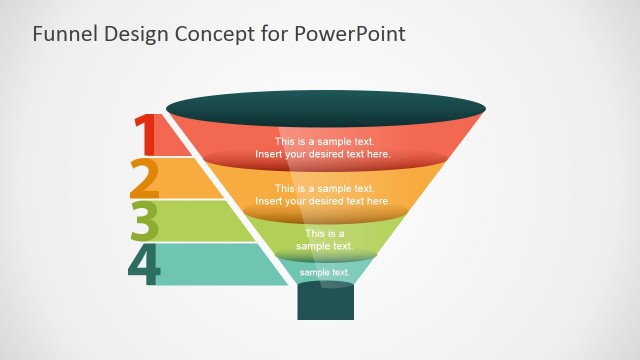
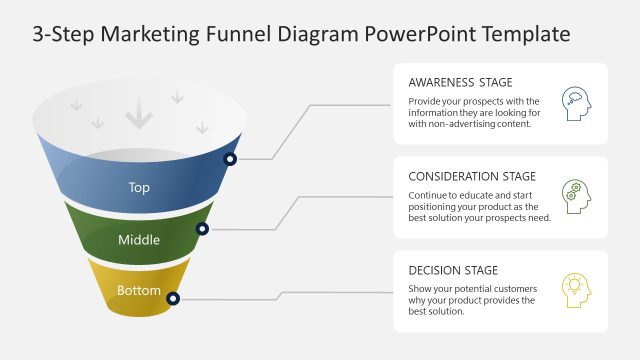
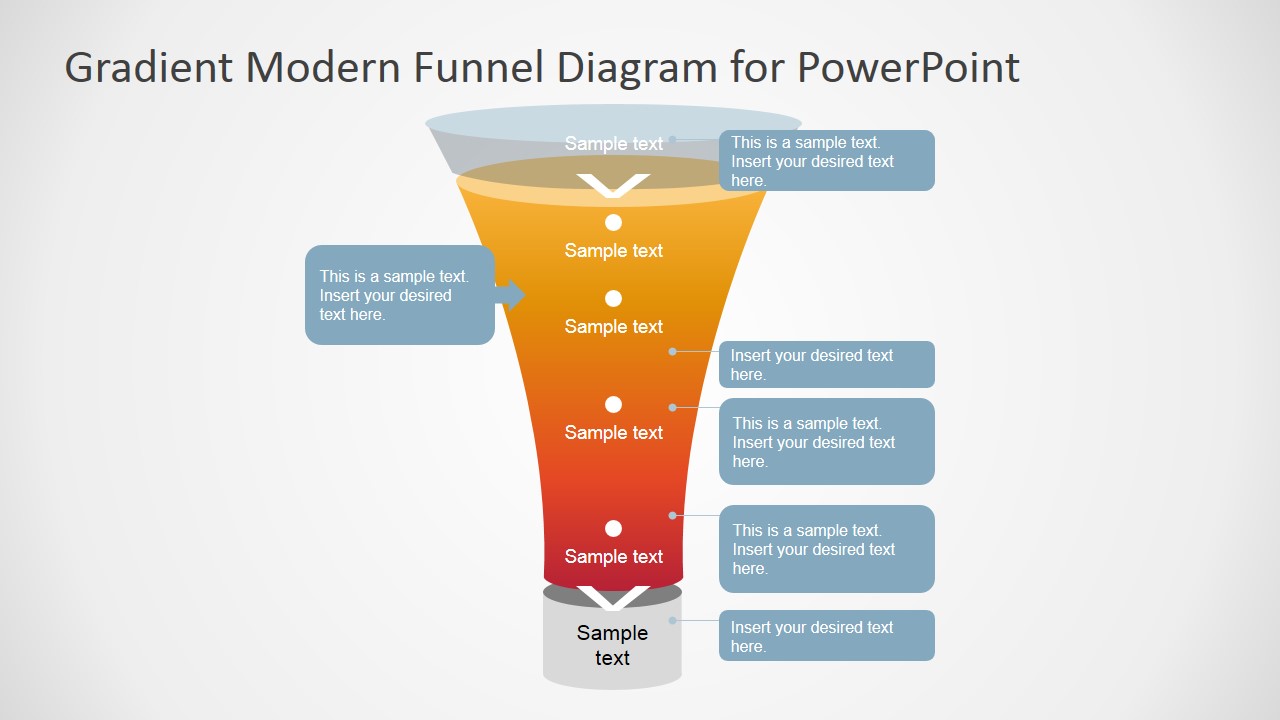
The PowerPoint funnel diagram is segmented in three main sections. The top section, is colored with a transparent fill, giving the sense of depth. The second segment is decorated with an orange-red gradient; ideal for describing how customers are being narrowed through the marketing process. The final segment, colored with a grey palette describes the actual customers that converted.
All elements of the Gradient Modern Funnel Diagram for PowerPoint are created as PowerPoint Shapes, allowing the user to fully customize its appearance.
What’s inside this template
Example presentation scenarios
- A marketing manager can use the segmented funnel to explain how awareness, interest, and conversion steps reduce the initial audience into qualified customers.
- A sales leader can use the side callout labels to add notes about qualification criteria, handoff points, or actions required at each funnel stage.
- A consultant can use the bottom conversion cylinder to show the final outcome of a filtering process during a client strategy workshop.
- A startup founder can present the funnel in an investor update to describe where prospects enter, where drop-off occurs, and what counts as conversion.
Features
- 100% editable presentation template
- Compatible with Microsoft PowerPoint and Google Slides
- 16:9 aspect ratio slides
- Scalable vector shapes, icons and illustrations
- AI-Ready for Microsoft Copilot and Claude
- Instant access and download
Frequently asked questions
Q: How should a presenter explain the funnel without overcrowding the slide?
A: Use the central labels for the main funnel stages and reserve the side callouts for one insight per stage, such as a key behavior, decision rule, or bottleneck. The slide works best when the presenter talks through the narrowing process verbally instead of placing every detail into the diagram.
Q: Who is this funnel diagram best suited for?
A: This slide is best for marketing, sales, and strategy presenters who need to explain conversion flow in a single visual. It fits pipeline reviews, campaign planning, customer journey summaries, and purchase funnel discussions where the audience needs to understand stage progression more than exact numeric analysis.
Q: Why does the tapered gradient funnel help the audience understand conversion?
A: The wide-to-narrow shape creates a clear visual metaphor for filtering, qualification, or drop-off. The warm gradient draws attention down the funnel, while the gray base separates the final converted group. This makes the story easy to follow even before the presenter explains each label.
Gradient Modern Funnel Diagram for PowerPoint
1-slide presentation template with gradient sales funnel diagram and callout labels for pipeline storytelling.
Gradient Modern Funnel Diagram for PowerPoint is a 1-slide diagram template for explaining funnel-based processes. It shows a segmented gradient funnel, side callout labels, central stage markers, and a bottom conversion cylinder. It is intended for marketing, sales, and business presenters using Microsoft PowerPoint or Google Slides.
- Category
- Diagrams
- Rating


 Loading...
- Aspect ratio
- 16:9
- Item ID
- 7136-02
- Colors
 Microsoft PowerPoint
  Microsoft Copilot
  Claude for PowerPoint
 Other formats supported
Subscribe today and get immediate
access to download our PowerPoint templates.