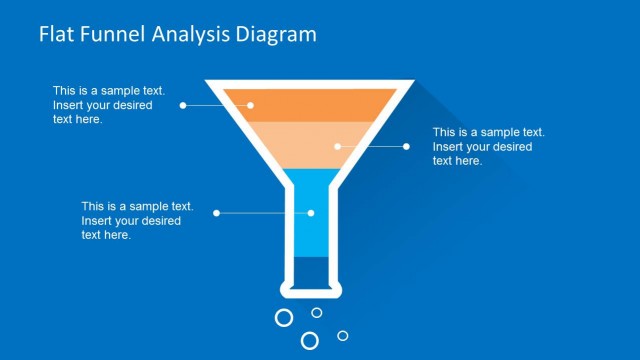
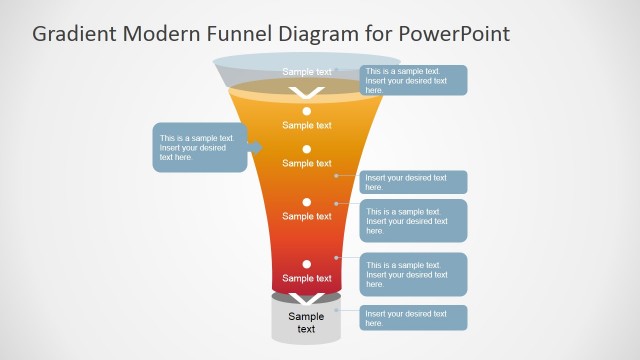
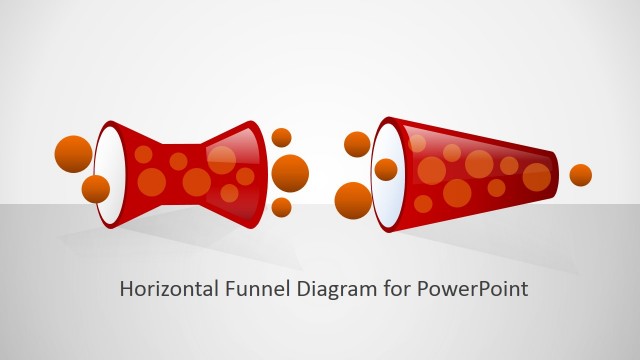
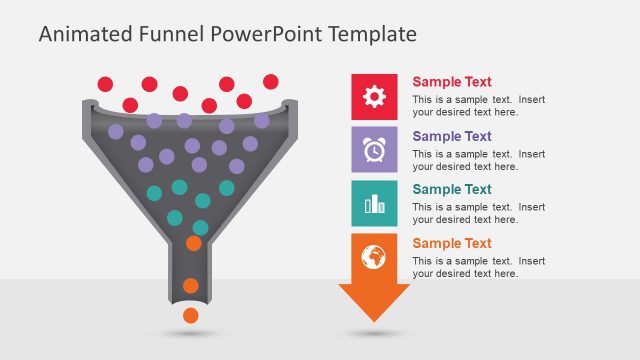
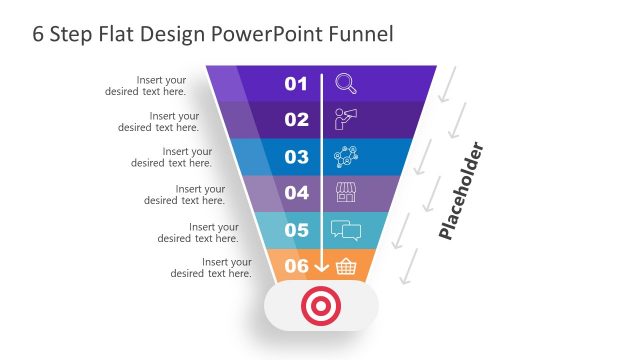
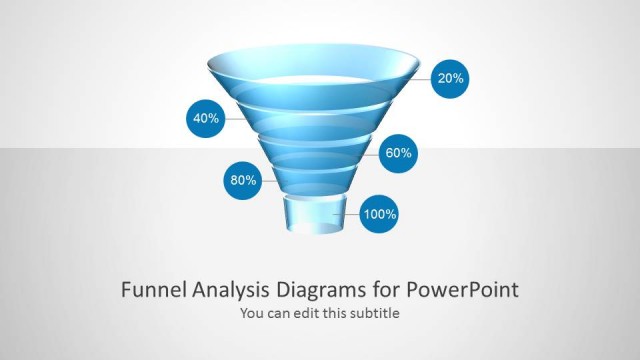
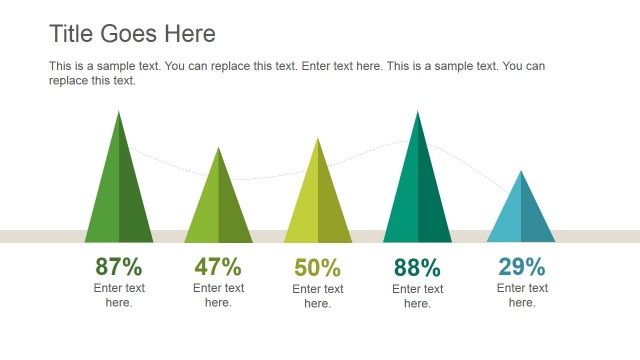
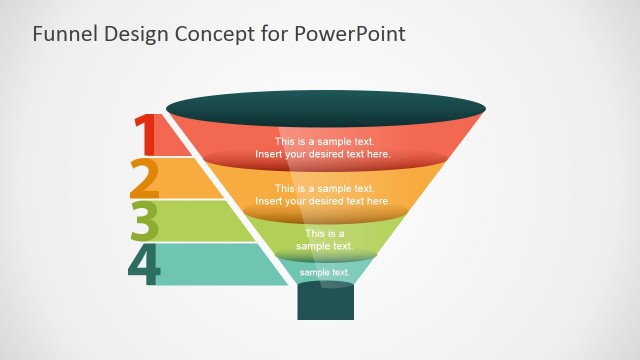
Flat Design PowerPoint Funnel Diagram is a professional presentation with amazing modern flat design graphics. The Funnel diagram is a powerful tool for Sales and Marketing and has been adopted for almost all disciplines. Funnel Charts are required when a progressively decreasing values require a visual representation. Moving through the funnel is interpreted as value decrease, and is important to determine the percentage of remaining proportions.
All of our Funnel PowerPoint Diagrams are created with PowerPoint shapes, allowing the users to fully customize the diagram appearance and properties, as size, color, effects, etc.
Impress your audience with this stunning and modern Flat Design PowerPoint Funnel Diagram, and create presentation that appeal to executives and entrepreneurs. This Templates also comes with an Animated version, where the object move through the Funnel.
What’s inside this template
Example presentation scenarios
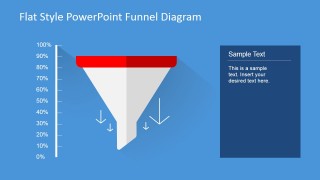
- A sales director can use the percentage-scale funnel chart to explain where prospects drop between awareness, qualification, and close during a pipeline review.
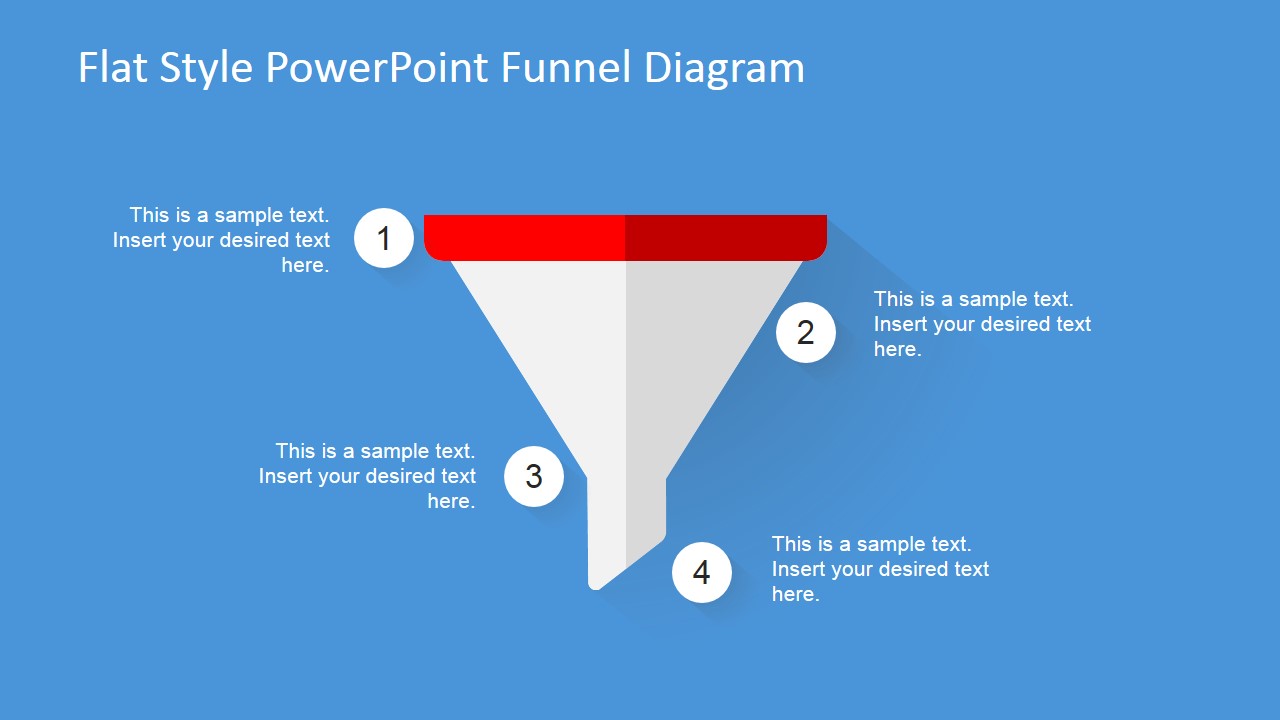
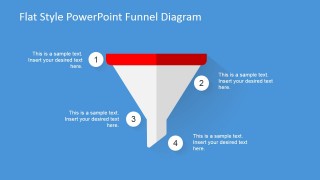
- A marketing manager can use the numbered four-step funnel diagram to present campaign stages and connect each stage to short supporting notes.
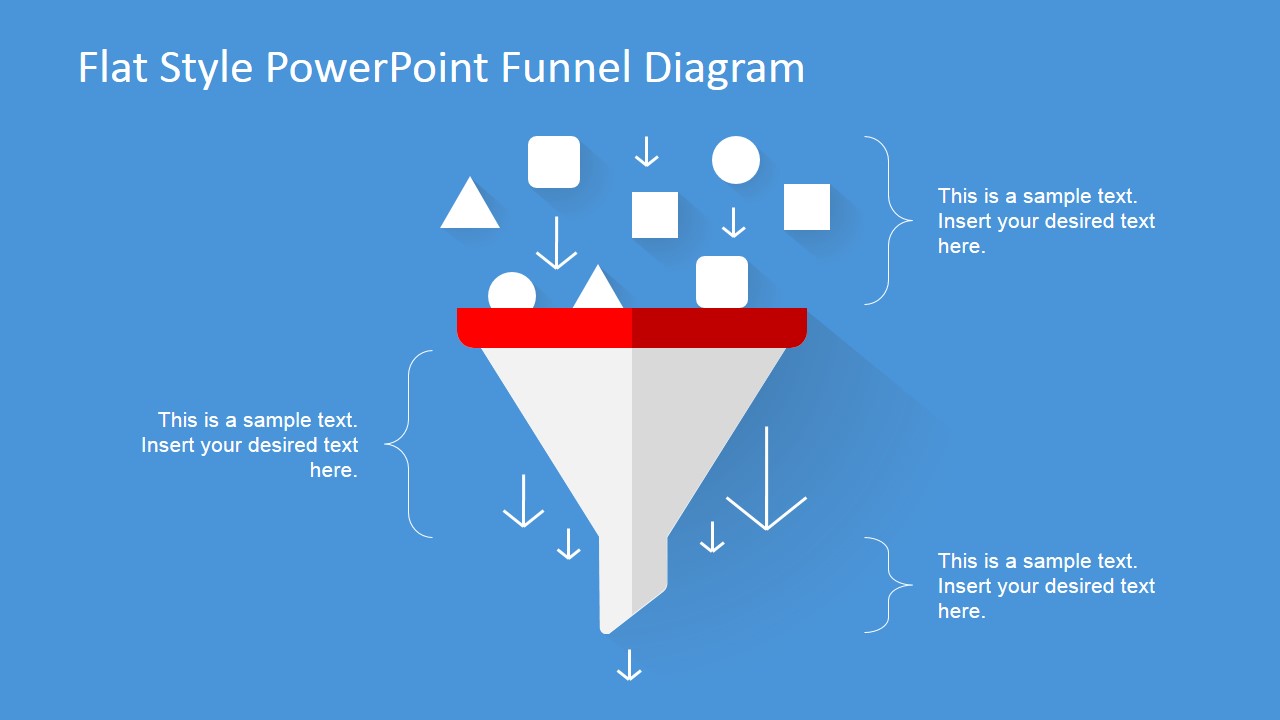
- A consultant can use the intake funnel with shapes and arrows to show how many initial options are filtered into a smaller set of recommended actions.
- A founder can use the flat funnel layout in an investor update to explain lead volume, conversion logic, and the final business outcome without adding a dense table.
Features
- 100% editable presentation template
- Compatible with Microsoft PowerPoint and Google Slides
- 16:9 aspect ratio slides
- Scalable vector shapes, icons and illustrations
- Ready with Animations & Transitions in PowerPoint
- AI-Ready for Microsoft Copilot and Claude
- Instant access and download
Frequently asked questions
Q: How should a presenter explain the funnel message clearly with this template?
A: Start by naming what enters the top of the funnel, then define what causes items to move down or drop out. Use Slide 2 when percentages matter, because the vertical scale gives the audience a measurement cue. Use Slide 3 when the priority is explaining four labeled stages in order.
Q: What type of business presentation is this funnel diagram best suited for?
A: This template fits sales, marketing, and consulting discussions where the presenter must show reduction from a broad starting pool to a smaller selected outcome. It works well for lead qualification, campaign conversion, opportunity filtering, or process triage because the funnel shape makes the logic of narrowing immediately visible.
Q: Why does the flat funnel metaphor improve communication in this deck?
A: The funnel metaphor turns an abstract conversion process into a spatial story: many inputs at the wide top, fewer outputs at the narrow bottom. The red top bar, blue field, white arrows, and numbered callouts separate entry, movement, and explanation, so the audience can read the process before studying the text.

Flat Design PowerPoint Funnel Diagram
3-slide presentation template with flat funnel diagrams for sales conversion and marketing stages
Flat Design PowerPoint Funnel Diagram is a 3-slide diagram template for explaining narrowing flows in sales, marketing, and process presentations. It includes a funnel with intake icons, a percentage-scale funnel chart, and a numbered four-step funnel diagram. The template is built for Microsoft PowerPoint and Google Slides.
- Category
- Diagrams
- Rating


 Loading...
- Aspect ratio
- 16:9, 4:3
- Item ID
- 6558-01
- Colors
 Microsoft PowerPoint
  Microsoft Copilot
  Claude for PowerPoint
 Other formats supported
Subscribe today and get immediate
access to download our PowerPoint templates.