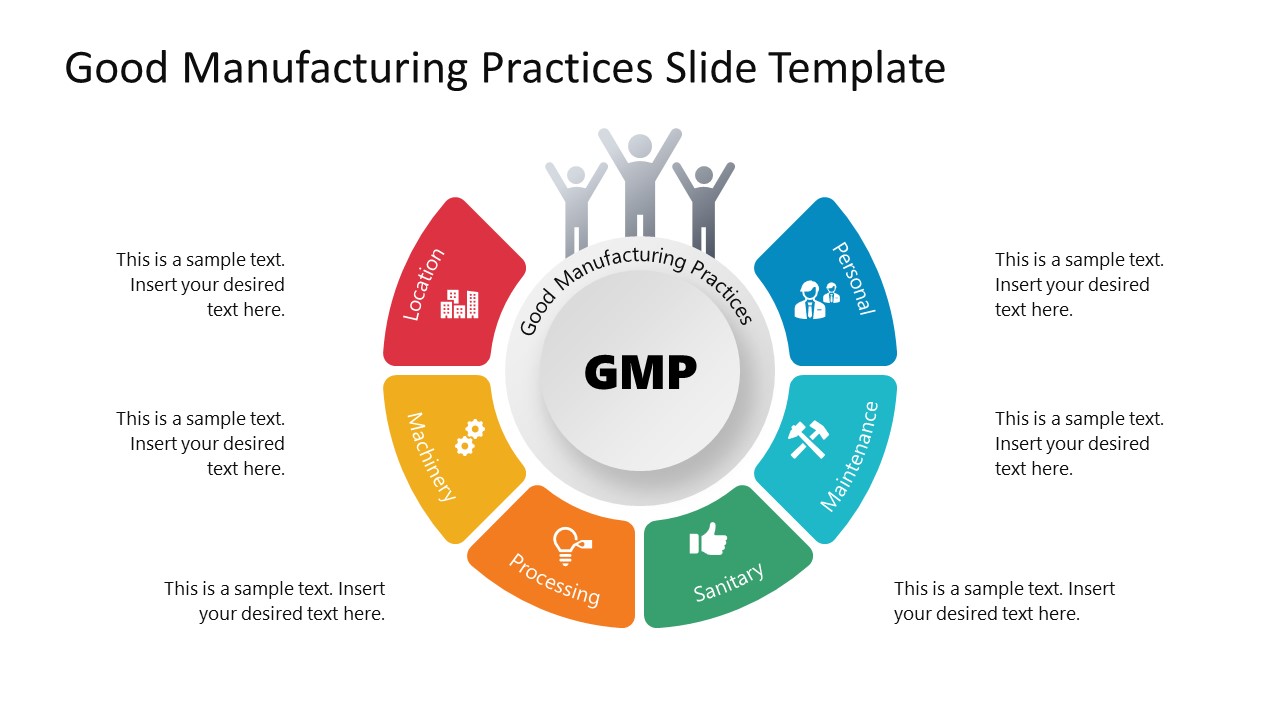
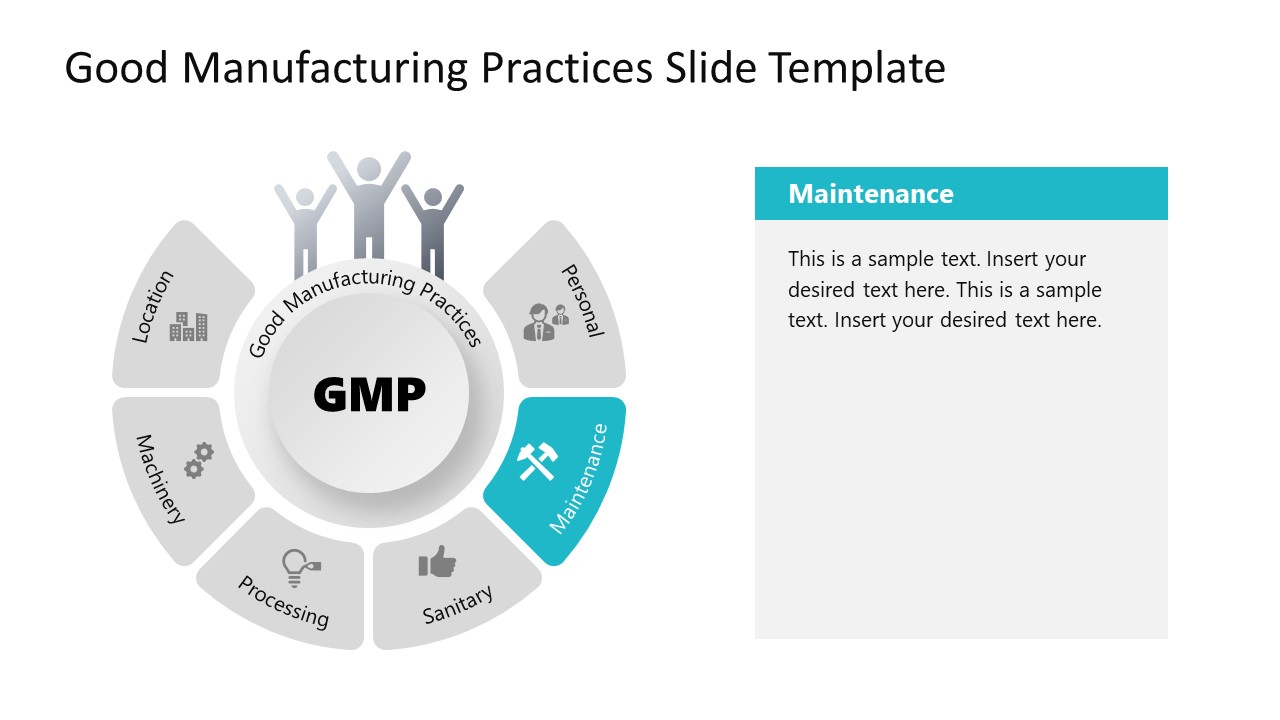
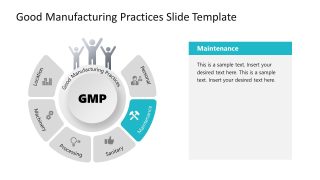
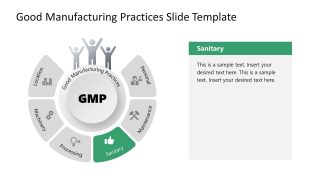
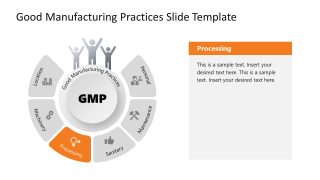
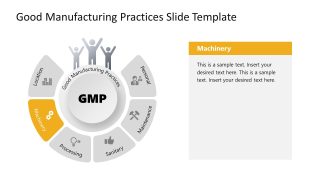
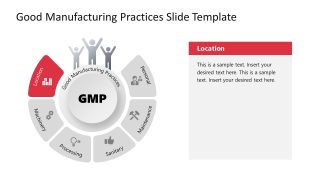
Present the major components of standard GMP guidelines using a 100% editable Good Manufacturing Practices PowerPoint Template. This PPT template carries a circular diagram with six segments to mention the components, i.e., personnel, maintenance, sanitary, processing, machinery, and location. The first slide of the template shows this diagram with a central core element to mention the title. Around this circle, the six small blocks indicating the segment titles are arranged. These shapes have distinct colors and relevant graphical icons for visual description. Three human symbols on this circle symbolize the importance of good manufacturing practices for human welfare. On this slide, we have provided placeholder text boxes that can help introduce the basic concepts and terminologies to the audience. However, after this slide, individual slides discuss the practices in detail. These spotlight slides carry the same diagram highlighting a particular component shape and greying other shapes.
Creating spotlight effects on these slides enables users to discuss each title individually. Color-coded with more space to insert data is also added to the slides. So, users can prepare their presentations about GMP and their significance using this Good Manufacturing Practices PowerPoint Template. This topic is usually under discussion in industries and the agencies that design these standard protocols. It is a holistic approach to control the quality of sensitive products such as medicines, supplements, vaccines, and other products. Due to their great importance for humans, such things are greatly under the focus of quality departments. Those departments should always apply the standard guidelines government and non-government quality agencies provide. Thus, professionals from quality departments can find this template of great help for presenting their new reforms or describing the components before new companies.
In addition to the professional use cases, this PowerPoint template is useful for scientific mentors and researchers to present the importance of their research in front of their students. The slides can also be re-purposed and edited regarding the provided titles. Download and try editing it now!
What’s inside this template
Example presentation scenarios
- A quality assurance manager can use the overview wheel to introduce the six GMP practice areas before assigning ownership to department leads.
- An industrial trainer can use the Personal and Sanitary spotlight slides to teach employee behavior, hygiene expectations, and workplace standards during onboarding.
- An operations manager can use the Maintenance and Machinery spotlight slides to connect equipment care, tooling, and production reliability in a process review.
- A compliance presenter can use the Processing and Location spotlight slides to explain how site conditions and production steps affect GMP readiness.
Features
- 100% editable presentation template
- Compatible with Microsoft PowerPoint
- 16:9 aspect ratio slides
- Scalable vector shapes, icons and illustrations
- AI-Ready for Microsoft Copilot and Claude
- Instant access and download
Frequently asked questions
Q: How should I structure the explanation so the GMP wheel does not feel repetitive?
A: Start with Slide 1 as the mental map: name all six GMP areas and explain why they belong to one system. Then move through the spotlight slides as short chapters. On each slide, state the control objective, give one workplace example, and end with the behavior or decision the audience must remember.
Q: Who is this template best suited for in a manufacturing organization?
A: This template fits quality, operations, compliance, and training presenters who need to explain GMP as a shared operating model rather than as a long policy document. It is especially useful for onboarding, refresher training, and management briefings where Personal, Maintenance, Sanitary, Processing, Machinery, and Location topics need clear separation.
Q: Why does the circular GMP diagram help communicate manufacturing practices?
A: The circle makes GMP feel like an interconnected system, not a loose list of rules. Keeping the full wheel visible on each spotlight slide helps the audience see how one area fits with the others. The highlighted segment acts as a visual cue, while the right text panel gives space for definitions, examples, or local procedures.



Good Manufacturing Practices PowerPoint Template
7-slide GMP presentation template with circular process diagram and manufacturing practice spotlights
The Good Manufacturing Practices PowerPoint Template is a 7-slide Microsoft PowerPoint deck for explaining GMP components in manufacturing settings. It uses a six-segment circular GMP diagram, an overview slide, and six spotlight slides for Personal, Maintenance, Sanitary, Processing, Machinery, and Location topics. Quality, operations, and training teams can edit the text, icons, and colors.
- Category
- Models
- Rating

 Loading...
- Aspect ratio
- 16:9
- Item ID
- 22149-01
- Colors
 Microsoft PowerPoint
 Microsoft Copilot
 Claude for PowerPoint
Other formats supported
Subscribe today and get immediate
access to download our PowerPoint templates.