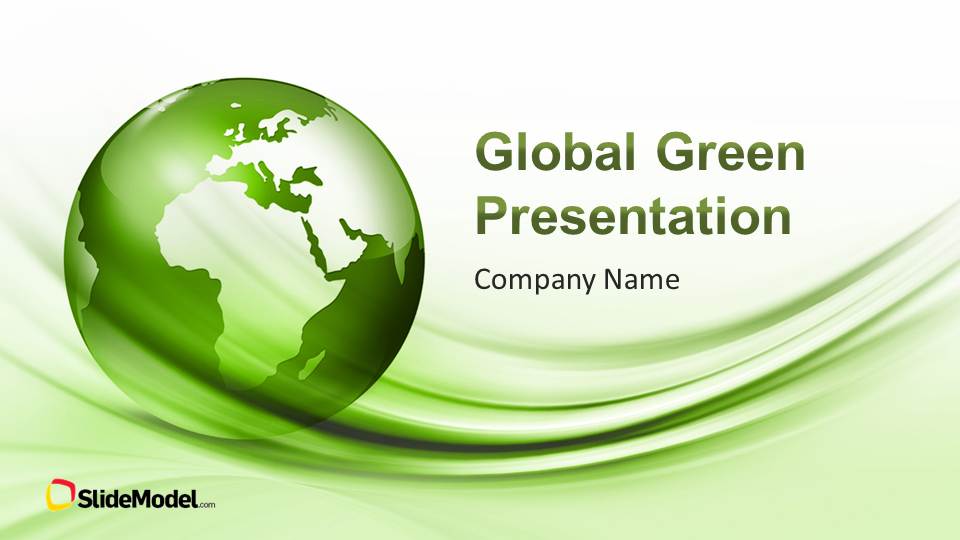
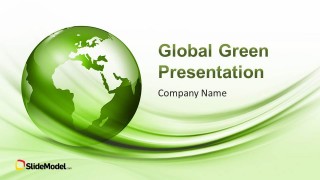
Global Green PowerPoint Template is a presentation design that you can use to prepare a company profile presentation with green theme. Global green PowerPoint template contains a nice green globe design in the cover slide.
There are certain features that make a business attractive and appealing. Every presenter does some homework and practice when it comes to present their speech. One topic that keynoters generally neglect and fail to impress is the way they present and organize their presentation. A guided template for presentation is very important in order to follow best presentation practices. An appealing PowerPoint deck creates an extra charm in any presentation, impress the audience and engages.
Global Green PowerPoint Template can add the professional look and feel in the presentation. Featuring a globe clipart across different slide layouts. This modern PowerPoint template works best for business when they are related to environment. The green color and the globe give the presentation a natural and environment friendly look. Whole template contains different slides layout and reflects how an organization organizes their presentation.
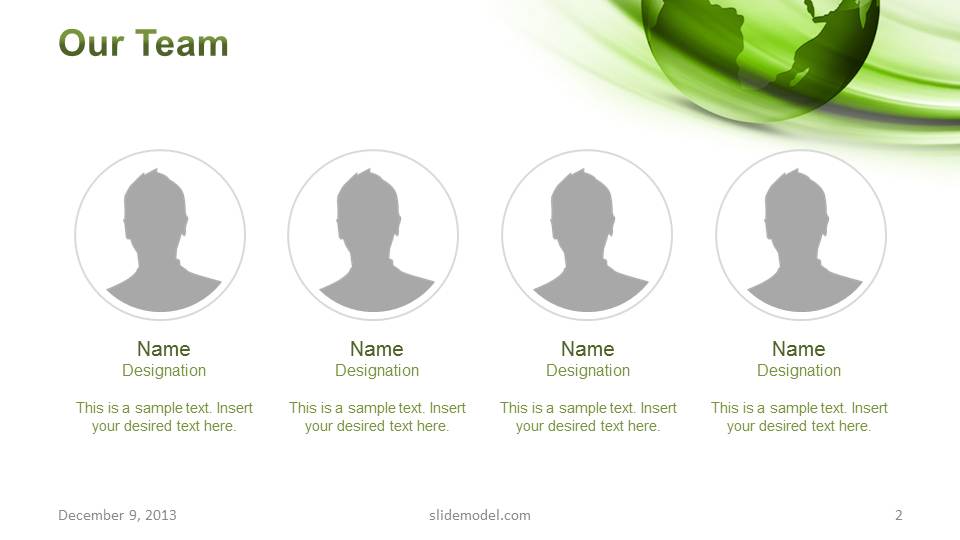
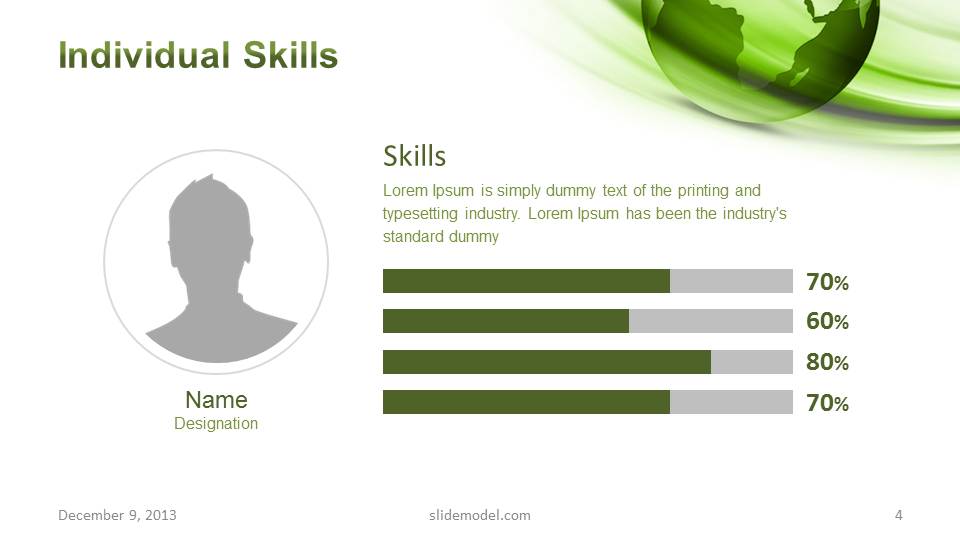
This business template for presentation is perfect for highlighting an organization’s achievements, the layout start with an introduction required formally. The introduction starts with the core members of the team responsible for the business. The next step, as laid out by the sequence in this ppt template, is to highlight the aim of the organization and prominent services provided at a global scale. Introduction is concluded with a detailed introduction of the key people highlighting their experience and qualifications that led the company to success.
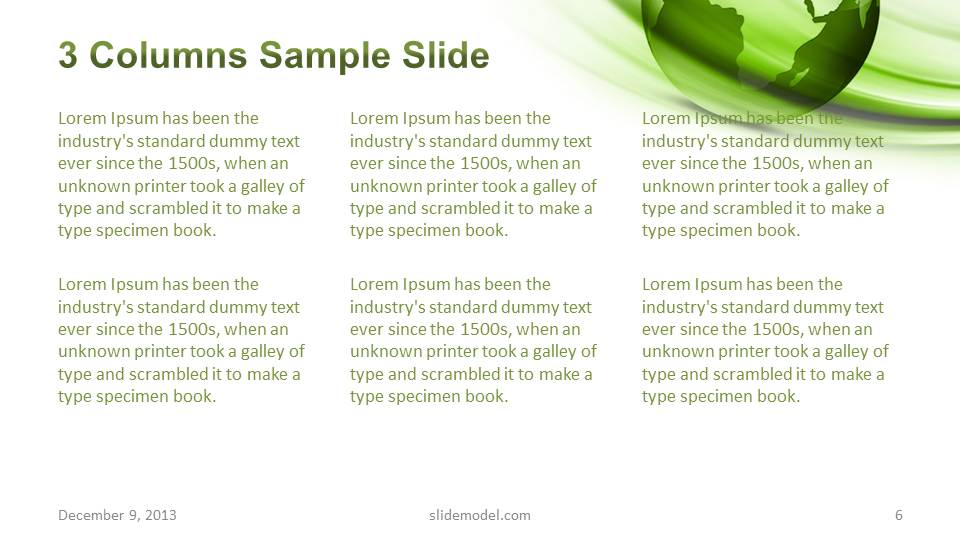
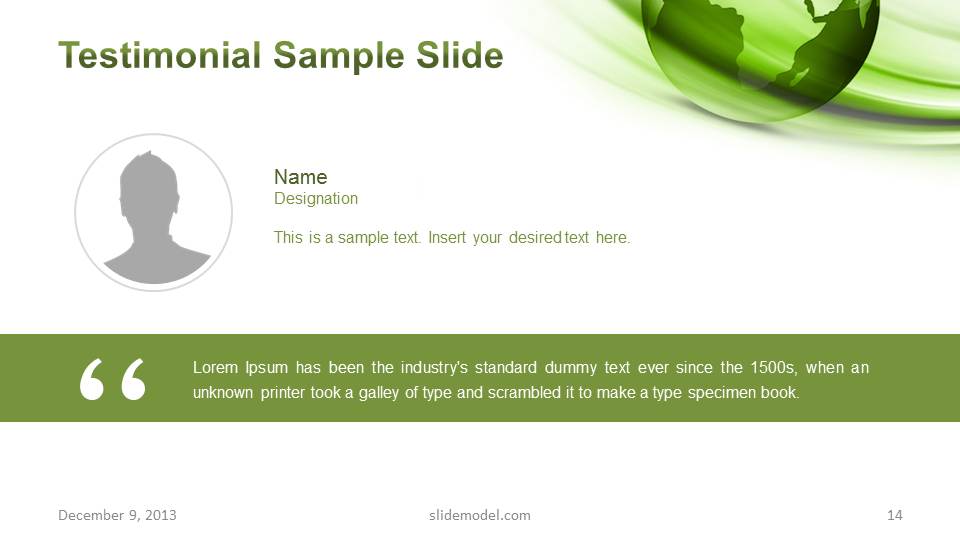
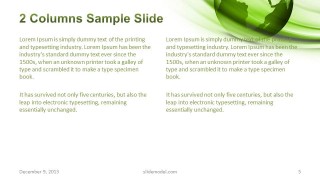
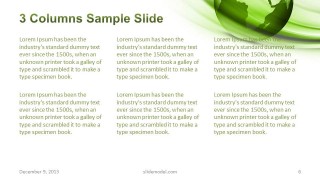
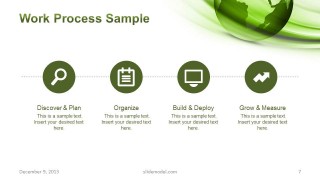
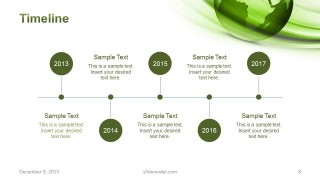
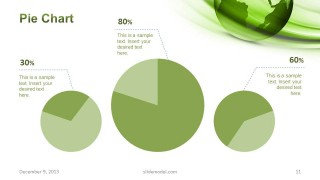
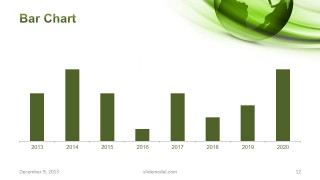
The next important characteristic about any organization is to explain their working policy and timeline they follow. This step is also counted for in this cool presentation template for PowerPoint and it provides a couple of choices to mention them in form of 2 columns or 3 columns. This section concludes with a working process layout and a timeline. The final section of the template is left to present statistics in form of different charts, ending the presentation with a testimonial and a Thank You page.
What’s inside this template
Example presentation scenarios
- A sustainability manager can introduce a corporate green program by opening with the globe cover, then using the process diagram and timeline to explain how the initiative will be organized.
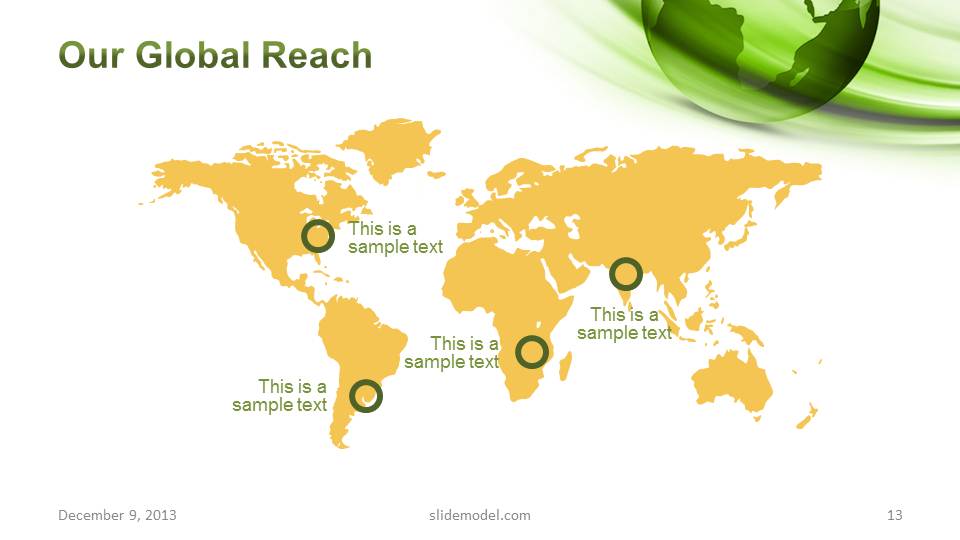
- A business development presenter can pitch international environmental services by pairing the Global Services slide with the Our Global Reach map and chart slides that show performance indicators.
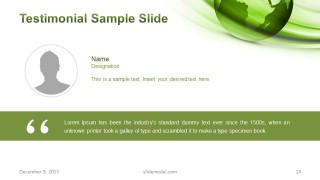
- An executive team can present a company profile to partners by using the team layout, individual skills slide, and testimonial slide to establish credibility before discussing services.
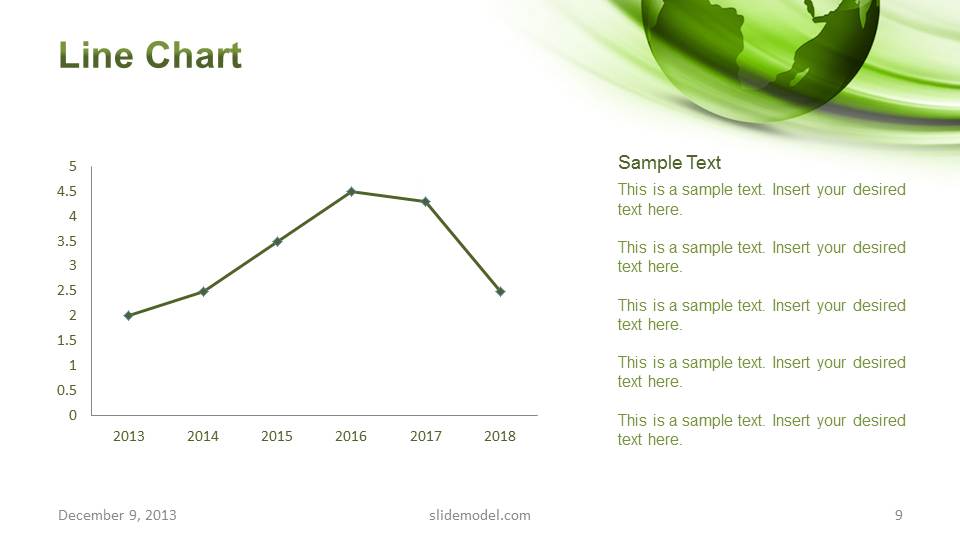
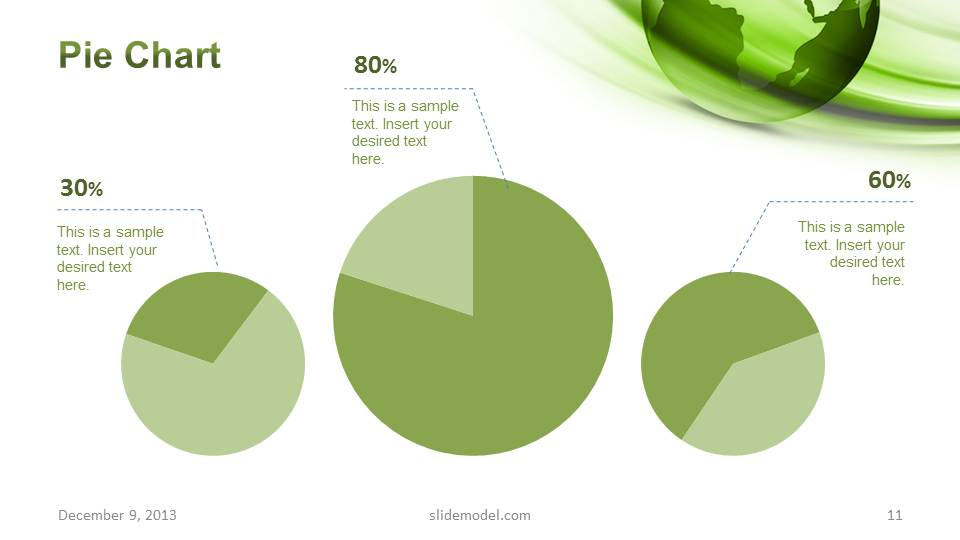
- A consultant can summarize an eco-focused market or operations review by using the two-column and three-column text slides for findings, then the line, pie, and bar charts for supporting metrics.
Features
- 100% editable presentation template
- Compatible with Microsoft PowerPoint and Google Slides
- 16:9 aspect ratio slides
- Scalable vector shapes, icons and illustrations
- AI-Ready for Microsoft Copilot and Claude
- Instant access and download
Frequently asked questions
Q: How should the presentation be structured for a clear company profile?
A: Start with the globe cover to set the environmental context, then introduce the team before describing global services. Use the skills slide only for roles that matter to the decision, not every employee. Move from process and timeline into the charts, map, and testimonial so the audience sees capability, method, evidence, and trust in that order.
Q: Who is this template best suited for?
A: This template fits presenters who need a green business identity without building a full custom deck. It is best for sustainability managers, environmental service firms, consultants, and executives presenting company capabilities, global reach, or green operations. The map, timeline, process icons, and chart slides support an informative profile or service briefing.
Q: Why do the globe and map visuals matter for the message?
A: The green globe works as a visual metaphor for environmental responsibility, while the world map reinforces scale and geographic reach. Because the same curved green background appears across many slides, the deck feels connected even when moving from people to process to charts. This helps the audience read the presentation as one organized story.












Global Green PowerPoint Template
15-slide green presentation template with globe cover, team profiles, timeline, charts, and world map
Global Green PowerPoint Template is a 15-slide, 16:9 presentation template for sustainability-themed company profiles and global service overviews. It includes a globe cover, team profiles, process diagram, timeline, line, pie, and bar charts, world reach map, testimonial, and thank-you slide for Microsoft PowerPoint and Google Slides.
- Category
- Template Backgrounds
- Rating


 Loading...
- Aspect ratio
- 16:9
- Item ID
- 6085-05
- Colors
 Microsoft PowerPoint
  Microsoft Copilot
  Claude for PowerPoint
 Other formats supported
Subscribe today and get immediate
access to download our PowerPoint templates.