Slide 12 of 15 from Global Green PowerPoint Template
6085-05-green-company-profile-12
Bar Chart for Data Visualization
- Chart
- Bar Vertical
- Evaluation Slide
- 16:9
- 100% Editable
The Bar Chart slide layout from the Global Green PowerPoint Template offers a clear and focused way to visualize performance review data, sales trends, or sustainability metrics. This slide features editable shapes and vector icons that enhance the presentation's clarity, making it suitable for corporate presentations and business presentation slide decks requiring precise data evaluation.
What’s on This Slide
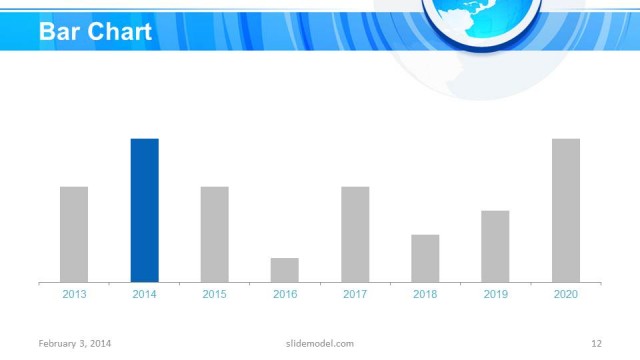
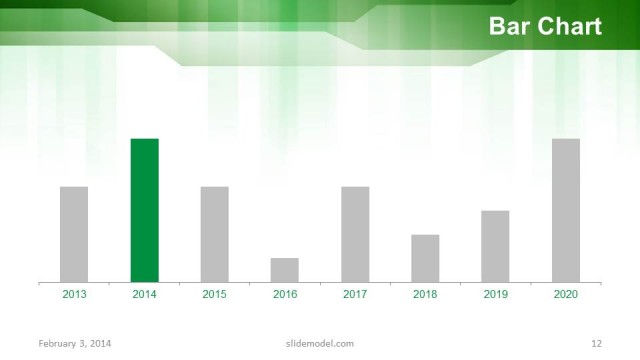
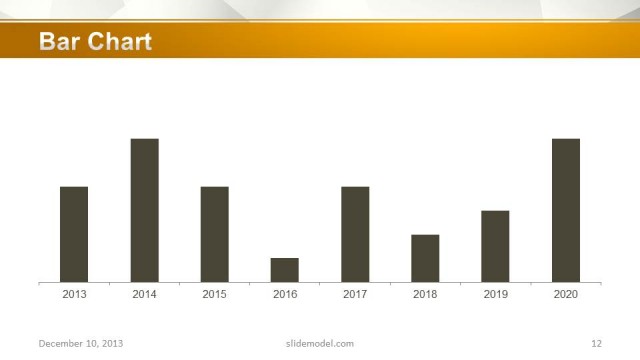
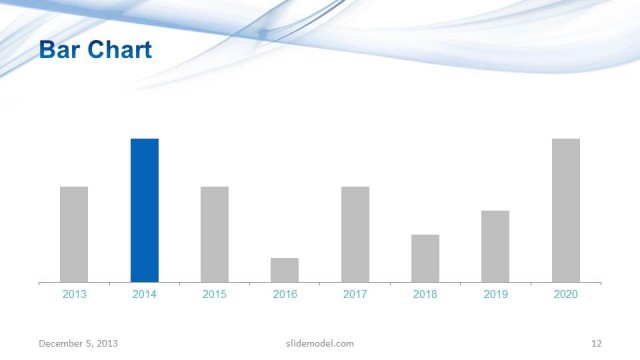
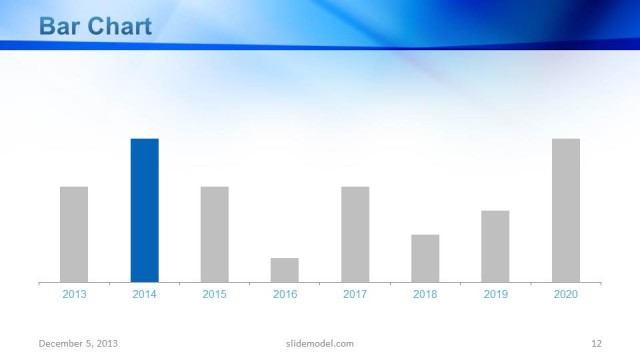
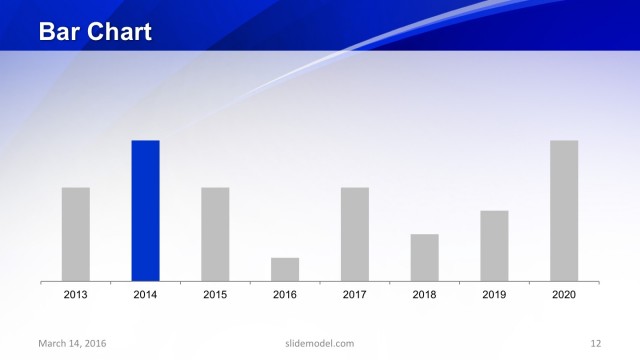
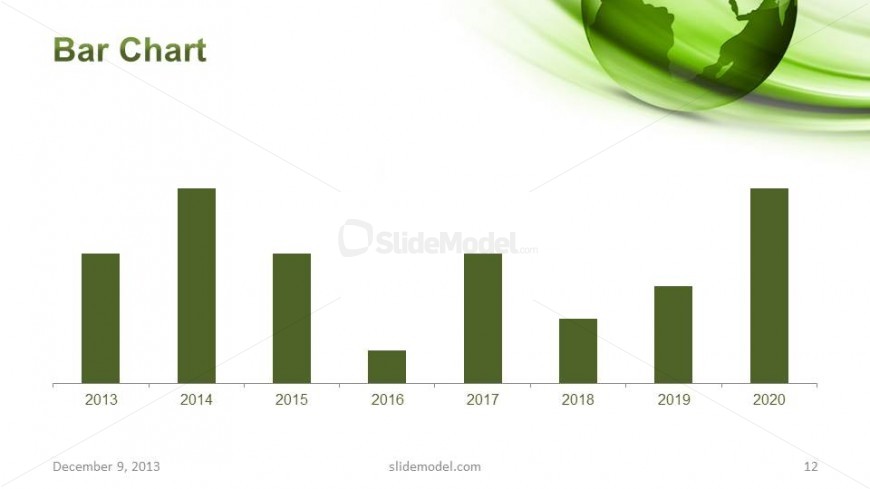
The layout features a bar chart positioned centrally on a white background. The chart displays vertical bars representing data from 2013 to 2020, with each bar labeled at the bottom. The bars are in a dark green color, consistent with the template's theme. Above the chart, there is a title placeholder aligned to the left. A green globe graphic is present in the top right corner, adding a thematic element. The overall composition emphasizes the chart, with minimal distractions from other elements.
How to Use It
This layout serves as a data visualization tool, ideal for presenting quantitative information over a specified time period. It fits well in a presentation sequence after introducing key concepts or problems, providing a visual summary of data trends. This chart is suitable for business scenarios such as performance reviews, sales data presentations, or sustainability metrics, where clear data representation is crucial for decision-making.
Text Placeholders & Capacity
Keep your copy within these limits so it fits without resizing. Node labels can hold short text, roughly 4 characters each.
| Placeholder | Count | Max characters (approx.) |
|---|---|---|
| Chart title | 1 | 20 |
| Item heading | 7 | 4 |
| Footer | 1 | 30 |
Slide Keywords
Download unlimited PowerPoint templates, charts and graphics for your presentations with our annual plan.
DOWNLOADReturn to Global Green PowerPoint Template.