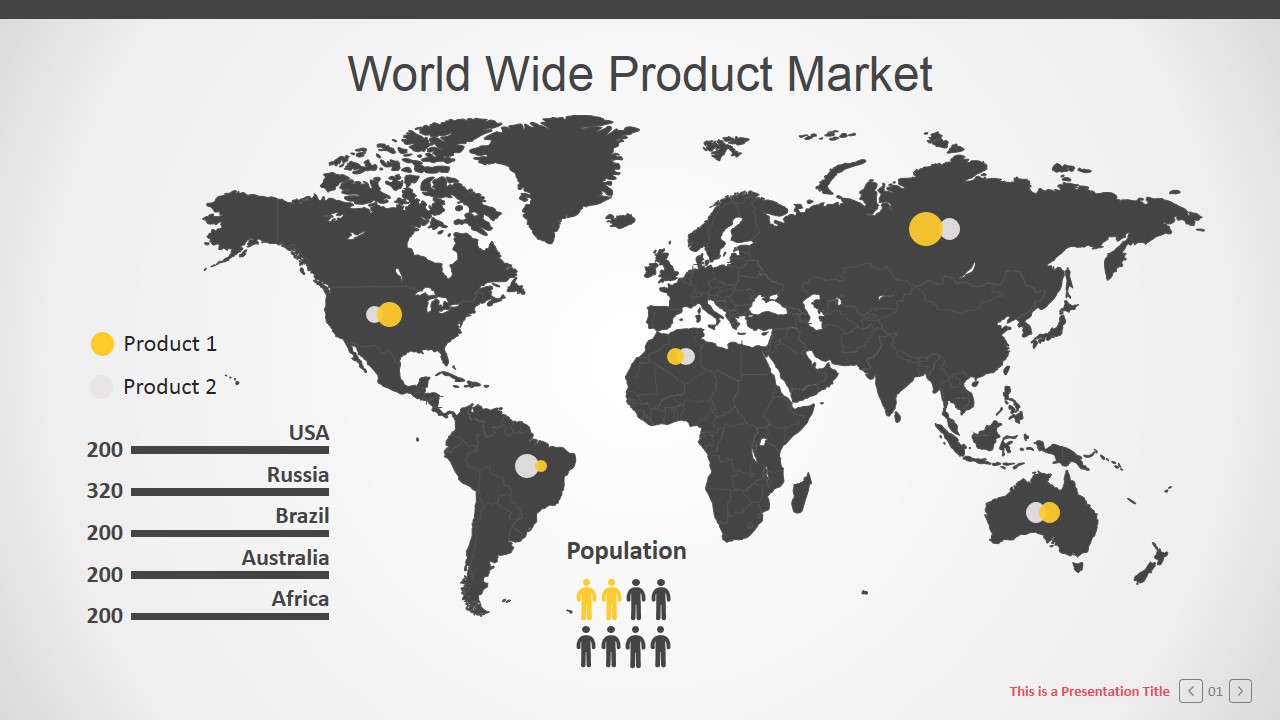
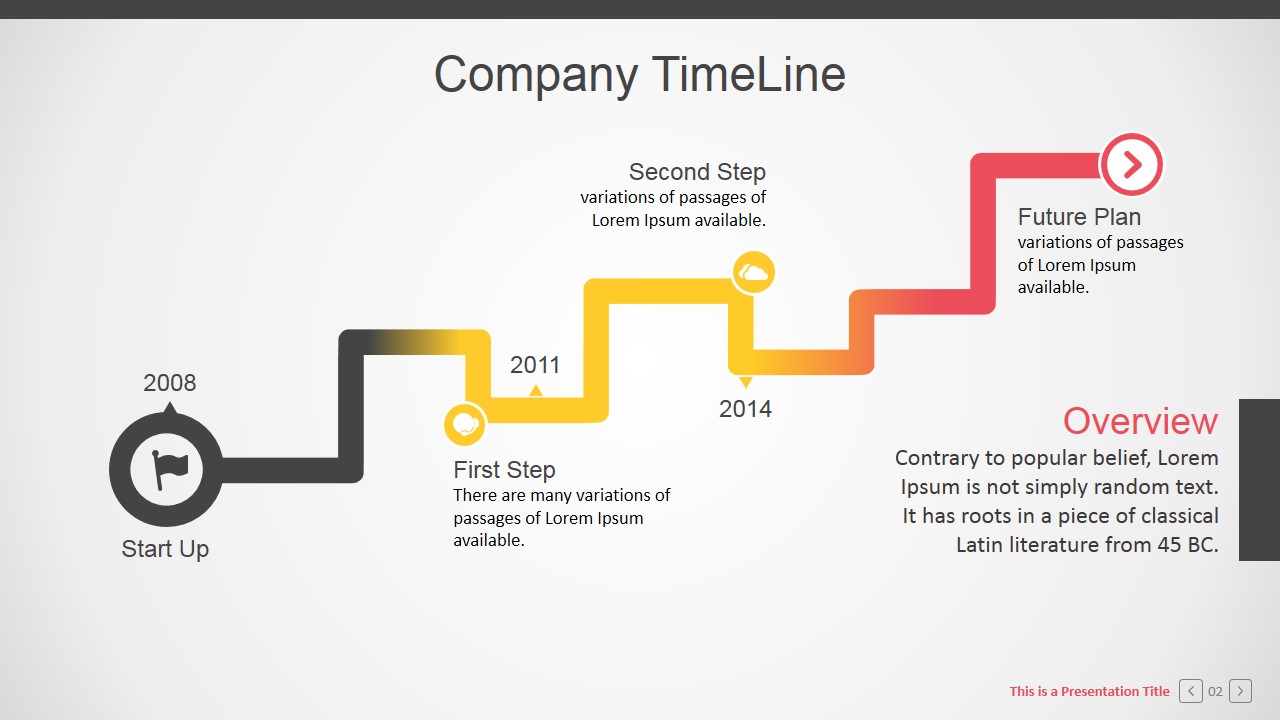
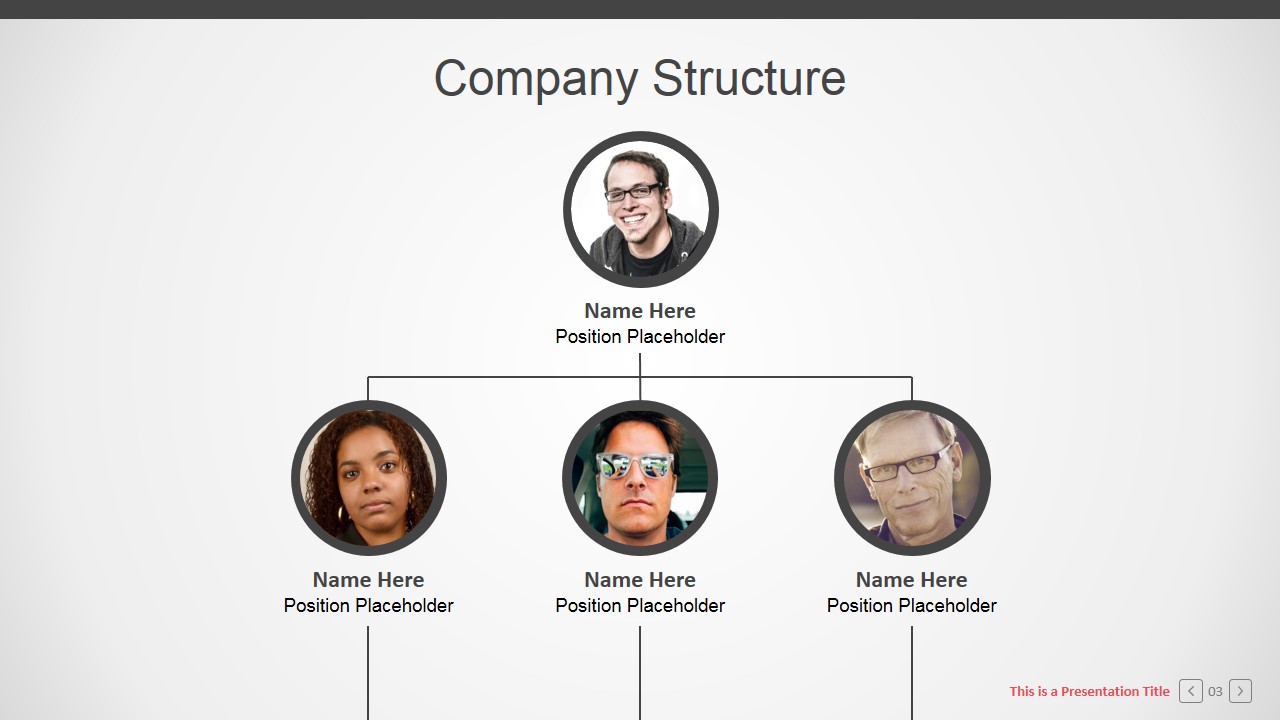
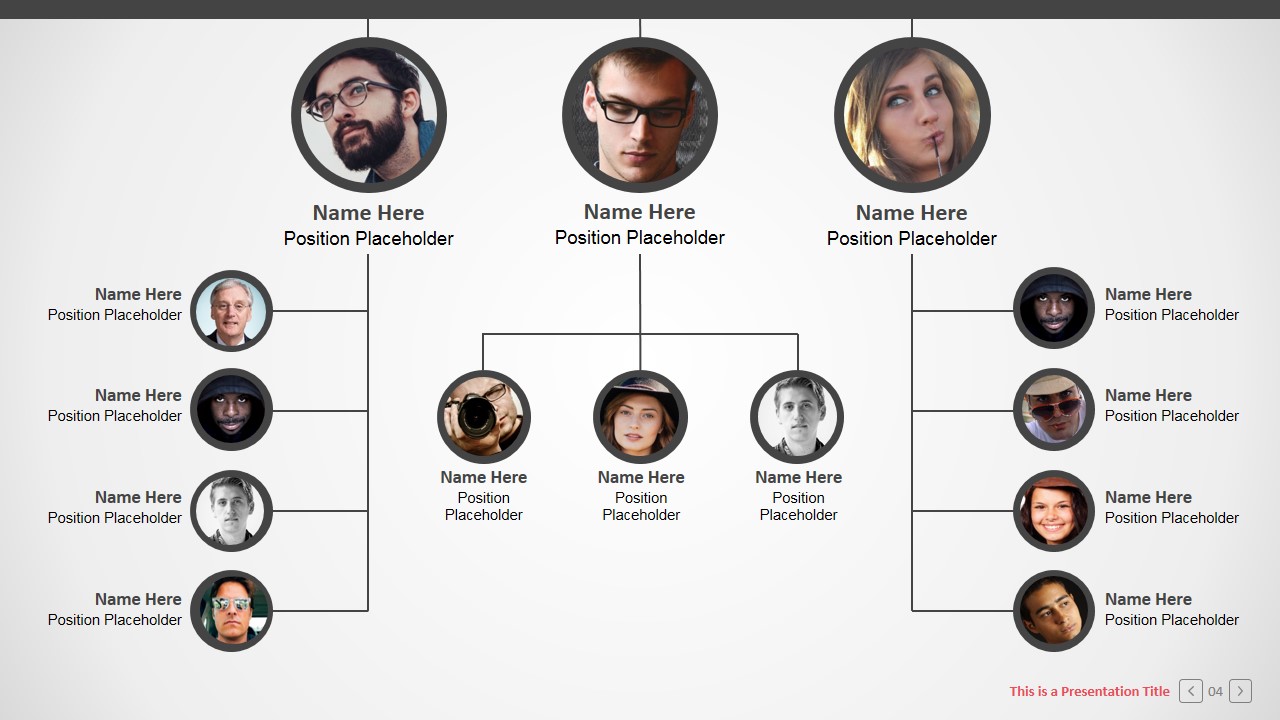
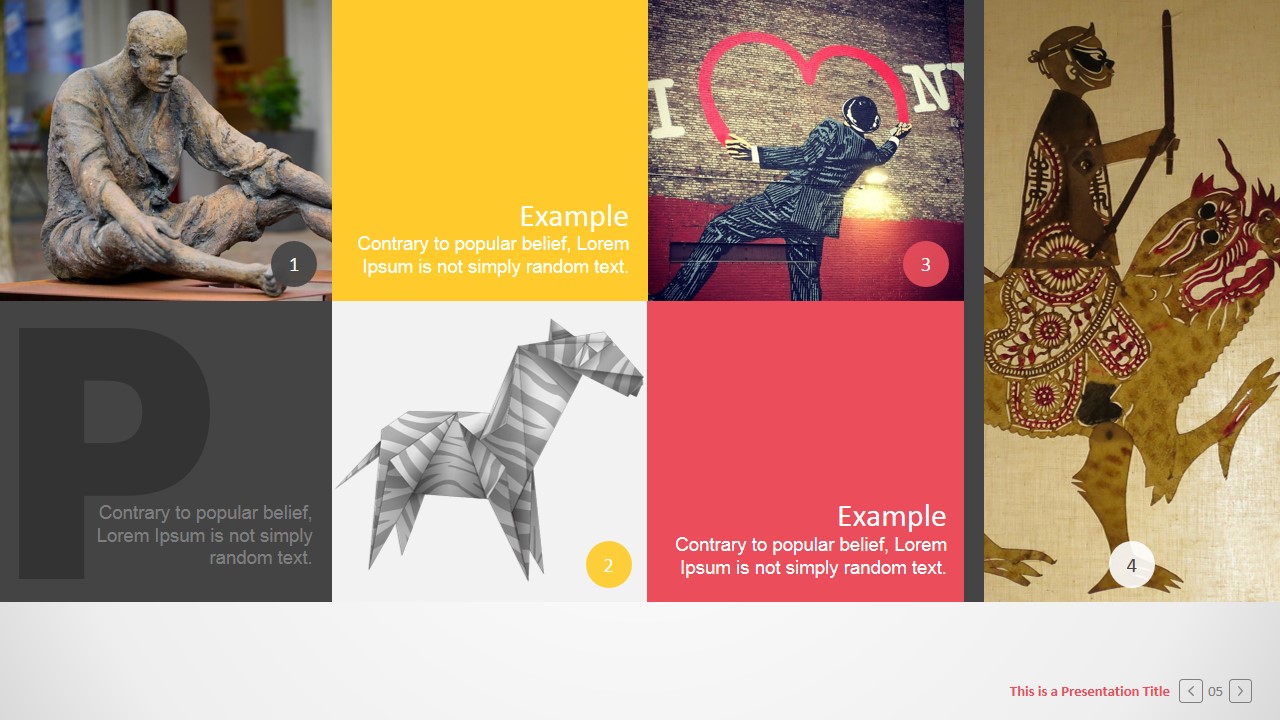
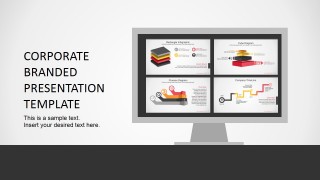
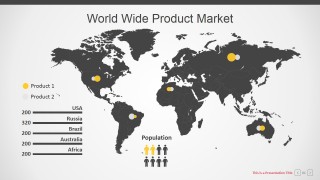
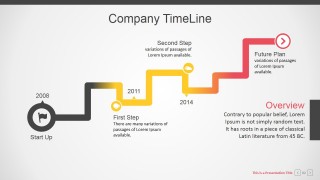
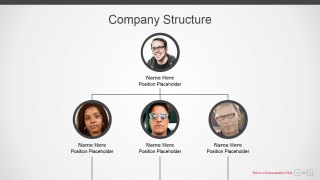
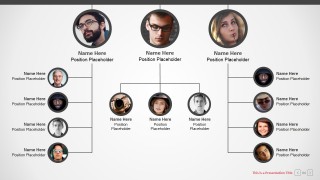
Branded Corporate PowerPoint Template – Create professional PowerPoint presentations with powerful graphics and diagrams. The Presentation Template provides a set of layouts, PowerPoint shapes and diagrams that can be applied in different corporate contexts. Start with a growth strategy through a worldmap slide, designed to describe markets and geographical statistics. Describe a plan within time, with a colorful and modern Timeline. Explain the team and structure with a clear and minimalist PowerPoint corporate organizational chart template. Describe your mission and vision within a tile layout, created to combine pictures with text.
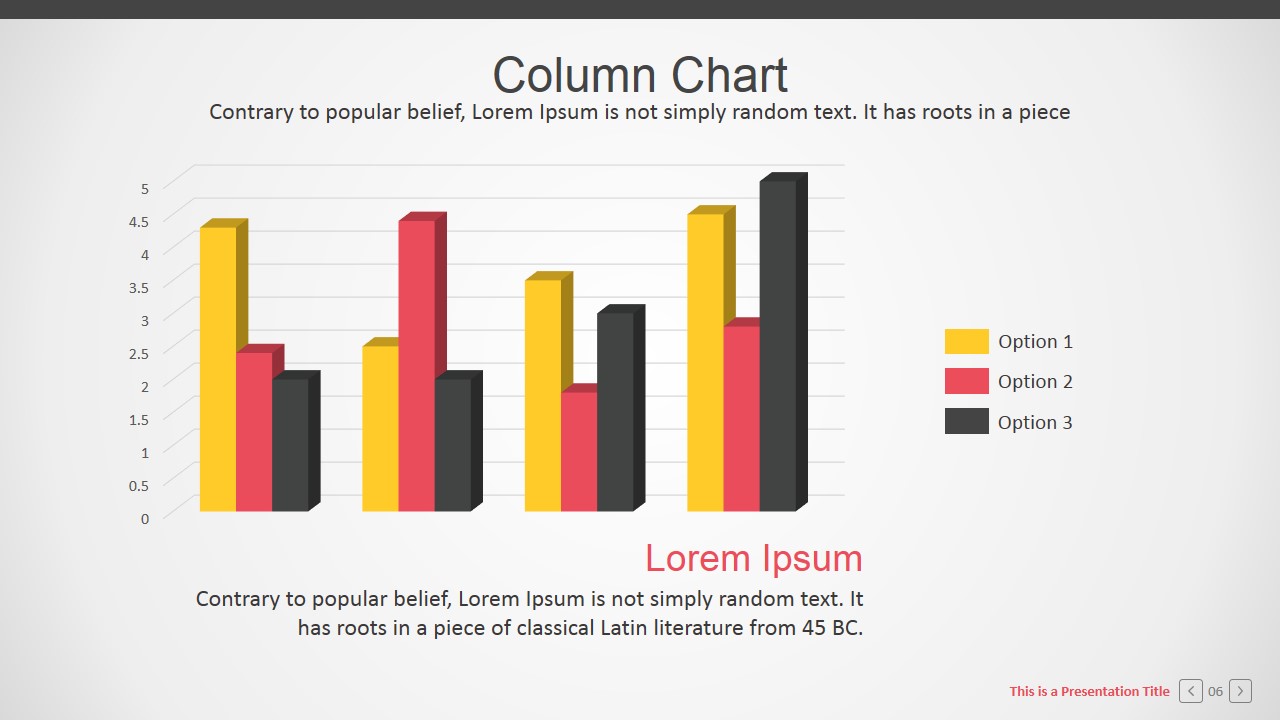
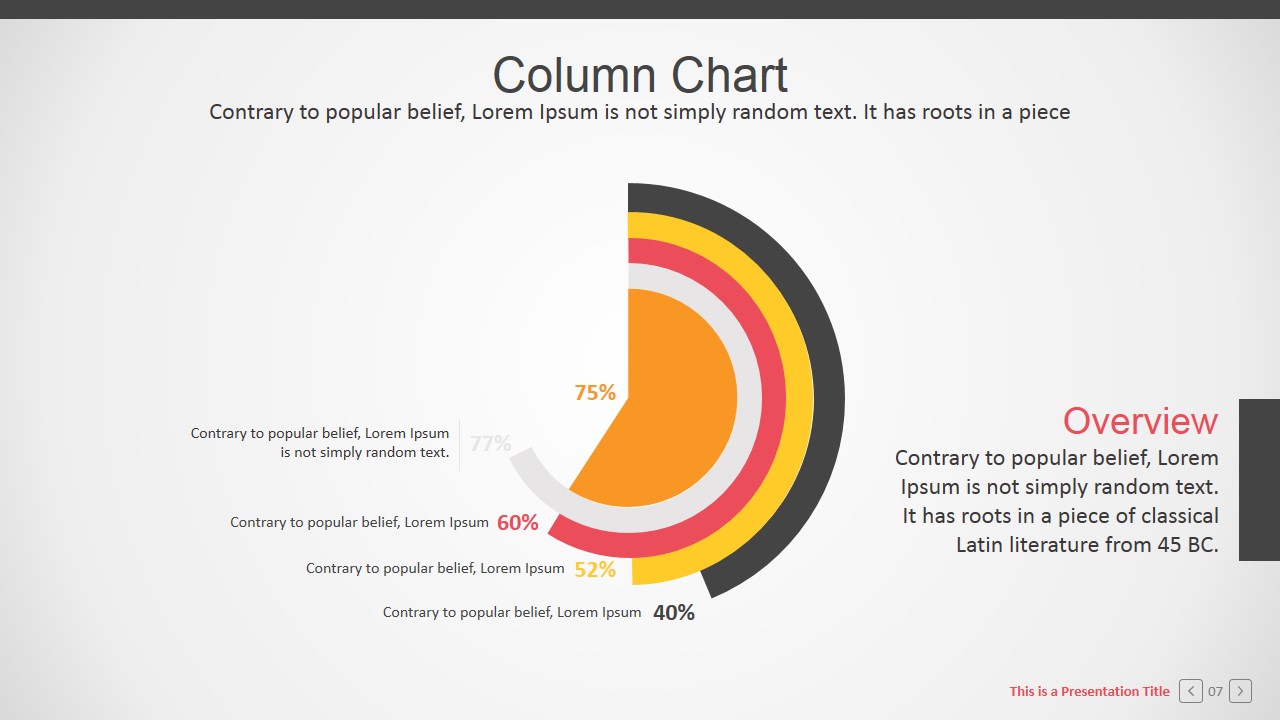
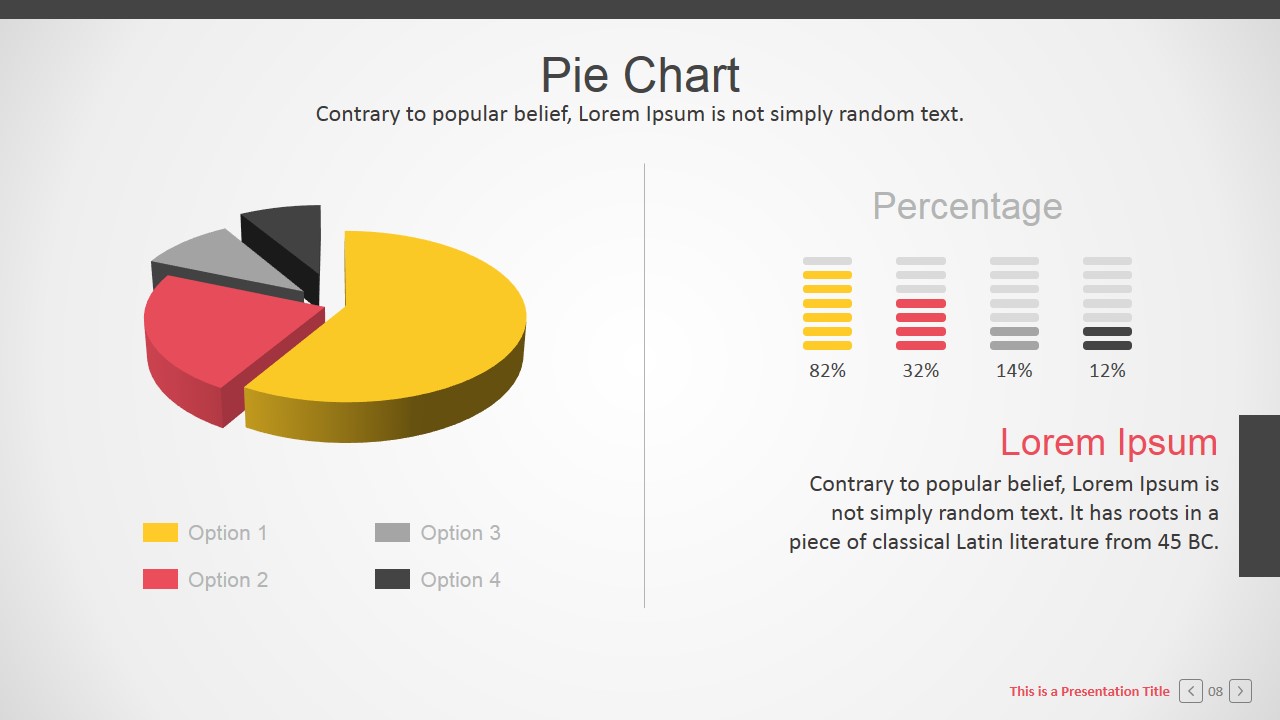
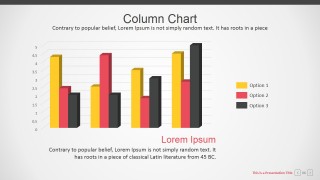
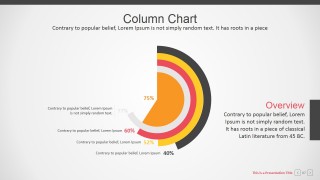
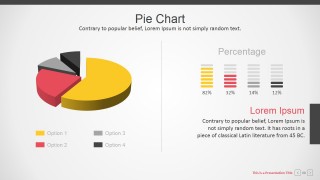
The presenter can describe financial information with the use of PowerPoint Charts, as Column Charts, Pie Charts, Donut Charts and less traditional infographics as circular charts. The PowerPoint Template contains a set of Professional PowerPoint Diagrams ideal for replacing bullet lists. The visual impact of PowerPoint diagrams increases the message retention and focuses the audience attention on listening instead of reading. Diagrams can be applied not only for presentations but also for marketing brochures or infographics banners.
Every PowerPoint diagram in the Branded Corporate PowerPoint Template is created using PowerPoint Shapes. This characteristic allows the user to customize the corporate powerpoint background according to its branding needs, without the need of design knowledge. Corporate Presentation Templates are an easy to use tool, and help presenters save time and focus in their message instead on the creation of visual assets.
What’s inside this template
Example presentation scenarios
- An executive team can present a company overview to stakeholders by opening with the branded cover, then showing geographic reach with the world market map and leadership structure with the org chart.
- A marketing or sales leader can explain regional product opportunities by using the world map, product legend, and column chart to connect market locations with performance indicators.
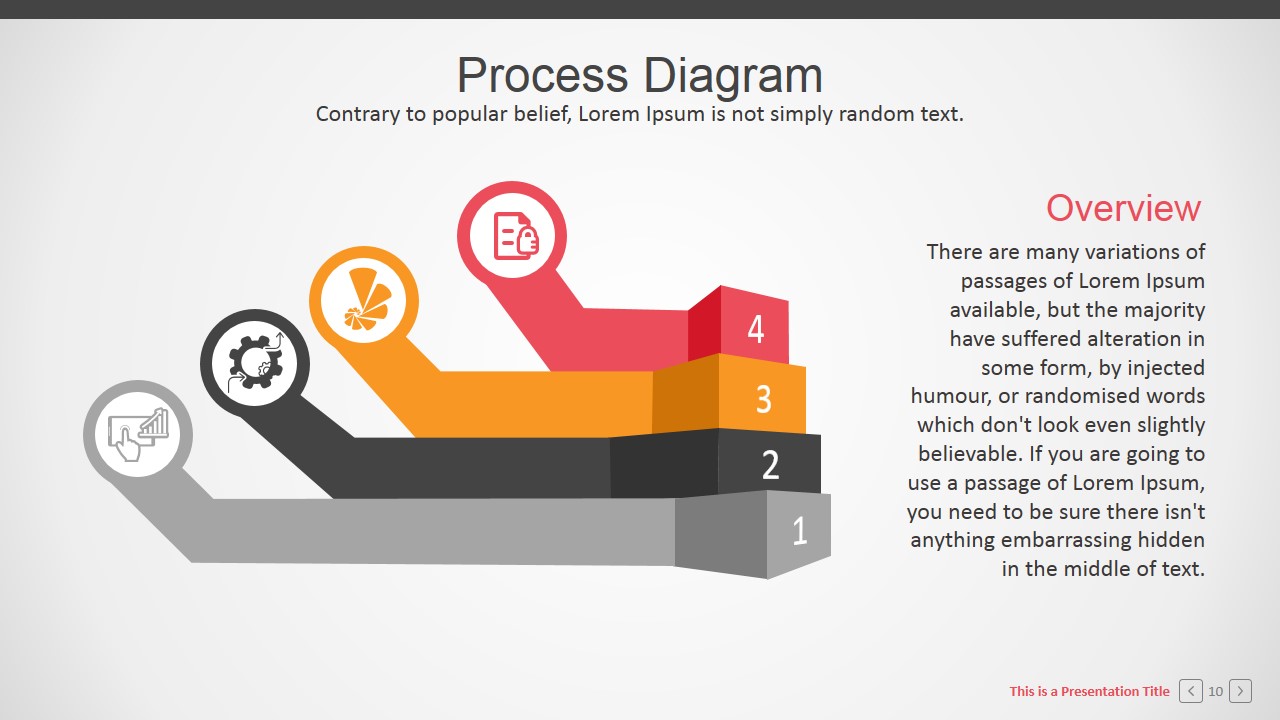
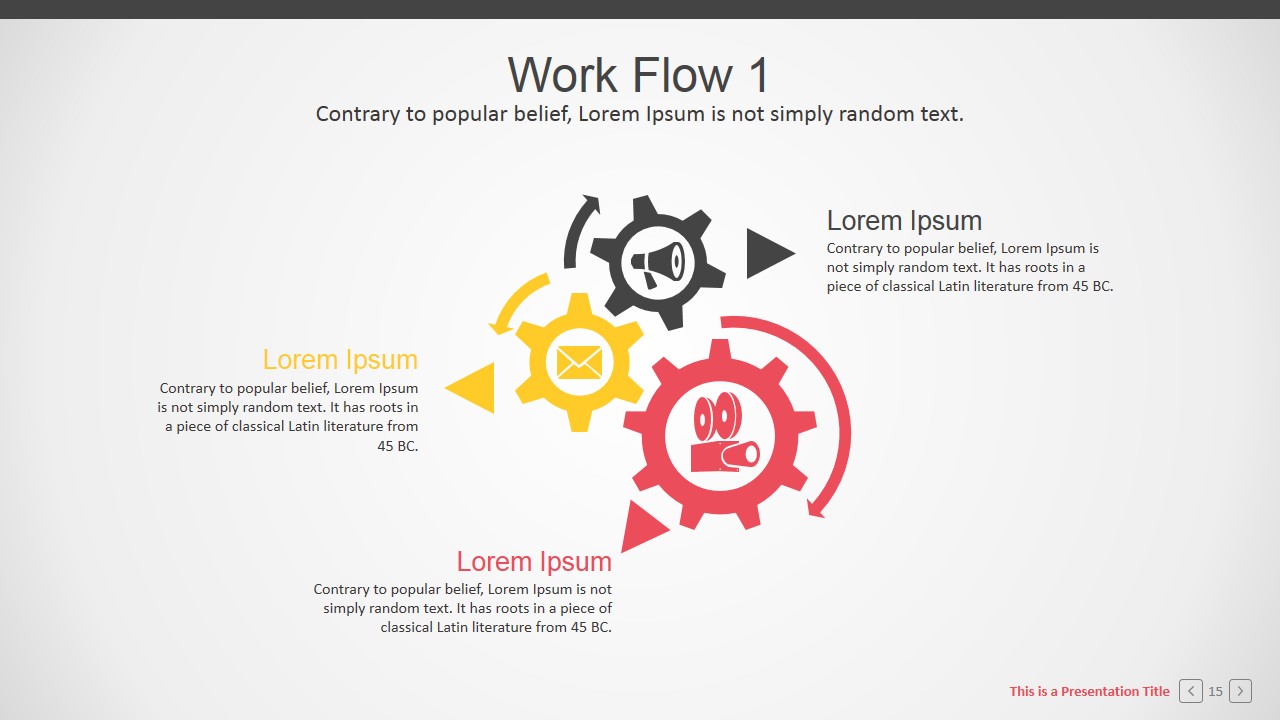
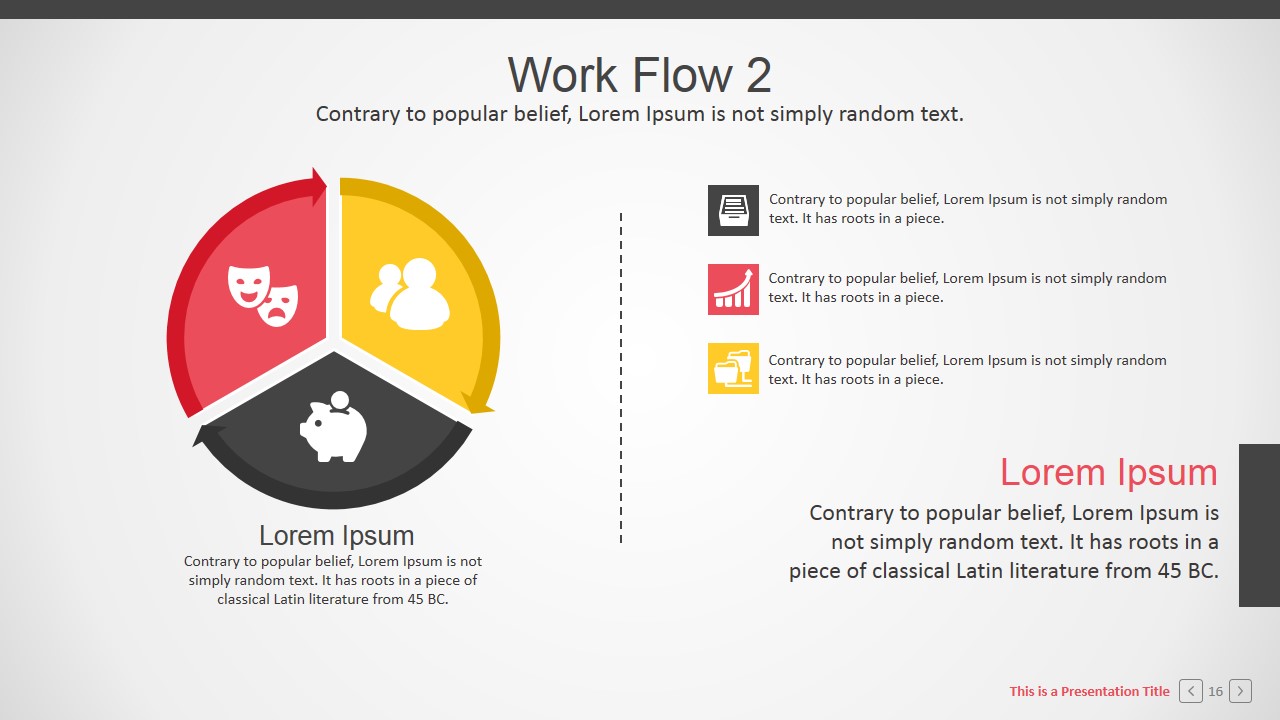
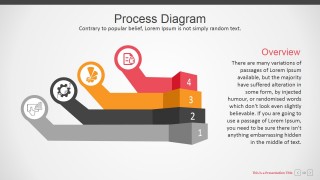
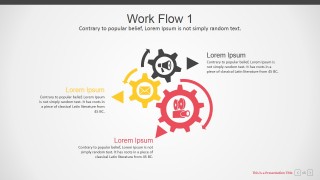
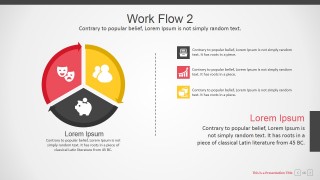
- An operations manager can brief process changes by using the four-step process diagram, gear workflow slide, and three-part circular workflow to show responsibilities and dependencies.
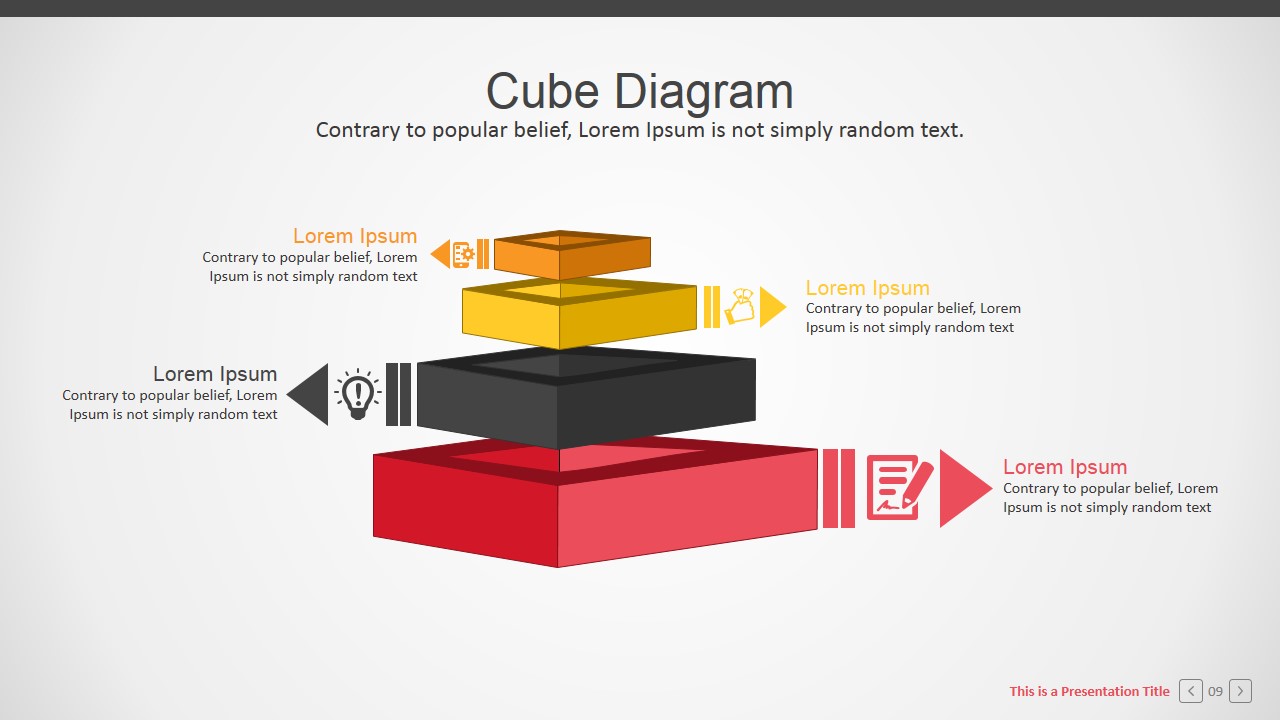
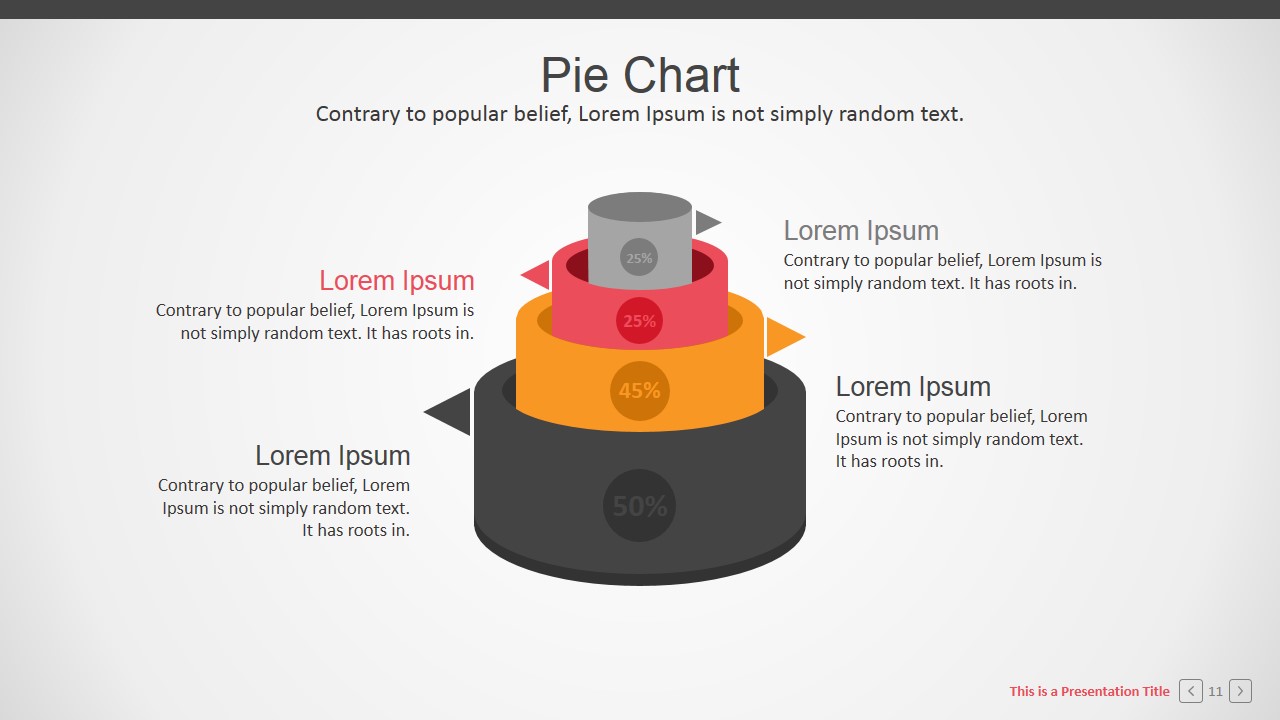
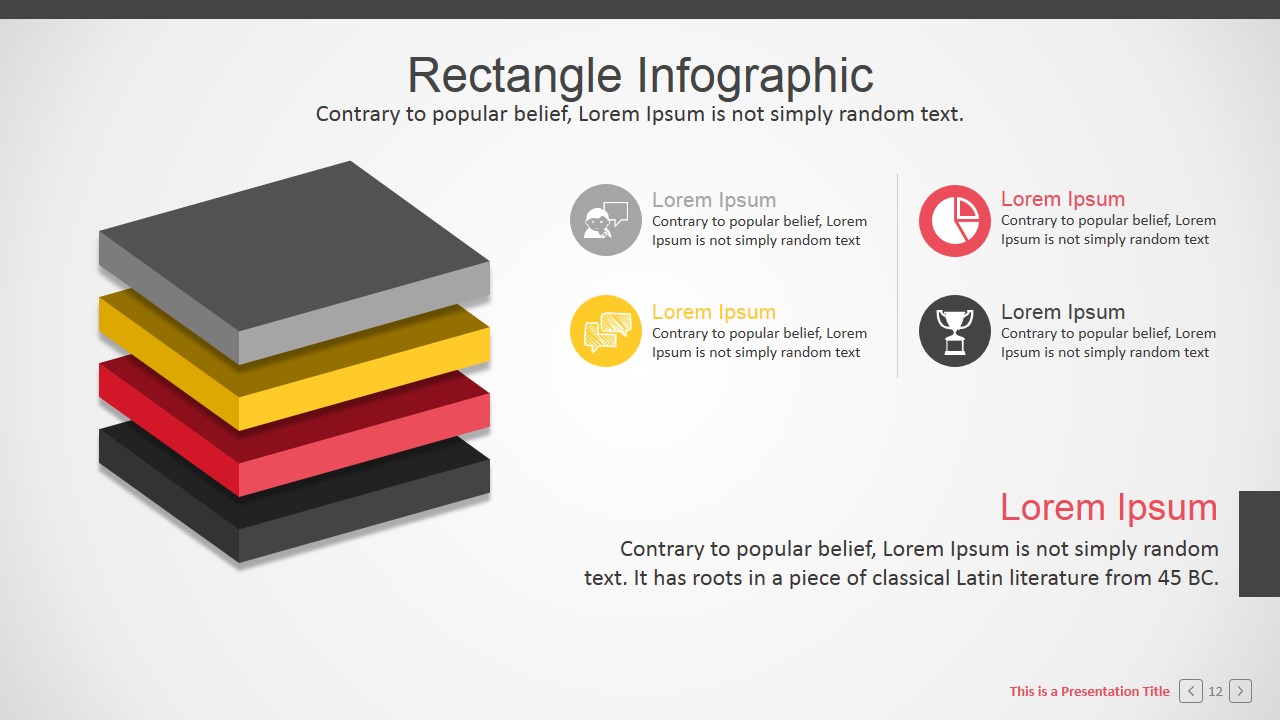
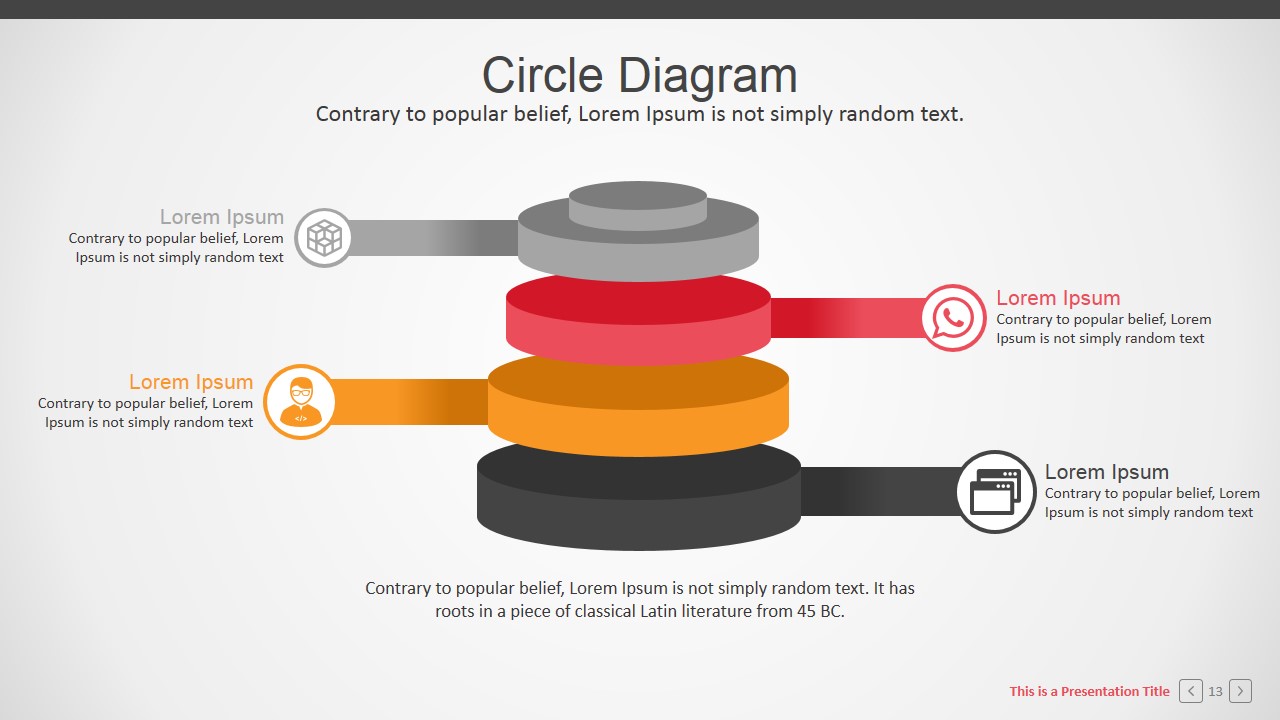
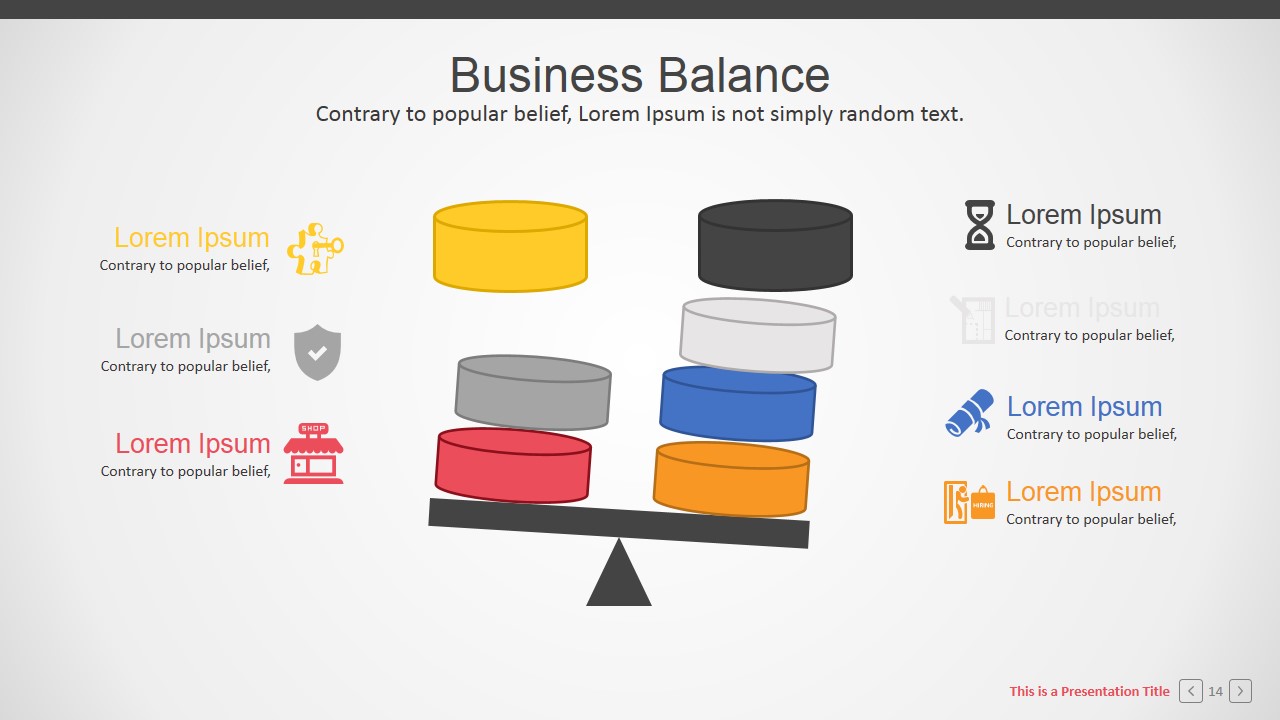
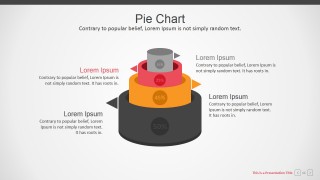
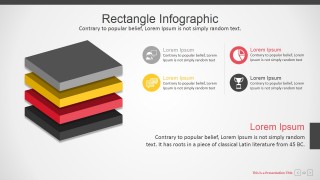
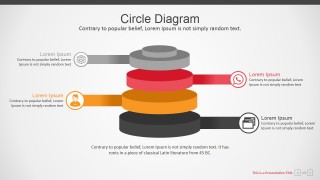
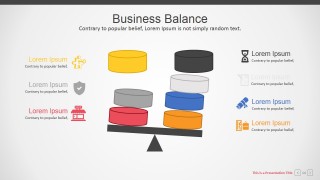
- A consultant can build a client-facing business review by combining the timeline, business balance visual, pie charts, and layered infographic slides to summarize progress, tradeoffs, and results.
Features
- 100% editable presentation template
- Compatible with Microsoft PowerPoint and Google Slides
- 16:9 aspect ratio slides
- Scalable vector shapes, icons and illustrations
- AI-Ready for Microsoft Copilot and Claude
- Instant access and download
Frequently asked questions
Q: How should a presenter organize a clear message with this template?
A: Start with the branded cover, then use the world map to establish market context before moving into the timeline and org chart. After the audience understands scope and structure, introduce chart slides for performance and process diagrams for execution. This order keeps the deck from becoming a collection of visuals without a business thread.
Q: Who is this template best suited for?
A: This template fits business presenters who need to explain a company, department, market plan, or operating model in one deck. Executives, managers, consultants, and marketing teams can use the org charts, timeline, map, and workflow diagrams to replace long bullet lists with faster visual explanation.
Q: Why do the layered blocks, gears, and balance visuals work for corporate communication?
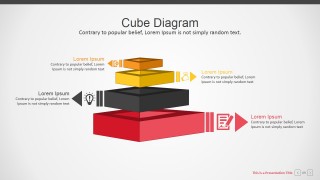
A: The deck uses familiar business metaphors: layers suggest stacked capabilities, gears suggest connected work, and the balance scale suggests tradeoffs. These metaphors help audiences read the slide before hearing every detail, which is useful when explaining process, priorities, or competing business factors.
Branded Corporate PowerPoint Template
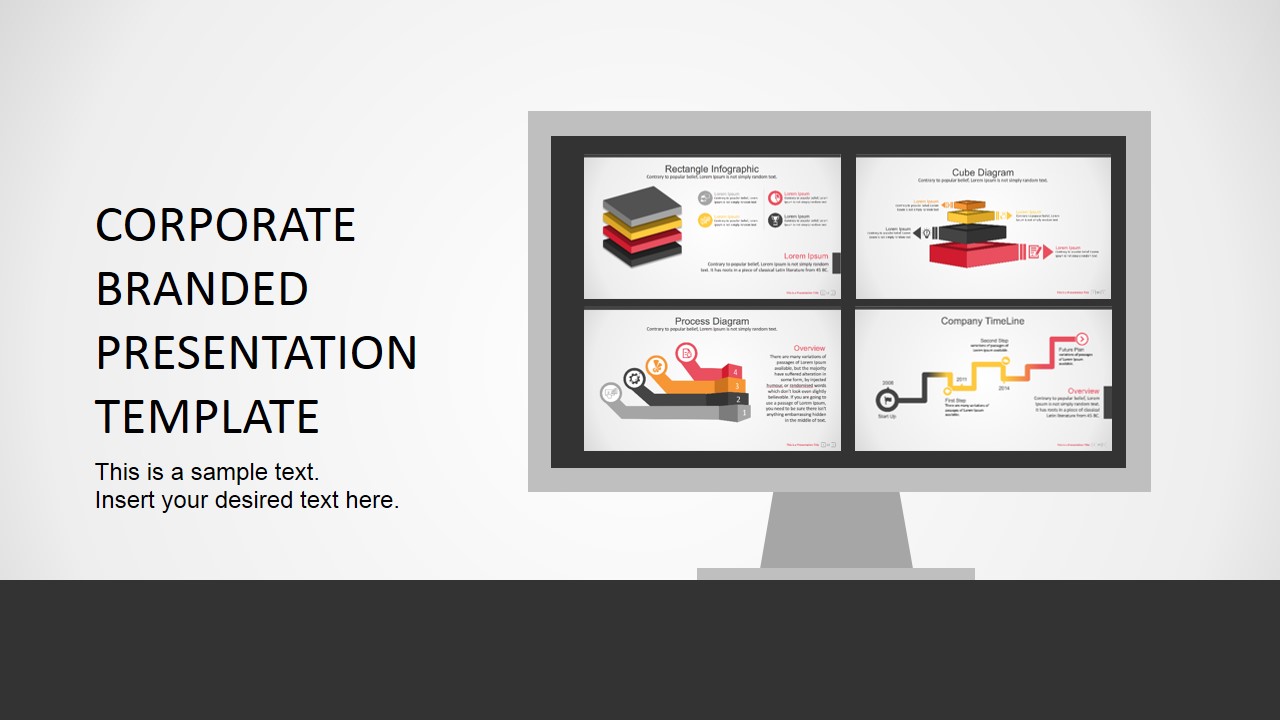
17-slide corporate presentation template with org chart, timeline, market map, and business diagrams
Branded Corporate PowerPoint Template is a 17-slide corporate deck for company overviews, planning updates, and performance reporting. It includes a world market map, company timeline, org chart, column and pie charts, process steps, workflow diagrams, and business balance visuals for Microsoft PowerPoint and Google Slides.
- Category
- Template Backgrounds
- Rating


 Loading...
- Aspect ratio
- 16:9, 4:3
- Item ID
- 0002-01
- Colors
 Microsoft PowerPoint
  Microsoft Copilot
  Claude for PowerPoint
 Other formats supported
Subscribe today and get immediate
access to download our PowerPoint templates.