Present a comprehensive overview of your organization’s performance in investor presentations with our Formal Executive Briefing PowerPoint Template. In stakeholder presentations, strategy leaders share the company’s current situation analysis and outline ways to tackle business challenges. They discuss the metrics and KPIs that are important for business success. Further, in annual report presentations, professionals showcase SWOT analysis outcomes and track the project timeline using the formal executive presentation template. The business analysts review the company’s priorities and share the next action plan for business growth and development using the editable PPT slide deck.
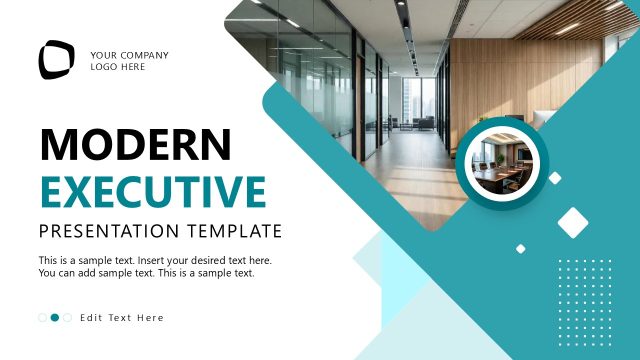
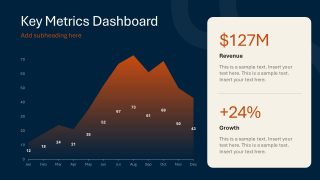
The Formal Executive Briefing PowerPoint Template features a blue-and-rust color palette that makes the message prominent to the audience. The cover slide shows a photo from a high-level board meeting. Data visualizations on the KPIs dashboard slide help stakeholders and executives make better decisions for the company. They can identify patterns and other insights from the data to decide the next step. The template includes the following slides for business consultants:
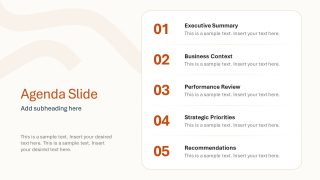
- Agenda Slide
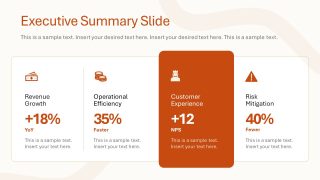
- Executive Summary Slide
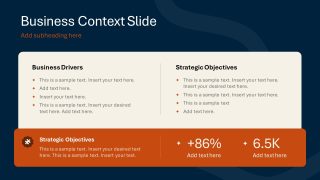
- Business Context Slide
- Key Metrics Dashboard
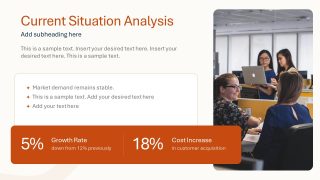
- Current Situation Analysis
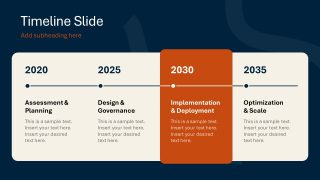
- Timeline Slide
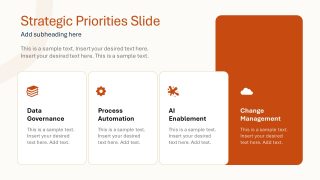
- Strategic Priorities Slide
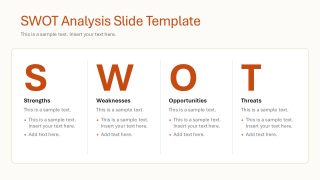
- SWOT Analysis Slide Template
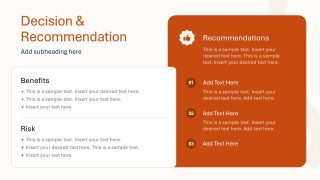
- Decision & Recommendation
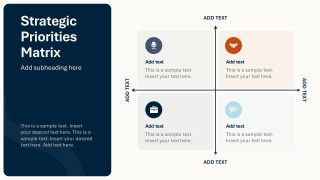
- Strategic Priorities Matrix
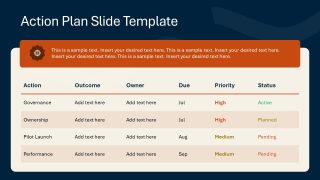
- Action Plan Slide Template
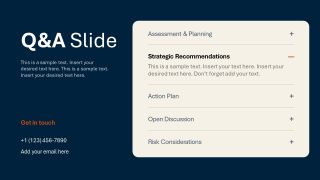
- Q&A Slide
Also, you can modify the PPT design’s color scheme, layout elements, and other components to match the company theme. Download the formal executive briefing PPT template and present your business growth plan to stakeholders. Also, try our corporate slide deck collection to find the most suitable design for your next client presentation.
What’s inside this template
Example presentation scenarios
- A strategy leader can brief the board on current performance by opening with the executive summary, explaining the KPI dashboard, and closing with the decision and recommendation slide.
- A business consultant can present a client transformation roadmap by using the business context slide, timeline, strategic priorities cards, and action plan table to connect diagnosis with execution.
- An operations executive can explain implementation risk by pairing the current situation analysis slide with the SWOT analysis and the risks section of the recommendation slide.
- An investor relations presenter can summarize business progress with the revenue and growth metrics, then use the strategic priorities matrix to show where leadership attention is focused.
Features
- 100% editable presentation template
- Compatible with Microsoft PowerPoint and Google Slides
- 16:9 aspect ratio slides
- Scalable vector shapes, icons and illustrations
- AI-Ready for Microsoft Copilot and Claude
- Instant access and download
Frequently asked questions
Q: How should the presenter structure the executive message with this template?
A: Start with the agenda and executive summary to state the decision context before showing data. Use the KPI dashboard and current situation analysis as evidence, then move to the timeline, strategic priorities, SWOT analysis, and recommendations. Close with the action plan so the audience leaves with owners, timing, and next steps.
Q: Who is this template best suited for in a leadership meeting?
A: This template fits senior leaders, consultants, business analysts, and department heads who need to report status and ask for direction. It is strongest when the message combines performance metrics, strategic options, and implementation actions. The KPI dashboard, priorities matrix, recommendation slide, and action plan table support decision-oriented executive conversations.
Q: Why do the dashboard, SWOT, matrix, and action plan layouts help executive communication?
A: The layouts separate evidence, interpretation, and action. The dashboard shows the measurable situation, the SWOT layout frames internal and external factors, the priorities matrix makes tradeoffs visible, and the action plan converts the discussion into accountable work. This sequence reduces ambiguity for senior audiences.




Formal Executive Briefing PowerPoint Template
13-slide executive briefing presentation template with KPI dashboard, SWOT analysis, timeline, and action plan
The Formal Executive Briefing PowerPoint Template is a 13-slide business briefing deck for leaders presenting company status, priorities, and recommendations. It includes an agenda, executive summary, KPI dashboard, timeline, SWOT analysis, strategic priorities matrix, action plan table, and Q&A layout for Microsoft PowerPoint and Google Slides.
- Category
- Business PowerPoint Templates
- Rating


 Loading...
- Aspect ratio
- 16:9
- Item ID
- 94230-01
- Colors
 Microsoft PowerPoint
  Microsoft Copilot
  Claude for PowerPoint
 Other formats supported
Subscribe today and get immediate
access to download our PowerPoint templates.