Slide 13 of 14 from Formal Executive Briefing PowerPoint Template
Action Plan Slide with and Editable Table Diagram
Action Plan Slide for Executive Briefing
- Table
- Action Plan
- Project Plan Slide
- 16:9
- 100% Editable
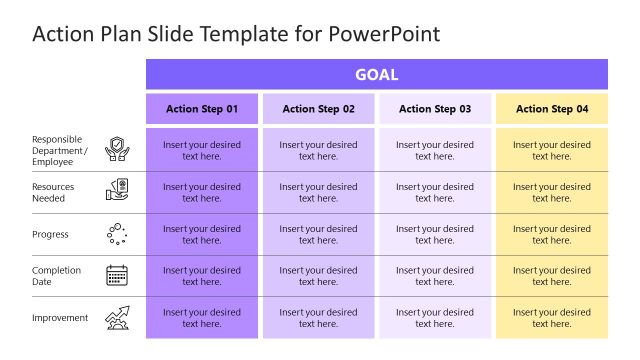
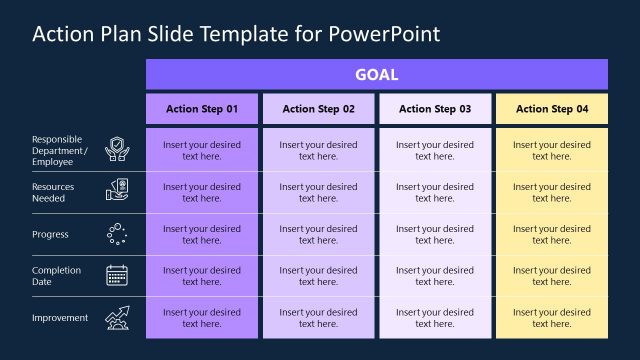
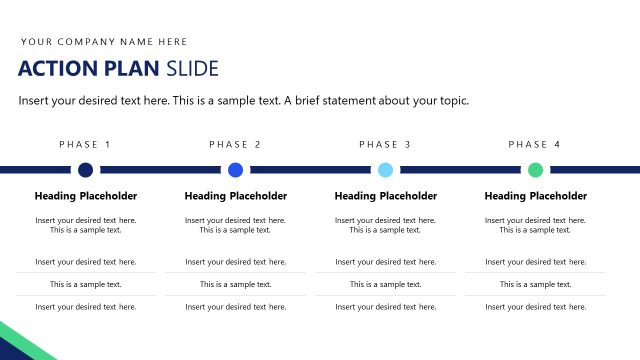
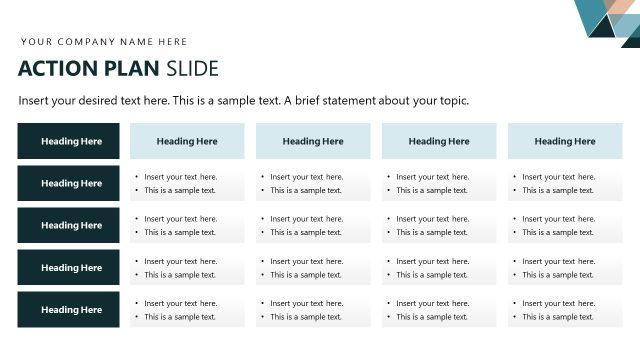
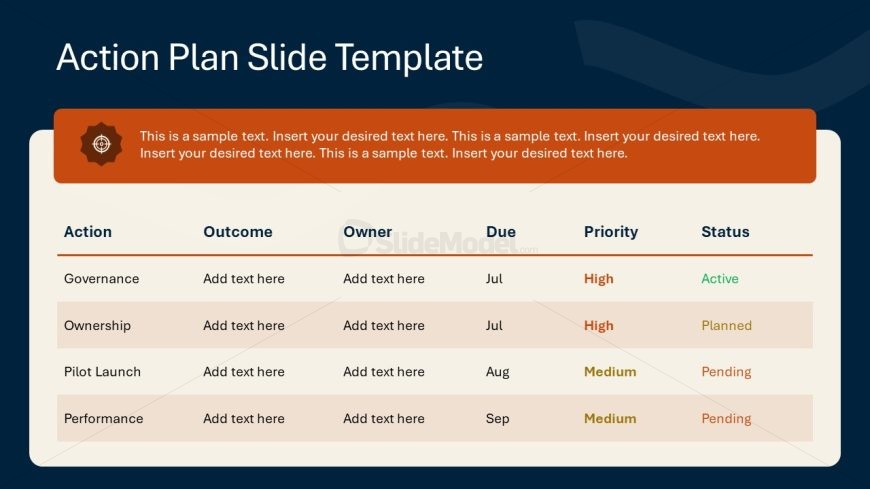
The Action Plan Slide Template from the Formal Executive Briefing PowerPoint Template offers a clear layout for tracking project tasks, owners, deadlines, and priorities. This slide template is designed to support project management efforts by organizing action items in a structured table, making it suitable for business presentations and progress updates. Its editable shapes and color-coded indicators enhance clarity and usability within corporate slide decks.
What’s on This Slide
The layout features a top section with a rectangular header containing sample text, aligned centrally. Below, a table occupies the main area, divided into five columns labeled Action, Outcome, Owner, Due, Priority, and Status. Each row represents a distinct action item, with placeholders for text in the first four columns. The last two columns display the due date and status, with color-coded indicators for priority. The background is dark blue, while the table has a light background, enhancing readability. The overall structure is organized and clear.
How to Use It
This layout serves as an action plan, detailing tasks, responsibilities, and timelines. It fits within a presentation sequence after strategic discussions, providing clarity on execution. Ideal for project management meetings, team briefings, or progress updates, it allows stakeholders to track action items effectively. The structured format ensures that all necessary information is presented in a concise manner, making it suitable for formal business contexts.
Text Placeholders & Capacity
Keep your copy within these limits so it fits without resizing. Table cells can hold roughly 4-6 words each.
| Placeholder | Count | Max characters (approx.) |
|---|---|---|
| Column header | 5 | 20 |
| Cell | 20 | 30 |
Slide Keywords
Download unlimited PowerPoint templates, charts and graphics for your presentations with our annual plan.
DOWNLOAD