Slide 8 of 14 from Formal Executive Briefing PowerPoint Template
Timeline Slide with Vertical Columns
Timeline Slide for Executive Briefing Presentation
- Diagram
- Timeline Horizontal
- Timeline Slide
- 16:9
- 100% Editable
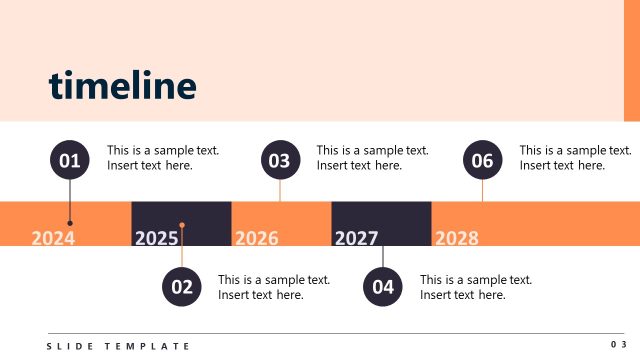
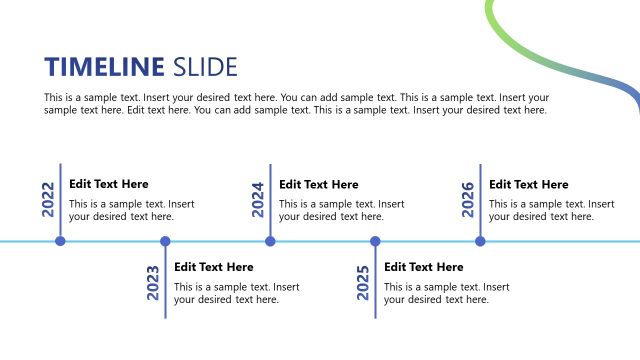
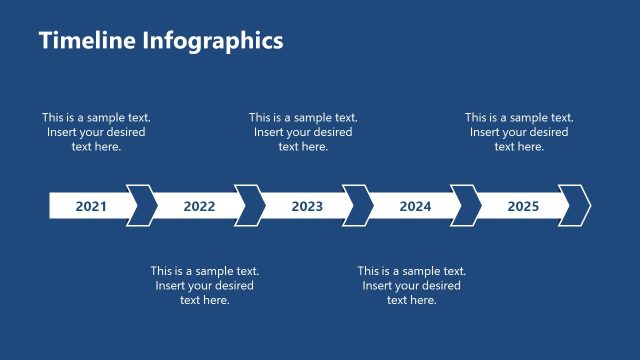
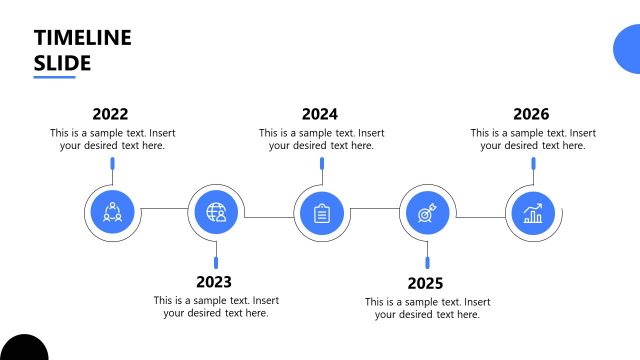
The Timeline Slide from the Formal Executive Briefing PowerPoint Template offers a clear horizontal layout ideal for project timelines and milestone tracking. This slide template features editable shapes and vector icons to visually represent strategic planning phases, making it a practical choice for business presentations and corporate slide decks.
What’s on This Slide
The layout features a horizontal timeline divided into four segments representing the years 2020, 2025, 2030, and 2035. Each segment includes a circular node and a label indicating the year. The 2030 segment is highlighted in orange, distinguishing it from the others. Below each year, there are text placeholders for titles and descriptions, aligned centrally beneath each segment. The background is dark blue, providing contrast to the lighter segments. The overall composition emphasizes the timeline's flow from left to right, guiding the viewer's attention through the years.
How to Use It
This layout serves as a chronological timeline, ideal for presenting project phases or milestones over time. It fits well in a presentation sequence after introducing key concepts or objectives. This slide is suitable for business scenarios such as project planning, strategic initiatives, or progress tracking, where visualizing timelines enhances understanding. It can also be used to outline phases in product development or organizational changes, making it versatile for executive briefings.
Text Placeholders & Capacity
Keep your copy within these limits so it fits without resizing. Node body slots can hold roughly 15-20 words each.
| Placeholder | Count | Max characters (approx.) |
|---|---|---|
| Slide title | 1 | 30 |
| Subtitle | 1 | 50 |
| Item heading | 4 | 20 |
| Item body | 4 | 100 |
Slide Keywords
Download unlimited PowerPoint templates, charts and graphics for your presentations with our annual plan.
DOWNLOAD