Slide 9 of 14 from Formal Executive Briefing PowerPoint Template
Strategic Priorities Slide for Executive Briefing Presentation
Strategic Priorities Slide for Executive Briefing
- Text Layout
- Other
- Strategy Slide
- 16:9
- 100% Editable
The Strategic Priorities Slide from the Formal Executive Briefing PowerPoint Template offers a clean, organized layout ideal for highlighting key business initiatives. This slide template supports strategic planning and executive updates by clearly presenting focus areas with editable shapes and vector icons. It fits seamlessly within a corporate presentation or pitch deck template, helping users transition from problem analysis to actionable priorities using professional slide templates.
What’s on This Slide
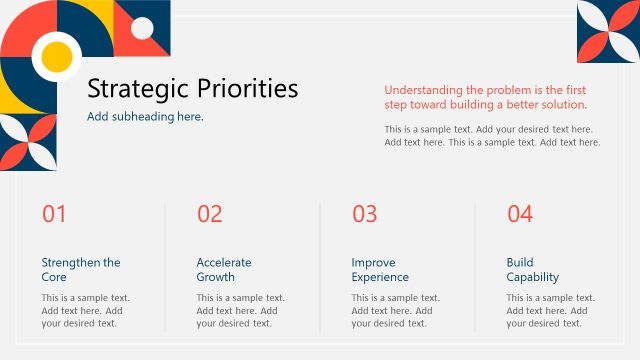
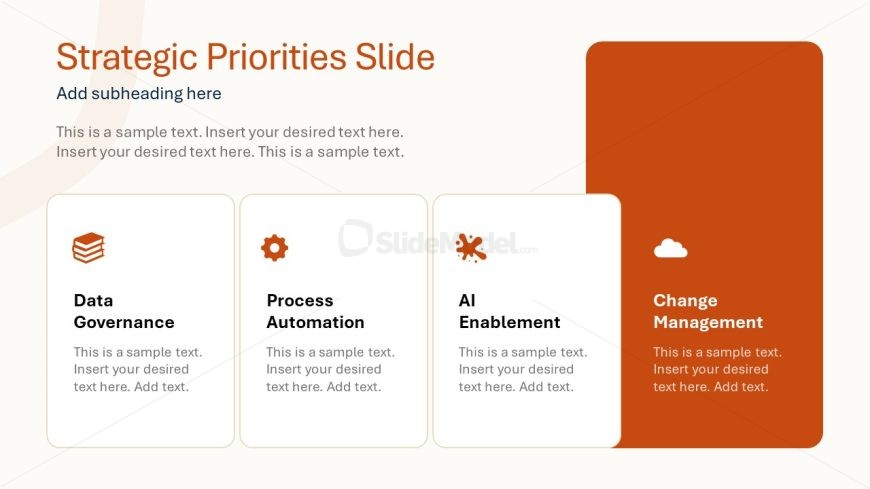
The layout features a title at the top center, followed by a subheading beneath it. Below, four rectangular containers are arranged in a horizontal row. Each container includes an icon on the left and a title above a text placeholder. The first three containers are light-colored, while the last one has a darker orange background. The text placeholders are aligned centrally within each container. The overall composition is clean, with ample white space around elements, creating a balanced visual hierarchy.
How to Use It
This layout serves to present strategic priorities in a clear, organized manner. It is suitable for discussing key initiatives or focus areas within a business context. This slide fits well after a problem-framing slide and before a roadmap slide, helping to transition from analysis to action. It can be used in executive briefings, strategic planning sessions, or project updates, where clarity and focus on priorities are essential.
Text Placeholders & Capacity
Keep your copy within these limits so it fits without resizing. Node body slots can hold approximately 20-25 words each.
| Placeholder | Count | Max characters (approx.) |
|---|---|---|
| Slide title | 1 | 40 |
| Subtitle | 1 | 60 |
| Item heading | 4 | 30 |
| Item body | 4 | 100 |
Slide Keywords
Download unlimited PowerPoint templates, charts and graphics for your presentations with our annual plan.
DOWNLOAD