Our Force Field Analysis Slide Template provides creative illustrations to present the force field analysis. Kurt Lewin designed the force field analysis, and it is a decision-making model that is used by businesses to take important steps. This is mainly applied in change management which requires the consideration of possible circumstances as a result of the change. These template slides help mention the driving and resting forces for a particular decision or proposed idea. Users can mention the for and against forces on opposite sides of the central space and discuss the effects with the team members.
The first slide of the force field analysis PPT template shows the two human characters pushing the central infographic block from opposite sides. Multiple circular shapes are shown on both sides, connected to the center via dotted lines. Users can mention the forces in these circles. The size of the circular elements can denote the magnitude or impact of the particular force. The second slide has the same infographic design as the previous one. However, it carries the editable table to mention the names or titles of the forces. The colors of the table cells correspond to the theme on either side, i.e., the blue illustration side has the blue text table.
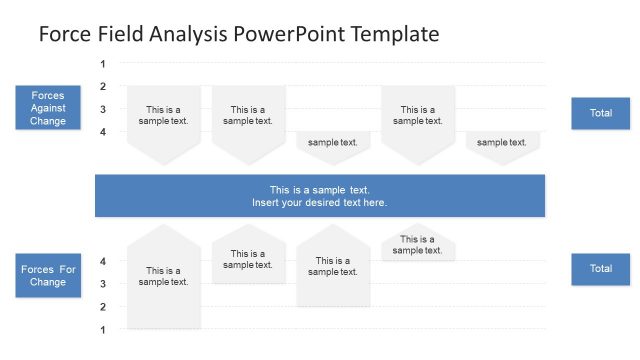
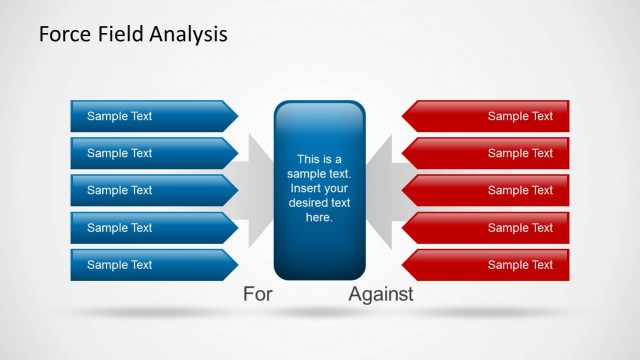
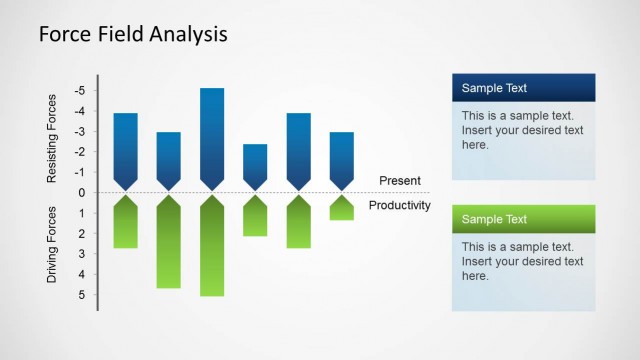
The two characters force two blocks from each side on the third slide. Using these blocks, users can present the details of the supporting and opposing forces. The following two slides have arrow diagrams to illustrate the contributing factors for the central concept. Users can choose between the vertical or horizontal layout based on the requirements. For instance, the last slide shows the graduated scale on both sides of the central line. Presenters can denote the forces through arrows of varying sizes according to their impacts. So, download our 100% editable Force Field Analysis Slide Template and enrich your business presentation with engaging visuals. You can also try our Force Field Analysis PowerPoint Template with similar slides.
What’s inside this template
Example presentation scenarios
- A change manager can use the push-and-pull force field diagram to show executives which driving forces support a transformation and which resisting forces may slow adoption.
- A strategy consultant can use the for-against arrow block to compare the business case for a proposed initiative against operational objections during a client workshop.
- A project manager can use the impact scale diagram to rank the relative strength of risks, incentives, blockers, and enablers before recommending an implementation path.
- A business analyst can use the two-sided list panels to facilitate a team discussion where participants name, group, and refine opposing forces around a decision.
Features
- 100% editable presentation template
- Compatible with Microsoft PowerPoint and Google Slides
- 16:9 aspect ratio slides
- Scalable vector shapes, icons and illustrations
- AI-Ready for Microsoft Copilot and Claude
- Instant access and download
Frequently asked questions
Q: How should a presenter explain the two sides so the analysis stays clear?
A: Start with the central decision block and state the proposed change in one sentence. Then explain the blue driving forces before moving to the orange resisting forces, keeping each label short. Use the scale slide after the lists to compare relative strength, so the discussion moves from naming forces to judging their impact.
Q: Who benefits most from this force field analysis template?
A: This template fits change managers, consultants, project leads, and business analysts who need a shared view of support and resistance before a decision. It is especially useful in workshops where participants must surface objections, identify momentum, and agree which forces require action before implementation begins.
Q: Why do the pushing figures and opposing arrows help communicate the model?
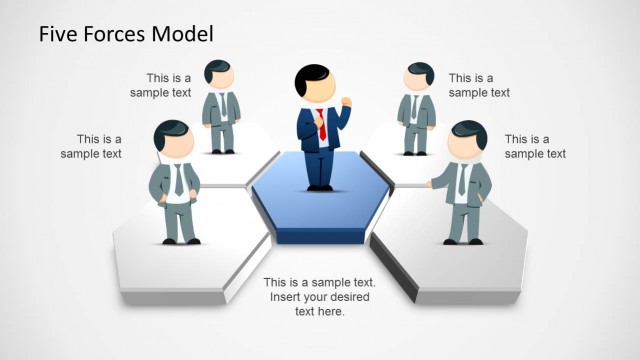
A: The human pushing figures turn an abstract decision model into a visible tension between opposing sides. The arrows and circles separate direction from magnitude: direction shows whether a force supports or resists the change, while size, placement, or scale position can suggest relative influence during discussion.


Force Field Analysis Slide Template
10-slide presentation template for force field analysis, opposing forces, and change decisions
The Force Field Analysis Slide Template is a 10-slide change management presentation template for comparing driving and resisting forces. It includes push-and-pull illustration diagrams, force lists, for-against arrow blocks, and impact scale diagrams. Built for decision workshops, executive discussions, and team alignment in Microsoft PowerPoint and Google Slides.
- Category
- Models
- Rating

 Loading...
- Aspect ratio
- 16:9
- Item ID
- 61001-01
- Colors
 Microsoft PowerPoint
 Microsoft Copilot
 Claude for PowerPoint
Other formats supported
Subscribe today and get immediate
access to download our PowerPoint templates.