Force Field Analysis PowerPoint Template is ideal for presentations regarding the Change Management or Organizational Development. Force Field Analysis is a decision-making technique that helps analyze the factors that can contribute or limit a change. The tool can help the user communicate the reasoning behind any decision. Today, it is used by business entities as a guide towards wise decision-making. The PowerPoint template gives way to a comprehensive report through gradient-filled text boxes and clipart.
Being decisive is a trait all businessmen should have. To be exact, they are required to make decisions under time constraints and extreme pressure. Having a background of the Force Field Analysis can help elevate this skill. It is a guide to better understanding of the psychological elements that can affect decisions. The tool can also help the user weigh options and possible consequences.
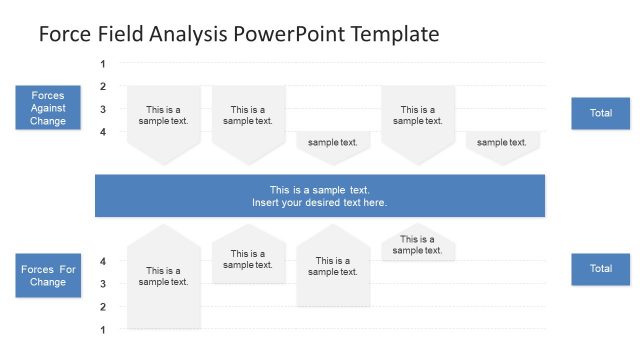
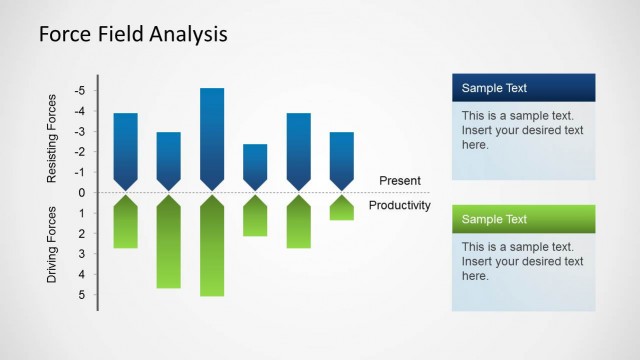
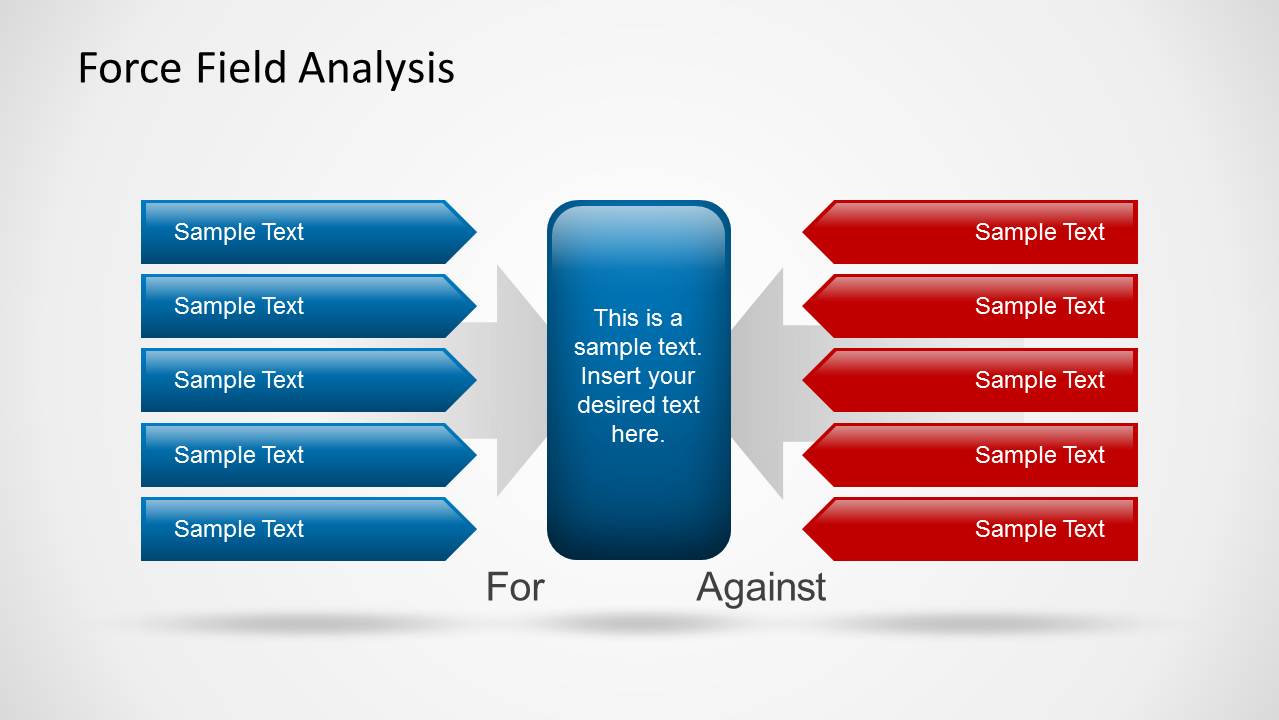
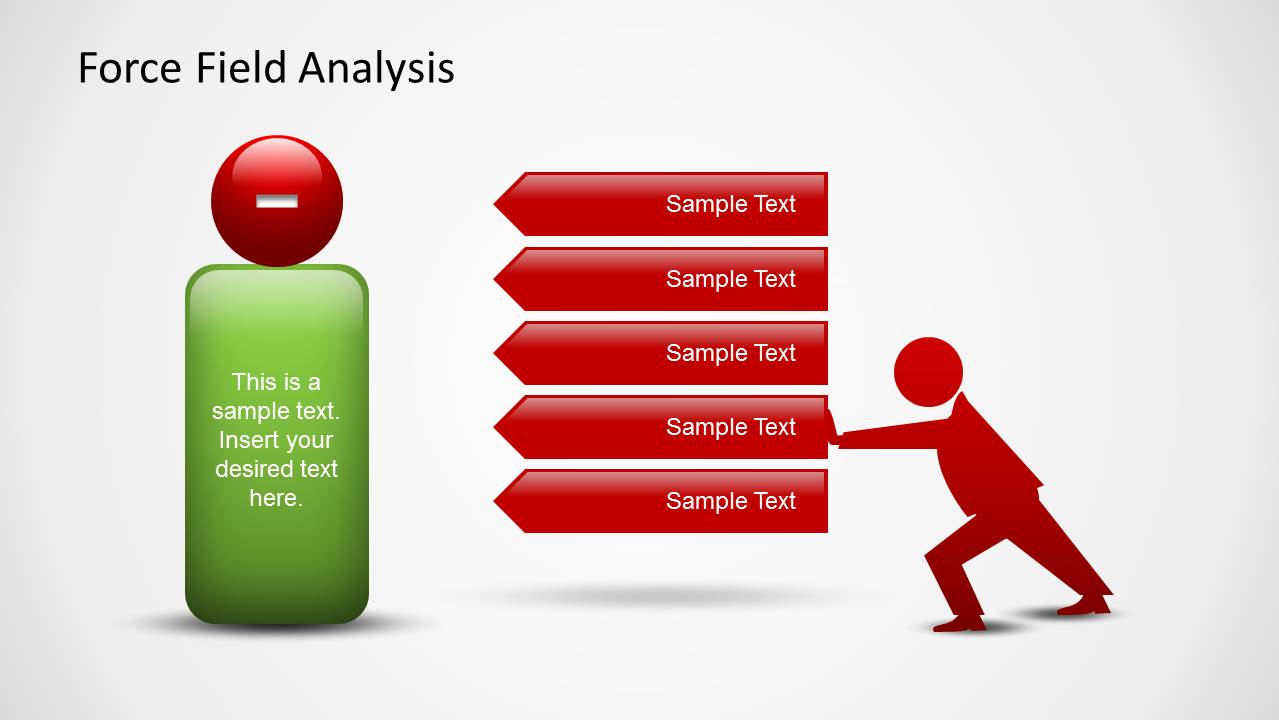
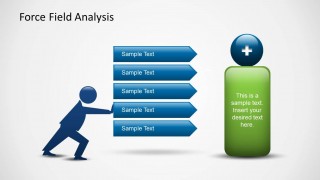
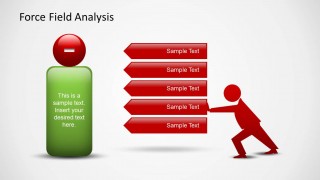
Pros and cons can be briefly presented in the first slide of the report. The text box in the middle can serve as a space for the problem at hand. Details regarding the positive outcomes or influences for the decision can be entered in the second slide. The negative outcomes or the cons can be presented in the third slide. In the fourth slide, the user can show who supports the change and who goes against it. Other factors such as time and resources can also be included. Risks can be calculated in the same slide. The last slide can serve as a finale where the final decision is given.
The PowerPoint design is ideal for business concepts. However, it can be used to discuss personal changes or undertakings. Alternatively, the user can also try look for ways to strengthen the change and weaken the forces against it. The colors and fonts are fully customizable. The text placeholders can be edited as well.
Amaze your audience by revealing decisiveness techniques using Force Field Analysis PowerPoint Technique. Alternatively, you can download other force field analysis PPT templates for presentations, compatible with Microsoft PowerPoint & Google Slides.
What’s inside this template
Example presentation scenarios
- A change manager can use the opposing force arrows to compare the drivers for a transformation with the factors that may block adoption.
- A consultant can present the plus and minus layouts to help executives see which conditions support or limit a proposed process change.
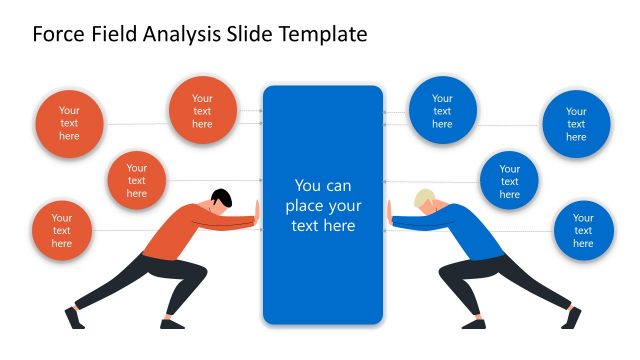
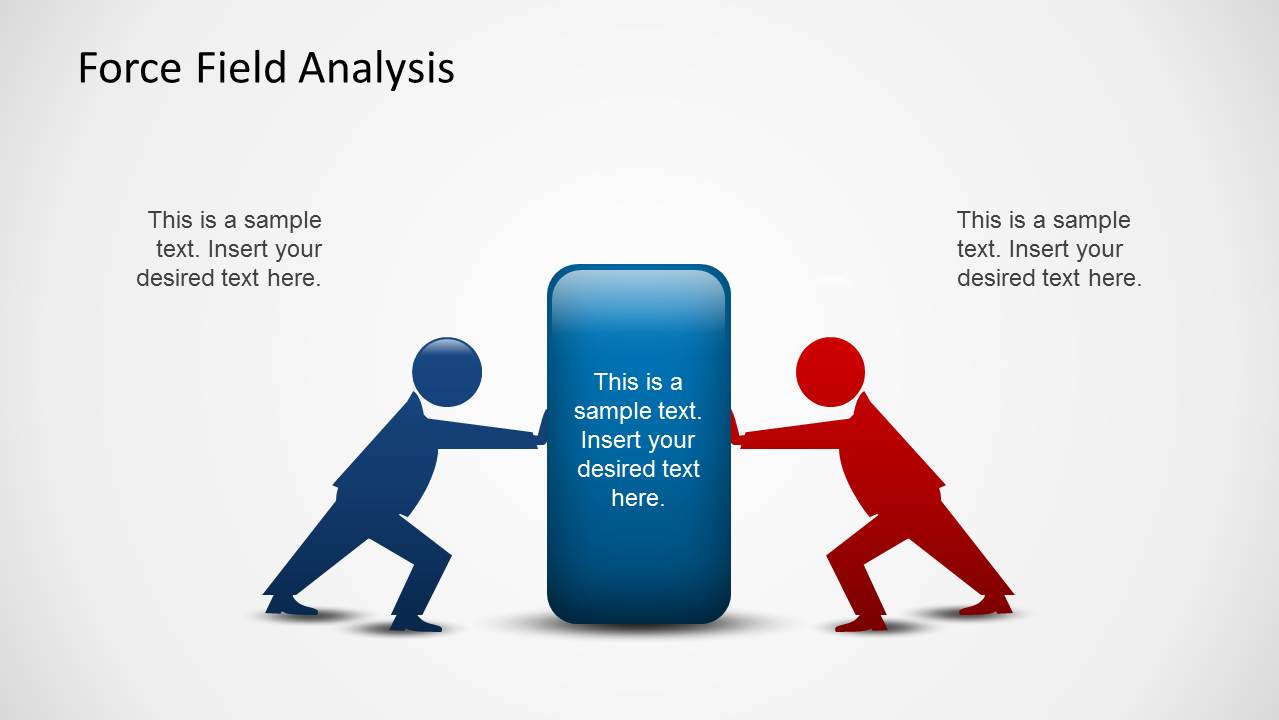
- A project manager can use the stakeholder resistance diagram to discuss where support and opposition are coming from before asking for a decision.
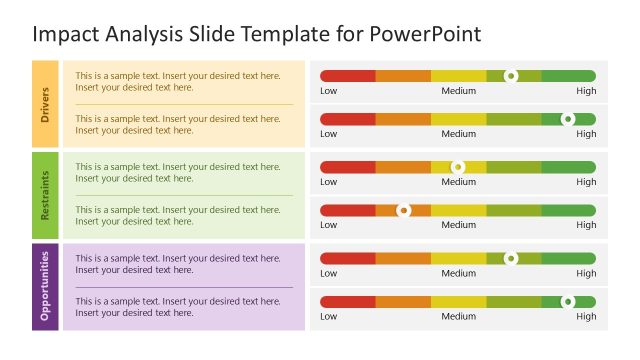
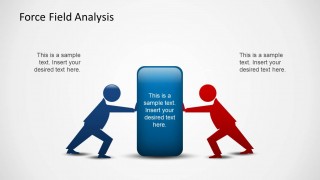
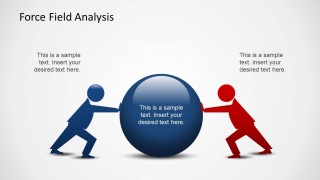
- A training facilitator can use the final pressure diagram to teach teams how competing forces affect decision-making in organizational development.
Features
- 100% editable presentation template
- Compatible with Microsoft PowerPoint and Google Slides
- 16:9 aspect ratio slides
- Scalable vector shapes, icons and illustrations
- AI-Ready for Microsoft Copilot and Claude
- Instant access and download
Frequently asked questions
Q: How should a presenter structure the force field analysis so the decision is easy to follow?
A: Start with Slide 1 to name the proposed change in the center and list the strongest forces for and against it. Then separate the discussion into driving forces on Slide 2 and restraining forces on Slide 3. Use Slides 4 and 5 to discuss resistance, trade-offs, and the final recommendation.
Q: Who is this template best suited for in a business presentation?
A: This template fits change managers, consultants, project leads, and organizational development teams who need to explain a decision under competing pressures. The arrow lists and push diagrams work best when the message depends on qualitative arguments, stakeholder attitudes, risks, and enabling conditions rather than numeric performance reporting.
Q: Why do the pushing figures and opposing colors help communicate force field analysis?
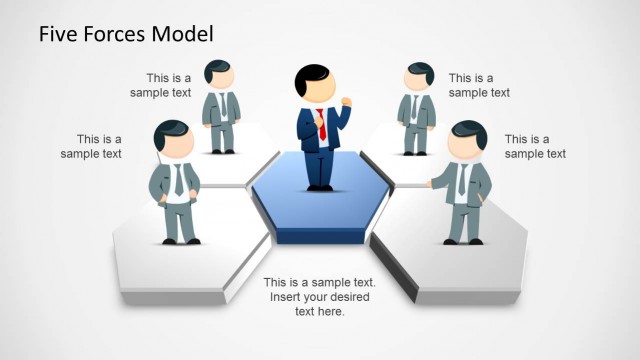
A: The design turns an abstract change-management model into a physical metaphor: blue forces push toward the goal, while red forces push back. That visual tension helps the audience see resistance as a real counterforce, not just a list of concerns. The central shape keeps attention on the decision being tested.


Force Field Analysis PowerPoint Template
5-slide force field analysis presentation template with opposing forces, resistance diagrams, and decision summary layouts
Force Field Analysis PowerPoint Template is a 5-slide business presentation template for change management and organizational development. It includes opposing force arrows, plus and minus driver layouts, push-resistance diagrams, and a final decision visual. The template is built for Microsoft PowerPoint and Google Slides.
- Category
- Business PowerPoint Templates
- Rating


 Loading...
- Aspect ratio
- 16:9
- Item ID
- 6302-01
- Colors
 Microsoft PowerPoint
  Microsoft Copilot
  Claude for PowerPoint
 Other formats supported
Subscribe today and get immediate
access to download our PowerPoint templates.