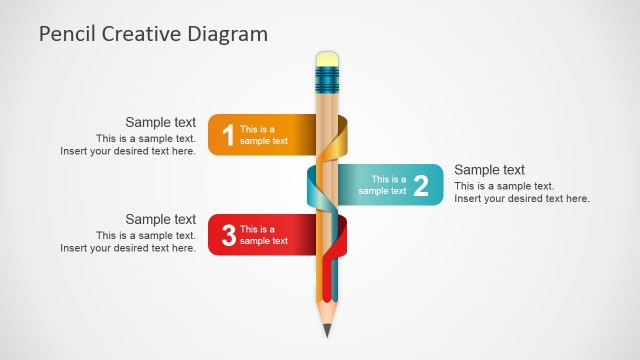
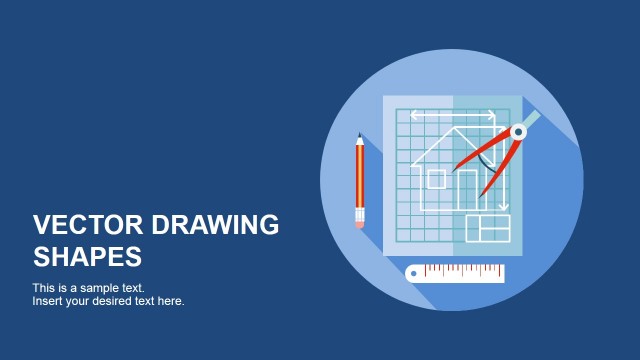
Flat Roller Brush Concept for PowerPoint includes a creative roller brush design that you can use to make presentations in Microsoft PowerPoint. The roller brush is created with PowerPoint shapes and there are different roller brush positions with flat hand so you can edit the slides and arrange the shapes to match your slide layout requirements.
Alternatively you can download other flat PowerPoint templates or paint brush slides for PowerPoint with colorful slide backgrounds and flat styles.
What’s inside this template
Example presentation scenarios
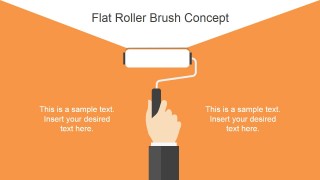
- A marketing manager can introduce a brand refresh plan by using the orange cover slide and the two-step paint-stroke banners to frame old-to-new messaging.
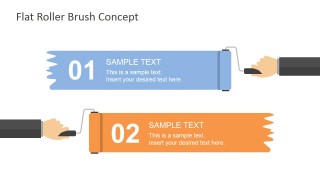
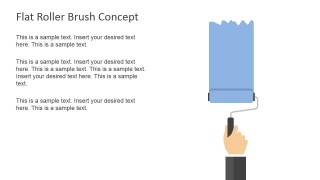
- A trainer can explain a short process by using the numbered 01 and 02 brush banners for sequential actions and the text-and-illustration slide for supporting instructions.
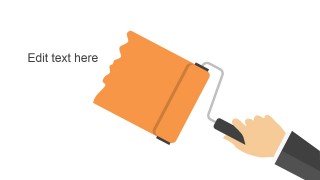
- A design consultant can present visual direction by using the large diagonal roller brush slide as a section divider or concept reveal.
- A project lead can report simple adoption or completion status by replacing the three 0% labels on the percentage callout slide with current values.
Features
- 100% editable presentation template
- Compatible with Microsoft PowerPoint and Google Slides
- 16:9 aspect ratio slides
- Scalable vector shapes, icons and illustrations
- AI-Ready for Microsoft Copilot and Claude
- Instant access and download
Frequently asked questions
Q: How should a presenter use the paint roller metaphor without making the message feel decorative?
A: Tie each roller brush image to a specific communication job. Use the cover for the main refresh or change theme, the numbered paint banners for two clear actions, and the percentage slide for measurable progress. Keep text short so the painted areas act as labels or evidence, not just background art.
Q: Who is this template best suited for in a business presentation?
A: This template works best for presenters explaining a visual update, campaign rollout, service improvement, or training concept. Marketing teams, brand managers, consultants, and trainers can use the roller brush layouts when the idea is about repainting, refreshing, covering gaps, or showing progress in a simple and memorable way.
Q: Why do the flat brush layouts help audiences understand change-oriented messages?
A: The roller brush gives an immediate action metaphor: something is being applied, refreshed, or completed. The wide paint strokes create natural containers for short labels, while the hand illustrations imply activity. This makes abstract topics like brand change, process updates, or adoption progress easier to remember.
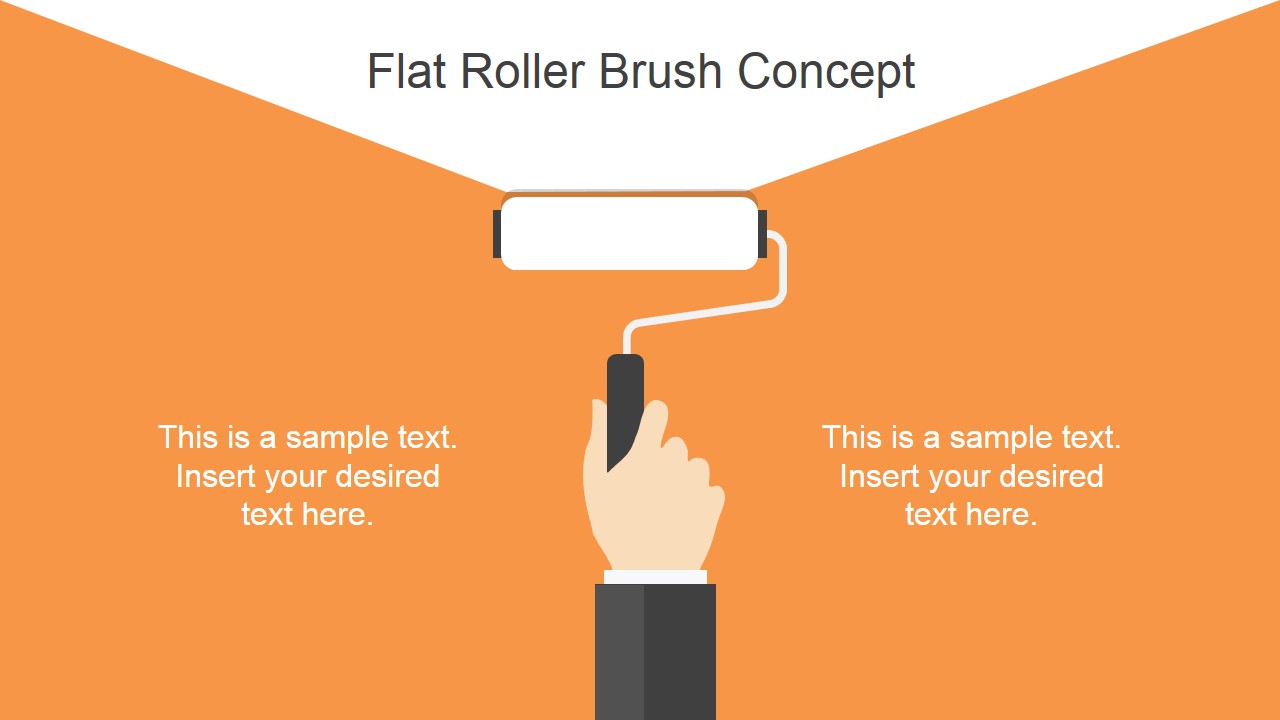


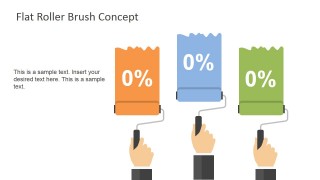
Flat Roller Brush Concept for PowerPoint
5-slide presentation template with roller brush illustrations, paint banners, and percentage callouts
Flat Roller Brush Concept for PowerPoint is a 5-slide presentation template built around editable roller brush artwork. It includes a title cover, two-step paint-stroke banners, text-and-illustration slides, and percentage callouts for visual messaging. It is intended for business, training, marketing, or design presentations in Microsoft PowerPoint and Google Slides.
- Category
- Shapes
- Rating


 Loading...
- Aspect ratio
- 16:9
- Item ID
- 6853-01
- Colors
 Microsoft PowerPoint
  Microsoft Copilot
  Claude for PowerPoint
 Other formats supported
Subscribe today and get immediate
access to download our PowerPoint templates.