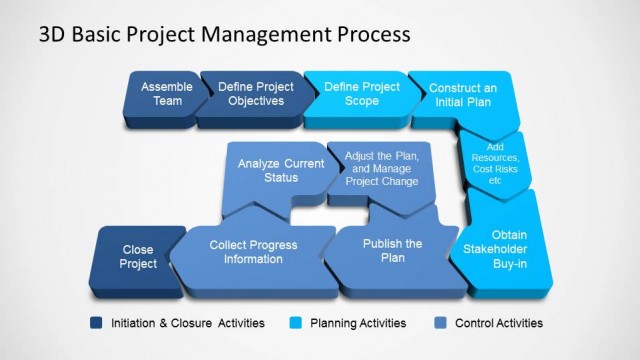
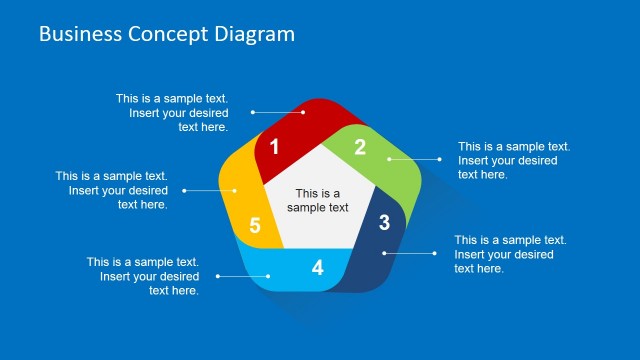
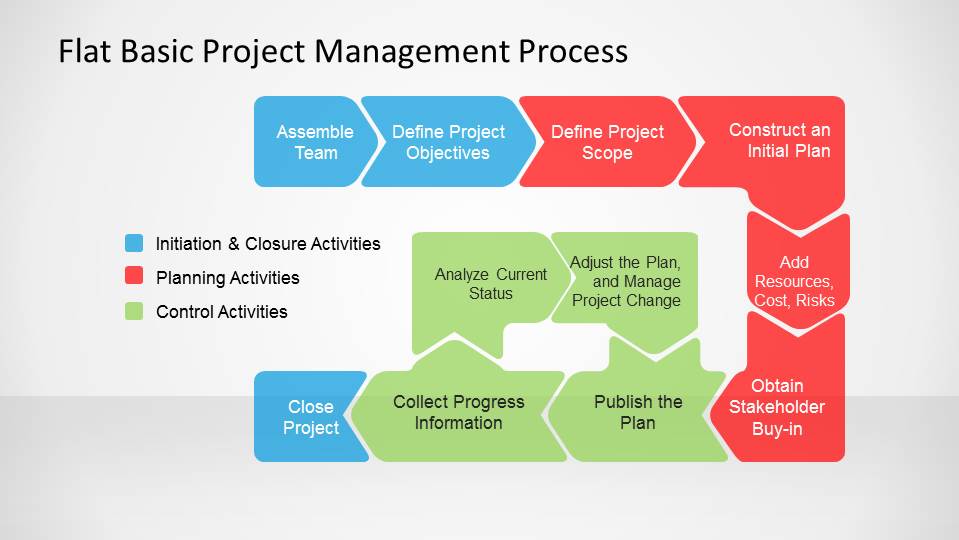
Flat Basic Project Management PowerPoint Diagram is a modern flat design of the Project Management Process. The presentation contains the iterative process and a high level diagram with the three project management stages Start/Close, Plan,Monitor & Control. Combine this Flat Basic Project Management PowerPoint Diagram with our Timelines & Planning PowerPoint Templates and create amusing presentations for your projects.
What’s inside this template
Example presentation scenarios
- A project manager can use the detailed process flow to introduce the team to the sequence of planning, control, and closure activities before kickoff.
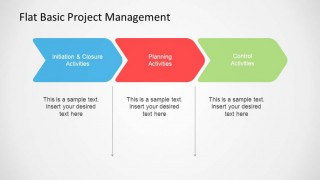
- A PMO lead can use the three-stage chevron diagram to standardize how departments describe initiation, planning, and control responsibilities.
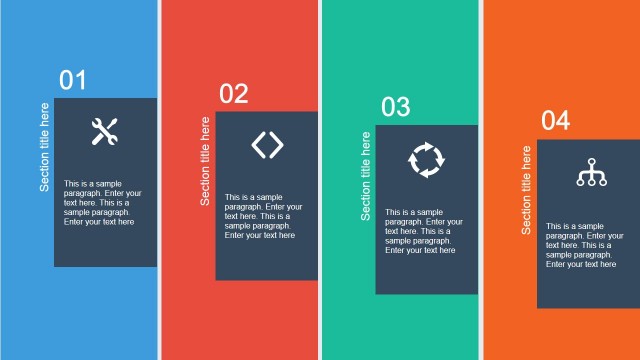
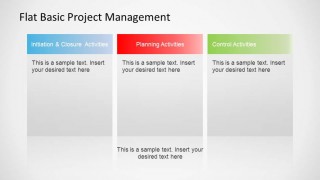
- A consultant can use the three-column activity comparison to explain where client tasks, governance checkpoints, and monitoring actions fit in a project method.
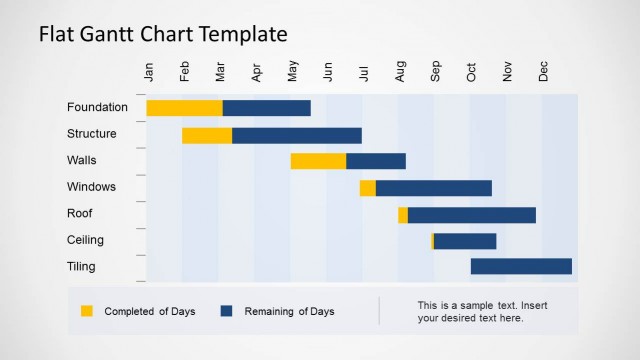
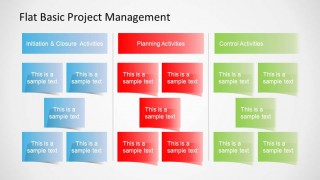
- An operations manager can use the activity matrix to assign or review work items by phase during a project tracking meeting.
Features
- 100% editable presentation template
- Compatible with Microsoft PowerPoint and Google Slides
- 16:9 aspect ratio slides
- Scalable vector shapes, icons and illustrations
- AI-Ready for Microsoft Copilot and Claude
- Instant access and download
Frequently asked questions
Q: How should a presenter explain the project management process without overloading the audience?
A: Start with the three-stage chevron slide to name the main activity groups, then move to the detailed process flow only after the audience understands the categories. Use the legend colors consistently so listeners can track whether each step belongs to initiation and closure, planning, or control.
Q: Who benefits most from this project management diagram template?
A: This template fits project managers, PMO leaders, and consultants who need to explain how work moves across project phases rather than report detailed schedule metrics. It is especially useful in kickoff meetings, process orientation sessions, and governance discussions where roles, activities, and checkpoints must be made visible.
Q: Why does the template use chevrons, columns, and sticky-note blocks instead of one dense process chart?
A: Each layout answers a different audience question. Chevrons show phase progression, columns compare the three activity groups side by side, and sticky-note blocks make task lists easier to scan. The repeated blue, red, and green grouping creates a simple visual metaphor for moving from start and closure to planning and control.


Flat Basic Project Management PowerPoint Diagram
4-slide project management presentation template with process flow and activity matrix diagrams
Flat Basic Project Management PowerPoint Diagram is a 4-slide process diagram template for project planning discussions. It includes a detailed project management process flow, a three-stage chevron diagram, a three-column activity comparison, and an activity matrix. It is designed for project managers using Microsoft PowerPoint or Google Slides.
- Category
- Process Diagrams
- Rating


 Loading...
- Aspect ratio
- 16:9
- Item ID
- 6490-02
- Colors
 Microsoft PowerPoint
  Microsoft Copilot
  Claude for PowerPoint
 Other formats supported
Subscribe today and get immediate
access to download our PowerPoint templates.