Project Process PowerPoint Templates
A team that runs the same type of project repeatedly benefits from documenting the actual process once, rather than explaining it fresh to every new stakeholder or team member who joins partway through. A project process PowerPoint template gives that repeatable process a visual reference, with stage diagrams and handoff points instead of institutional knowledge that only lives in a few people’s heads. Our project process templates are built for PMO leads and delivery teams who want a consistent process documented and presented the same way every time.
Project Status PowerPoint Template
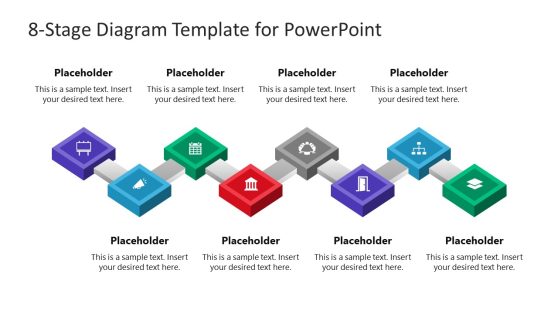
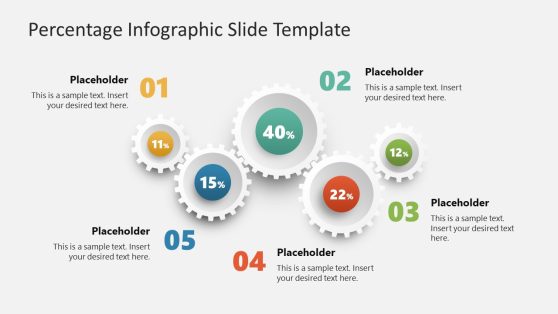
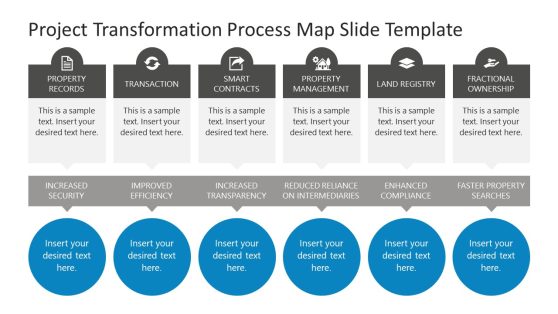
Project Transformation Process Map Slide Template
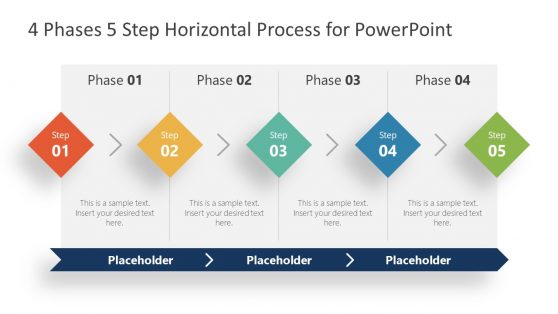
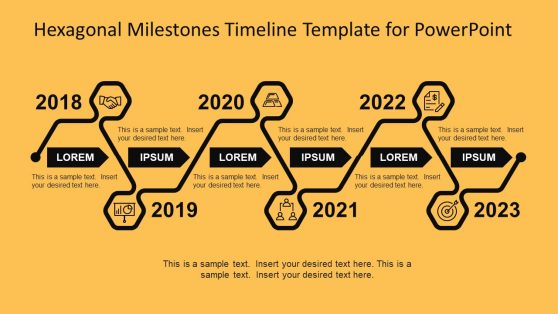
Hexagonal Milestones Timeline Template for PowerPoint
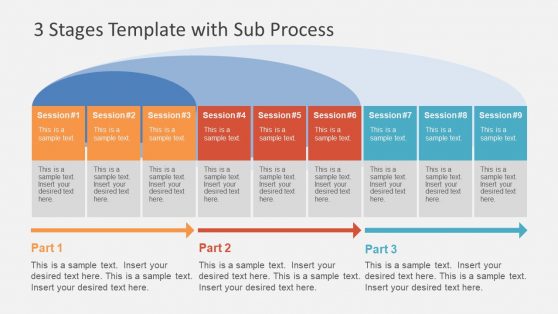
3 Stages Template with Sub Process
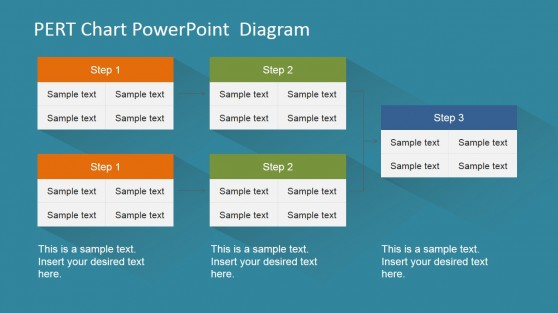
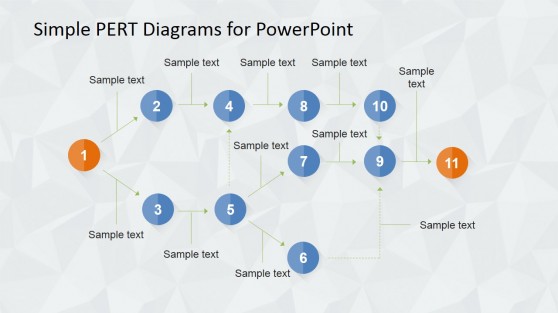
PERT Chart PowerPoint Diagram
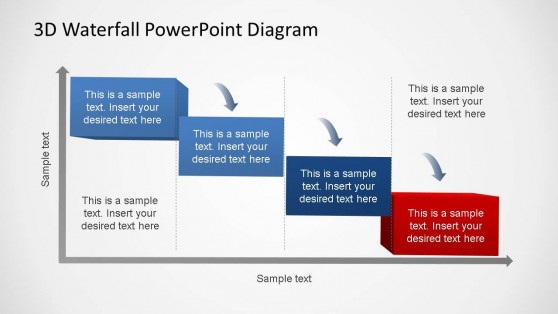
3D Generic Waterfall PowerPoint Diagram
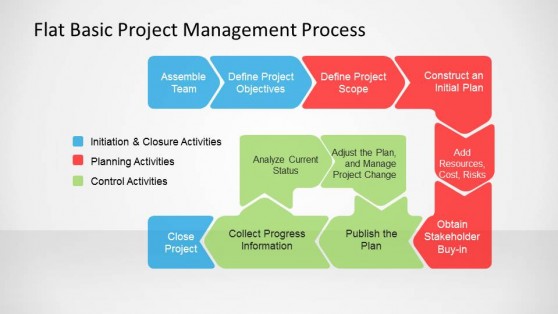
Flat Basic Project Management PowerPoint Diagram
A Project Process Slide Isn’t the Same as a Project Plan
A project plan is specific to one initiative, dates, owners, and deliverables, tied to that particular effort, while a project process describes the repeatable method a team uses across every project of a given type, independent of any single instance. Project process templates are built for that second, more durable purpose, documenting the standard stages and handoffs a team follows regardless of which specific project is currently underway.
They are critical when onboarding a new team member or partner, who needs to understand the general method before any individual project plan will make sense. Teams that also reference a formal project management methodology use the process template to show how their specific internal stages map onto that broader methodological framework.
What’s Included in a Project Process PowerPoint Template
A project process PPT template is a slide set built around repeatable stage diagrams, handoff points, and role responsibilities that apply across projects rather than a single instance. What you’ll typically find inside:
- Standard stage diagrams showing the repeatable project sequence
- Handoff point slides marking where responsibility shifts between roles
- Role and responsibility matrices tied to each process stage
- Process exception slides showing how deviations get handled
Every Role That Touches a Project Process Slide
PMO leads use the standard stage diagram to onboard a new project manager, giving them the repeatable framework before assigning a specific project. Delivery teams use the handoff point slides to clarify exactly when responsibility shifts from one function to another, reducing the ambiguity that causes delays at transition points.
Clients and partners working with an agency use the same process diagram to understand what to expect before their specific project begins, and teams comparing their internal process against a broader project management life cycle framework use the template to show alignment or intentional deviation from standard practice. Distributed delivery teams rely on Google Slides to keep the process diagram as the single reference everyone points to when a process question comes up.
What is a project process presentation template?
Documenting how a team runs projects in general, not just this one, is what separates a reusable methodology from a one-off project recap.
How do I create a project process PowerPoint template?
Start from a stage diagram layout already structured, then document your team’s specific stages, handoffs, and role responsibilities.
Where can I find a free project process PowerPoint template?
Our library includes free and premium project process layouts, covering stage diagrams, handoff points, and role responsibility matrices.
How is a project process template different from a project plan template?
A process template documents the repeatable method used across every project of a given type, while a project plan template covers the specific dates, owners, and deliverables for one individual project.
Can the role and responsibility matrix show more than one owner per stage?
Yes, multiple roles can be listed against a single stage, useful when a step genuinely requires shared ownership rather than one clear single owner.
Are the handoff point slides meant to flag risk, or just document the transition?
They primarily document where responsibility shifts; a risk flag or note can be added at any handoff, but the core purpose is clarity about who owns what, not risk scoring.
Can the process exception slide handle more than one type of deviation?
Yes, multiple exception paths can be shown branching from the standard process, so different types of deviations are documented separately rather than lumped into one generic exception.