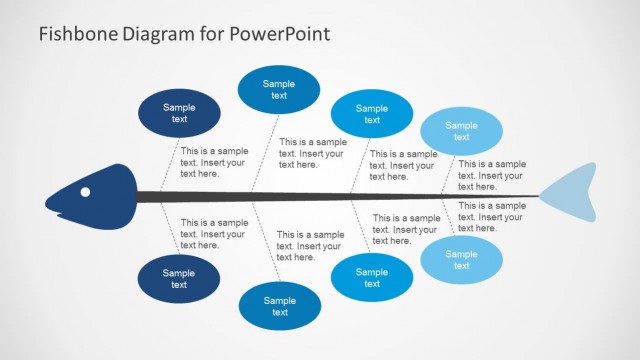
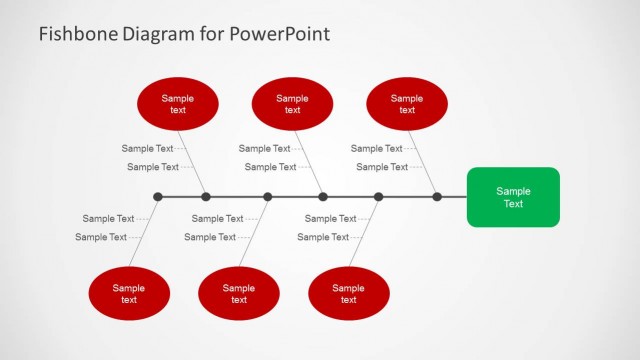
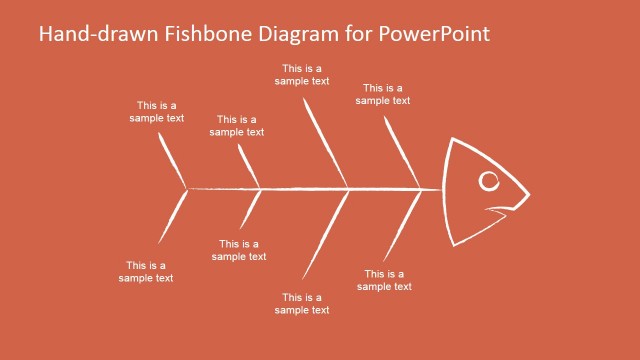
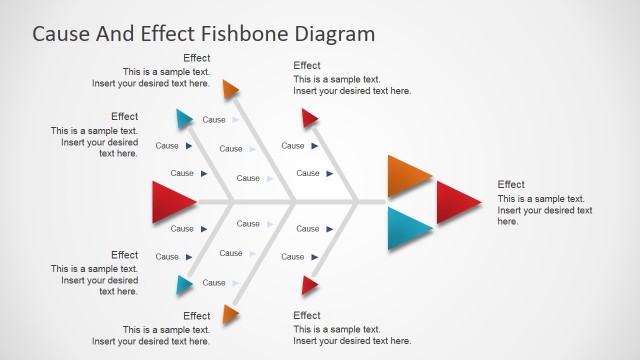
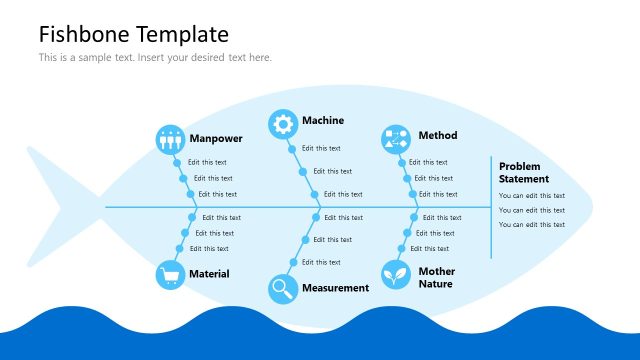
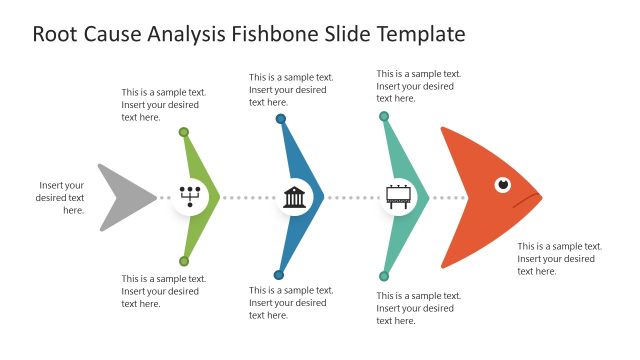
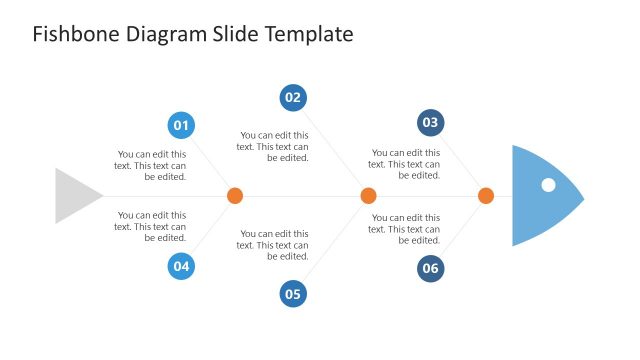
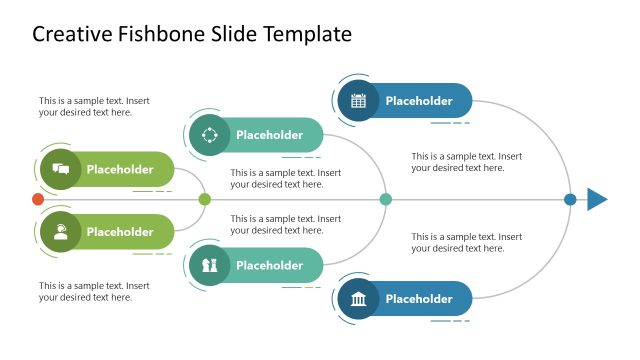
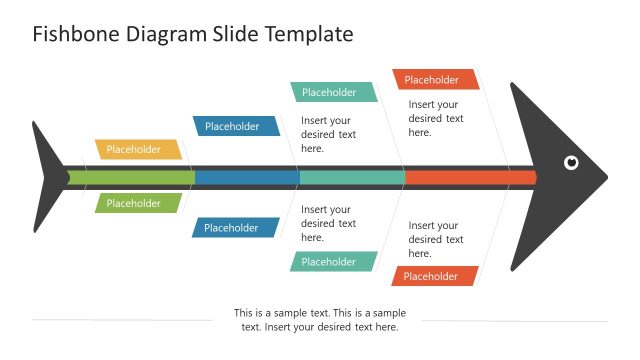
Fishbone Template for PowerPoint is a creative presentation ideal for root cause analysis or cause effect speeches. It is created with cartoon figures of a fish highlighting the fish bone structure.
Each slide of this fishbone diagram template is created with individual PowerPoint drawings giving the user the ability to customize the design, and reuse it in different presentations. The fishbone diagram is a powerful tool for engaging the audience and generate quality conversations about problems and their causes.
What’s inside this template
Example presentation scenarios
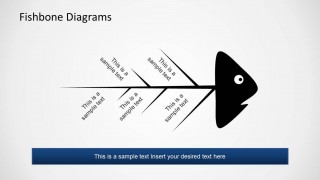
- A quality manager can use the skeletal fishbone diagram to guide a defect review, listing suspected causes on the ribs and summarizing the likely root cause in the footer banner.
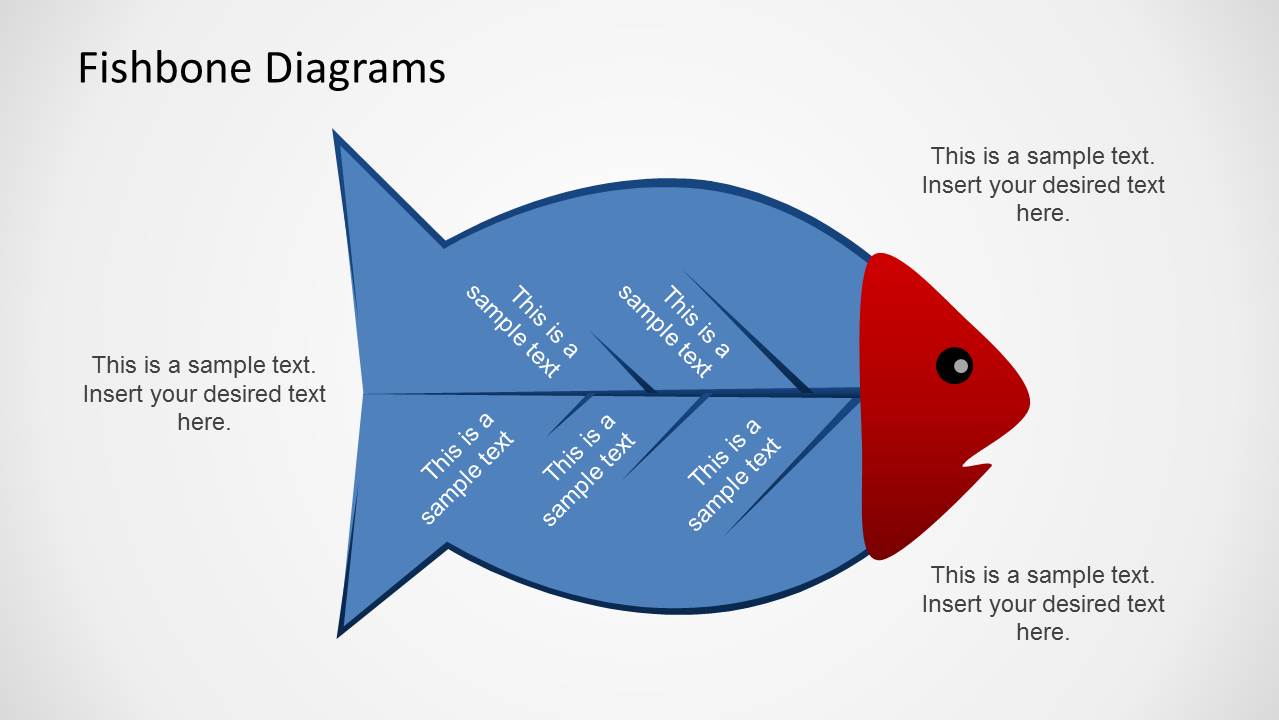
- A project manager can use the full fish silhouette slide to start a risk or issue workshop, separating major cause categories from supporting notes in the outside callout areas.
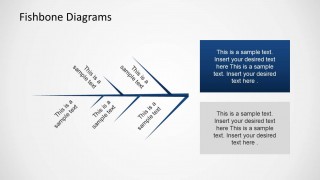
- A consultant can use the side text panel layout to present a client problem on the fishbone and explain category findings in the two right-side text boxes.
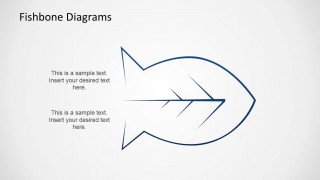
- An operations trainer can use the fish outline concept slide to teach the structure of a fishbone analysis before participants add their own cause labels.
Features
- 100% editable presentation template
- Compatible with Microsoft PowerPoint and Google Slides
- 16:9 aspect ratio slides
- Scalable vector shapes, icons and illustrations
- AI-Ready for Microsoft Copilot and Claude
- Instant access and download
Frequently asked questions
Q: How should a presenter structure the discussion with this fishbone diagram template?
A: Start with the problem or effect as the central statement, then place major cause categories along the ribs before adding detailed examples. The slides with footer banners work well for stating the main takeaway after discussion. Use the side text panel slide when the audience needs a written explanation of the most important cause groups.
Q: Who is this template best suited for in a business presentation?
A: This template fits presenters who need to make a problem-solving conversation visible, such as quality managers, operations leads, project managers, and consultants. It is most useful when the group must compare possible causes, not just report a final answer. The fishbone structure supports live workshops, status reviews, and root cause briefings.
Q: Why does the fishbone metaphor improve root cause communication?
A: The fishbone metaphor gives the audience an immediate reading path: the head represents the problem or effect, the spine carries the main logic, and the ribs hold contributing causes. This spatial structure keeps related ideas grouped while preventing a long unstructured list from dominating the slide.


Fishbone Template for PowerPoint
6-slide presentation template for fishbone diagrams, root cause analysis, and cause-effect mapping.
Fishbone Template for PowerPoint is a 6-slide diagram presentation template for root cause analysis and cause-effect discussions. Visible layouts include a full fish silhouette, skeletal fishbone diagram, side text panel, and fish outline concept slide. It is intended for teams, analysts, managers, and facilitators using Microsoft PowerPoint or Google Slides.
- Category
- Diagrams
- Rating


 Loading...
- Aspect ratio
- 16:9
- Item ID
- 6426-01
- Colors
 Microsoft PowerPoint
  Microsoft Copilot
  Claude for PowerPoint
 Other formats supported
Subscribe today and get immediate
access to download our PowerPoint templates.