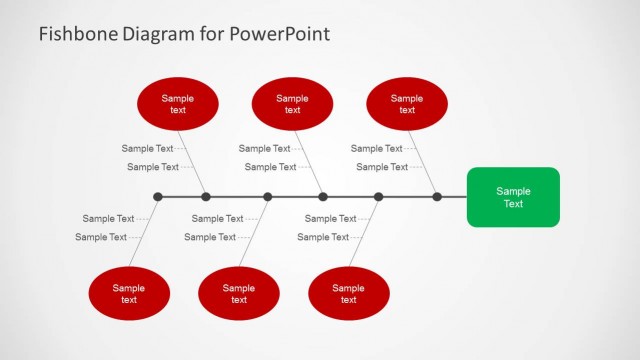
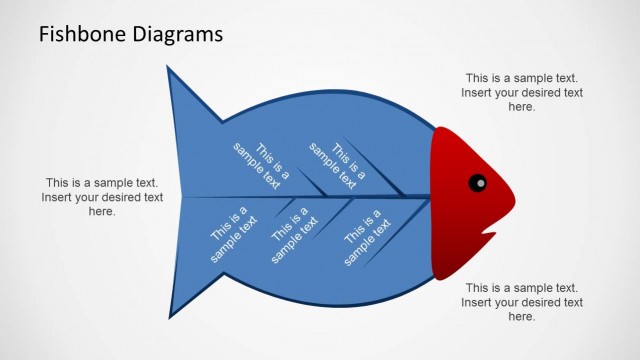
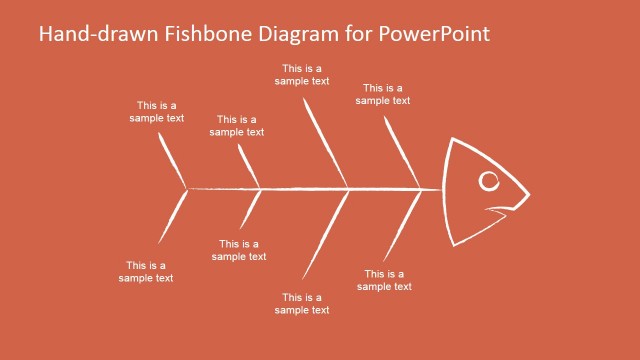
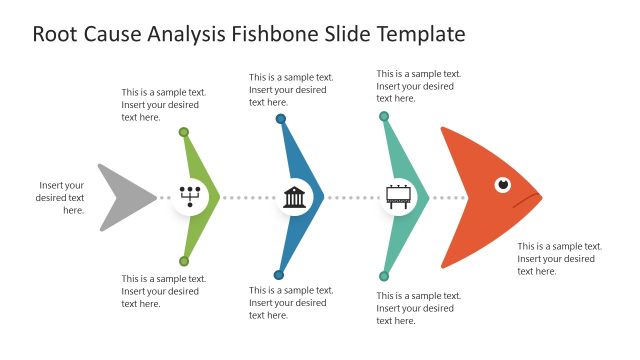
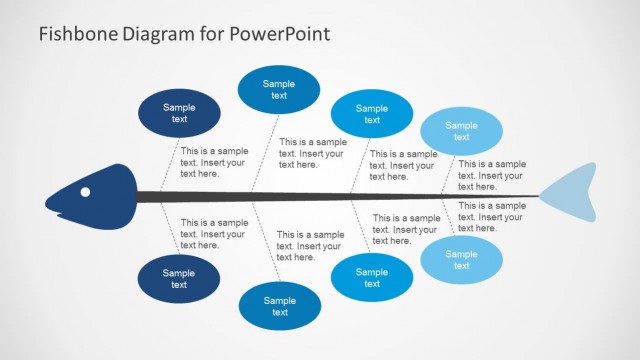
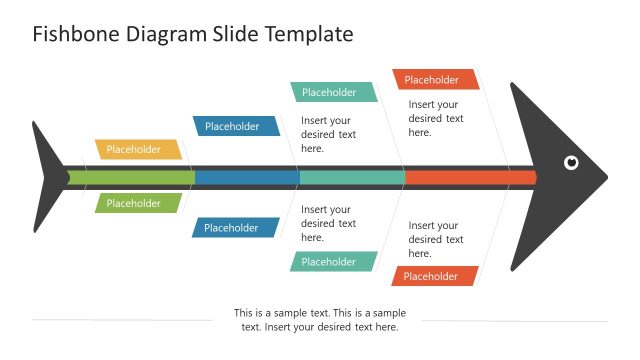
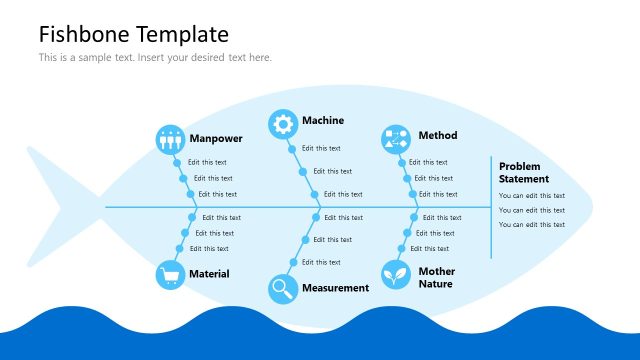
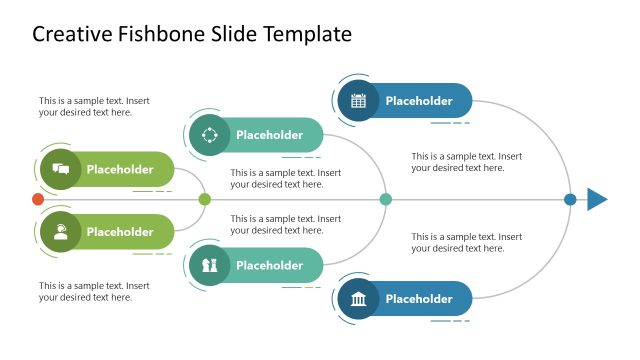
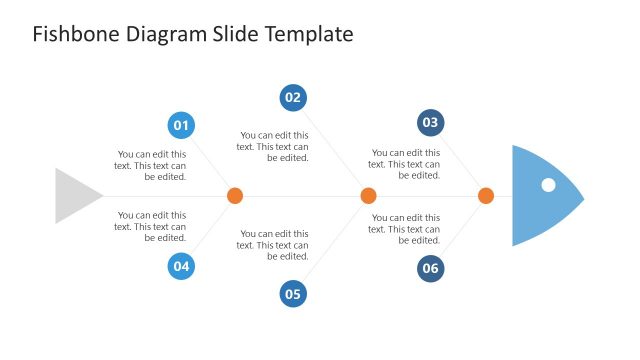
Create professional presentations featuring Root Cause Analysis (RCA) with the Flat Fishbone Diagram for PowerPoint. The fishbone design is created with simple flat PowerPoint Shapes. The user can customize the diagram look and feel and adapt it to any PowerPoint Theme.
The Fishbone diagram, also known as Cause and Effect Diagram or Ishikawa Diagram is a simple representation from the family of causal diagrams, used to identify many different causes for an effect (or issue). They are generally used in post mortem activities in order to understand which where the factors that triggered an effect, the fishbone diagram is easy to create but rather difficult to present summarized. The users need to be precise and concise in order to let the diagram speak for itself.
The fishbone diagram process can be applied directly in the presentation template. Working with Microsoft PowerPoint online, users can even collaborate together in real time in the creation of the fishbone diagram.
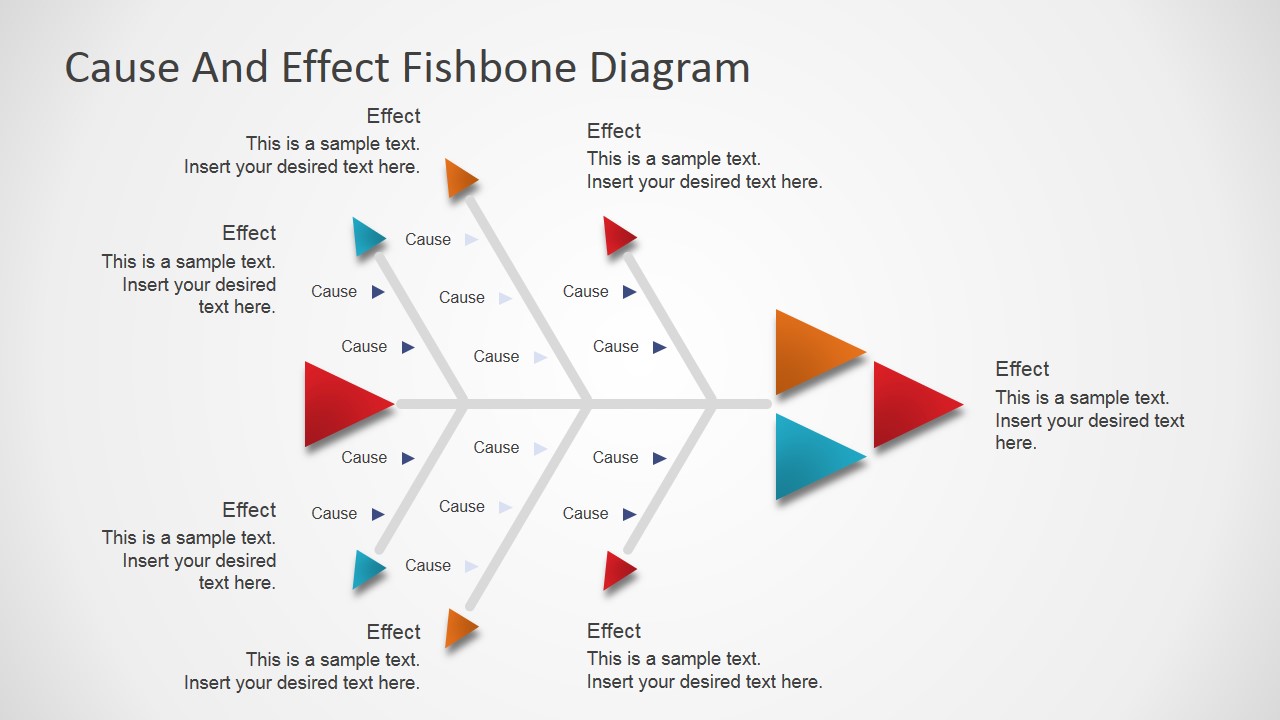
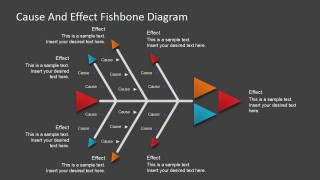
The structure of the Fishbone Diagram Template consists of the following major elements:
- The Effect: The head of the fish. Which is the effect under analysis. Users generally highlight the text associated to the fish heads in order to make it relevant.
- The Spine: The spine is the connecter between causes categories.
- The Branches: Each branch represents a set of causes, representing a category. All causes in a branch should be related.
- The Cause: Each root cause factor identified should be placed in the diagram as a leaf of a branch.
The exercise of populating the diagrams helps the users to brainstorm the different causes and their probability of incidence in the effect.
Impress your audience with simple modern designs that appeal to executive audiences.
What’s inside this template
Example presentation scenarios
- A quality manager can use the fishbone branches to summarize suspected production defects, separating cause categories before discussing the visible effect callout.
- A project manager can present a postmortem by placing contributing factors along the cause labels and using the right-side effect text to define the issue being analyzed.
- An operations facilitator can run a process improvement workshop by filling the branch causes during discussion and then highlighting the most likely root causes with colored markers.
- An IT incident lead can brief stakeholders with the dark background fishbone slide, using the central spine to connect technical, process, and people-related causes to one outage effect.
Features
- 100% editable presentation template
- Compatible with Microsoft PowerPoint and Google Slides
- 16:9 aspect ratio slides
- Scalable vector shapes, icons and illustrations
- AI-Ready for Microsoft Copilot and Claude
- Instant access and download
Frequently asked questions
Q: How should a presenter keep the fishbone diagram clear during a root cause discussion?
A: Start by writing the effect in the right-side callout, then group possible causes on the angled branches before adding detailed cause labels. Keep each branch short enough to read at a distance. The flat triangle markers help the audience scan categories, but the presenter should explain only the most important causes verbally.
Q: Who is this fishbone template best suited for?
A: This template fits facilitators, quality managers, project leads, and operations teams who need to diagnose a single issue with many possible contributors. It works well in RCA reviews, postmortems, and improvement workshops where the goal is to align a group around likely causes rather than present a full data report.
Q: Why does the fishbone metaphor help explain cause and effect?
A: The fishbone structure gives the audience a visual path from smaller causes to the main effect. The central spine acts as the logic line, while angled branches separate cause groups without turning the slide into a dense list. The colored triangles create emphasis points for categories or high-priority causes.


Flat Fishbone Diagram for PowerPoint
4-slide fishbone diagram presentation template for root cause analysis and cause-effect mapping
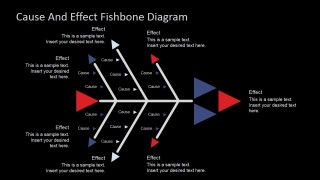
The Flat Fishbone Diagram for PowerPoint is a 4-slide diagram template for root cause analysis and cause-and-effect explanation. It includes flat fishbone layouts with a central spine, cause branches, effect callouts, and light or dark background variants for teams preparing RCA, postmortem, quality, or process presentations in Microsoft PowerPoint and Google Slides.
- Category
- Diagrams
- Rating


 Loading...
- Aspect ratio
- 16:9, 4:3
- Item ID
- 7123-01
- Colors
 Microsoft PowerPoint
  Microsoft Copilot
  Claude for PowerPoint
 Other formats supported
Subscribe today and get immediate
access to download our PowerPoint templates.