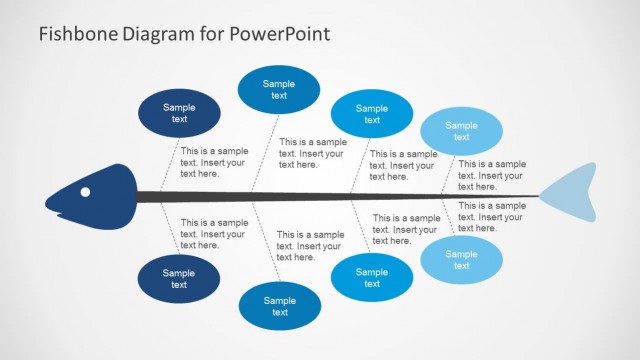
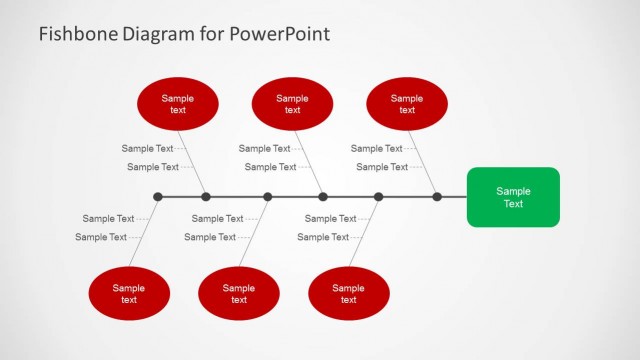
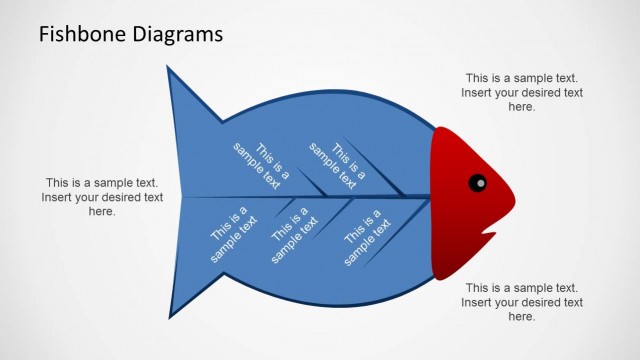
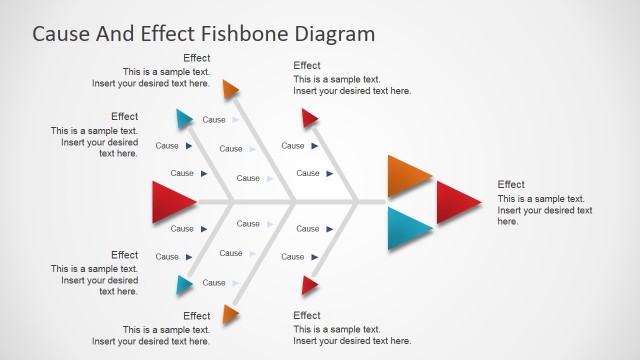
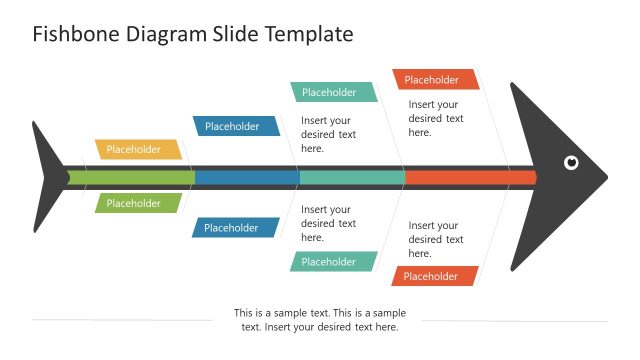
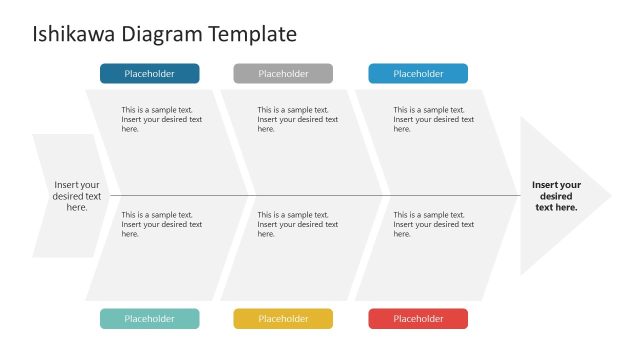
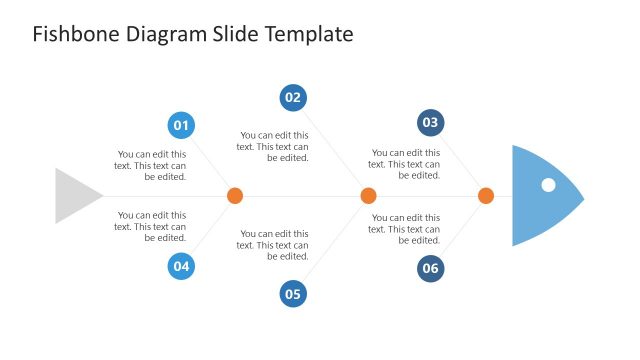
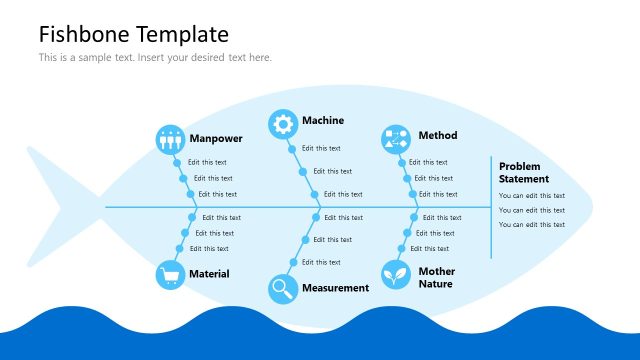
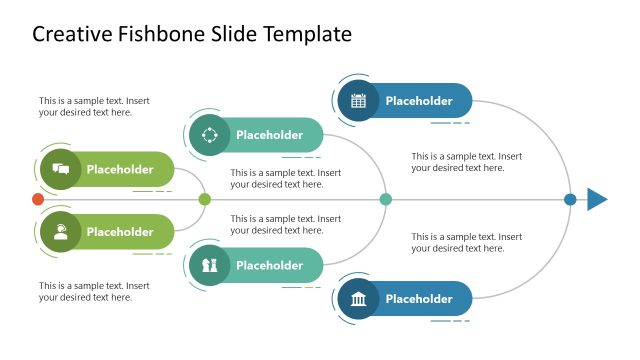
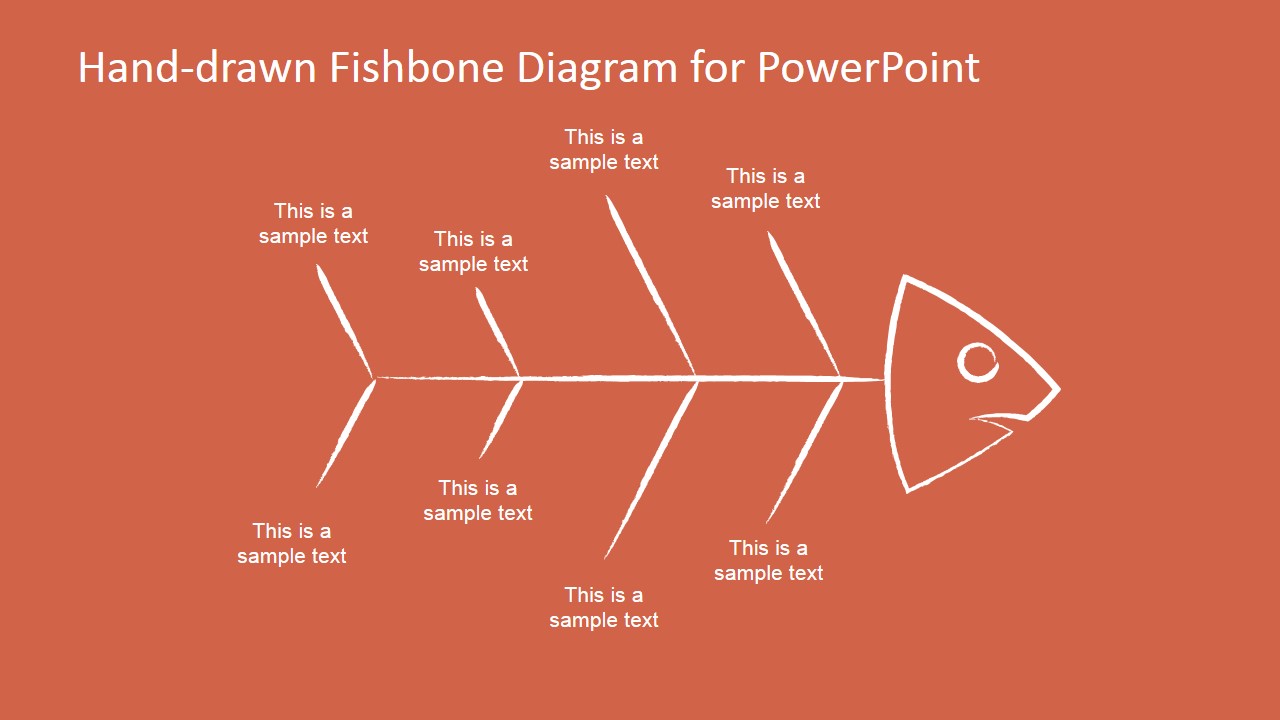
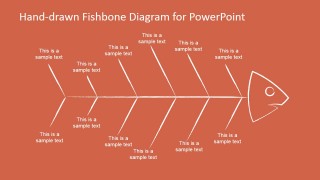
Fishbone diagrams are widely popular for cause & effect analysis. This fishbone diagram template for PowerPoint has a hand-drawn style and simple fish illustration created with shapes that you can use to make presentations with Ishikawa diagrams.
This fishbone diagram template can be helpful to breakdown complex or serious problems and explore all the things that could cause it. It is used in a way that before thinking about the solution, you start exploring the possible root cause that could lead into such problem.
Alternatively you can download other Cause and Effect Analysis PowerPoint templates or combine the slides with other useful tools and slide designs including brainstorming slides for PowerPoint and mind map PowerPoint templates.
What’s inside this template
Example presentation scenarios
- A quality manager can use the simple six-rib fishbone to guide a team discussion about the main causes behind a process defect.
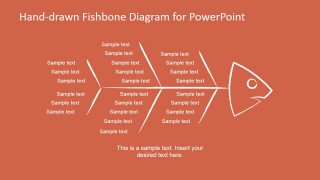
- A consultant can use the dense text fishbone to summarize workshop findings and group many possible causes around one client problem.
- A project manager can use the long-spine fishbone to compare cause categories across a complex delivery issue before assigning follow-up analysis.
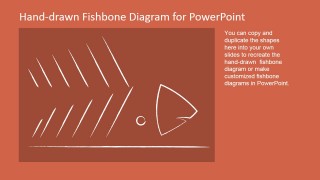
- A trainer can use the construction slide to teach participants how an Ishikawa diagram is assembled from editable spine, branch, and fish head elements.
Features
- 100% editable presentation template
- Compatible with Microsoft PowerPoint and Google Slides
- 16:9 aspect ratio slides
- Scalable vector shapes, icons and illustrations
- AI-Ready for Microsoft Copilot and Claude
- Instant access and download
Frequently asked questions
Q: How should I guide an audience through the fishbone diagram without making it feel like a cluttered brainstorm?
A: Start with the problem statement at the fish head, then move from the largest branches to the smaller text items. Use Slide 1 for a live discussion with fewer categories, and reserve Slide 2 for a synthesized view after the workshop. This keeps the audience focused on cause logic instead of reading every label at once.
Q: Who gets the most value from this hand-drawn fishbone template?
A: This template fits facilitators, analysts, quality teams, and project managers who need to diagnose a problem before recommending actions. The hand-drawn style works well in workshops because it signals exploration rather than a finished answer. It is especially useful when participants need to contribute possible causes openly.
Q: Why use a hand-drawn fish skeleton metaphor for root cause analysis?
A: The fish skeleton metaphor makes cause and effect relationships visible in one frame: the head represents the observed problem, the spine organizes the discussion, and the ribs hold cause categories. The hand-drawn line style lowers the formality of the session, which can make it easier for teams to add tentative ideas.


Hand-drawn Fishbone Diagrams Template for PowerPoint
4-slide presentation template with hand-drawn fishbone diagrams for cause analysis and root cause mapping
The Hand-drawn Fishbone Diagrams Template for PowerPoint is a 4-slide 16:9 diagram set for cause and effect analysis. It includes a simple six-rib fishbone, a dense text fishbone, a longer multi-cause fishbone, and a construction slide for building custom Ishikawa diagrams in Microsoft PowerPoint and Google Slides.
- Category
- Diagrams
- Rating


 Loading...
- Aspect ratio
- 16:9
- Item ID
- 6685-01
- Colors
 Microsoft PowerPoint
  Microsoft Copilot
  Claude for PowerPoint
 Other formats supported
Subscribe today and get immediate
access to download our PowerPoint templates.