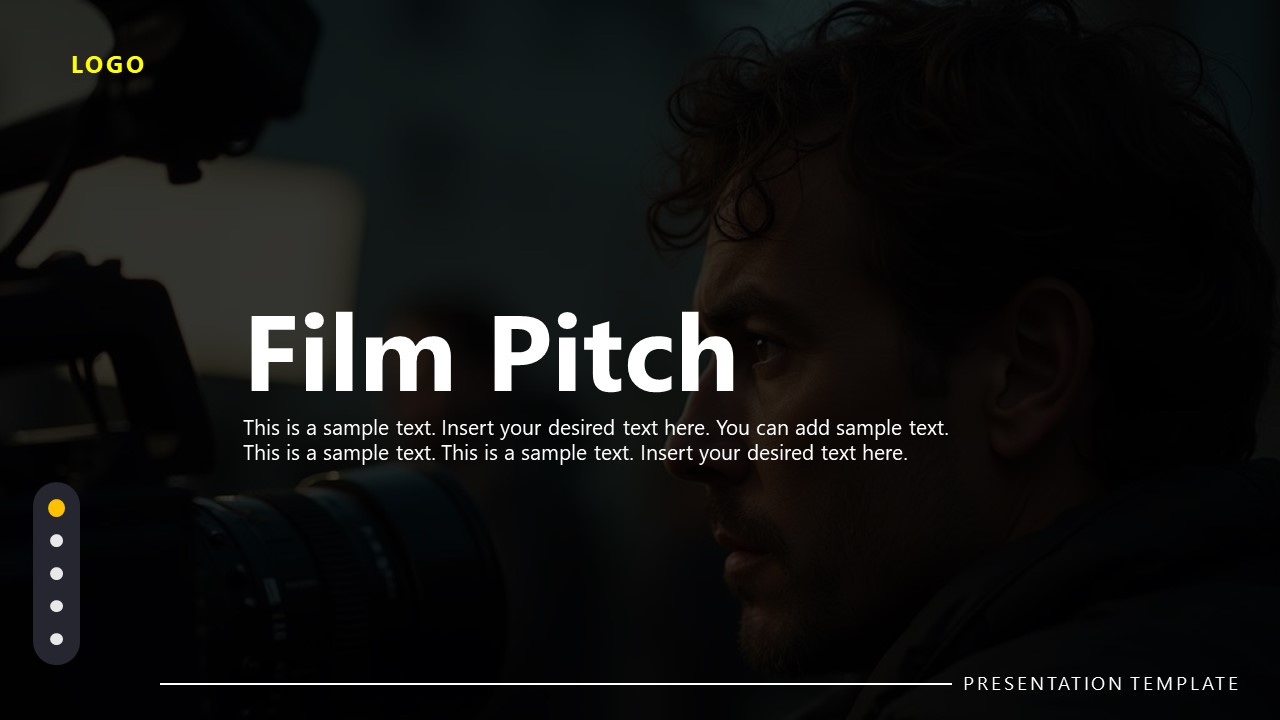
Download our visually appealing Film Pitch PowerPoint Template to present your film proposal to the investors. This template is helpful for writers, movie directors, or producers to pitch the film idea in executive meetings and generate funds for it. It is also beneficial to discuss the film details, budget plans, cast, and crew members with fellow actors in the motion picture. You can begin the presentation with the logline, synopsis, and discussion, and then depict the film’s genre, tone, and visual style. Next, there is a section to present the director’s vision and the cast and crew’s plans for the film.
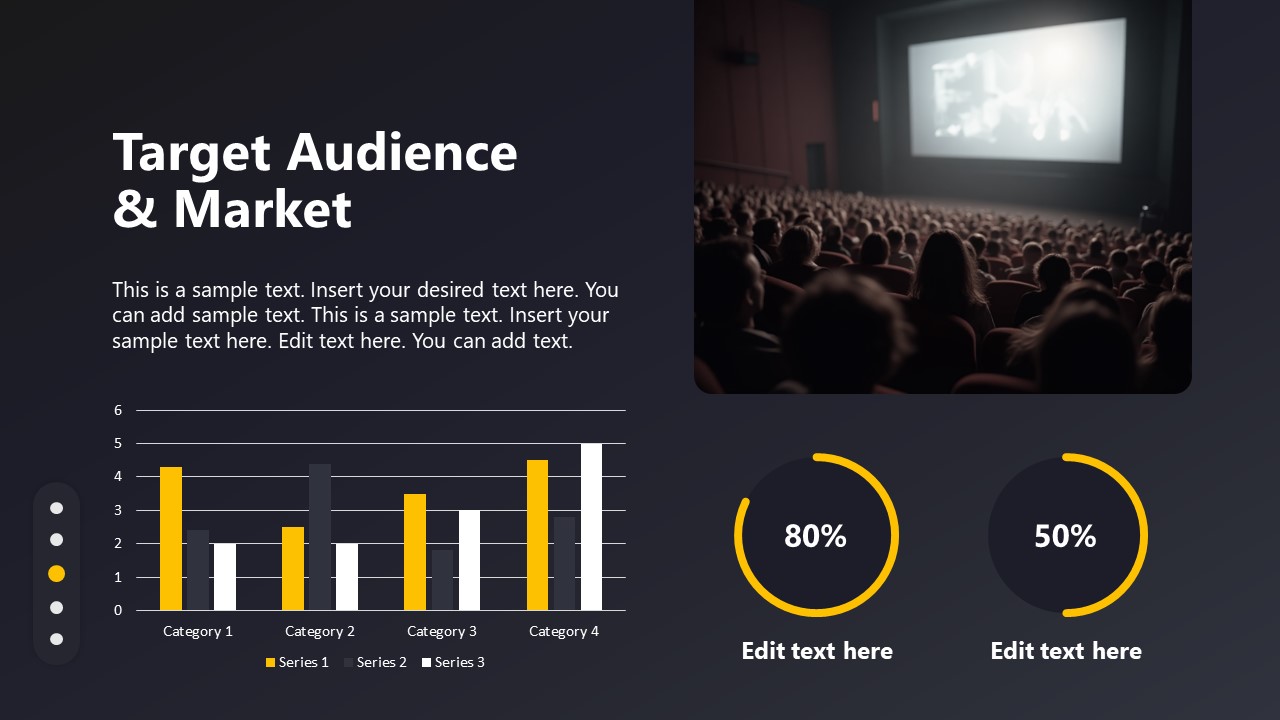
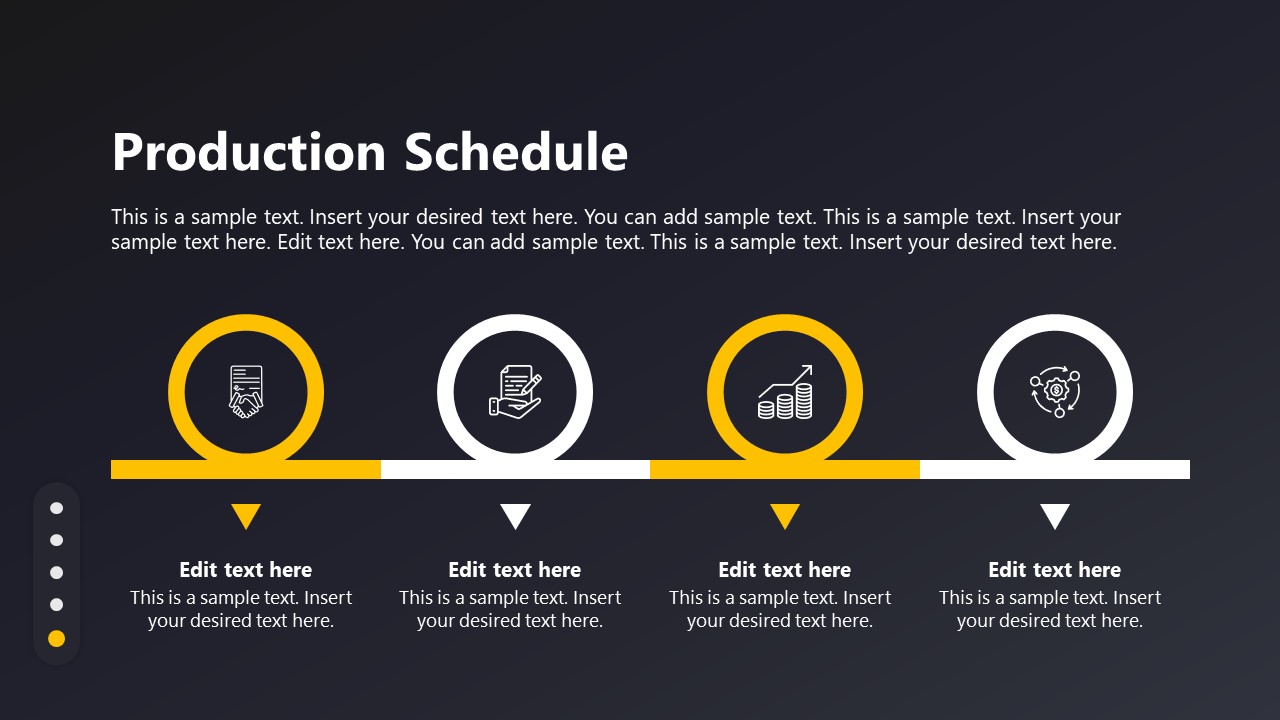
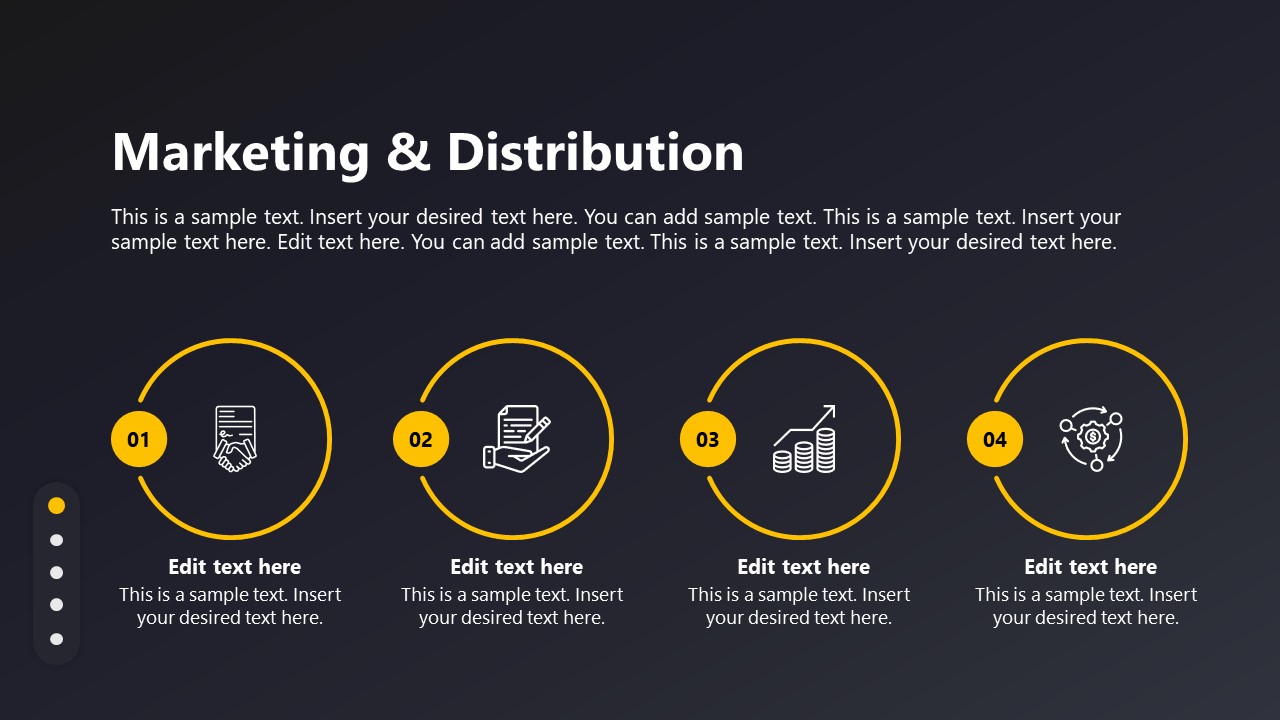
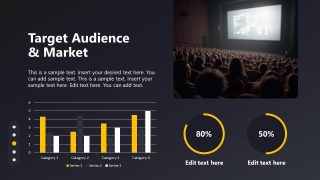
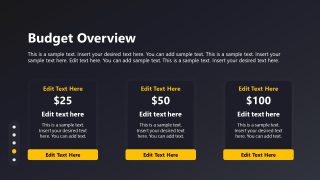
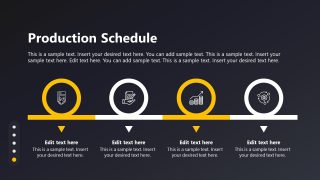
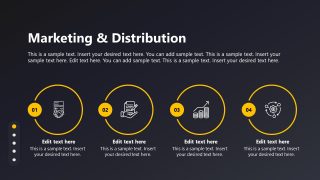
The Film Pitch PowerPoint Template features a dark, thematic appearance, with slide backgrounds that incorporate different scenes from the movie or shooting, making it look more aesthetic and relevant. We have designed this template using fully editable PowerPoint elements, allowing users to customize it according to their specific needs and preferences. They can also customize the template using Google Slides and Keynote. We have provided multiple data visualizations in the target audience and budget overview slides, so that presenters can effectively showcase complex data in understandable visuals. Next, there is a slide for showing the production schedule planner to the team, cast, and other members. Finally, professionals can discuss the marketing and distribution plan, enabling the company to generate revenue after the film is premiered.
You can change the images with your movie scenes or ideas. Furthermore, you can customize the template colors, topics, slide headers, and other components to fit your needs perfectly. Download the film pitch template for PowerPoint and edit it now!
What’s inside this template
Example presentation scenarios
- A producer can present the funding case to investors by moving from the logline and synopsis to the budget overview and marketing plan.
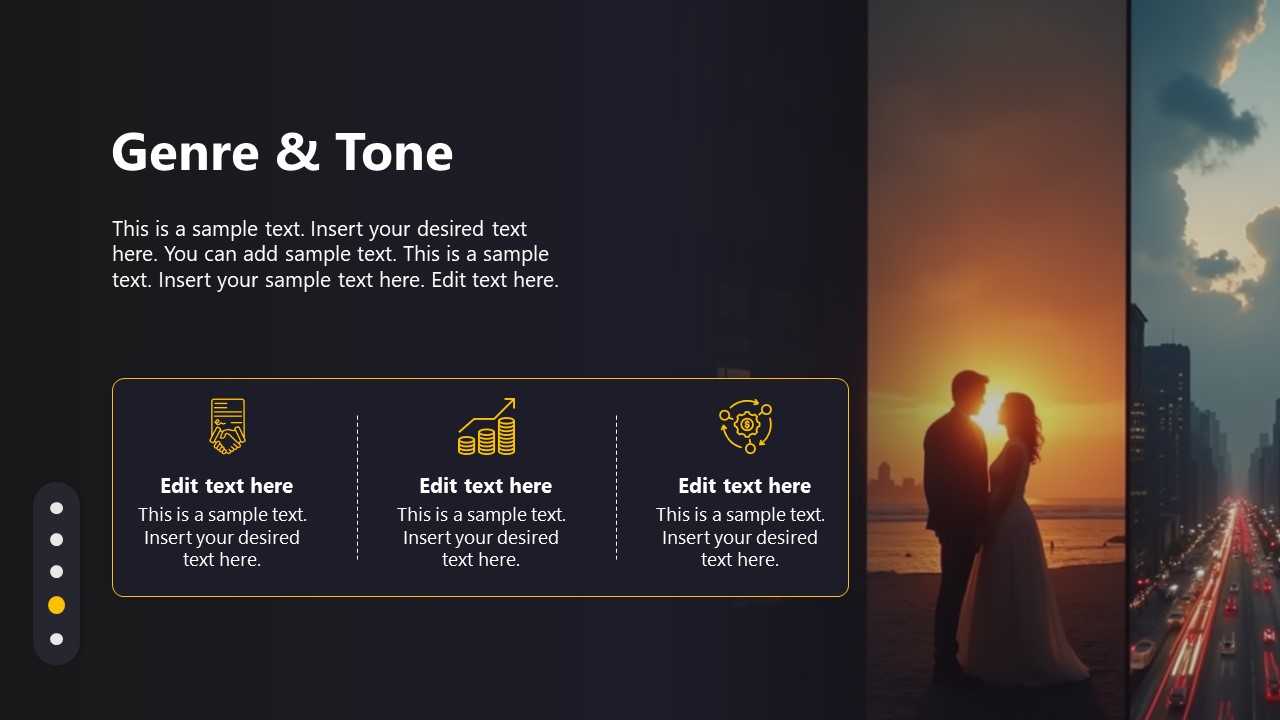
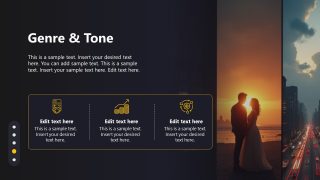
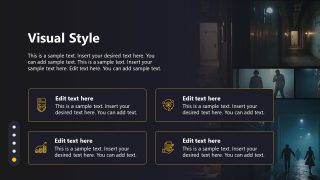
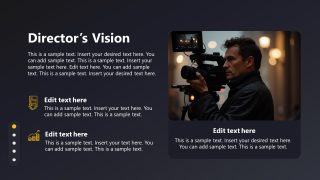
- A director can explain the creative approach to a production company using the genre and tone, visual style, and director's vision slides.
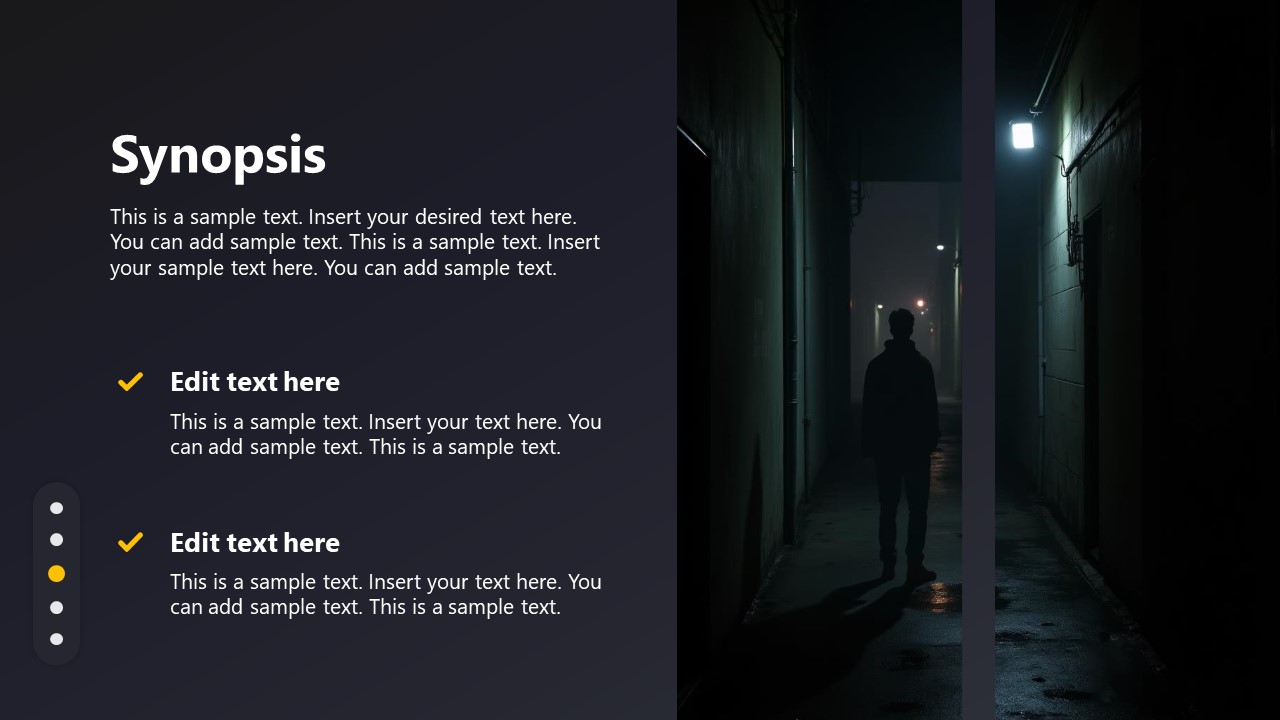
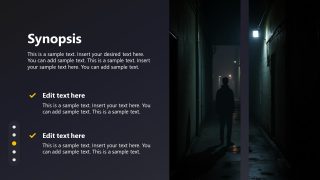
- A screenwriter can pitch a concept meeting by opening with the cinematic cover slides, then using the synopsis and audience market chart to frame demand.
- A production lead can align internal collaborators by showing cast and crew roles, the four-step production schedule, and the contact and next steps slide.
Features
- 100% editable presentation template
- Compatible with Microsoft PowerPoint and Google Slides
- 16:9 aspect ratio slides
- Scalable vector shapes, icons and illustrations
- Ready with Animations & Transitions in PowerPoint
- AI-Ready for Microsoft Copilot and Claude
- Instant access and download
Frequently asked questions
Q: How should the film pitch be structured for an investor meeting?
A: Start with the logline and synopsis so the audience understands the story quickly. Then use the genre and tone, visual style, and director's vision slides to make the creative direction concrete. Close the business case with the target audience chart, budget overview, production schedule, marketing plan, and next steps.
Q: Who is this template best suited for?
A: This template fits filmmakers, producers, screenwriters, and directors who need to pitch a film idea before production or funding approval. It is especially useful when the presenter must balance creative elements, such as tone and cast, with practical details, such as budget, audience, schedule, and distribution.
Q: Why does the cinematic dark design work for a film proposal?
A: The dark backgrounds, production photography, gold line icons, and progress dots create a film-room mood while keeping the content readable. The design metaphor supports the subject matter: each slide feels like a production board, helping investors connect the story idea with the people, plan, market, and rollout.
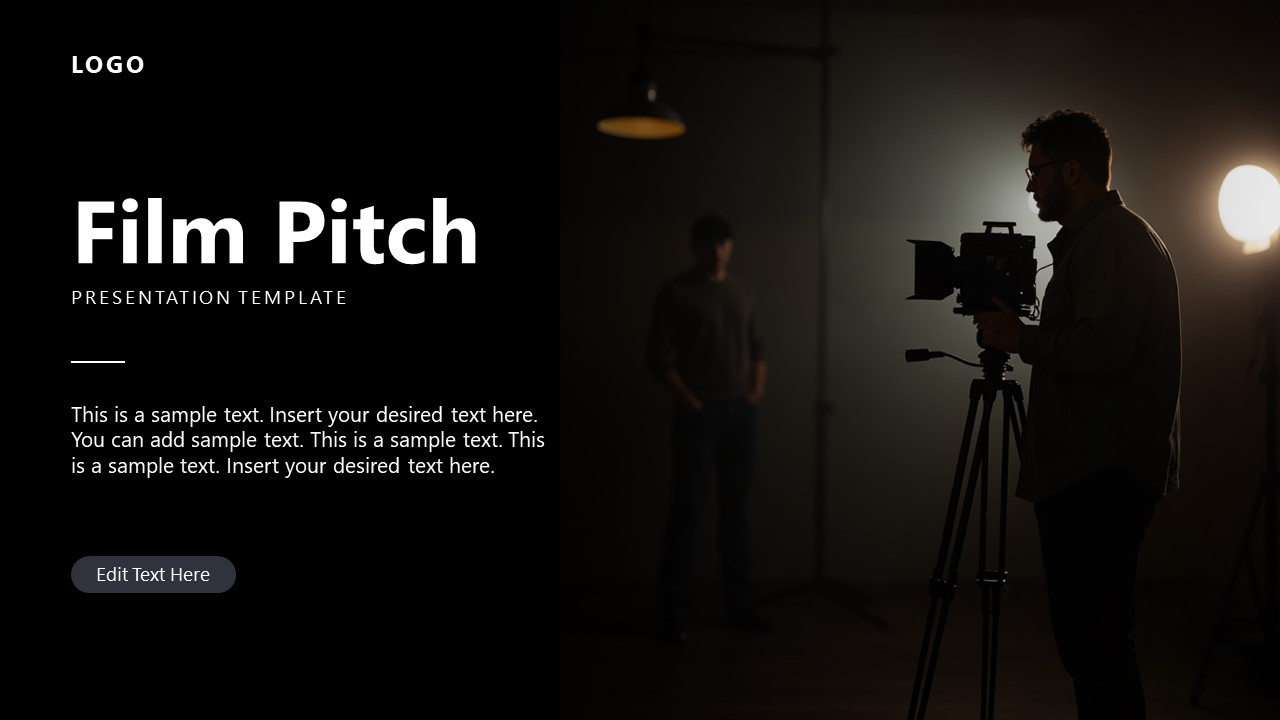








Film Pitch PowerPoint Template
13-slide film pitch presentation template with synopsis, budget overview, schedule, and market visuals
Film Pitch PowerPoint Template is a 13-slide deck for filmmakers, producers, and directors preparing an investor or stakeholder pitch. It includes cover slides, logline and synopsis pages, genre and visual style layouts, cast and crew profiles, a target audience chart, budget overview, production schedule, marketing plan, and contact slide for Microsoft PowerPoint and Google Slides.
- Category
- Business PowerPoint Templates
- Rating

 Loading...
- Aspect ratio
- 16:9
- Item ID
- 77212-01
- Colors
 Microsoft PowerPoint
 Microsoft Copilot
 Claude for PowerPoint
Other formats supported
Subscribe today and get immediate
access to download our PowerPoint templates.