The Simple Thank You Slide Designs for PowerPoint is a template with different layouts for making Thank You slides to conclude a presentation.
This thank you slide template has various editable Thank You slides which can be customized with the help of options within the PowerPoint Ribbon menu. You can customize the color, font and other aspects of the given Thank You slides and also add important end notes for your presentation, such as sections for acknowledgement and credit. An editable Thank you slide template can be used as one of the last slides of your presentations.
Alternatively, download other thank you slides for PowerPoint & Google Slides, including thank you question slides.
What’s inside this template
Example presentation scenarios
- A consultant can use a split color-panel thank you slide to close a client briefing while leaving a logo, office address, and follow-up contact text on screen.
- A sales presenter can end a proposal deck with the blue contact layout so decision makers know where to send questions after the meeting.
- A trainer can use the green closing slide to thank participants and show the department logo, support email, and location details before the session ends.
- A nonprofit presenter can use the dark thank you layout to close an awareness presentation with acknowledgement text and contact information for donations or partnerships.
Features
- 100% editable presentation template
- Compatible with Microsoft PowerPoint and Google Slides
- Scalable vector shapes, icons and illustrations
- AI-Ready for Microsoft Copilot and Claude
- Instant access and download
Frequently asked questions
Q: How should a presenter choose among the eight thank you slide designs?
A: Choose the version that matches the weight of the presentation close. The full-color panels feel stronger and are useful after a keynote, pitch, or launch presentation. The split layouts place more emphasis on contact information, so they work better when the final action is to email, call, visit an office, or continue the conversation.
Q: Who is this closing slide template best suited for?
A: This template fits presenters who need a clean final screen rather than a dense summary slide. Consultants, sales teams, educators, and project managers can use it to thank the audience while showing a logo, two address blocks, and a short contact prompt. It is best when follow-up details matter at the end.
Q: Why does the paper-plane visual work for a thank you slide?
A: The paper plane and dotted flight path create a light visual metaphor for sending a message, moving forward, or staying in touch. That supports the closing purpose without adding a complex diagram. Because the contact blocks sit below or beside the headline, the design keeps appreciation first and follow-up information second.





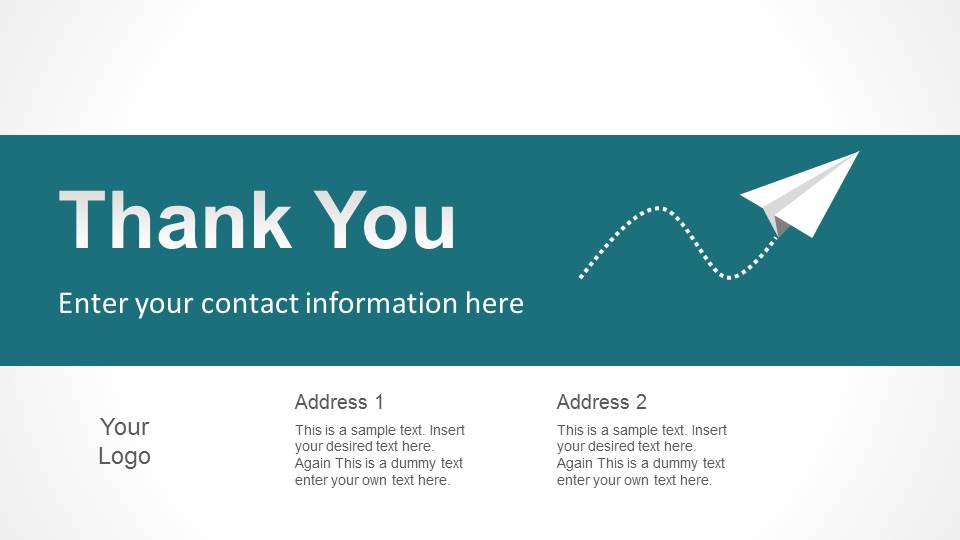










Simple Thank You Slide Designs for PowerPoint
8-slide presentation template for closing thank you pages with contact information and logo placeholders
Simple Thank You Slide Designs for PowerPoint is an 8-slide closing-slide template for ending presentations with a branded final message. It includes thank you title layouts, contact information blocks, logo placeholders, address columns, split color panels, and a paper-plane illustration. It is intended for presenters who need a polished last slide in PowerPoint.


 Loading...
 Microsoft PowerPoint
  Microsoft Copilot
  Claude for PowerPoint
 Other formats supported
Subscribe today and get immediate
access to download our PowerPoint templates.