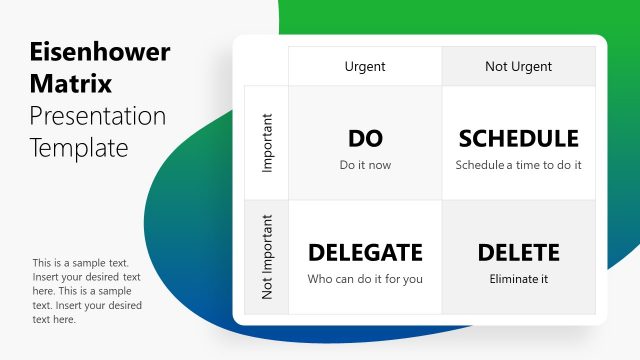
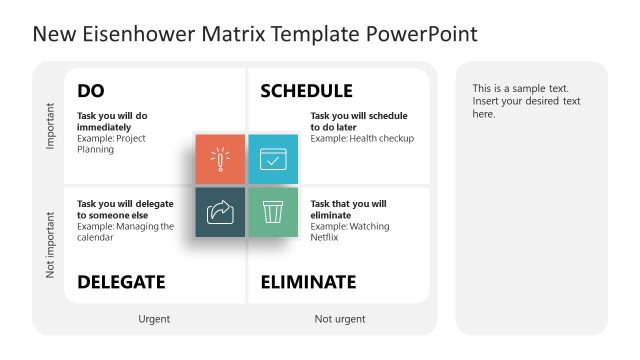
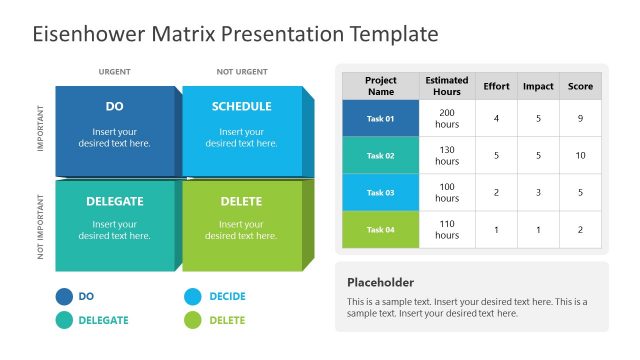
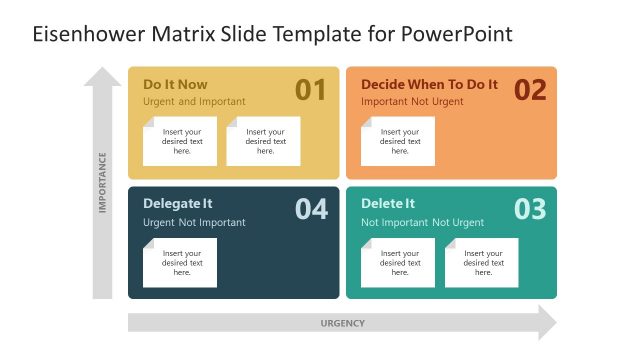
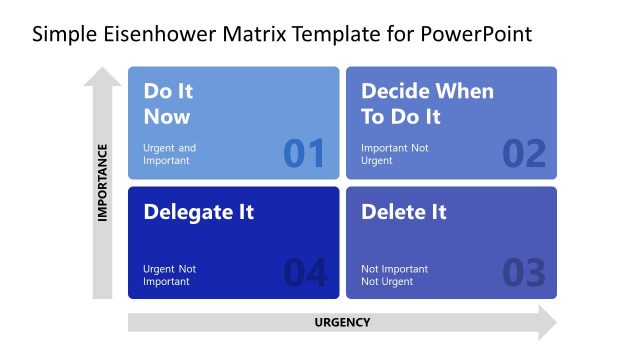
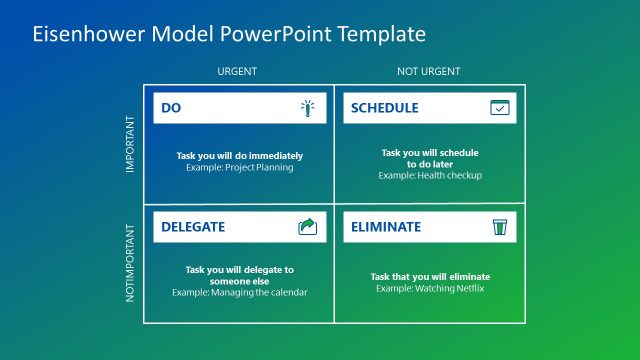
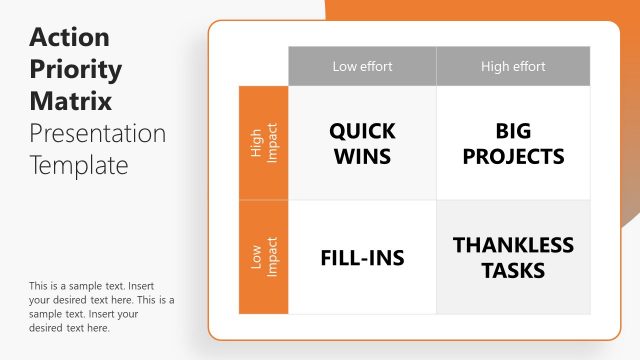
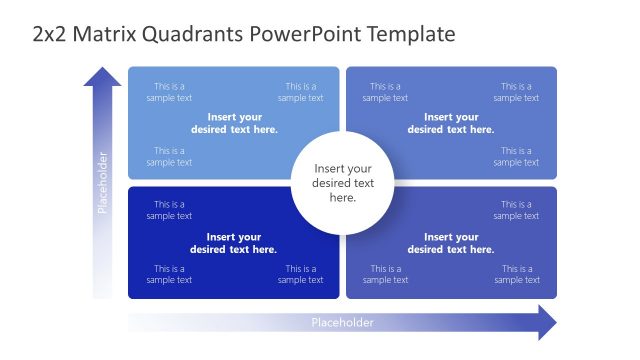
The Eisenhower Matrix PowerPoint Template shows the two layout designs of 2X2 cells. The four segments of matrix appear as a note on notice board. It can also illustrate the sticky notes to complement the concept of Eisenhower matrix in PowerPoint. It is a simple presentation for explaining the Eisenhower’s decision-making methods. This to-do list matrix concept has only two criteria for measuring the priority of a task: importance and urgency. This also explains how something which is important may or may not be urgent too. The four quadrants matrix diagram can help in finding the smart solution. Such as the solutions for business, marketing, social and economic issues.
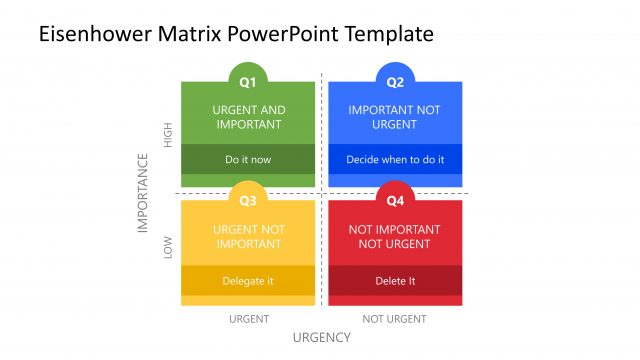
The Eisenhower Matrix PowerPoint Template displays four quadrants where urgency is in x-axis and importance on y-axis. It can save a considerable amount of time and effort while prioritizing tasks. Each quadrant of Eisenhower Matrix demonstrates a selection criterion, to classify significance of task. The quadrants represent do first, do later, delegate, and eliminate as decisions.
- Quadrant 1 – Urgent & Important: The tasks which are too important to delegate and too urgent to ignore. For example, decline in sales. The tasks in this quadrant are often identified as “Do” or “Do First”.
- Quadrant 2 – Important & Not Urgent: Task which can be done later. But delegating these to another resource is not feasible. E.g. employee satisfaction survey. These tasks are normally called “Scheduled tasks” or “Defer” accordingly to the 4Ds of Time Management. Sometimes are tagged as “Not right now”.
- Quadrant 3 – Not Important & Urgent: Delegate to another department or resource to complete an activity. E.g. Book a flight. These tags are often identified or tagged as “Delegate”.
- Quadrant 4 – Not Important & Not Urgent: The tasks which do not contribute the person’s/company’s goals. Here, the strategy is to avoid such activities and utilize time on important and urgent matters. These tasks are identified or tagged as “Delete” accordingly to some frameworks such as the 4Ds of Time Management.
The template of Eisenhower matrix is 2-slide PowerPoint showing diagram in both black and white background. The main purpose of Eisenhower matrix of priority is to improve the productivity. And this could be achieved by evaluating the significance of work and time available.
What’s inside this template
Example presentation scenarios
- A project manager can use the 2x2 quadrant matrix to help a team separate immediate tasks from work that should be scheduled later.
- A department head can present the colored urgency and importance axes during a workload review to decide what to delegate and what to drop.
- A consultant can use the light-background slide in a client workshop to explain the 4Ds of time management with clear quadrant labels.
- A trainer can use the dark-background version to teach task prioritization and invite participants to place examples into each quadrant.
Features
- 100% editable presentation template
- Compatible with Microsoft PowerPoint and Google Slides
- 16:9 aspect ratio slides
- Scalable vector shapes, icons and illustrations
- AI-Ready for Microsoft Copilot and Claude
- Instant access and download
Frequently asked questions
Q: How should a presenter use this matrix to make the priority discussion clearer?
A: Start by defining the two axes before discussing the four boxes. Then place example tasks into one quadrant at a time, moving from urgent and important to not important and not urgent. This keeps the audience focused on the decision rule behind each category instead of debating every task at once.
Q: Who is this template best suited for in a business setting?
A: This template fits managers, project leads, consultants, and trainers who need a quick decision tool for task triage. It is best when the presentation goal is to align people on what to do now, schedule, delegate, or drop, especially during planning sessions, workload reviews, or productivity workshops.
Q: Why does the four-quadrant design work well for time management communication?
A: The matrix turns an abstract priority conversation into a simple spatial choice. Importance rises on one axis and urgency moves across the other, so each task lands in a visible decision zone. The colored blocks and numbered tabs make the four outcomes easy to compare and remember.


Eisenhower Matrix PowerPoint Template
2-slide presentation template for Eisenhower Matrix task prioritization and urgency-importance decisions
The Eisenhower Matrix PowerPoint Template is a 2-slide presentation template for prioritizing tasks by urgency and importance. It includes a 2x2 quadrant matrix, labeled importance and urgency axes, and decision labels for do now, schedule, delegate, and dump. It is designed for managers, team leads, and planners using PowerPoint or Google Slides.
- Category
- Strategy
- Rating

 Loading...
- Aspect ratio
- 16:9
- Item ID
- 7874-01
- Colors
 Microsoft PowerPoint
 Microsoft Copilot
 Claude for PowerPoint
Other formats supported
Subscribe today and get immediate
access to download our PowerPoint templates.