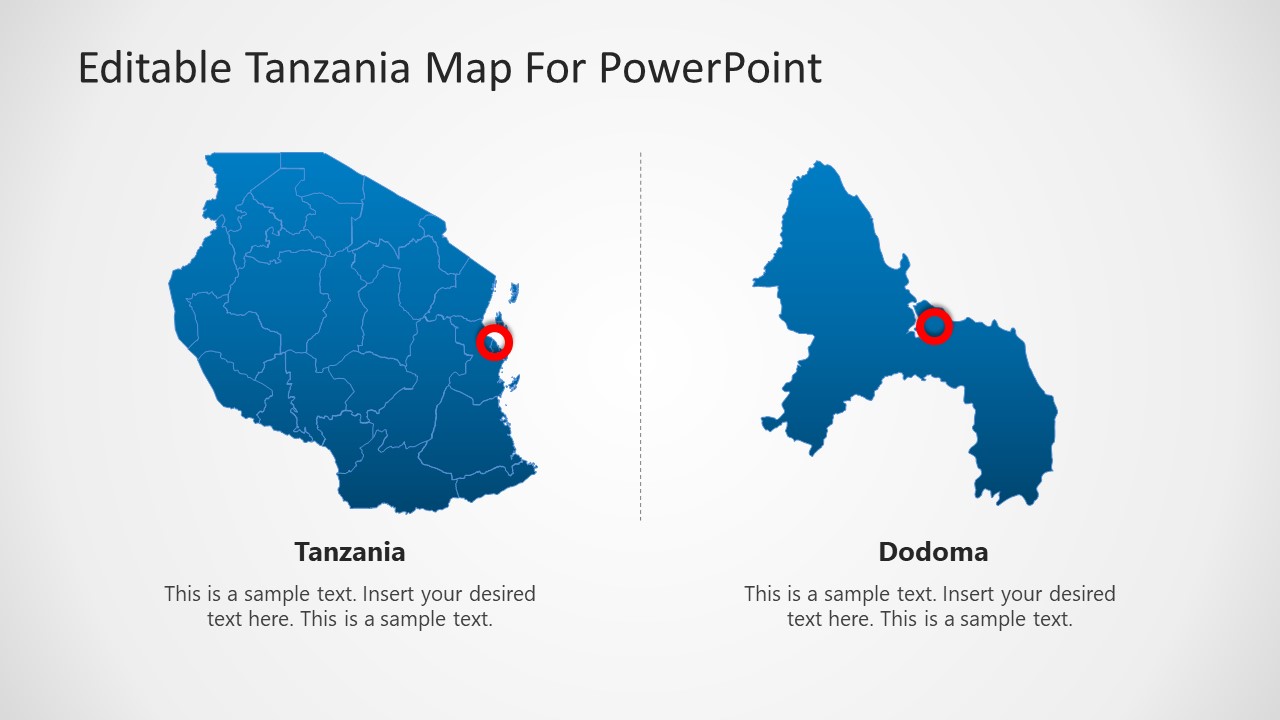
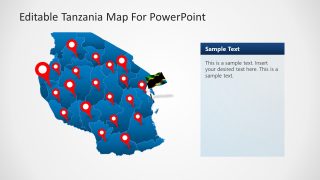
Editable Tanzania PowerPoint Map is a presentation containing eight different slides with outline and political maps of the United Republic of Tanzania. The Maps are created with our professional method of States composition, that means that each maps can be splited into states to be used independently. Each state and shape in the presentation is created as PowerPoint objects, allowing the user to edit each of the object properties as size, color, gradient, position and of course any of the available PowerPoint effects.
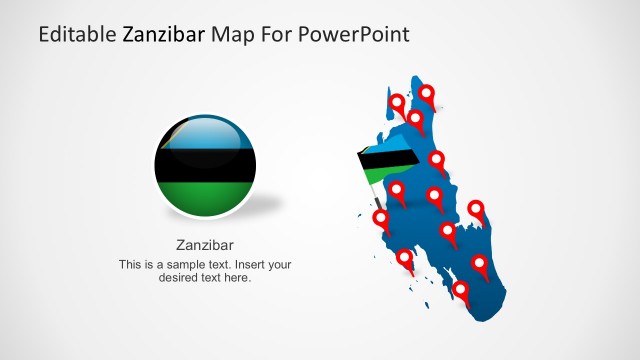
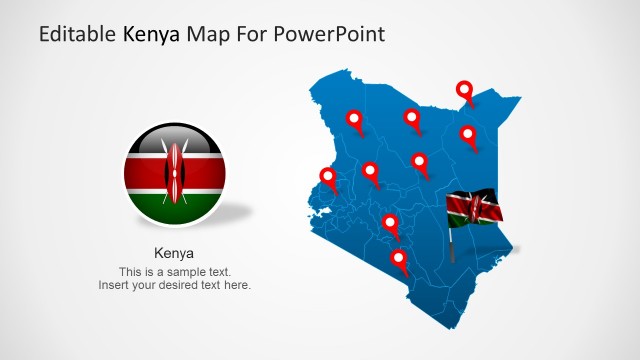
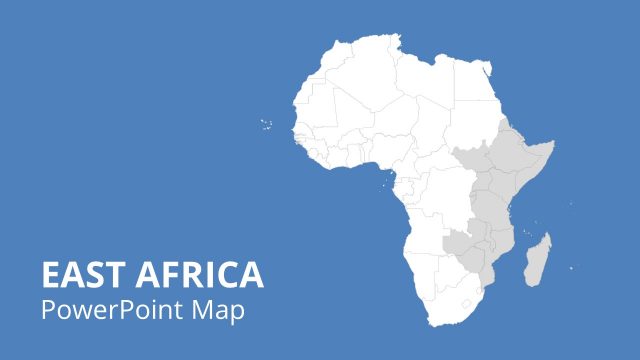
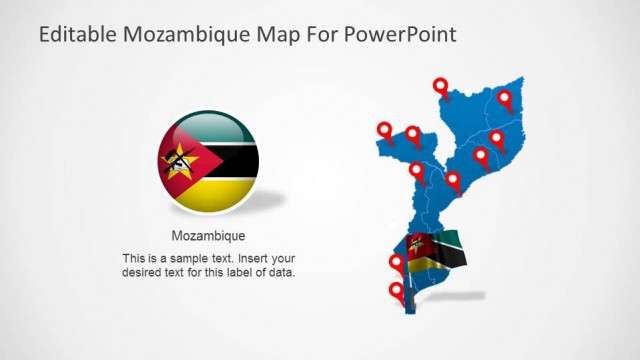
Tanzania borders with Kenya , Uganda , Rwanda, Burundi, Congo, Zambia , Malawi and Mozambique. The highest African mountain peak is located in Tanzania and called the Kilimanjaro.
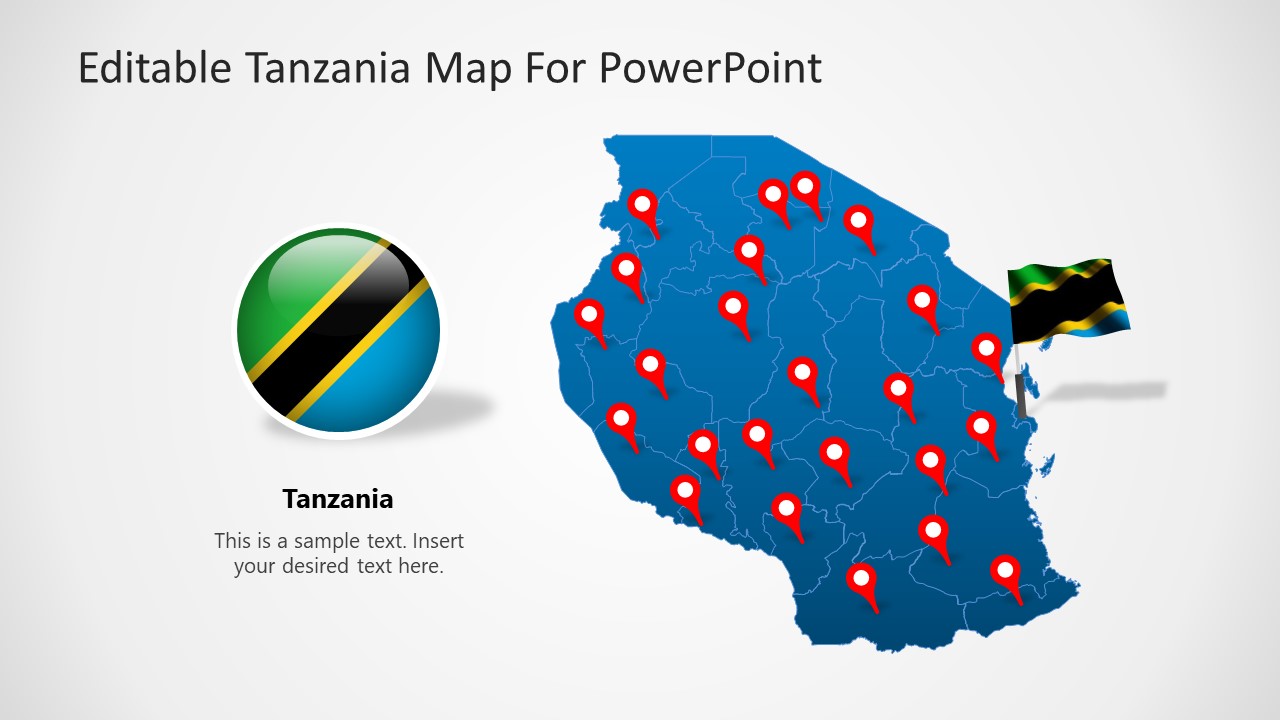
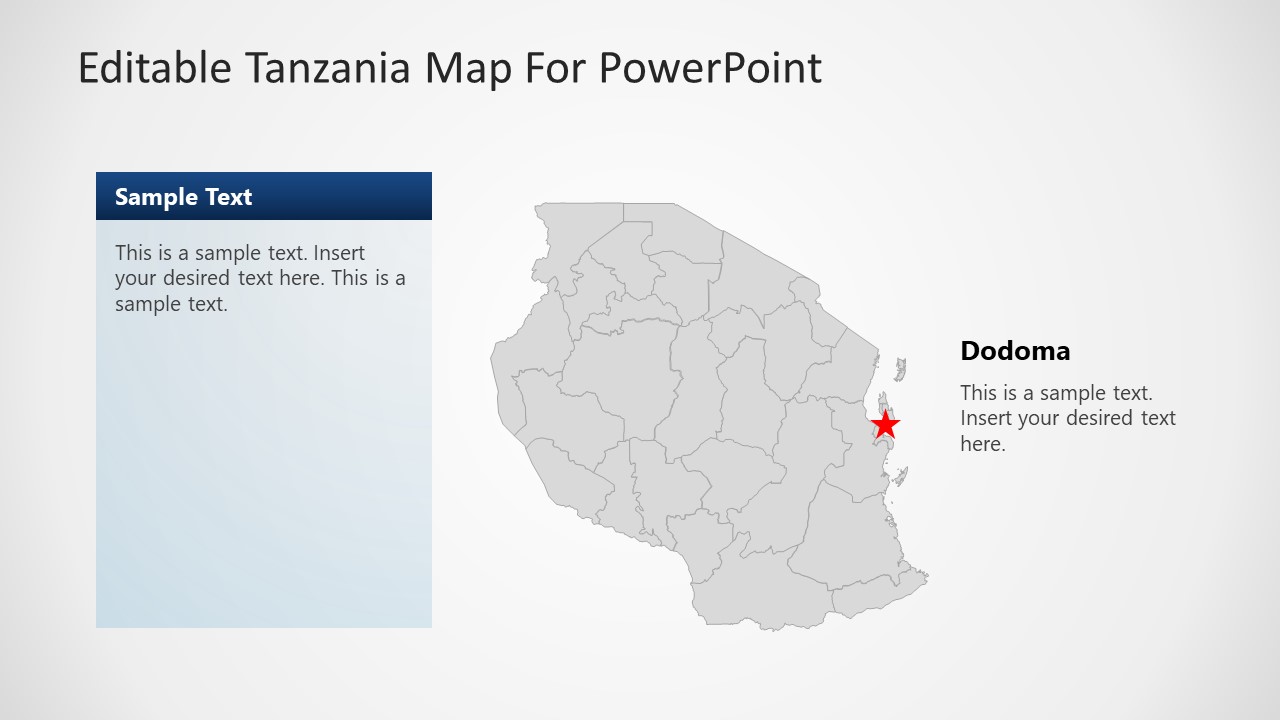
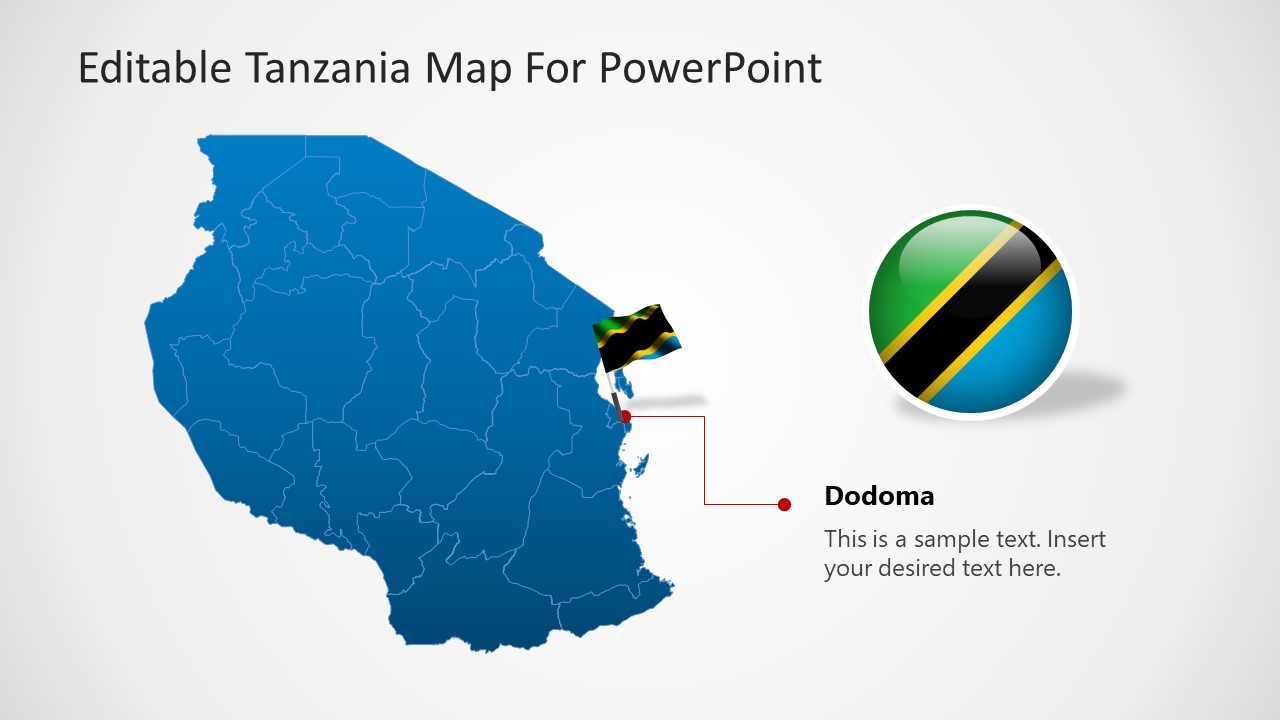
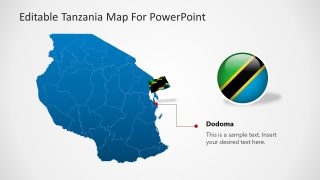
Our Tanzania Map provides different icons to complement the tools for presenting geographical locations or travel itineraries. Also , a special slides provides the national flag, and a locations marked with a circle to represent the importance of the city of Dodoma, Tanzania’s Capital city.
Save countless hours of manual work and impress your audience with our outstanding Editable Tanzania PowerPoint Map. Captivate their attention while you take advantage of our Maps flexibility to transmit your message.
What’s inside this template
Example presentation scenarios
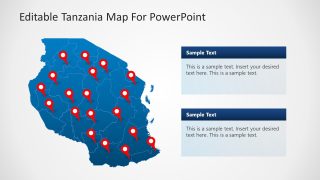
- A market analyst can present regional opportunities in Tanzania by using the multi-pin map to mark target cities and the stacked text boxes to compare priority zones.
- A travel planner can explain an itinerary by using the pinned country map, flag graphics, and Dodoma callout to orient the audience before discussing routes.
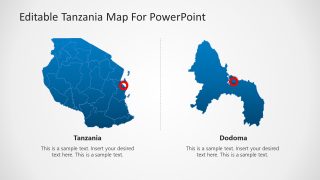
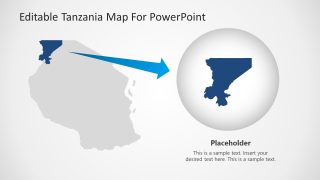
- An educator can teach Tanzania geography by using the political map, national flag graphic, and zoom placeholder to connect country identity with regional detail.
- An NGO program manager can report field coverage by placing pins on the Tanzania map and using the Dodoma locator layout to highlight headquarters or government coordination points.
Features
- 100% editable presentation template
- Compatible with Microsoft PowerPoint and Google Slides
- 16:9 aspect ratio slides
- Scalable vector shapes, icons and illustrations
- AI-Ready for Microsoft Copilot and Claude
- Instant access and download
Frequently asked questions
Q: How should a presenter organize a Tanzania location briefing with this map template?
A: Start with the full Tanzania map and flag to establish country context, then move to pinned maps for locations or program coverage. Use the Dodoma callout slide when the capital city matters to the story. Close with the zoom placeholder when one region needs extra explanation, such as a priority territory, route segment, or service area.
Q: Who is this Tanzania map template best suited for?
A: This template fits presenters who need to explain where activity happens inside Tanzania rather than show numeric performance. Consultants, educators, travel planners, logistics teams, and NGO managers can use the pinned maps, political boundaries, and Dodoma callouts to make territory, coverage, itinerary, or field operations easier to follow.
Q: Why do the pin markers, flags, and zoom layouts improve geographic communication?
A: The template uses familiar map metaphors: pins identify places, flags signal national context, and the zoom circle shifts attention from country scale to local detail. These visual cues reduce the need for long explanations. The audience can first locate Tanzania, then understand which areas or cities deserve attention.




Editable Tanzania PowerPoint Map
8-slide presentation template with editable Tanzania maps, Dodoma callouts, location markers, and flag graphics
Editable Tanzania PowerPoint Map is an 8-slide map template for presenting Tanzania geography in Microsoft PowerPoint and Google Slides. It includes political map layouts, Dodoma callouts, multi-pin location maps, flag graphics, and a zoomed regional placeholder. It is built for business, education, travel, logistics, and development presentations.
- Category
- Maps
- Rating


 Loading...
- Aspect ratio
- 16:9
- Item ID
- 6466-01
- Colors
 Microsoft PowerPoint
  Microsoft Copilot
  Claude for PowerPoint
 Other formats supported
Subscribe today and get immediate
access to download our PowerPoint templates.