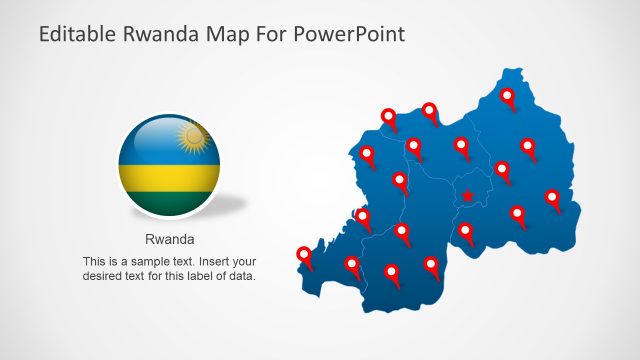
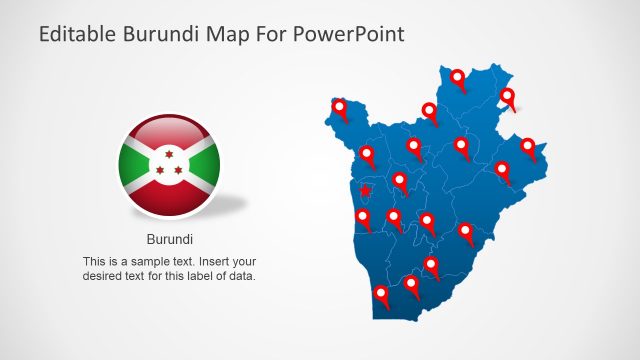
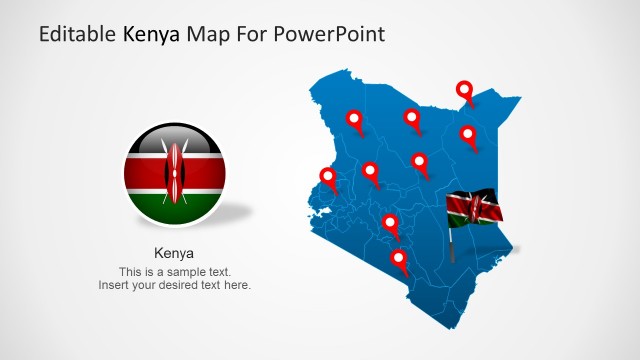
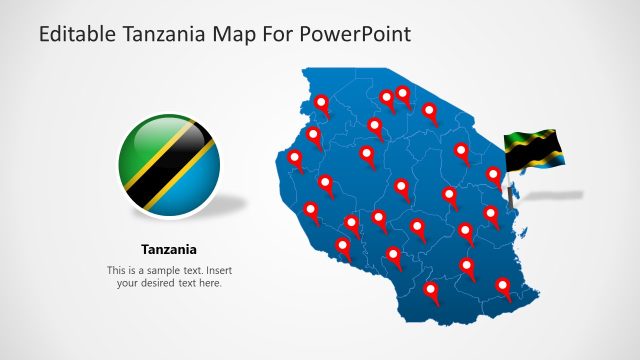
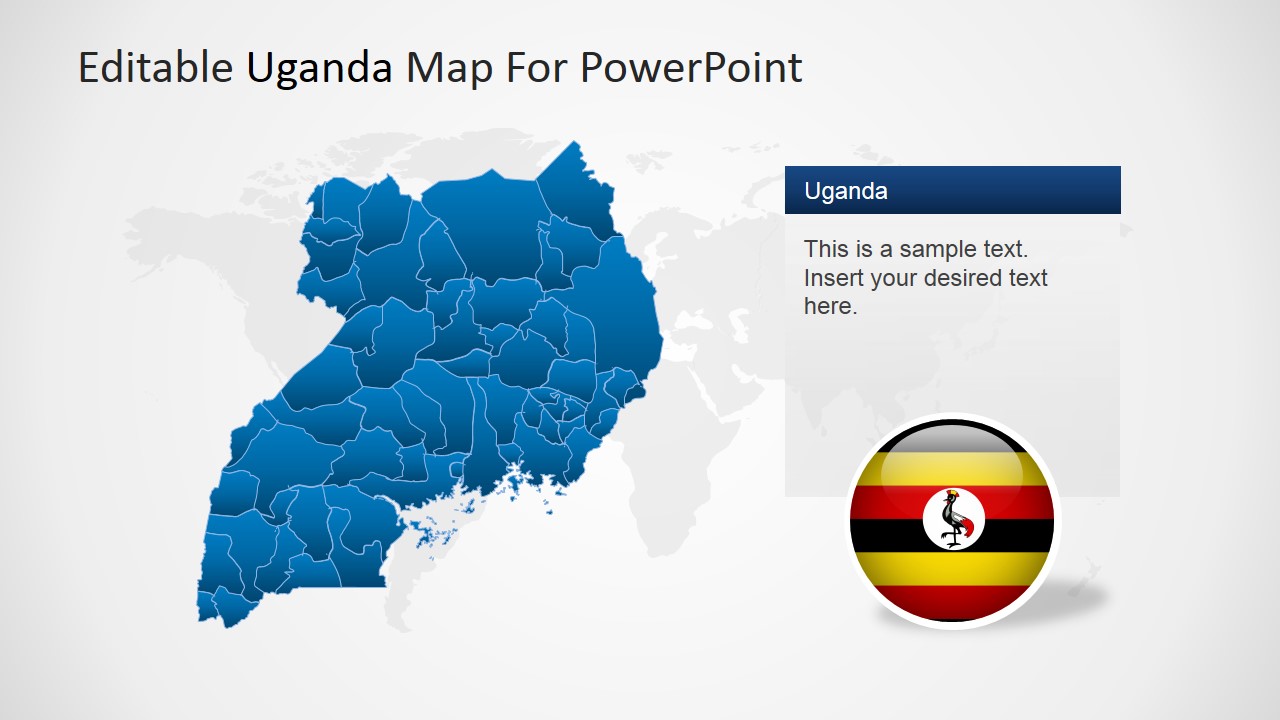
Editable Uganda PowerPoint Map – Create Professional PowerPoint presentations featuring the Republic of Uganda with the Editable Uganda PowerPoint Map. The PowerPoint Template contains 100% editable versions of the Republic of Uganda Political outline maps, created as a composite of PowerPoint shapes with the outline of each state. The user can ungroup the map and work with the individual states. Created as PowerPoint objects, each piece of the Uganda Map can be customized with the user’s preference and theme, without losing resolution or visual quality.
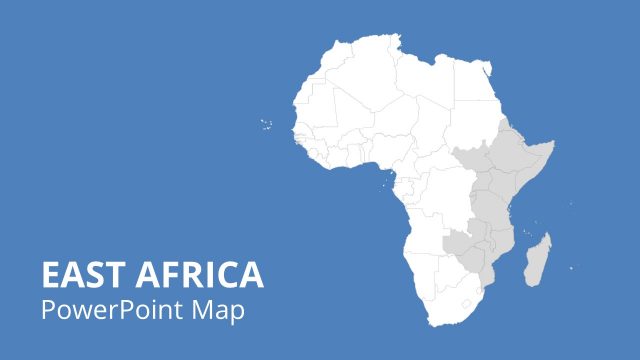
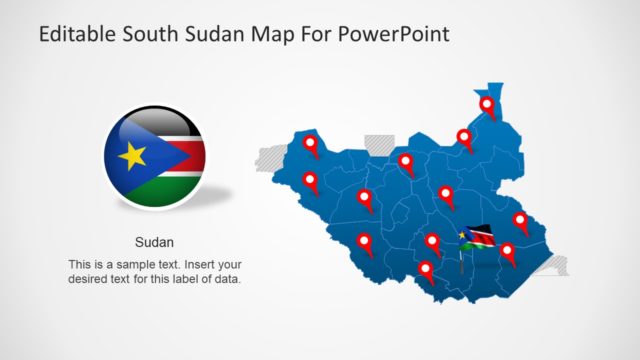
The Republic of Uganda, is located in East Africa. It borders with Kenya, South Sudan, Congo , Rwanda and Tanzania. Uganda is one of the three countries sharing the Lake of Victoria one of Africa’s great lakes. Uganda’s capital and most populous city is called Kampala. Kampala hosts the headquarters of the East African Development Bank and the national Uganda Local Governments Association.
Uganda is an equatorial country, but its climate is not regular due to its different in hights.
Western supported economic reforms produced solid growth and inflation decrease in the 1990s, and the discovery of oil and gas in the west of the country boosted exports. Uganda’s economy generates export income from coffee, tea, fish and other commodity products; it has substantial natural resources, including fertile soils, regular rainfall, and sizable mineral deposits of copper and cobalt. The country has largely untapped reserves of both crude oil and natural gas.
Create impressive PowerPoint Geography Presentations or Travel plans with the Editable Uganda PowerPoint Map. Impress your audiences with professional graphics that engage and leaves a durable visual message.
What’s inside this template
Example presentation scenarios
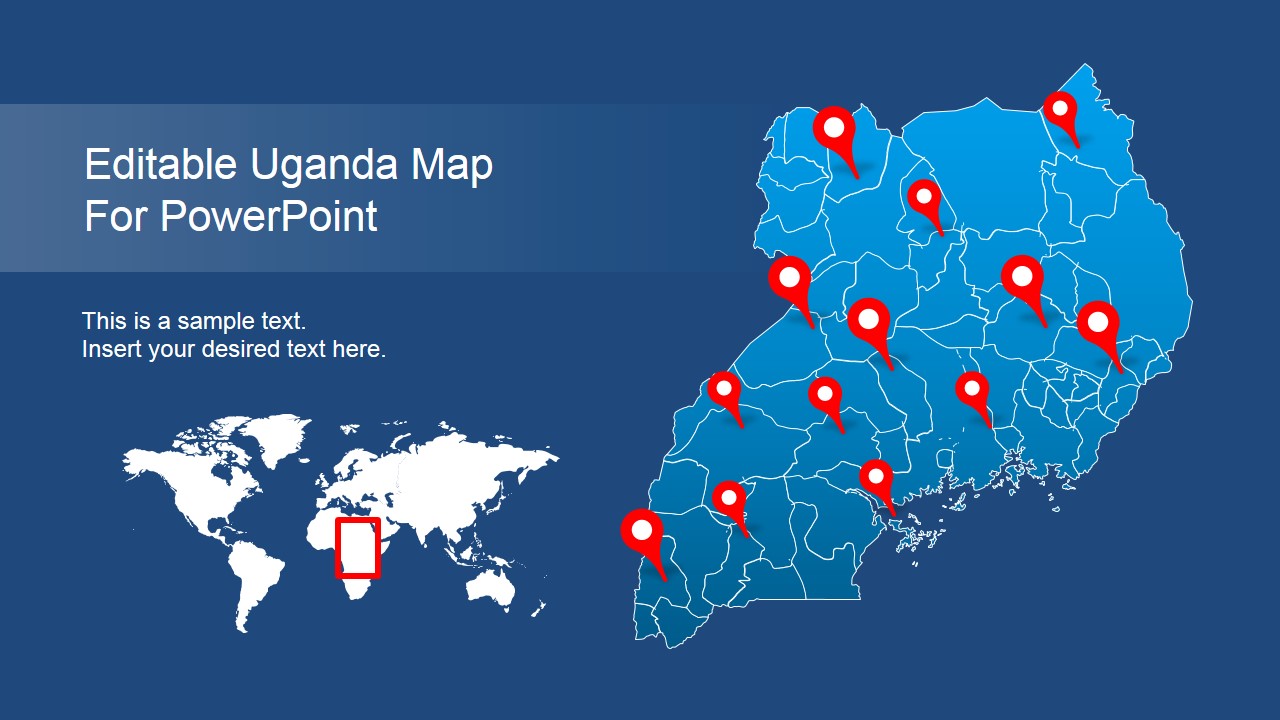
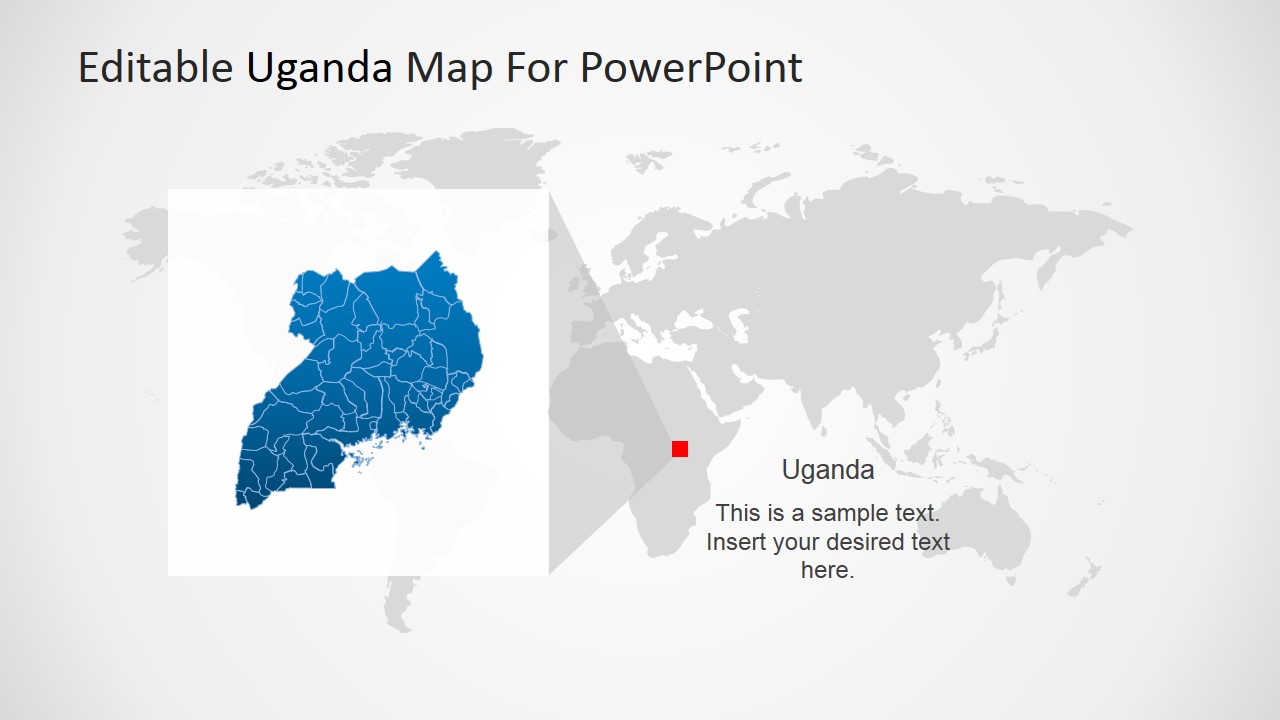
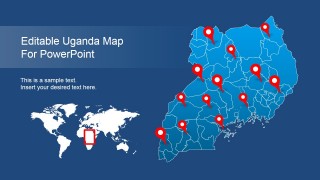
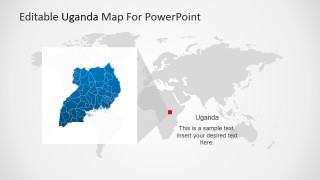
- A market entry consultant can use the world locator map and Uganda political outline to explain where the country sits in East Africa before discussing target regions.
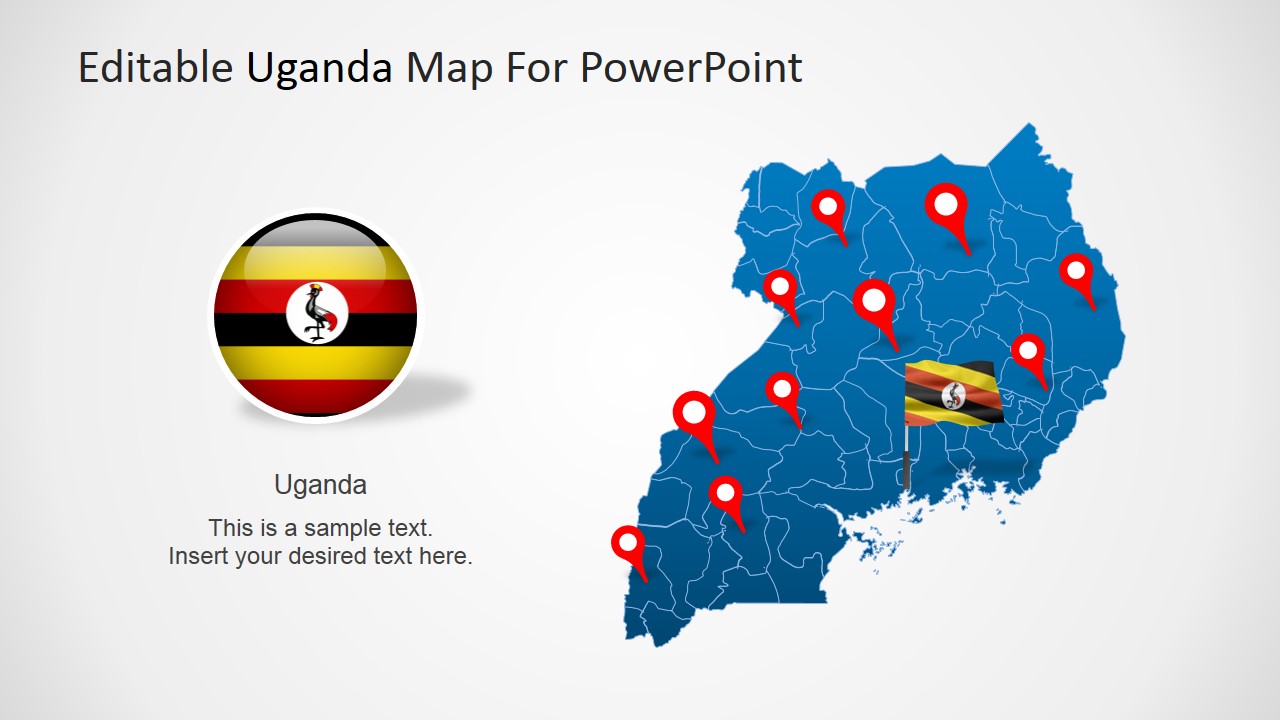
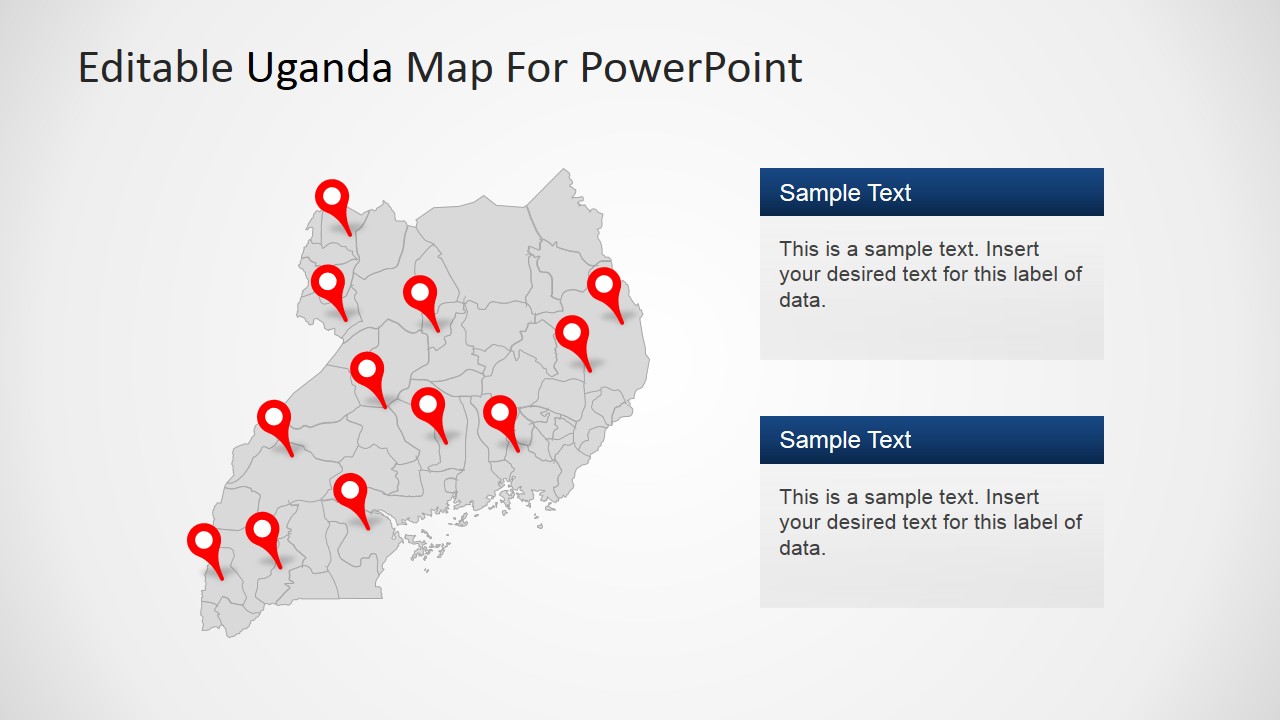
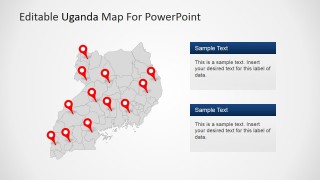
- An NGO program manager can use the multi-pin map and right-side text cards to report field locations, project sites, or service areas across Uganda.
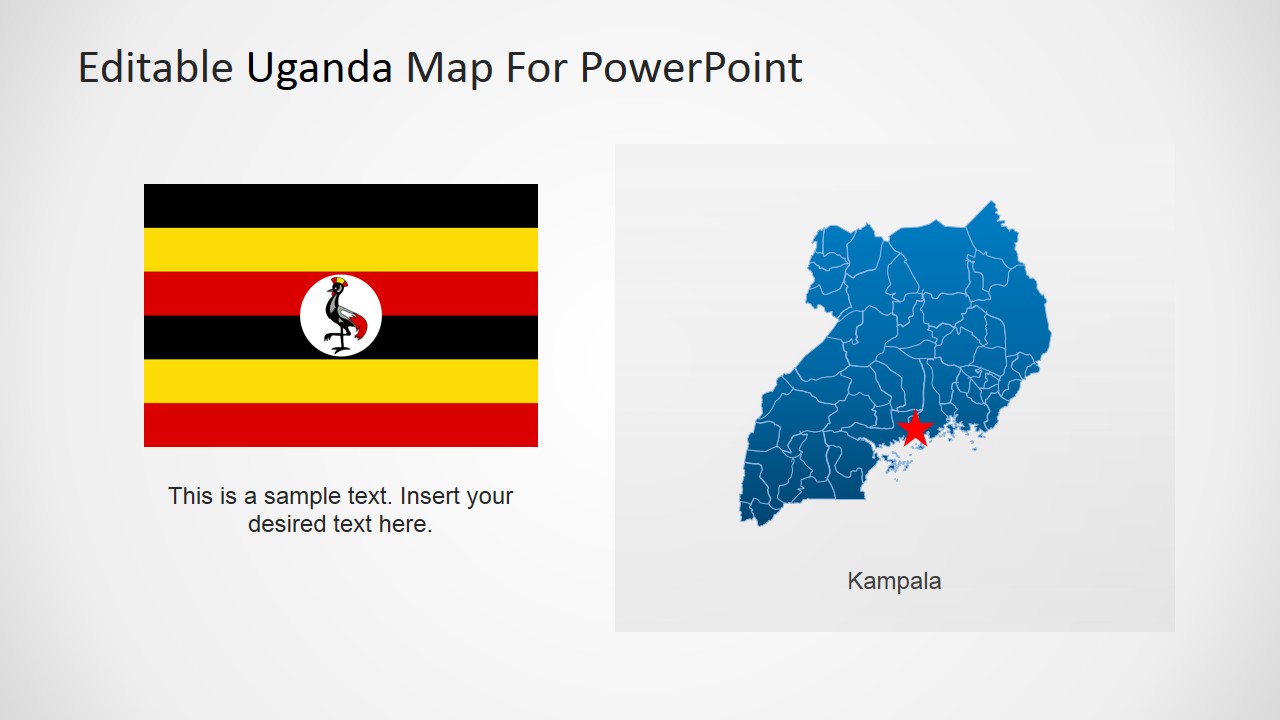
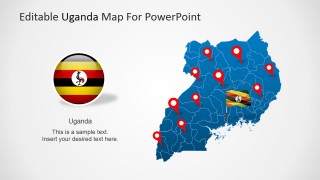
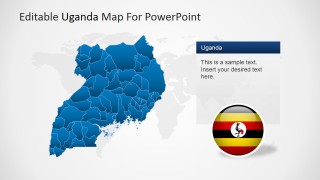
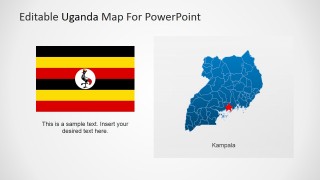
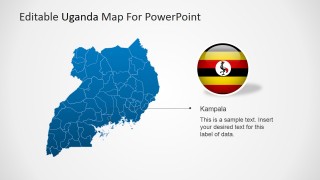
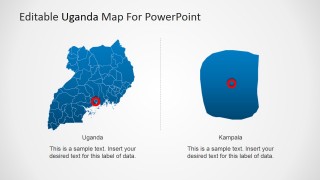
- A geography teacher can use the flag slide, Kampala star marker, and regional map to introduce Uganda's national identity, capital, and internal geography.
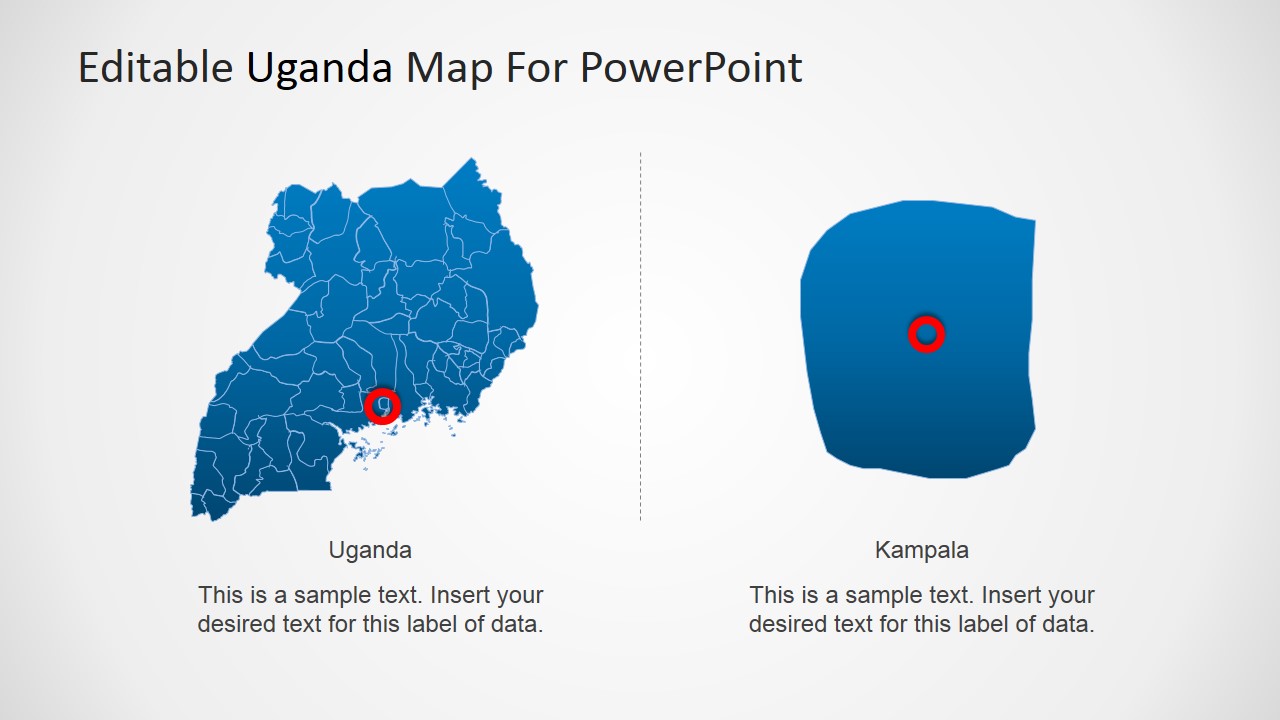
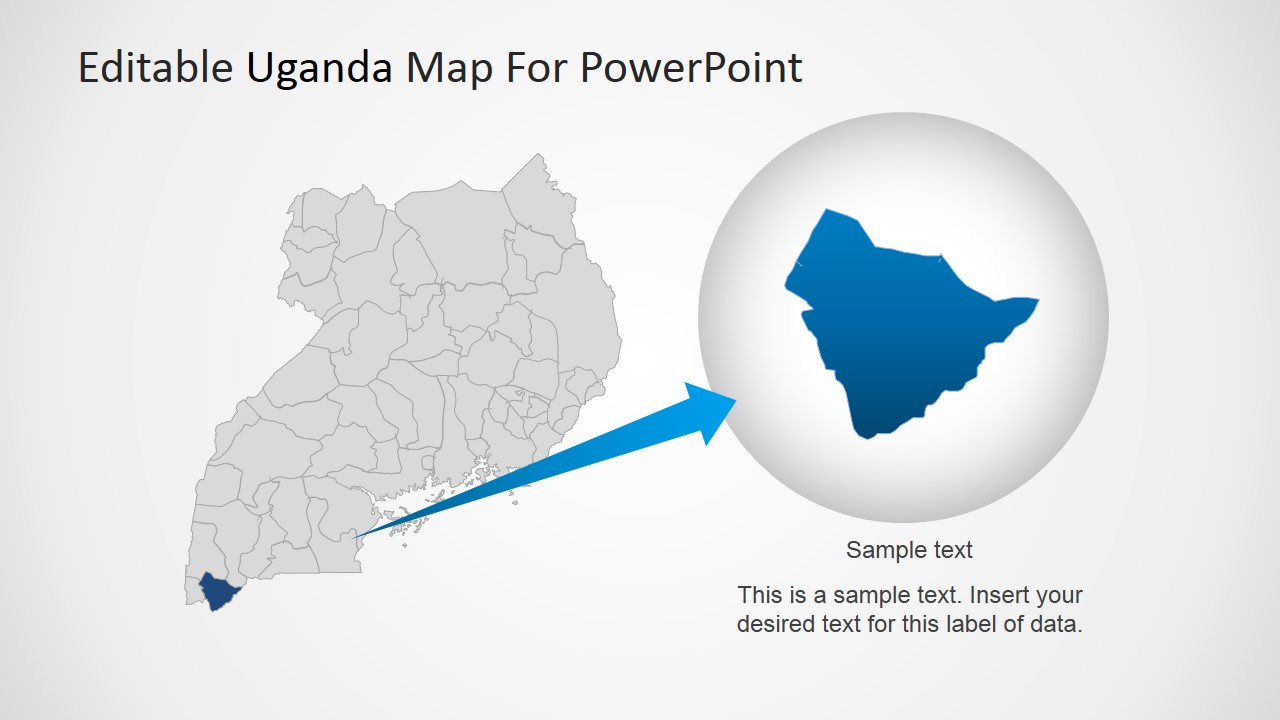
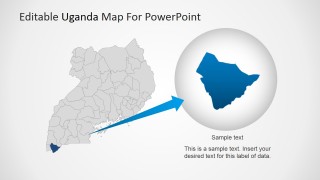
- A logistics planner can use the magnified region slide and location pins to focus stakeholders on a specific operating area or route-related discussion.
Features
- 100% editable presentation template
- Compatible with Microsoft PowerPoint and Google Slides
- 16:9 aspect ratio slides
- Scalable vector shapes, icons and illustrations
- AI-Ready for Microsoft Copilot and Claude
- Instant access and download
Frequently asked questions
Q: How should a presenter structure a Uganda country briefing with this template?
A: Start with the cover or world locator slide to orient the audience, then move to the full Uganda political map for regional context. Use the pin map only after the audience understands the base geography. Close with the Kampala callout or magnified region slide when the presentation needs to focus attention on one decision area.
Q: Who is this map template best suited for?
A: This template fits presenters who need to explain where activities, opportunities, or risks are located inside Uganda. It is especially useful for educators, consultants, NGOs, government teams, travel planners, and regional business leads who need a visual country overview rather than a text-heavy report.
Q: Why do the location pins, flag badges, and zoom bubble help communication?
A: The design uses familiar map metaphors to reduce explanation time. Pins signal specific places, flag badges reinforce country identity, and the zoom bubble separates a local detail from the national map. This helps the audience distinguish orientation, identification, and focus without reading long paragraphs.

Editable Uganda PowerPoint Map
9-slide Uganda map presentation template with political regions, location pins, and capital callouts
Editable Uganda PowerPoint Map is a 9-slide map template for presenting Uganda in Microsoft PowerPoint and Google Slides. It includes a political outline map, world locator map, Kampala capital callout, magnified area detail, flag badges, and location pin layouts for geographic, market, travel, education, or regional reporting presentations.
- Category
- Maps
- Rating


 Loading...
- Aspect ratio
- 16:9, 4:3
- Item ID
- 6464-01
- Colors
 Microsoft PowerPoint
 Microsoft Copilot
 Claude for PowerPoint
Other formats supported
Subscribe today and get immediate
access to download our PowerPoint templates.