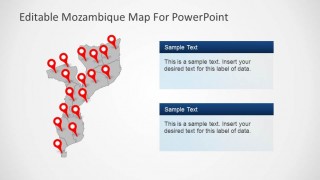
Editable Mozambique Map PowerPoint Template is a presentation containing political and outline maps of the Republic of Mozambique. Our editable PowerPoint Maps are created as a composite of PowerPoint objects. Each object represents a country state, so the whole map is built as a state puzzle, allowing the user full customization of the templates, its layout and of course its PowerPoint properties. The Editable Mozambique Map PowerPoint Template comes themed with our blue stylish gradient color, but can be updated by the user with the desired palette. The Editable Mozambique Map PowerPoint Template provides useful icons , powerful tools for describing locations across the map, travelling routes or specific trading or tourism locations. It provides the Mozambique Flag Icon and a 3D round Icon with the national colors that can be used in different presentations.
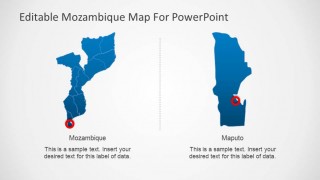
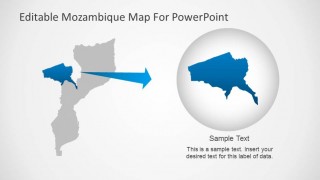
Mozambique is a country located in the Southeast of Africa and borders with the Indian Ocean, Tanzania, Malawi, Zambia, Zimbabwe, Swaziland and South Africa. Mozambique capital city is Maputo; the Editable Mozambique Map PowerPoint Template contains a slide with the capital city highlighted for ease of use. In case a specific state needs to e highlighted it provides a slide with a focus theme where the user can locate the desired state to highlight and increase the attention on it with a highlight effect.
Enjoy working with our flexible PowerPoint Maps and combine them with other PowerPoint Templates, impress your audience and create outstanding presentations with appealing themes and graphics.
What’s inside this template
Example presentation scenarios
- A regional sales manager can show Mozambique territory coverage to executives using the political map, location pins, and text panels to explain branch presence or customer distribution.
- A logistics planner can present delivery points or travel stops across Mozambique using the multi-pin map layouts and the Maputo callout for capital-area coordination.
- A tourism presenter can introduce Mozambique destinations with the flag badge, location markers, and editable notes that connect each map point to a travel narrative.
- An NGO or public sector presenter can brief stakeholders on project locations using the gray map with pins, two text panels, and the zoomed region layout to separate national context from local focus.
Features
- 100% editable presentation template
- Compatible with Microsoft PowerPoint and Google Slides
- 16:9 aspect ratio slides
- Scalable vector shapes, icons and illustrations
- AI-Ready for Microsoft Copilot and Claude
- Instant access and download
Frequently asked questions
Q: How should a presenter organize a Mozambique location briefing with this map template?
A: Start with the full Mozambique map to orient the audience, then move to a pin map to show where activity occurs. Use the Maputo callout when the capital needs special attention, and finish with the zoom layout if one region requires explanation. Keep text panels short so the map remains the main evidence.
Q: Who is this template best suited for in a business or public sector presentation?
A: It fits presenters who need to explain where something happens in Mozambique, such as sales teams, logistics planners, tourism teams, development organizations, or educators. The political boundaries, red pins, and Maputo focus slide make it useful when the audience needs geographic context before discussing operations, destinations, or regional coverage.
Q: Why do the location pins, callouts, and zoom slide help the message land faster?
A: The red pins act as visual anchors on the blue and gray maps, so viewers can find key places quickly. The callout panels separate explanation from geography, reducing clutter. The zoom arrow and magnified region create a clear spatial metaphor: move from national context to the specific area that matters.
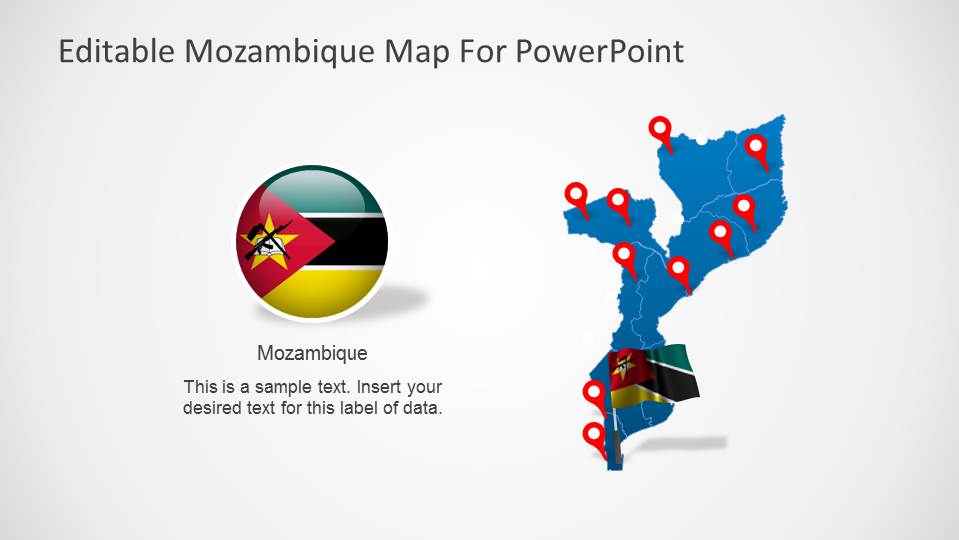


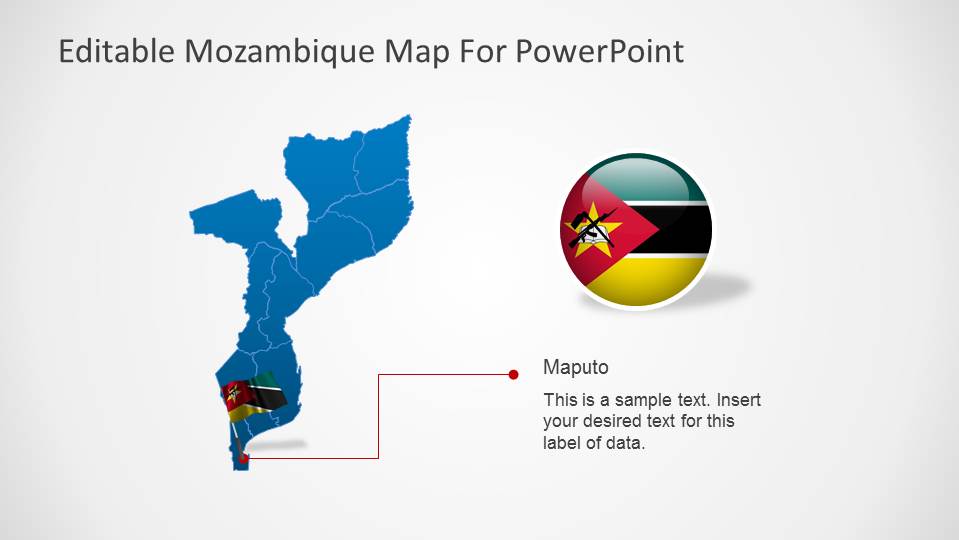


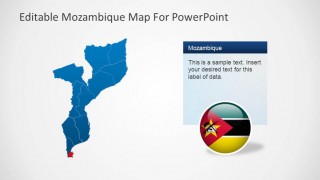
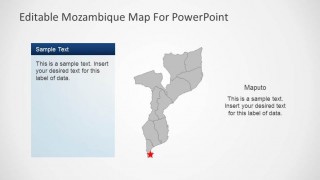
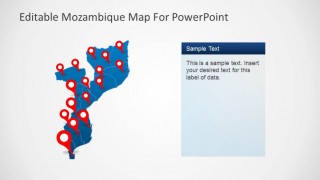
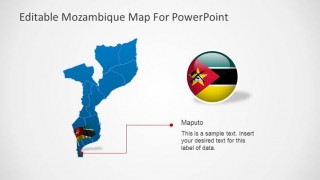
Editable Mozambique Map PowerPoint Template
8-slide Mozambique map presentation template with political regions, location pins, and Maputo callouts.
Editable Mozambique Map PowerPoint Template is an 8-slide map deck for presenting Mozambique geography, locations, and regional focus areas. It includes political outline maps, red location pin maps, Maputo capital callouts, a country-to-region zoom layout, and Mozambique flag icons for business, tourism, logistics, and territory presentations in PowerPoint and Google Slides.
- Category
- Maps
- Rating


 Loading...
- Aspect ratio
- 16:9
- Item ID
- 6467-01
- Colors
 Microsoft PowerPoint
  Microsoft Copilot
  Claude for PowerPoint
 Other formats supported
Subscribe today and get immediate
access to download our PowerPoint templates.