Slide 2 of 2 from Editable Semi-Circle Gauge for PowerPoint
PowerPoint Gauge Speedometer Template
Semi-circle Gauge for PowerPoint Template
- Diagram
- Gauge
- Evaluation Slide
- 16:9
- 100% Editable
What’s on This Slide
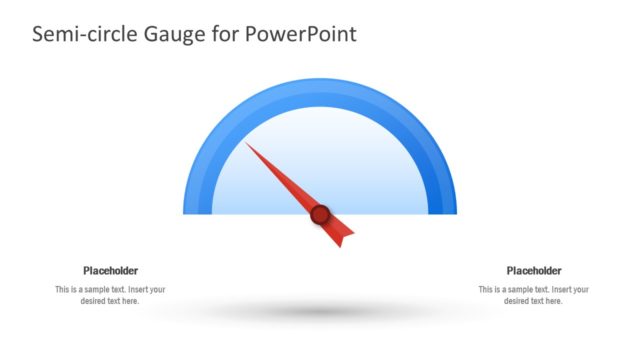
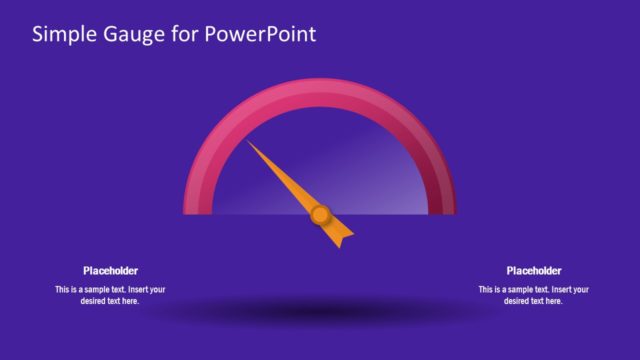
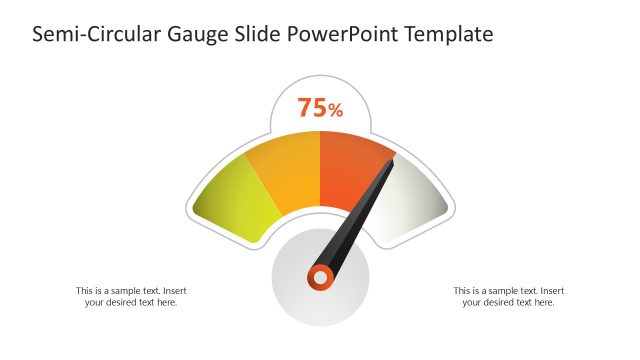
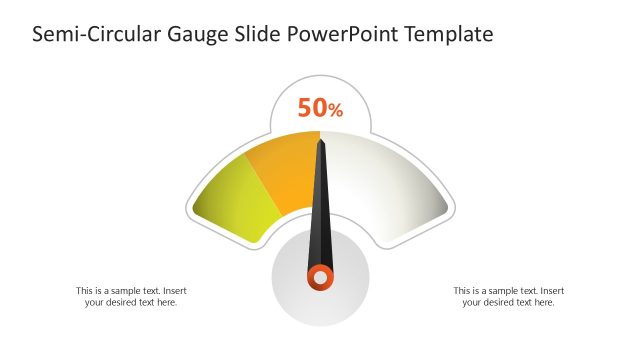
The slide features a semi-circle gauge positioned centrally at the top, with a red needle indicating measurement. Below the gauge, there are two text placeholders aligned left and right, each containing sample text for user input. The background is a gradient of dark blue, enhancing the gauge's visibility. The gauge itself is composed of a blue arc with a circular base. The visual hierarchy emphasizes the gauge, supported by the text placeholders that provide context or data related to the gauge's readings.
How to Use It
This layout serves as a performance measurement tool, ideal for displaying key performance indicators. It fits well in presentations focused on performance management, business metrics, or project status updates. The gauge can visually represent progress towards goals or metrics, making it suitable for business reviews or team meetings. This structure allows for quick visual assessment of performance levels, enhancing audience engagement and understanding.
Text Placeholders & Capacity
Keep your copy within these limits so it fits without resizing. Text slots can accommodate roughly 15-20 words each.
| Placeholder | Count | Max characters (approx.) |
|---|---|---|
| Slide title | 1 | 30 |
| Item body | 2 | 100 |
Slide Keywords
Download unlimited PowerPoint templates, charts and graphics for your presentations with our annual plan.
DOWNLOADReturn to Editable Semi-Circle Gauge for PowerPoint.