Slide 2 of 5 from Semi-Circular Gauge Slide PowerPoint Template
Semi-Circular Gauge Slide Template with Speedometer Diagram
Semi-Circular Gauge Display for Performance Analysis
- Diagram
- Other
- Evaluation Slide
- 16:9
- 100% Editable
The Semi-Circular Gauge Display slide from the Semi-Circular Gauge Slide PowerPoint Template offers a clear visual tool for evaluating performance metrics. This slide layout includes editable shapes and vector icons that highlight progress with a color-coded gauge, making it suitable for business presentations, project updates, and sales reports. Its design supports effective communication of key data points within corporate presentation slide decks.
What’s on This Slide
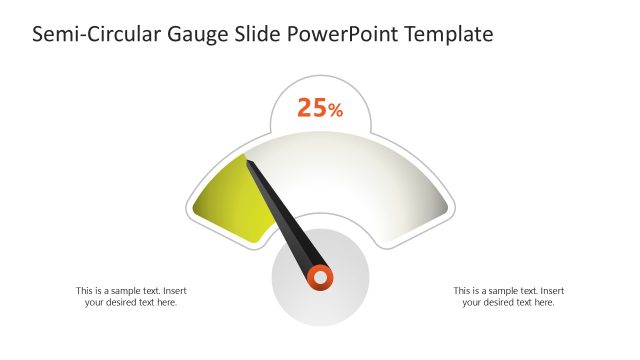
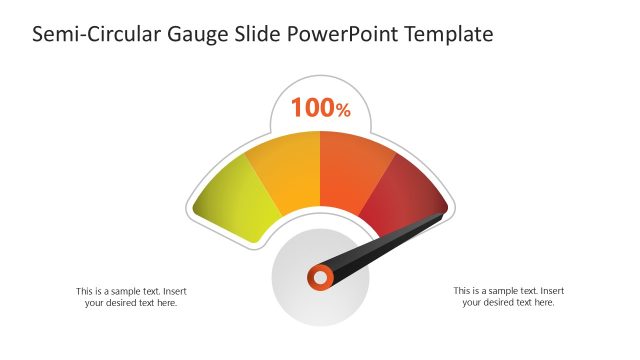
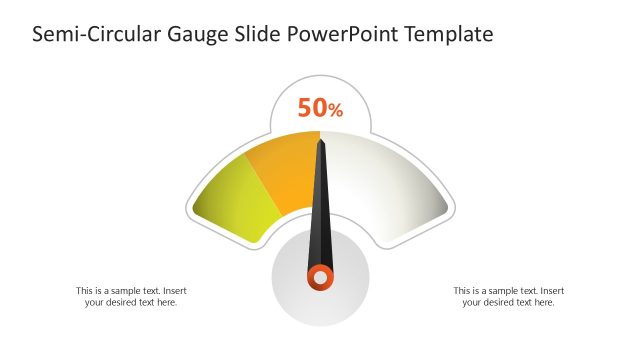
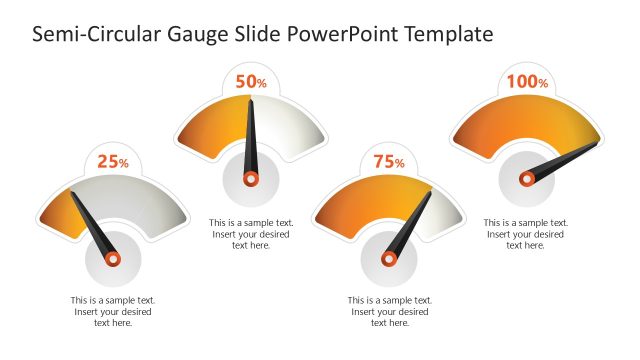
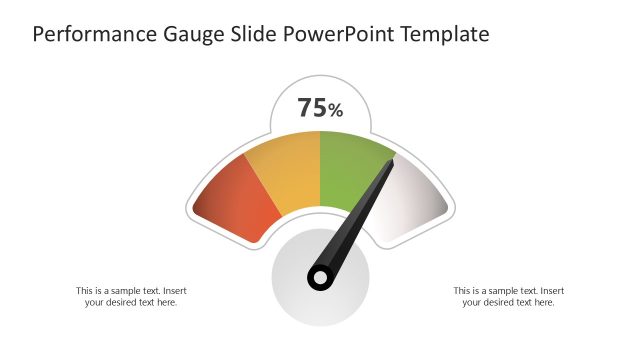
The layout features a semi-circular gauge prominently positioned in the center. The gauge displays a percentage value of 75% with a needle pointing towards it. The gauge is divided into colored segments, transitioning from green to yellow and orange, indicating performance levels. Text placeholders are located on the left and right sides of the gauge, aligned horizontally for body text. The overall composition is balanced, with the gauge being the focal point against a light background, enhancing visibility and clarity.
How to Use It
This layout serves as a performance measurement tool, ideal for displaying key metrics in business presentations. It fits well after problem identification slides, providing a visual representation of progress or achievement. Use this structure to communicate performance levels in various contexts, such as project updates, sales performance, or operational efficiency assessments. It is suitable for stakeholder meetings where quick visual insights are necessary.
Text Placeholders & Capacity
Keep your copy within these limits so it fits without resizing. Body slots can hold approximately 10-12 words each.
| Placeholder | Count | Max characters (approx.) |
|---|---|---|
| Chart title | 1 | 30 |
| Body paragraph | 2 | 50 |
Slide Keywords
Download unlimited PowerPoint templates, charts and graphics for your presentations with our annual plan.
DOWNLOAD