Slide 4 of 5 from Semi-Circular Gauge Slide PowerPoint Template
Meter Slide – Semi-Circular Gauge PPT Template
Semi-Circular Gauge Slide for Performance Analysis
- Diagram
- Gauge
- Evaluation Slide
- 16:9
- 100% Editable
What’s on This Slide
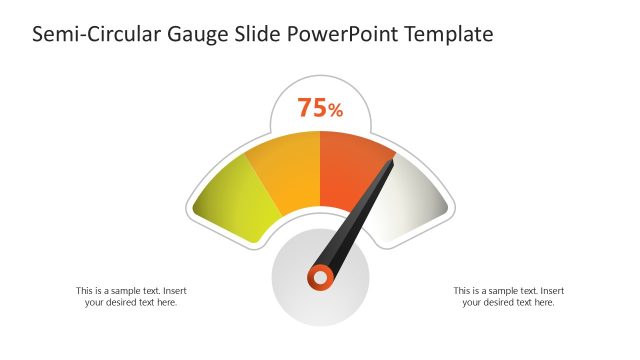
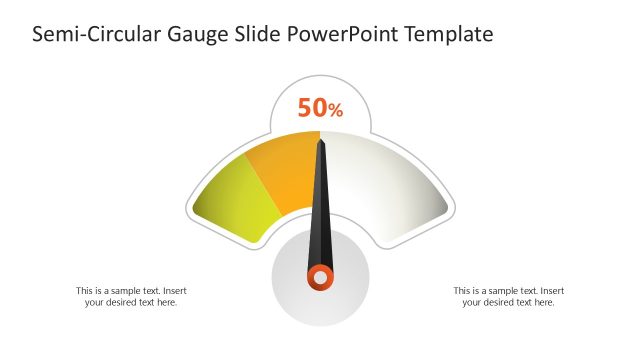
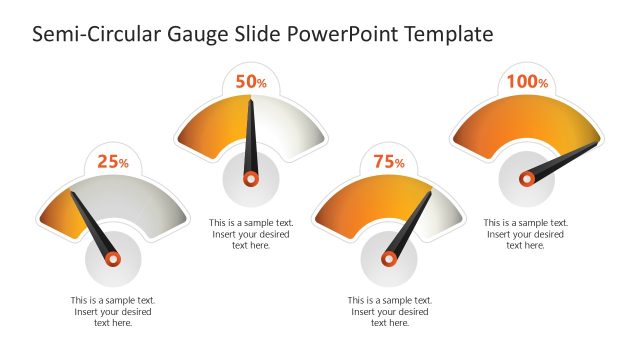
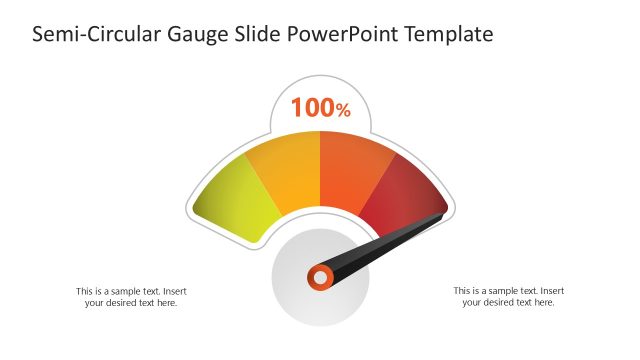
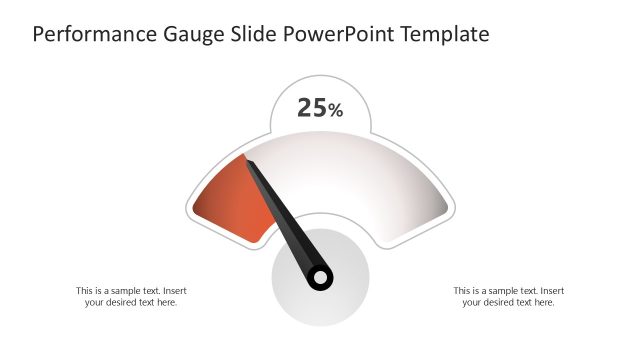
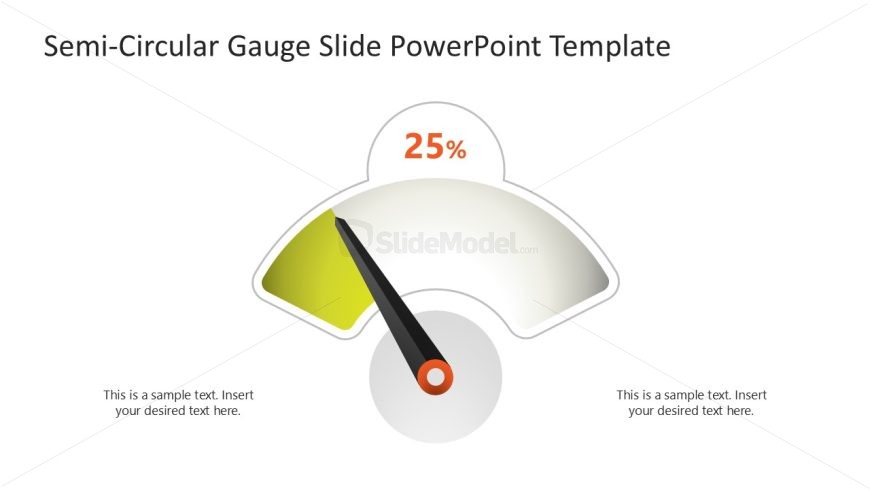
The layout features a semi-circular gauge positioned centrally, displaying a percentage of 25%. The gauge is divided into two color segments, with a green section indicating the measured value and a gray section representing the remaining range. A black pointer extends from the center to the gauge's edge, indicating the current measurement. Text placeholders are located on both the left and right sides of the gauge, aligned horizontally. The overall composition is balanced, with a neutral background that enhances visibility.
How to Use It
This layout serves as a performance measurement tool, ideal for displaying metrics in business presentations. It fits well after problem identification slides, providing a visual representation of progress or status. Suitable scenarios include performance reviews, project updates, and KPI tracking. This slide can effectively communicate quantitative data in a visually engaging manner, making it easier for audiences to grasp key insights quickly.
Text Placeholders & Capacity
Keep your copy within these limits so it fits without resizing. Body slots can hold roughly 8-10 words each.
| Placeholder | Count | Max characters (approx.) |
|---|---|---|
| Chart title | 1 | 30 |
| Body paragraph | 2 | 50 |
Slide Keywords
Download unlimited PowerPoint templates, charts and graphics for your presentations with our annual plan.
DOWNLOAD