Slide 3 of 5 from Semi-Circular Gauge Slide PowerPoint Template
Semi-Circular Gauge Template Modern Layout
Semi-Circular Gauge Display Slide
- Diagram
- Gauge
- Evaluation Slide
- 16:9
- 100% Editable
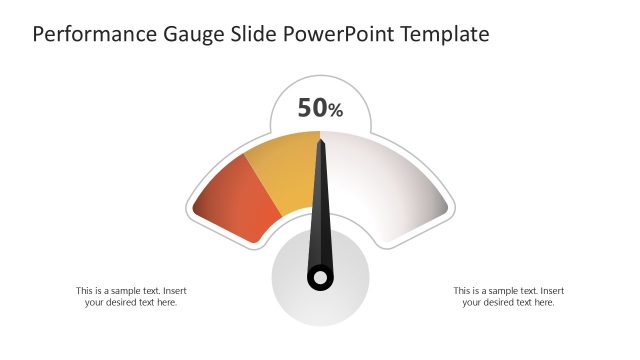
The Semi-Circular Gauge Display slide from the Semi-Circular Gauge Slide PowerPoint Template offers a clear visual tool for performance tracking and KPI presentation. This slide layout features editable shapes and vector icons that highlight progress through a segmented gauge, making it suitable for corporate presentations and project status updates within a business presentation or pitch deck template.
What’s on This Slide
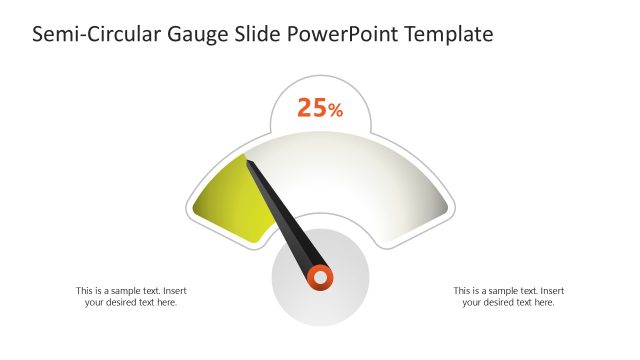
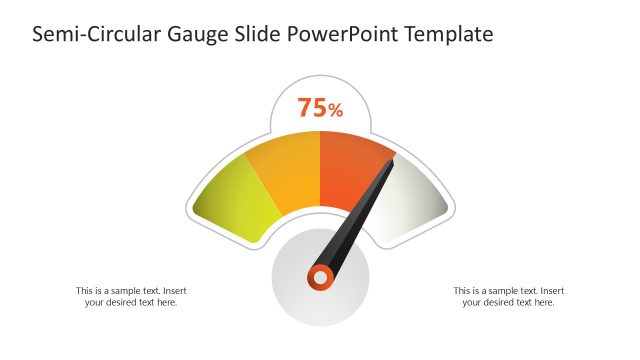
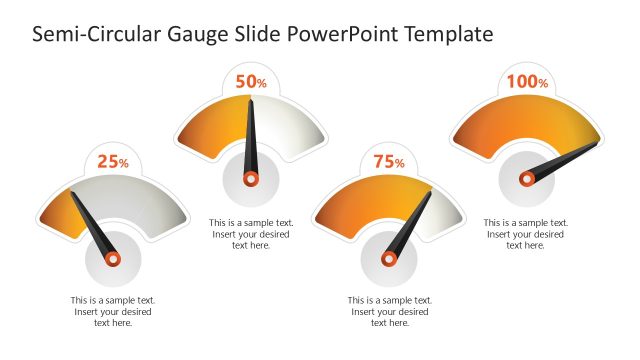
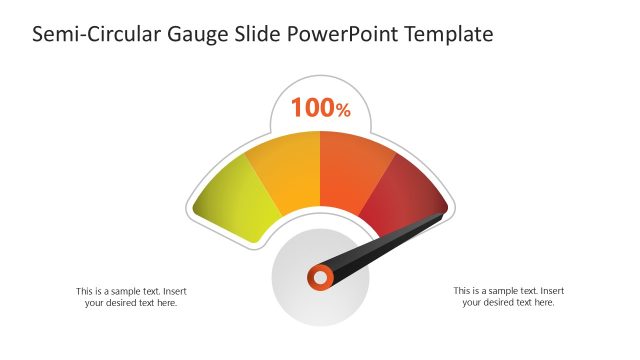
The layout features a semi-circular gauge in the center, displaying a percentage of 50%. The gauge is divided into three color segments: green, yellow, and orange, indicating varying performance levels. Below the gauge, there are two text placeholders aligned left and right, each allowing for additional descriptive text. The visual hierarchy emphasizes the gauge, with the percentage prominently displayed at the top center. The overall composition is balanced, with ample white space surrounding the gauge and text elements, enhancing clarity.
How to Use It
This layout serves as a performance measurement tool, ideal for displaying metrics in business presentations. It fits well after problem identification slides, providing a visual representation of progress or status. Common scenarios include performance reviews, project updates, or KPI tracking. The gauge effectively communicates data at a glance, making it suitable for executive summaries or stakeholder meetings, where quick comprehension is essential.
Text Placeholders & Capacity
Keep your copy within these limits so it fits without resizing. Body slots can hold roughly 8-10 words each.
| Placeholder | Count | Max characters (approx.) |
|---|---|---|
| Chart title | 1 | 10 |
| Body paragraph | 2 | 50 |
Slide Keywords
Download unlimited PowerPoint templates, charts and graphics for your presentations with our annual plan.
DOWNLOAD