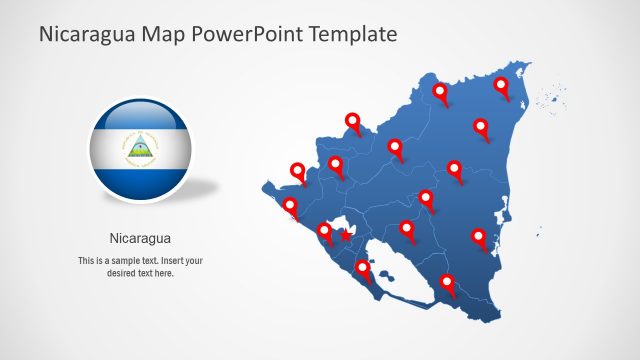
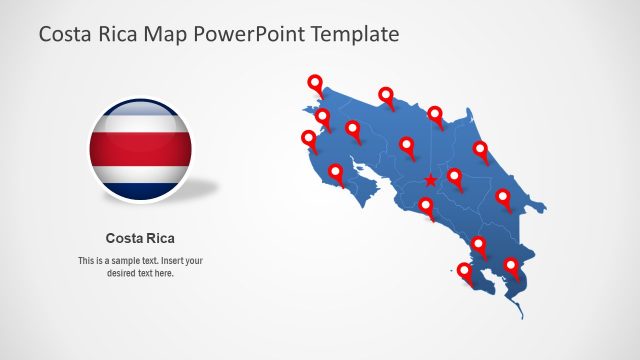
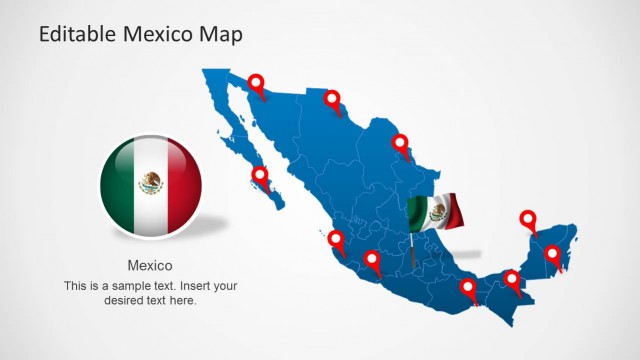
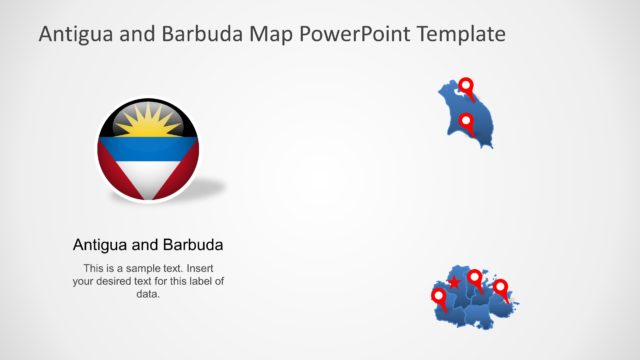
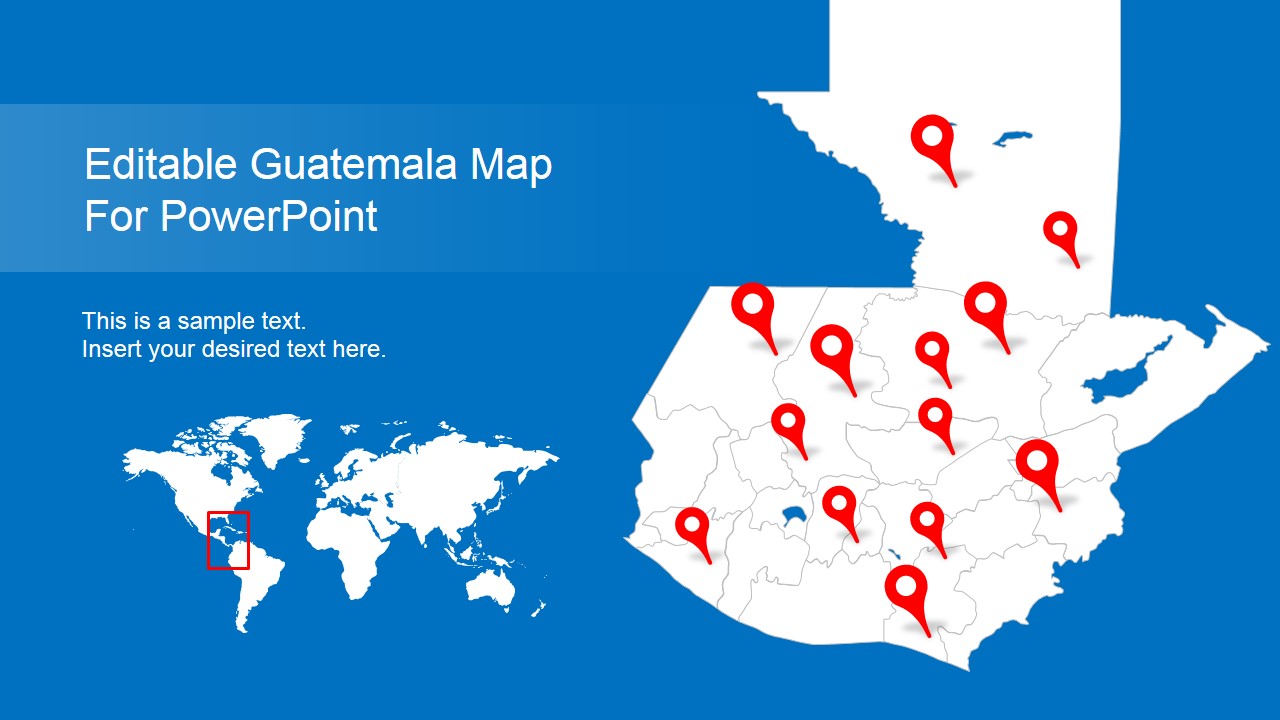
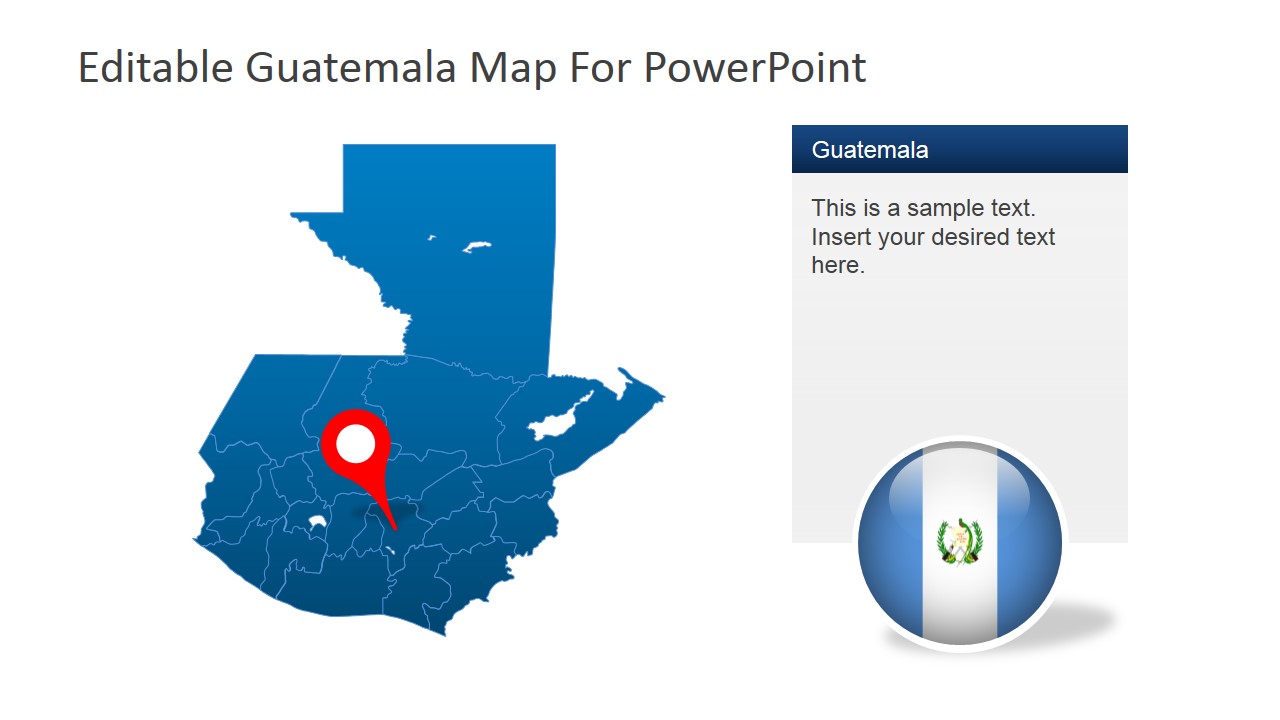
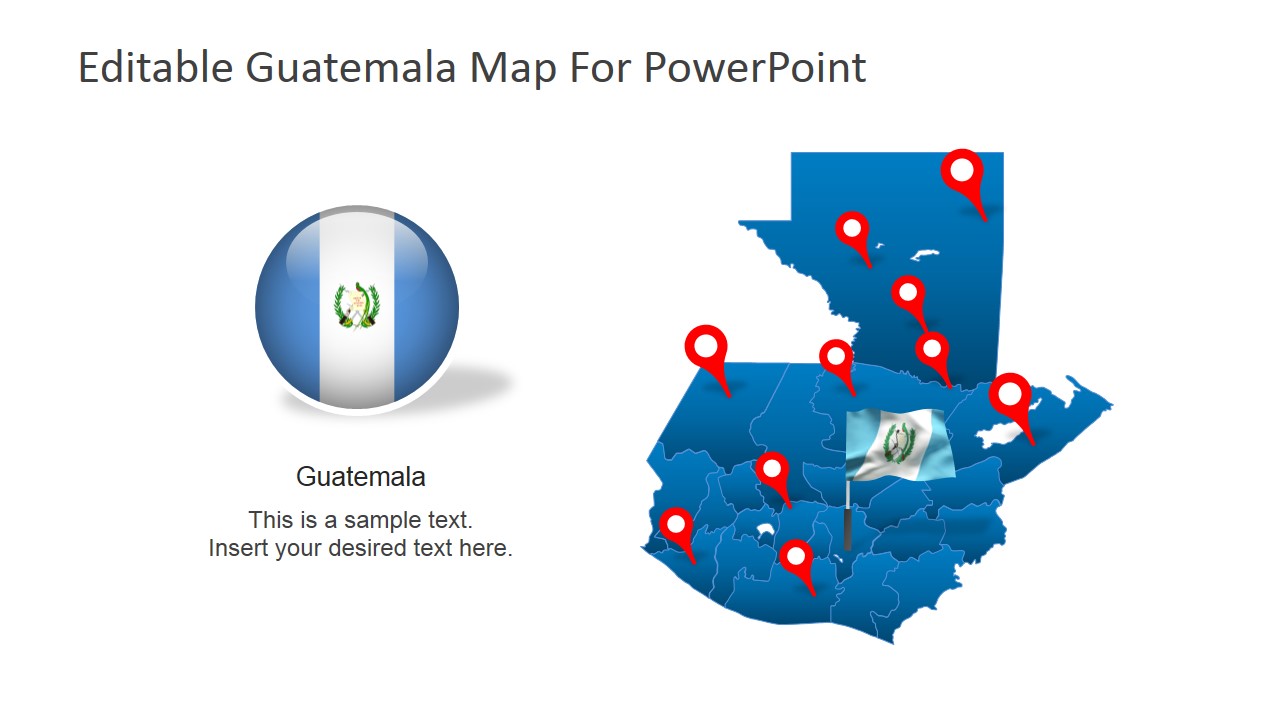
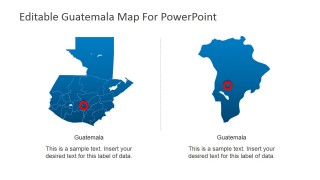
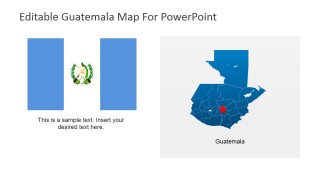
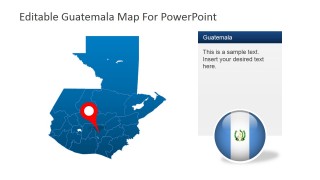
Editable Guatemala PowerPoint Map – Enlighten your audience with an informative presentation about the uniqueness of country Guatemala. The template is designed to easily highlight features of the country using completely editable PowerPoint shapes. In this design, the entire map of Guatemala is made up of editable shapes that functions like a puzzle. These shapes can be magnified and highlighted individually in separate slides. It can also be shrunk down to fit the whole map of Guatemala in a single page or presented along with optional texts, flags and other effects. Aside from these features, the shapes can compliment any business themes by altering its color palette. Its professional patterns are perfect to suit any marketing styles of various companies. Best of all, this model is definitely reusable. This PowerPoint template serves its purpose quite well on its own and can also enhance other PowerPoint Templates in our collection.
The country of Guatemala is located in Central America, surrounded by Mexico, Belize, Honduras and El Salvador. Both sides of Guatemala are coastal locations to the Pacific Ocean and Caribbean Sea. Guatemala is comparably smaller than its neighboring countries but it is rich in culture and diversity. Its capital is the City of Guatemala, otherwise called as “Guate” by the locals. Guatemala is best known for its Mayan backgrounds and its capital city possesses numerous artifacts of this historic civilization. Tikal in the Peten region is the heart of the Mayan cities where tourists wander through its ancient cultural imprints. Another attraction of Guatemala is its adventures in a volcanic mountain range. There’s even the Pacaya Volcano close to Guatemala City where tourists can have a unique hiking experience in the volcano. Tajamulco is the highest volcano in Central America and it’s located in Guatemala. In addition, one of the country’s border locations by Mexico is also through a volcano, the Tacana.
What’s inside this template
Example presentation scenarios
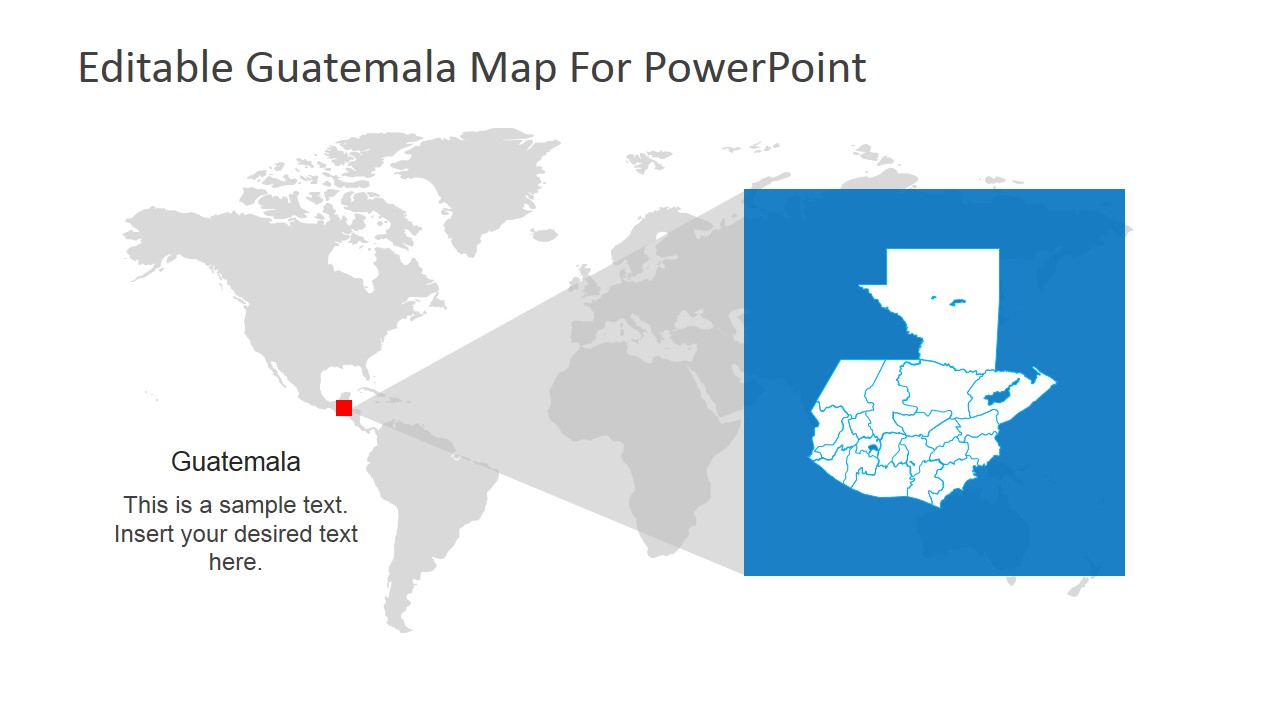
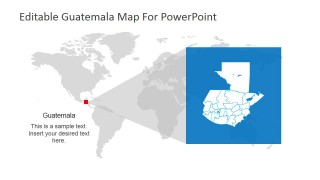
- A market analyst can use the world locator map and highlighted Guatemala map to introduce where the country sits before discussing expansion assumptions.
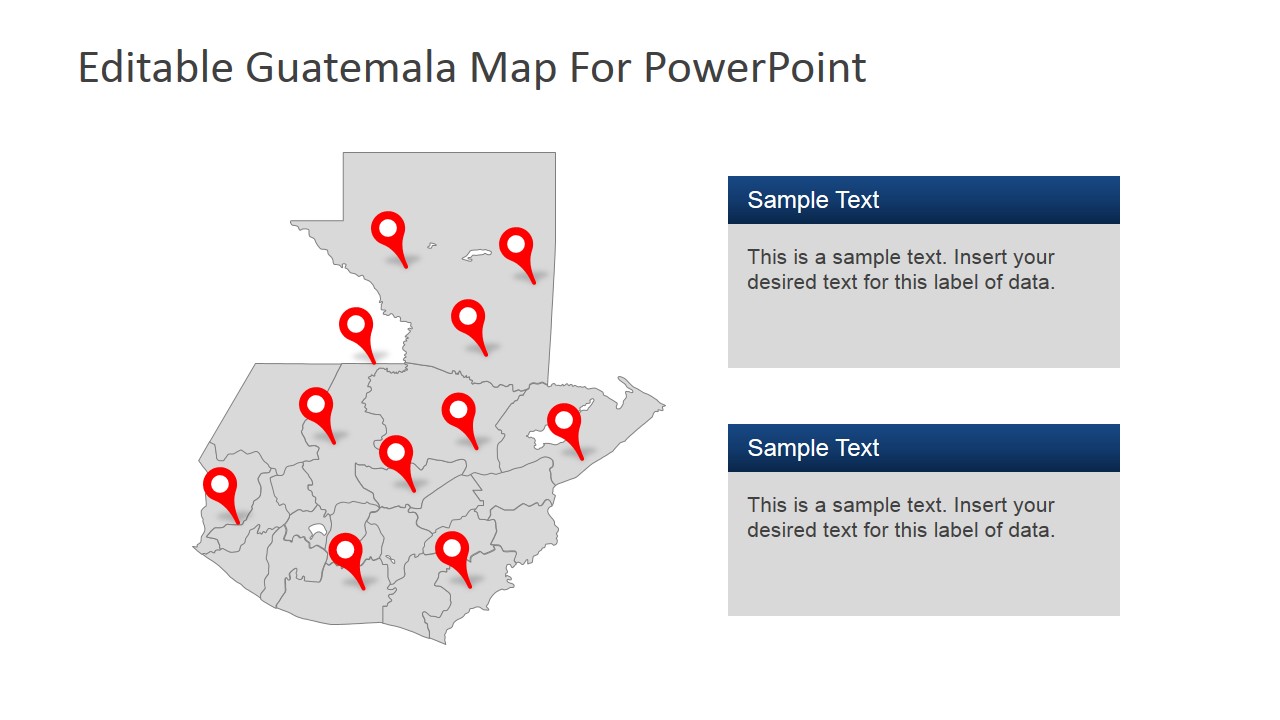
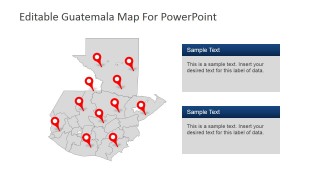
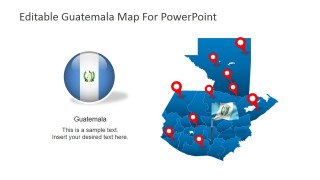
- A tourism presenter can show destinations or routes with the multi-pin Guatemala maps and support each location with the editable text boxes.
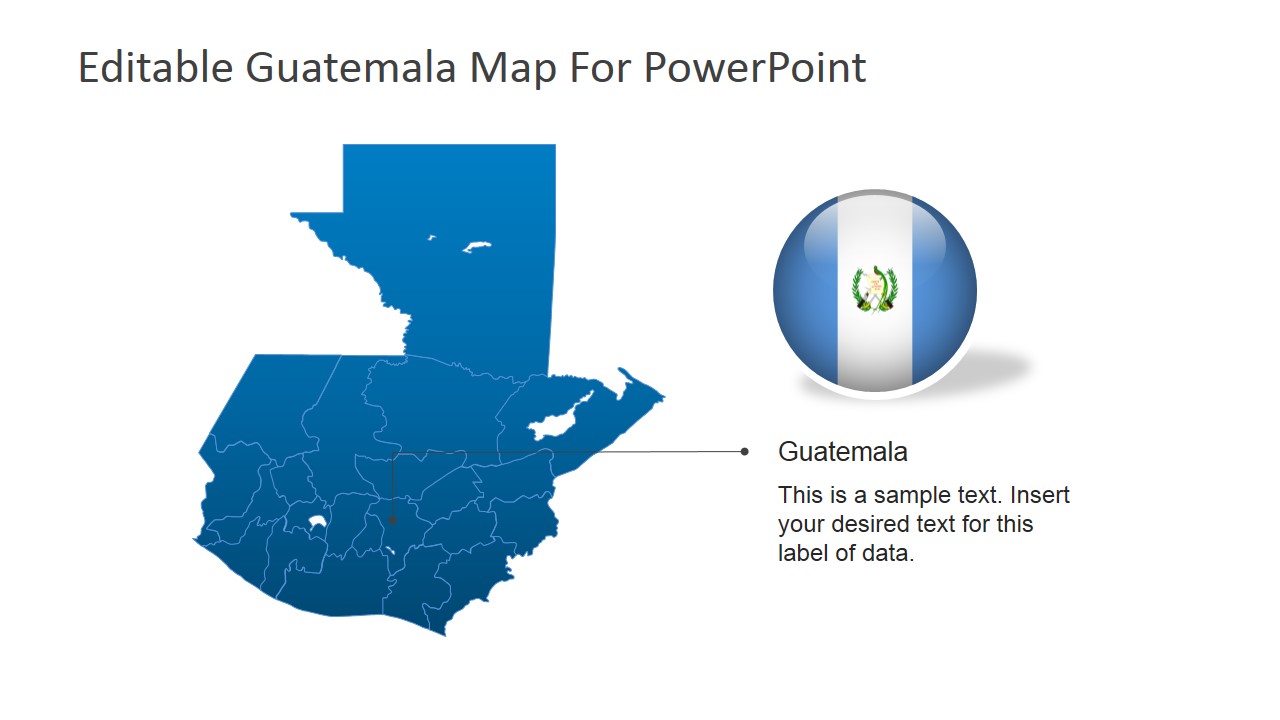
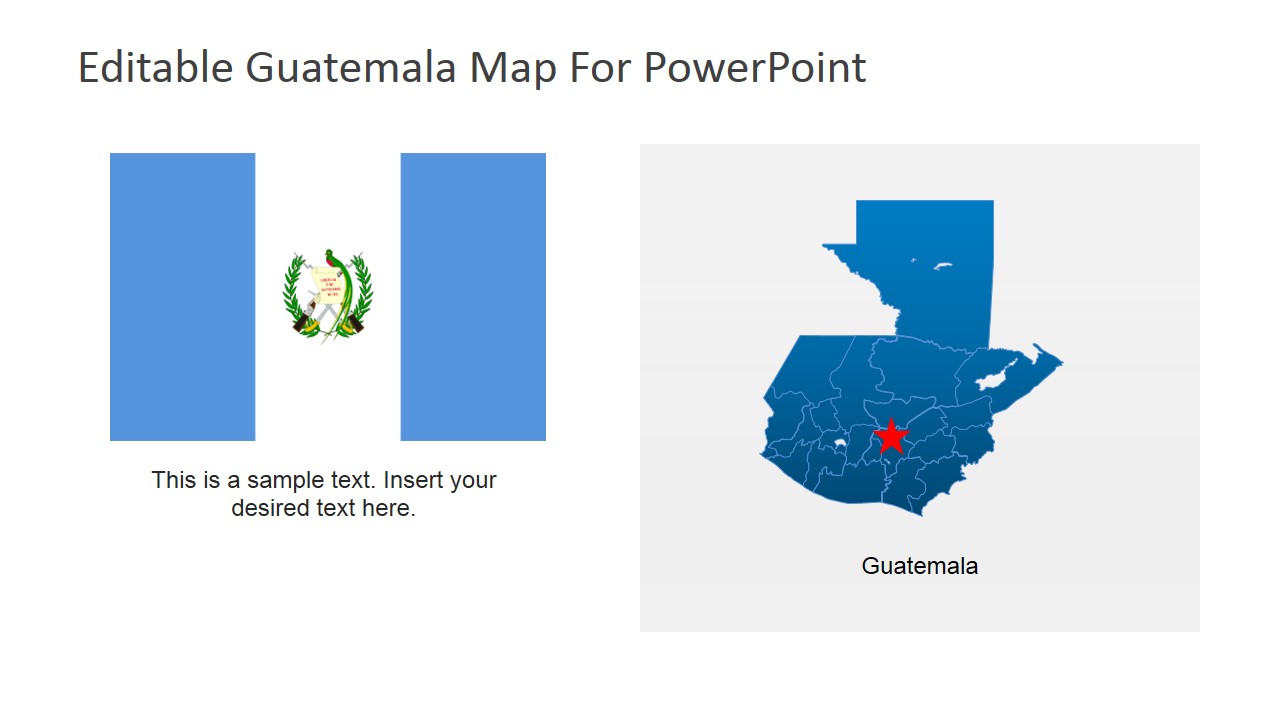
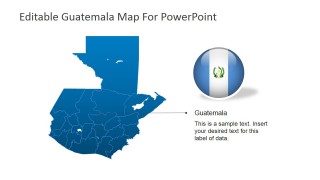
- An educator can explain Guatemala geography by combining the national map, internal boundaries, and flag layouts for a country profile lesson.
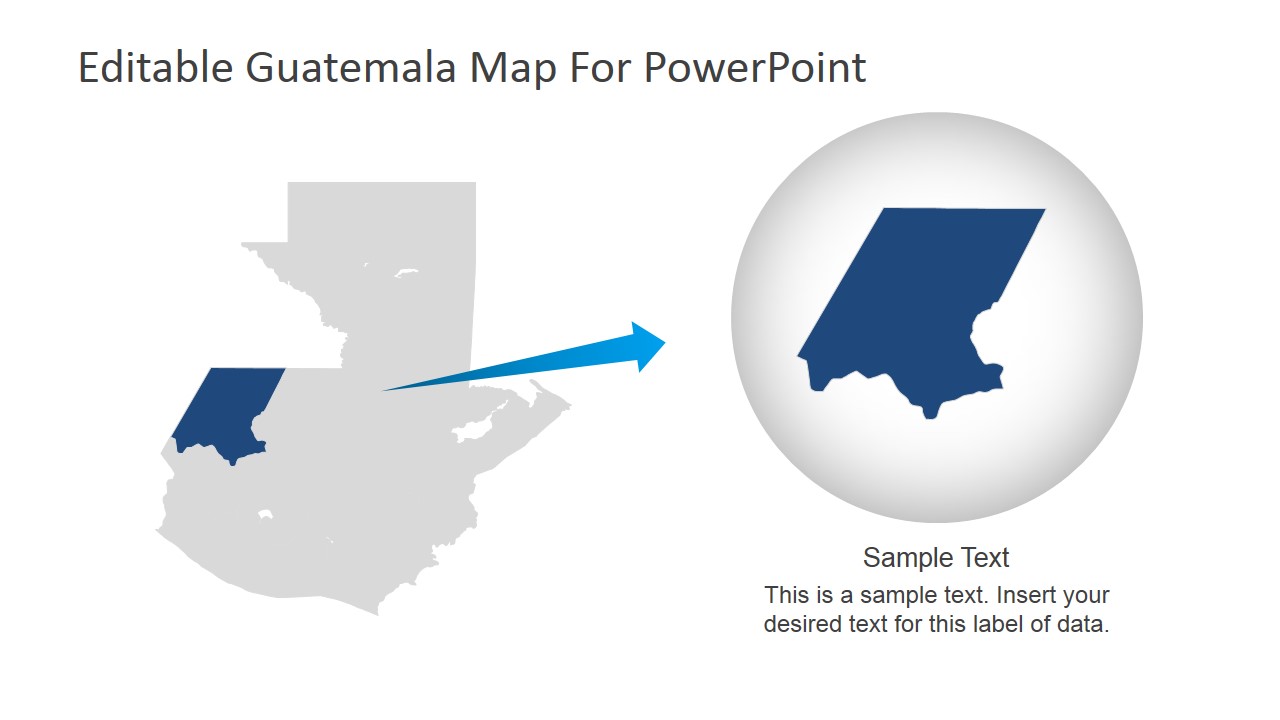
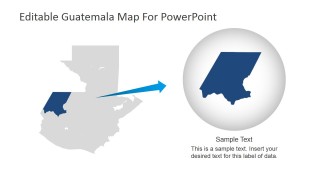
- An operations manager can present branch, project, or service coverage by placing emphasis on pinned regions and using the callout slide for a priority area.
Features
- 100% editable presentation template
- Compatible with Microsoft PowerPoint and Google Slides
- 16:9 aspect ratio slides
- Scalable vector shapes, icons and illustrations
- AI-Ready for Microsoft Copilot and Claude
- Instant access and download
Frequently asked questions
Q: How should I organize a Guatemala briefing with these map slides?
A: Start with the title map or world locator to orient the audience, then move to a detailed Guatemala map with pins for the specific places that matter. Use the zoom callout for one priority region and reserve the flag slides for identity, country profile, or closing context rather than repeating every location.
Q: Who is this map template best suited for?
A: This template fits presenters who need to make Guatemala the geographic center of the message, such as tourism teams, educators, consultants, NGOs, and operations groups. It is most useful when the audience must understand where activities, destinations, regions, or service points are located before discussing actions or implications.
Q: Why do the zoom, pin, and flag visuals help the audience understand the message?
A: The design uses familiar map metaphors: pins signal specific places, the zoom circle isolates one region, and the flag identifies the country context. These visual cues reduce explanation time because the audience can quickly distinguish location, focus area, and national identity before reading the supporting text.
Editable Guatemala PowerPoint Map
9-slide Guatemala map presentation template with locator maps, pin markers, and flag layouts
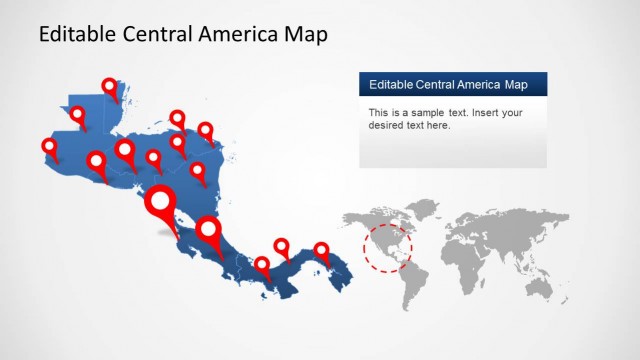
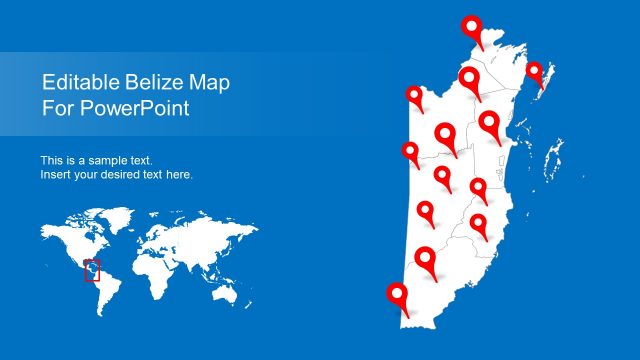
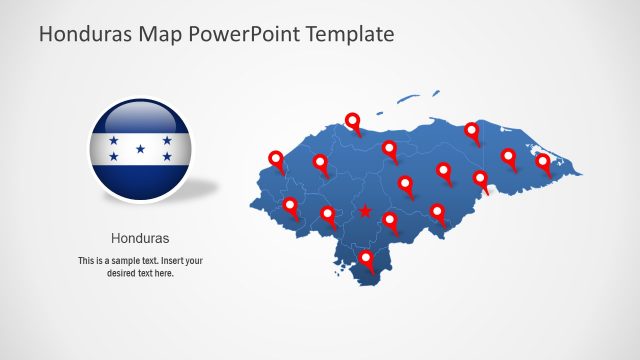
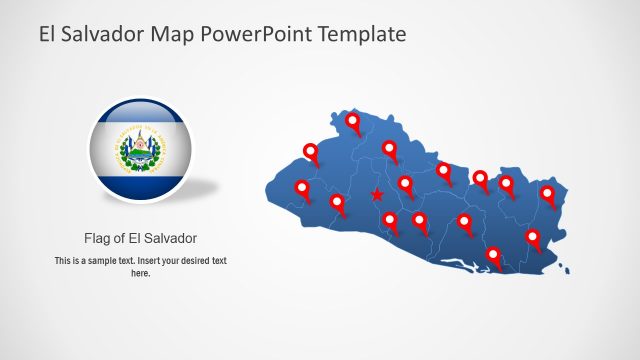
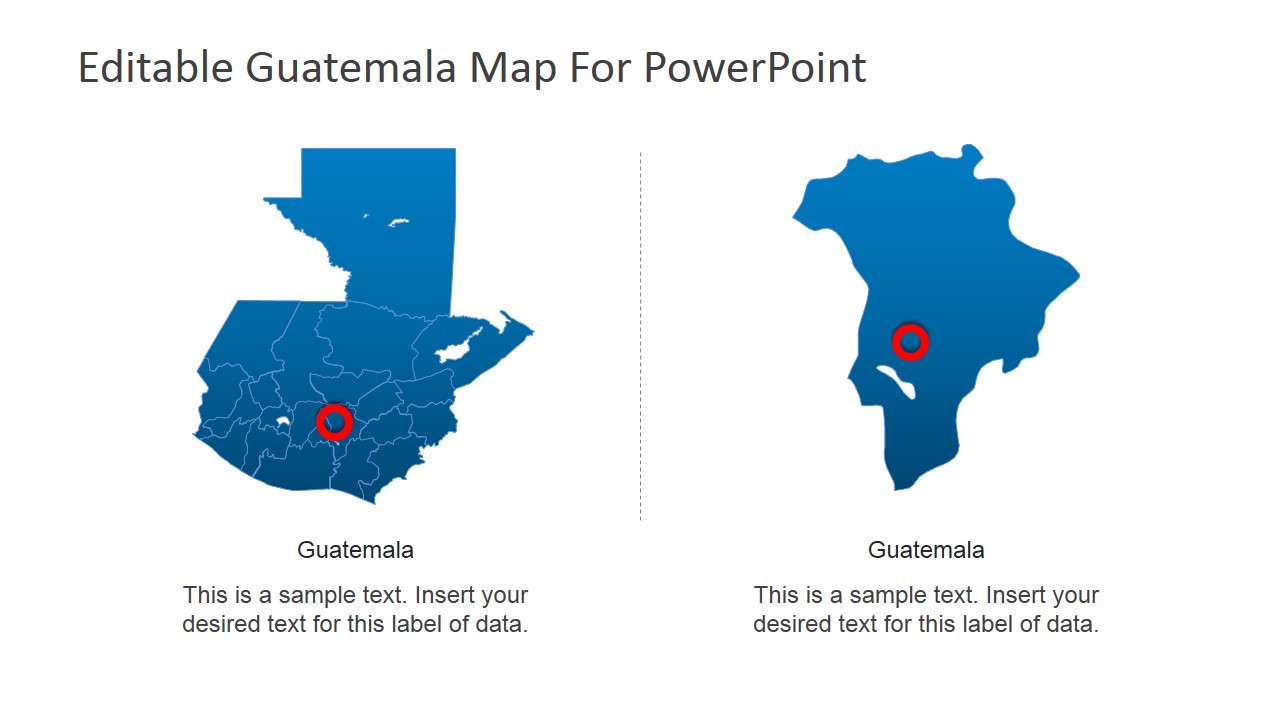
Editable Guatemala PowerPoint Map is a 9-slide map presentation template for showing Guatemala in regional, national, and global context. It includes a title map with pins, a magnified department callout, side-by-side country maps, a world locator map, and flag-based layouts for business, tourism, education, and market briefings in Microsoft PowerPoint and Google Slides.
- Category
- Maps
- Rating

 Loading...
- Aspect ratio
- 16:9, 4:3
- Item ID
- 6657-01
- Colors
 Microsoft PowerPoint
  Microsoft Copilot
  Claude for PowerPoint
 Other formats supported
Subscribe today and get immediate
access to download our PowerPoint templates.